A growing community in State of Decay 2 will outgrow its starter home fast. Once you have more survivors than beds and not enough room for the facilities you want, relocating to a larger Home Site gives you more building slots and stronger built-in perks. The move itself is quick, but it has firm requirements and a specific list of things that transfer with you.
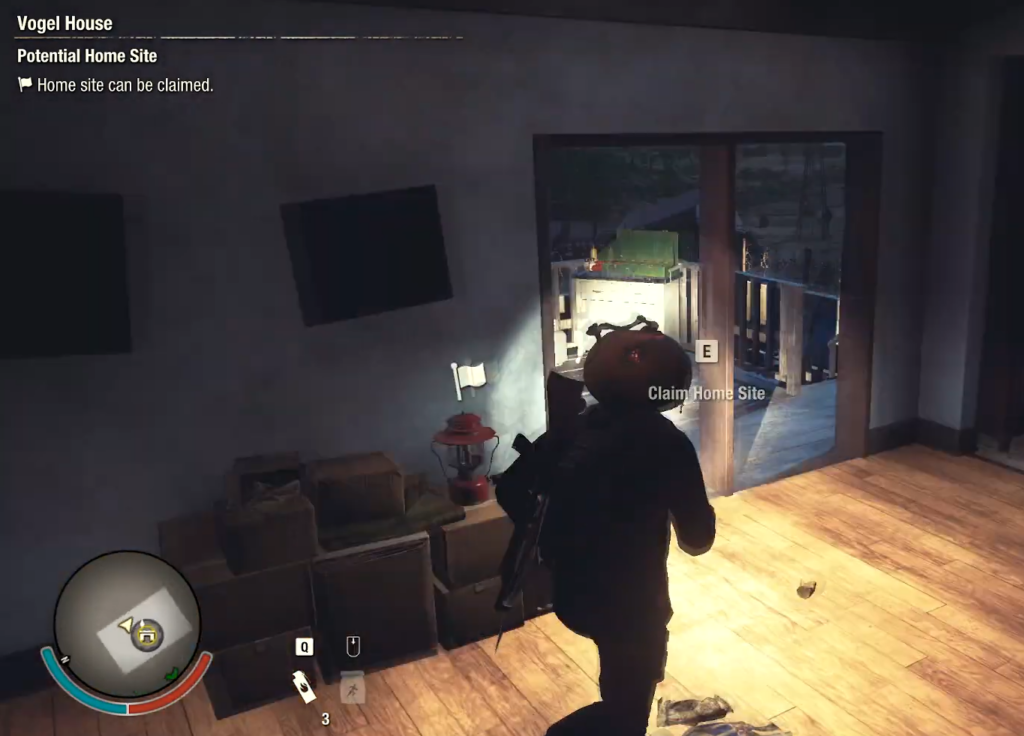
Quick answer: Destroy every Plague Heart tied to the new site, drive there and clear all zombies inside to secure it, then claim it once your community meets that base’s survivor count and Influence cost. Your survivors, parked vehicles, and refunded build materials move with you automatically.
Base size requirements and Influence costs
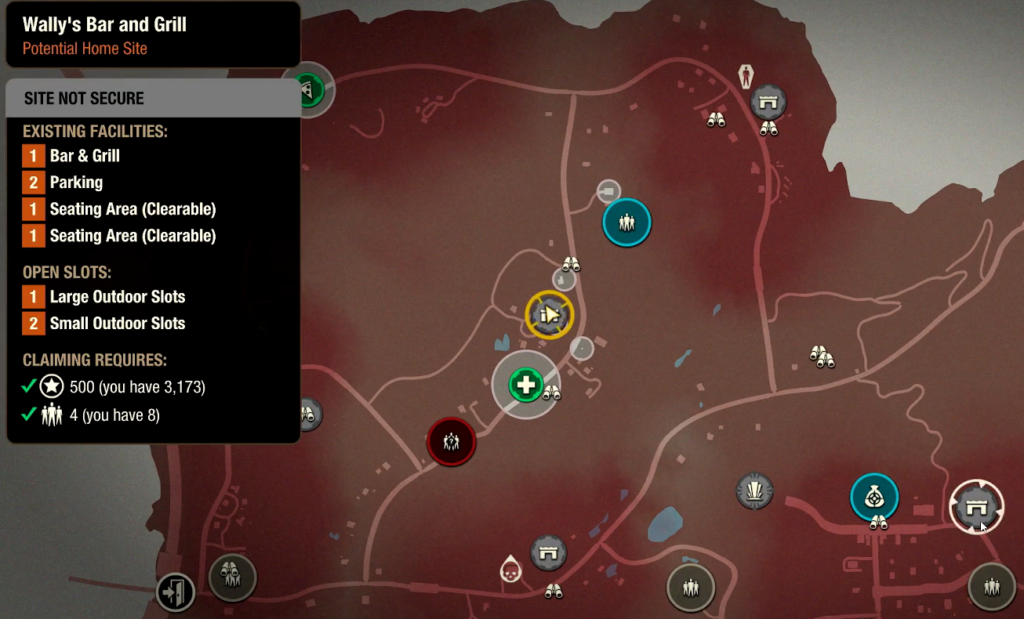
Each base tier needs a minimum number of survivors before you can claim it, plus an Influence payment. Green Zone difficulty halves the Influence cost. A handful of bases also carry their own unique claiming requirements on top of these baselines.
| Base size | Survivors needed | Influence (standard) | Influence (Green Zone) |
|---|---|---|---|
| Starter Base | 1 | — | — |
| Small Base | 4 | 500 | 250 |
| Medium Base | 5 | 1000 | 500 |
| Large Base | 6 | 1500 | 750 |
| Huge Base | 8 | 3500 | 1750 |
Because bigger bases unlock more facility slots, it pays to wait until you have recruited a few extra community members before moving. That way you can jump straight to a larger site instead of relocating again soon after.
How to claim a new base
If you are short on Influence right before a claim, you can abandon outposts to recover some of what you spent on them. The refund is partial rather than full, so only do this when you need a quick top-up.
What carries over when you move
Moving between bases on the same map keeps your community intact and refunds the construction you leave behind. Nothing you invested in facilities is lost, so there is no penalty for upgrading at one base and then relocating later.
| What happens | Detail |
|---|---|
| Survivors | Every community member relocates to the new Home Site. |
| Vehicles | Parked cars are teleported to the new base, one per Parking slot, with everything in their trunks intact. |
| Command Center | Keeps its current level and any installed Facility Mod. |
| Build refunds | 100% of the Materials and Crafting Items spent building and upgrading other facilities is refunded. |
| Facility Mods | Mods from dismantled facilities are moved into your Locker. |
| Resources | Excess Resources are protected from being ruined or wasted for a limited time. |
| Outposts | You keep all of your existing Outposts. |
Only one vehicle per Parking slot transfers. If you drove an extra car to the new site, empty its trunk before moving, because vehicles beyond your parking capacity get left behind.
How to confirm the move worked
You will know the relocation succeeded when control shifts to the new Home Site with your full roster present and your previous base released. Check your Locker for the Facility Mods that were pulled from your old facilities, and confirm your refunded Materials and Crafting Items landed in storage so you can rebuild on the larger footprint.
If the game blocks the claim, the usual reasons are a Plague Heart still standing near the site, leftover zombies inside the building, too few survivors for that tier, or not enough Influence. Resolve whichever condition is missing, and the option to move in becomes available.