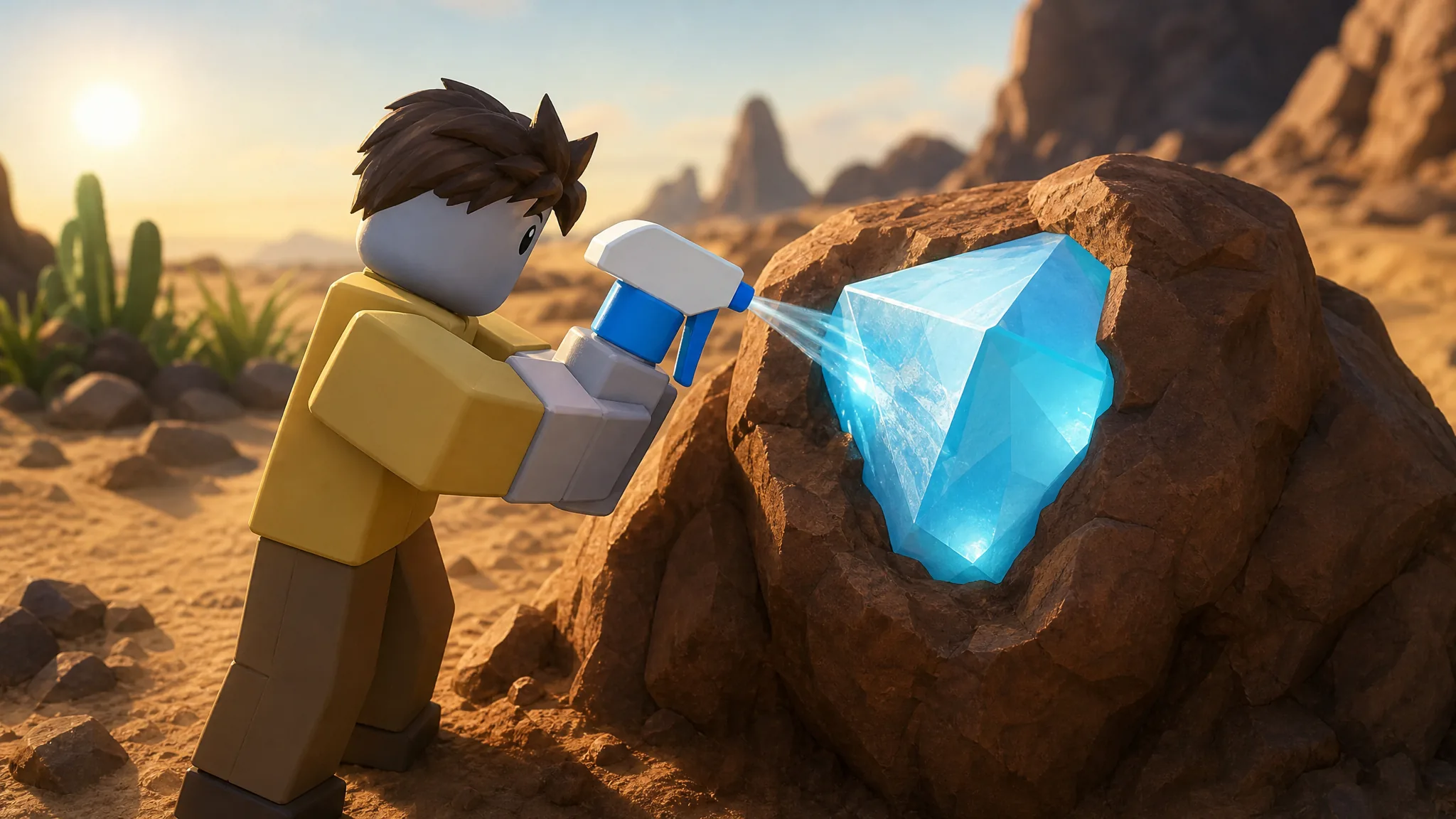
Dig & Clean is a simulation game on Roblox where you unearth buried treasure, wash the dirt off to reveal what it is, and put your best finds on display in a personal museum. Every antique you place draws tourists, and those visitors generate Cash you spend on better tools. The whole game runs on a single repeating loop, so once you understand each stage you can keep the money flowing without wasted trips.
Quick answer: Use the Detector to locate a glowing dig spot, dig it out with the Shovel using the tapping minigame, take the item to the Cleaning Station and spray it clean with the Spray Bottle, then either display it in your museum or sell it. Reinvest Cash into better gear and repeat.
The core loop: dig, clean, display, earn
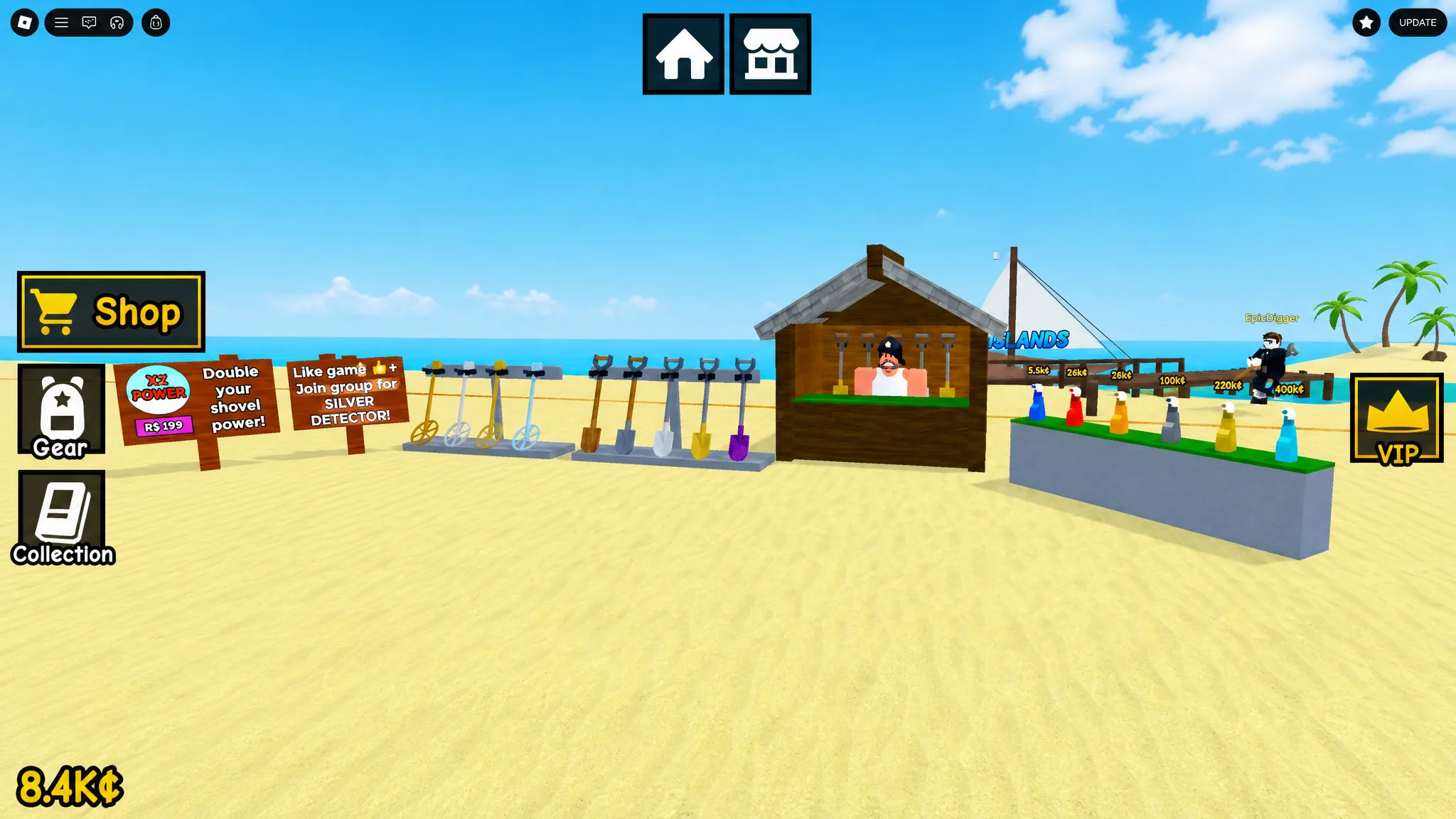
Three tools carry the entire game. The Detector marks treasure in the digging area with a glowing spot. The Shovel pulls that treasure out of the ground. The Spray Bottle removes the dirt so the item’s type and value are revealed. Once an item is clean, you choose whether it goes on a museum podium or gets sold for quick Cash.
In the very early game, keep almost everything you dig up and fill every museum slot first. Displayed antiques bring in tourists, and tourists are your income. Only after your museum is full does it make sense to start comparing items and swapping in higher-value ones.
The game is free to play and works on Mobile, Tablet, PC, and Console. You can jump in from the official Roblox game page.
Controls for PC
| Action | Input |
|---|---|
| Movement | W, S, A, D |
| Jump | Spacebar |
| Interact | E |
| Equip item | Number keys 1–0 |
| Use item | Left Mouse Button |
The Left Mouse Button does most of the work. You use it to trigger a dig, to hammer through the digging minigame, and to spray items clean.
How the digging minigame works
Sweep the digging area with the Detector until a spot lights up, then click the highlighted spot with the Left Mouse Button to start digging. This opens the minigame, where you tap the Left Mouse Button as fast as you can to fill the digging meter and pull the item free.
How quickly you fill that meter depends on your Shovel’s tier along with the rarity and value of the buried item. Rarer, more valuable treasure takes longer and demands a stronger Shovel. If your Shovel is below the tier the item requires, you will not be able to dig it out at all, so the meter simply will not complete.
Reading treasure rarity by glow color
You can judge an item before you ever dig it up. The Detector marks each buried find with a colored glow, and that color signals rarity. The colors follow the familiar ordering used across many games, running from Common up through Uncommon, Rare, Epic, Legendary, and Mythic.
Standard gear can only detect and dig lower rarities. The rarest glows will only appear once you own a high-tier Detector, and you can only pull them out once your Shovel is strong enough. Until then, focus on the finds your current gear can actually complete.
Cleaning at the Workstation
After a successful dig, carry the dirty item to the Cleaning Station, also called the Workstation, in front of your museum. Press E when the clean prompt appears, then hold the Left Mouse Button with your Spray Bottle equipped and wash the whole object.
Clean every surface, not just the front. The item’s true type, condition, and value only appear once the dirt is fully gone. A higher-tier Spray Bottle finishes this step much faster, which matters a lot when you are cleaning a backlog of finds between dig runs.
Museum slots and when to sell
Your museum has a fixed number of podiums that cannot be expanded, so display space is a real constraint. Because the same type of treasure can generate different amounts of money, check each item’s money-generation stat before you commit it to a podium. Keep the versions that pay the most.
Everything you do not want to display can be sold at the station next to the Gear Shop. Be deliberate here, because a sold item is gone for good and cannot be recovered. When in doubt during the early game, keep the item until your museum is full and you can compare it against what you already own.
Spending Cash on gear upgrades
All three tools have upgraded versions available in the Gear Shop, and each targets a different bottleneck in the loop. The right purchase is whichever one is slowing you down most right now.
| Tool | What upgrading it does | Upgrade when |
|---|---|---|
| Detector | Reveals higher-value and rarer buried items in the digging area | You want to hunt the rarest glows |
| Shovel | Digs treasure out faster and unlocks higher-tier finds | Digging is the slowest part of your run |
| Spray Bottle | Cleans items much faster | Dirty finds pile up faster than you can clean them |
Alternate your upgrades rather than pouring all your Cash into one tool. If digging and cleaning stay roughly balanced, you avoid idle time and complete more full cycles per minute. On Starter Island, the Amethyst Shovel stands out as a strong early upgrade target once you can afford it.
Unlocking a new map
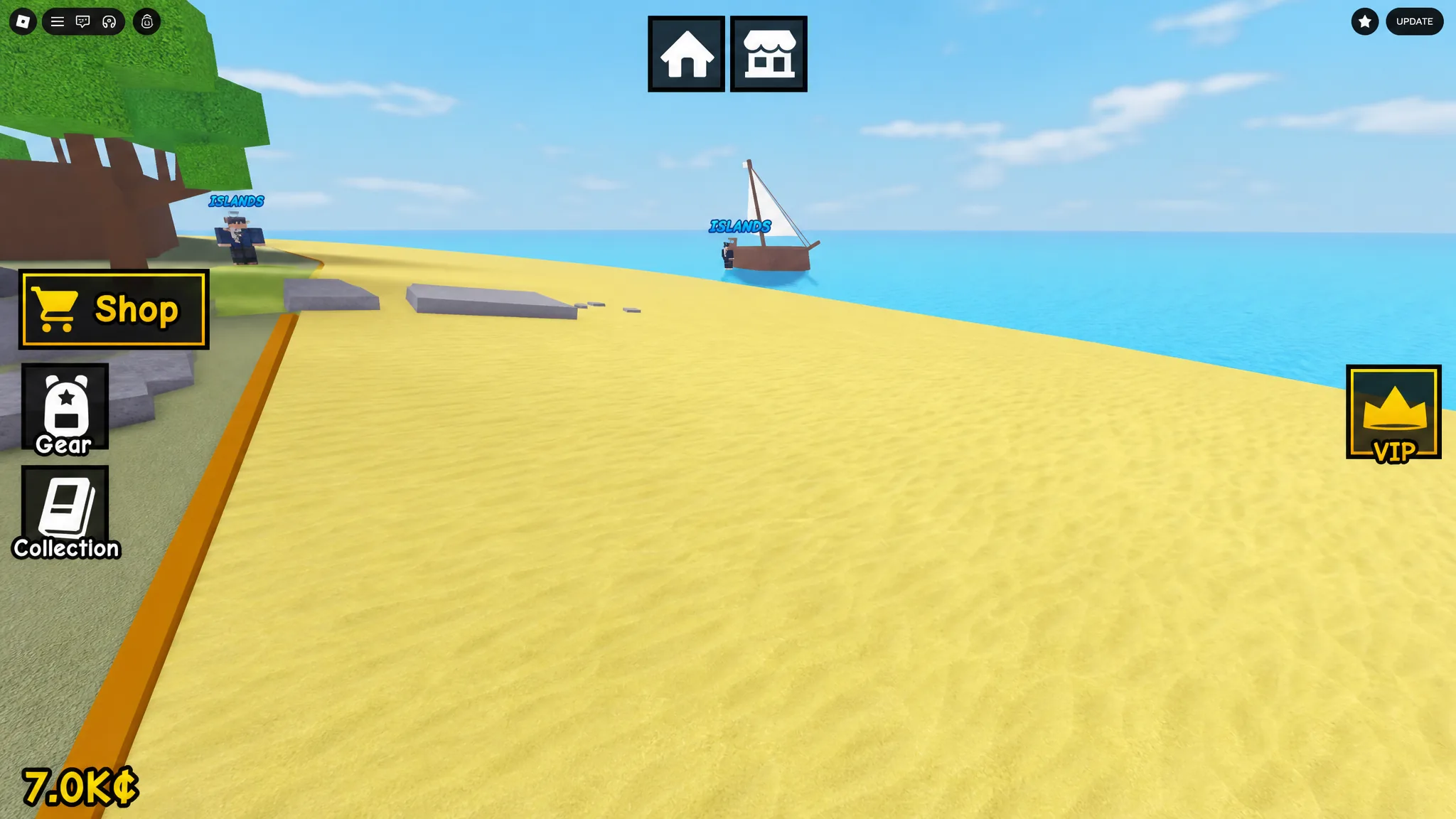
Once you have banked enough Cash, walk to the pirate NPC at the far end of the digging area and speak to them to unlock a new map. Right now there is one unlockable map beyond the default starting area, which opens up fresh treasure to hunt and expands how much your museum can earn.
A note on codes
As of August 2026, there are no verified redeemable codes listed on the official Dig & Clean Roblox page or the Squeaky Clean! group. New codes typically follow game updates, so it is worth checking back after a patch rather than relying on codes to progress. The core loop of digging, cleaning, and displaying is more than enough to fund your gear without them.