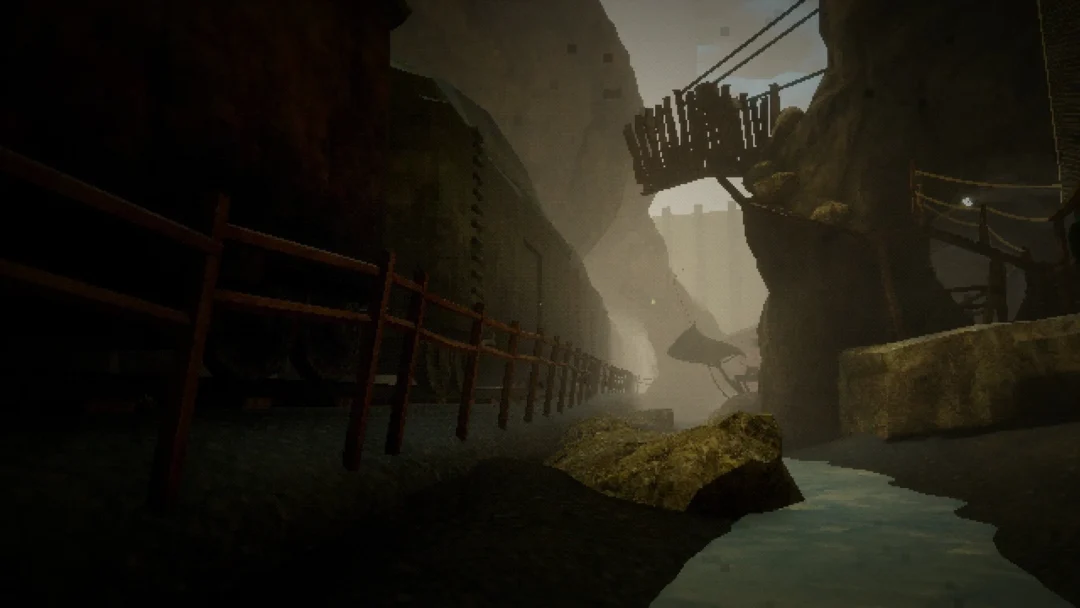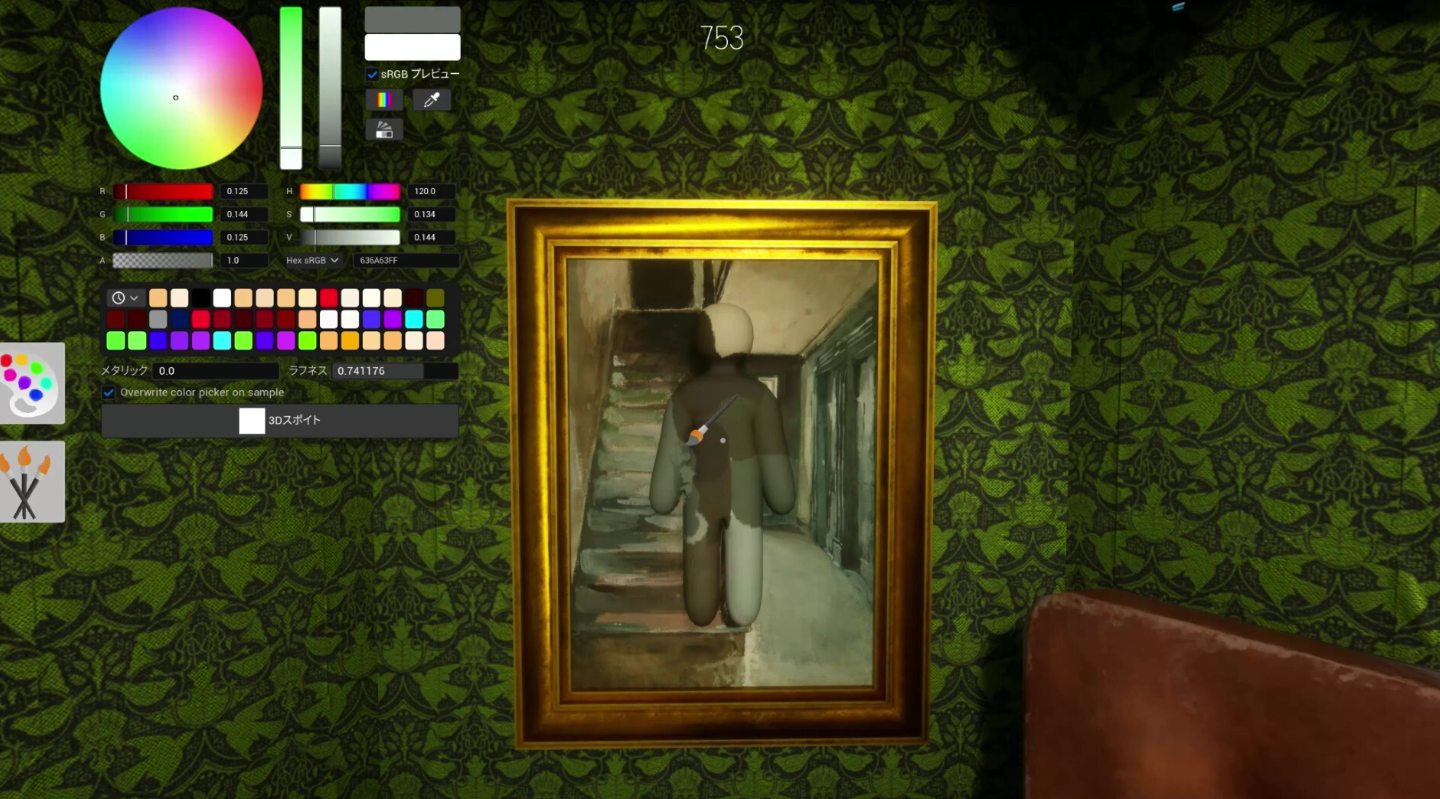
MECCHA CHAMELEON is a multiplayer hide-and-seek game on Steam where Hiders do not crouch behind furniture. They paint their plain white bodies to match the room, strike a pose, and try to pass as part of the stage while Seekers comb the area looking for anything that feels off. It launched for Windows PC on June 9, 2026, from solo developer and publisher lemorion_1224, and rooms work best with 2 to 10 players.
Quick answer: Buy and install MECCHA CHAMELEON from Steam (App ID 4704690), launch it from your library, then join public matchmaking or host a private room. As a Hider, sample wall colors with the eyedropper, paint your body, pick a pose, and freeze. As a Seeker, tag every Hider before the timer ends.

What MECCHA CHAMELEON is and where to play it
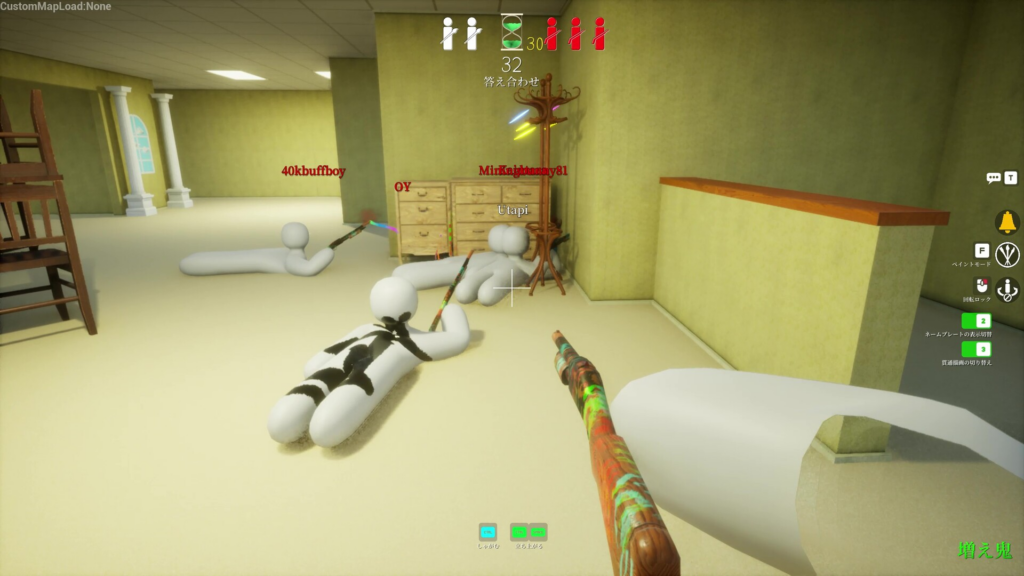
This is a paint-based hide-and-seek party game, not a prop-swapping game. Instead of turning into a fixed object with a preset shape, you keep a humanoid body the whole match and disguise it with color, texture, and pose. Seekers win by noticing when the room starts to lie, spotting repeated shapes in the wrong place, odd spacing, or a color blob that does not belong to anything nearby.
The game is PC-only on Steam, with no console or mobile version at launch. You can play through public matchmaking for random lobbies, set up a private room for friends, or open a non-private server so viewers can drop in. Matches also support proximity voice chat and Steam Workshop custom maps.
| Detail | Information |
|---|---|
| Release date | June 9, 2026 |
| Platform | Windows 10/11 PC on Steam |
| Developer / Publisher | lemorion_1224 |
| Steam App ID | 4704690 |
| Players | 2–10 recommended per room |
| Launch price | About $5.99 USD (regional pricing varies) |
| Minimum specs | Intel Core i5, DirectX 11/12 GPU |
It is a paid title, not free-to-play, and there is no subscription. Buying it once on the official Steam store gets you online multiplayer and Workshop access. Avoid unofficial download or crack sites.
The official Steam title is spelled MECCHA CHAMELEON. You may see it written as Mecca Chameleon, Mecha Chameleon, Mecca Cameleon, or Mekka Chameleon, but those all point to the same June 2026 release.
Teams and win conditions
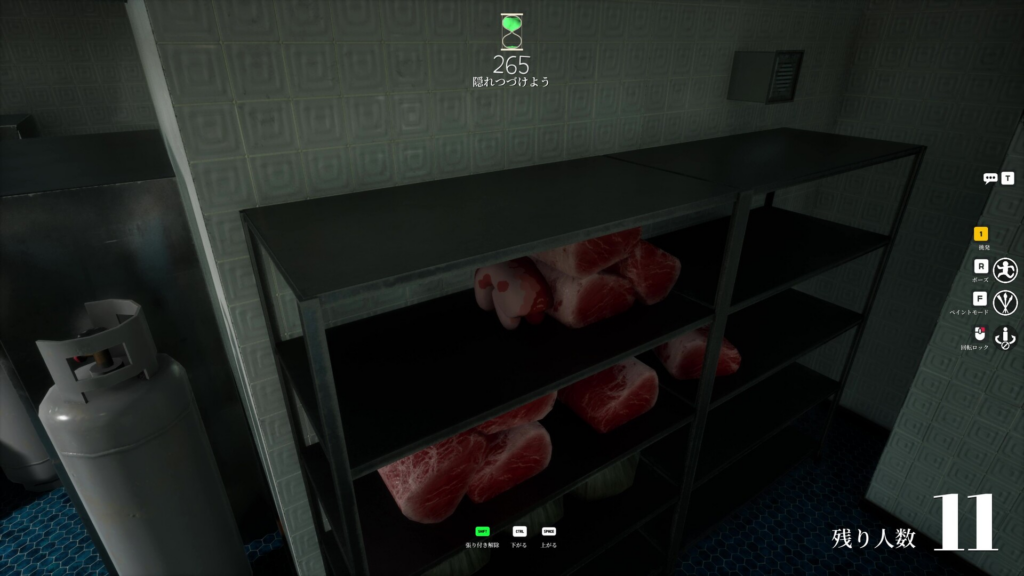
Every round splits the lobby into two sides. Hiders start as plain white characters and have to camouflage themselves before the hunt begins. Seekers scan the stage and try to find and tag each Hider. The clock decides who wins.
- Hiders win if at least one survivor is still hidden when the countdown reaches zero.
- Seekers win by tagging every Hider before the time runs out.
- Hiders who get tagged can keep watching with a free camera and use whistle taunts.
How a round plays out
Controls and keybinds
Movement uses the standard WASD keys. The two keys that matter most for disguising are the paint and pose menus, and you also have texture sliders to fine-tune how your surface reads under the room’s lighting.
| Action | Input |
|---|---|
| Move | WASD |
| Open paint menu | F |
| Open pose menu | R |
| Sample a color | Eyedropper |
| Adjust surface look | Metallic / roughness sliders |
Keybinds can be rebound, and controls or map names may shift after patches, so confirm anything that looks different inside the game.
Hider and Seeker basics for your first match
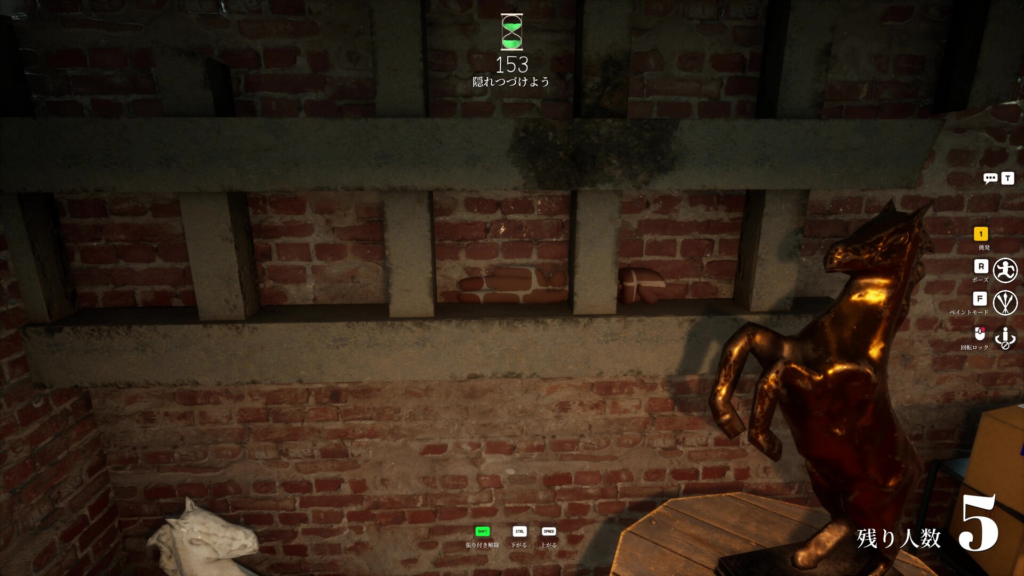
As a Hider, do not aim for perfect artwork on your first try. Sample two colors from your hiding spot, one from the lit area and one from the shadow, paint a simple block pattern, choose a flat pose, and stay still. A clean, believable shape beats a fancy one that draws the eye.
Color alone will not save you. A convincing disguise also needs the right nearby surface, matching lighting, and a pose that makes your outline feel like it belongs. Repeating a prop’s shape in the wrong spot can stand out more than simply staying quiet.
As a Seeker, sweep the walls and corners first, then check open areas. Compare the room against itself. Watch for repeated objects, suspicious shadows, things that sit too centered or too clean, and any late movement during the hunt.
Once you understand the loop, the depth comes from making color, pose, and placement agree as a Hider, or learning to read a room quickly as a Seeker. For developer posts and patch notes that may change rooms, visibility, or role behavior, the Steam Community hub for App ID 4704690 is the place to check after each update.