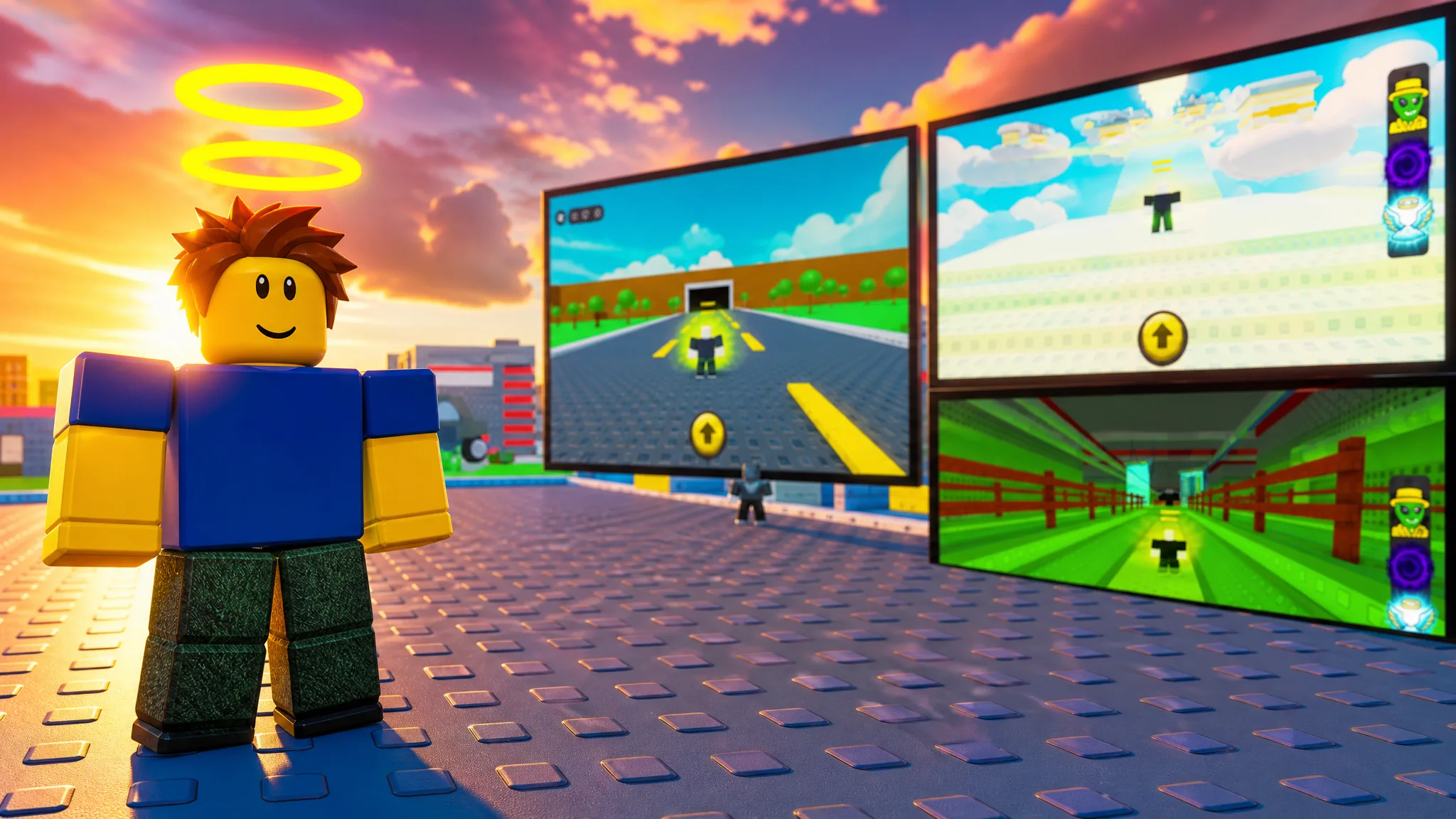
Roblox normally lets one client run per computer, which blocks anyone trying to play two accounts side by side. There is no official toggle for this on the desktop app, so the working approach is a third-party launcher that opens several signed-in clients at once. The most dependable option is Roblox Account Manager and its built-in Multi Roblox feature.
Quick answer: Close every Roblox process, open Roblox Account Manager, click the gear icon, and tick Multi Roblox in the General tab. Then launch each saved account to run them simultaneously.
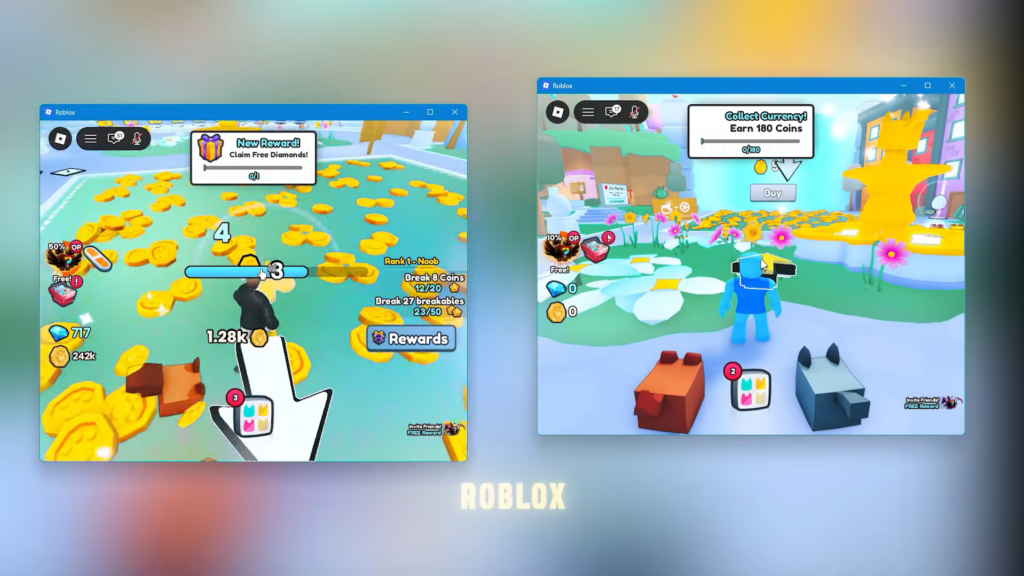
Enable Multi Roblox in Roblox Account Manager
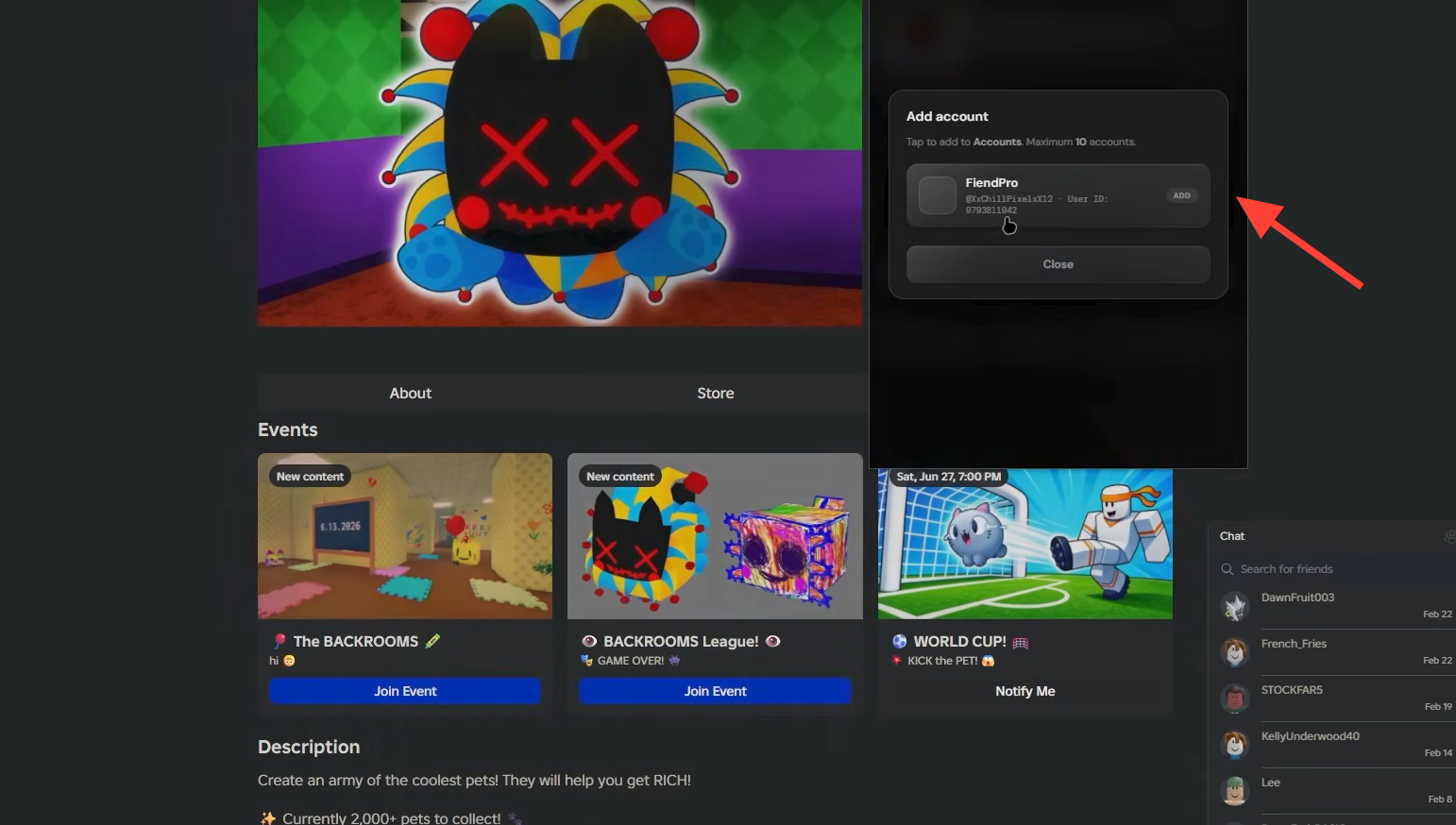
Roblox Account Manager stores multiple accounts inside one app so you can launch them without logging in and out. The multi-client option is included but switched off until you turn it on yourself.
RBX Alt Manager.exe.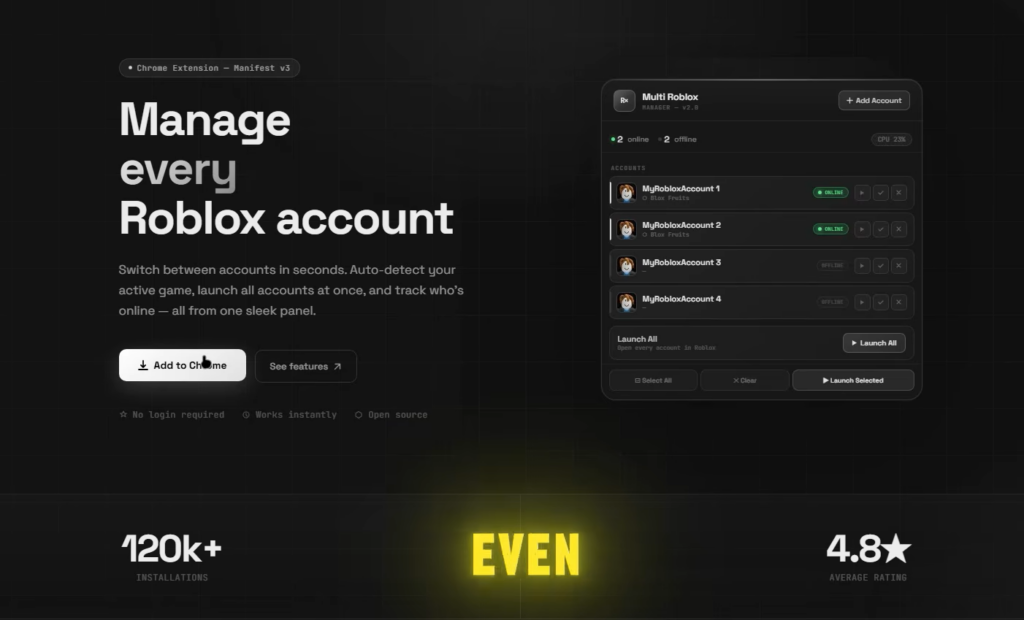
Roblox processes are still running in the background; otherwise, the toggle will not take effect.General tab, and check the Multi Roblox box. This unlocks multiple clients running at the same time.If a launch does nothing, recheck Task Manager for leftover Roblox processes, then restart the manager and try again.
Requirements and common install fixes
The launcher runs on Windows only. There is no macOS build. Most start-up problems come from missing runtime components or antivirus interference rather than the app itself.
| Problem | Fix |
|---|---|
| App will not start | Install the latest .NET Framework from Microsoft |
| CefSharp.Core.Runtime.dll or “object reference not set” error | Install the x86 Visual C++ Redistributable (vcredist) |
| Windows Defender removes the files | Add the Account Manager folder as a Defender exclusion |
| Flagged as a virus | The source code is open; the detection is a false positive tied to its update and account-control features |
The project repository is archived and read-only, so it no longer receives updates. Use it at your own discretion and only download from the official Releases page above.
Why multiple launches fail
Two issues account for almost every failed attempt. Both are predictable once you know them.
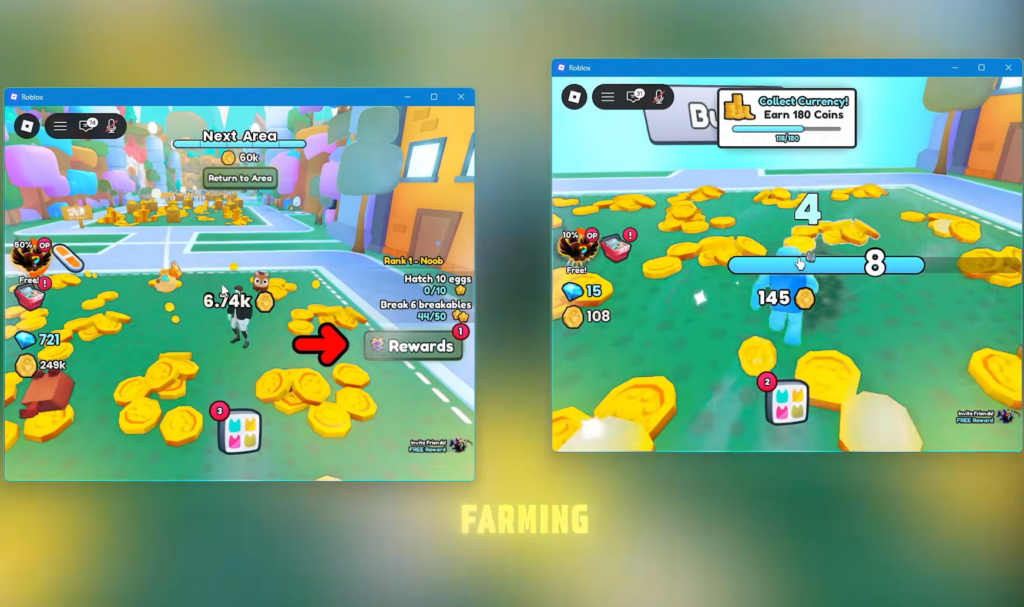
- Leftover Roblox processes. If any client is still open when you enable Multi Roblox, new launches collapse into the existing window. Kill every Roblox task first.
- Rate limiting. Roblox limits how quickly you can start clients in a row. Launching many accounts rapidly will be blocked, so space the launches out.
Test multiple clients inside Roblox Studio
If your goal is testing multiplayer features rather than playing different accounts, Roblox Studio already opens several clients on its own. This is the official, supported route for developers.
Start Server and set the number of players you want to simulate. Studio launches a local server with that many client windows connected to it.This covers most UI and gameplay testing. The one thing it cannot do is join a reserved or live server on two separate accounts, which still requires either separate devices or a separate account in the normal client.
Other methods and their limits
A few alternative approaches exist, but they vary in reliability. The Microsoft Store route in particular has been patched and no longer reliably opens a second instance.
| Method | How it works | Limitation |
|---|---|---|
| BlueStacks Multi-Instance Manager | Runs the Android version of Roblox in separate emulator instances on Windows | Each instance needs its own configuration and system resources |
| Microsoft Store app | Previously allowed a second instance alongside the website client | The single-client patch makes this unreliable |
| Second account on the web or a second browser | Sign into another account in a separate browser on the same PC | Limited by how many active accounts and browsers you have |
Rules and risks to know first
Running alt accounts does not by itself break Roblox’s Terms of Use. However, individual games are allowed to ban alternate accounts under their own rules, so check the game you intend to play before stacking clients.
Multi Roblox is disabled by default for a reason. A Byfron developer has stated that running multiple clients may be treated as malicious behavior, which is why the toggle is opt-in. Enabling it is your decision and carries that risk. Never generate or hand out an “rbx-player link,” since anyone with it can join games on your account, spend your Robux, or trigger actions that get the account terminated.
With the launcher set up, accounts closed before toggling, and launches spaced out to avoid rate limits, you can keep several Roblox clients open at once for grinding, storage accounts, or testing your own game’s multiplayer flow.