My Salon Empire is a hair salon tycoon on Roblox built around a tight loop: order product, stock it, price it, style customers, take payment, sweep up. Every part of that loop is manual at first, and each step gates the next one. If shelves are empty, customers walk in and buy nothing. If the register is short on change, the line stops moving.
Quick answer: Order stock from the laptop, carry the delivery box to an empty shelf and press E to drop it, set a retail price above what you paid, then press Open in the Shop menu so customers start entering.
Order stock and fill the shelves
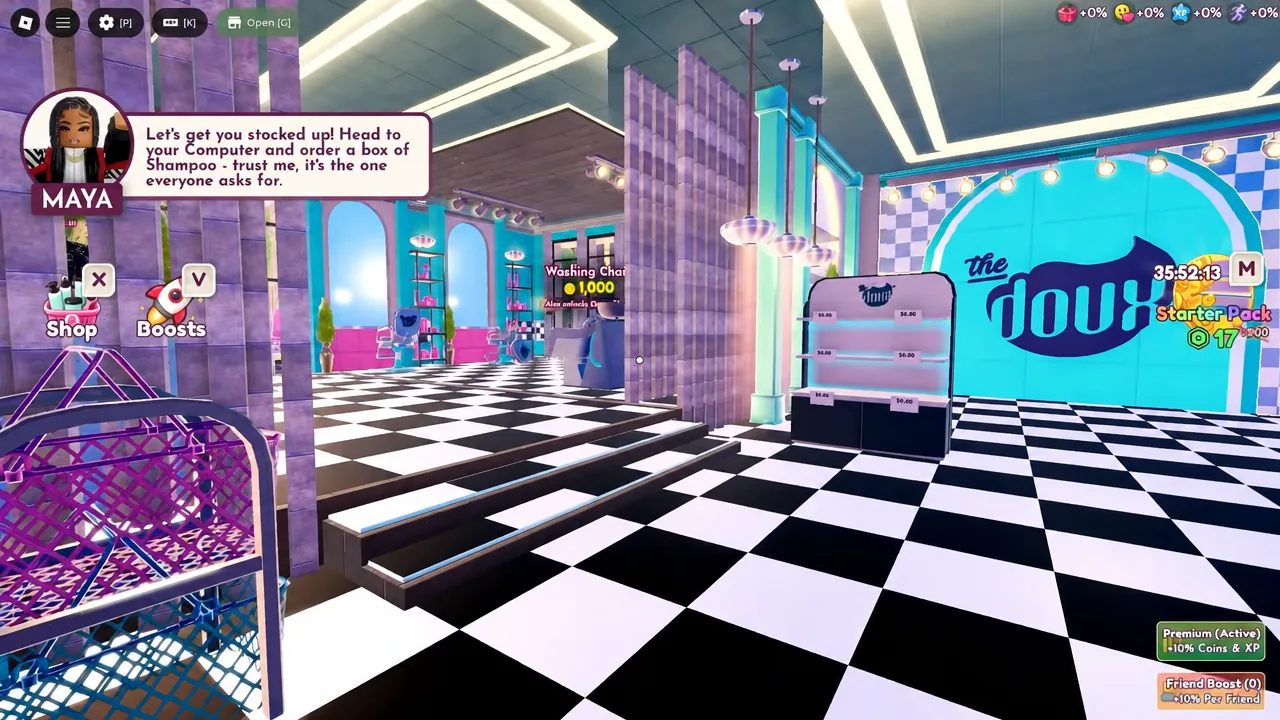
Maya handles the opening tutorial and points you at the laptop. Everything you sell starts there.
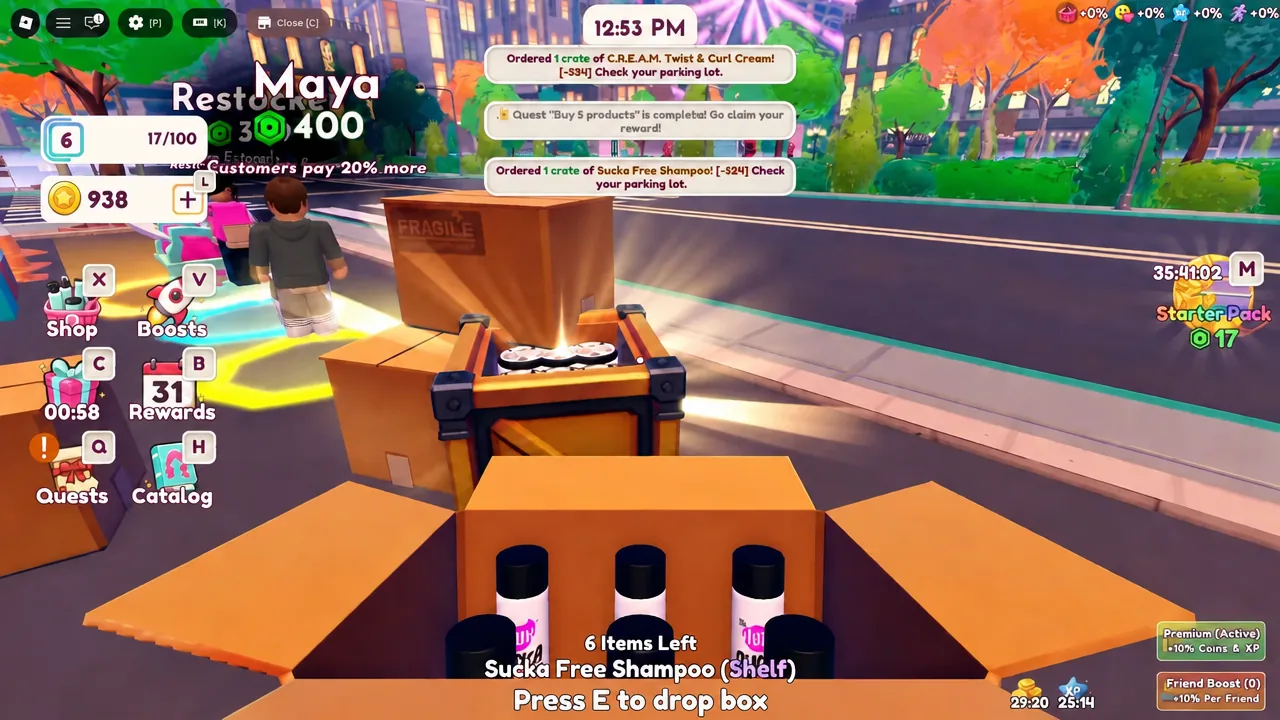
The green exclamation mark disappears once the shelf is filled. That is your confirmation the stock registered and the item is now sellable.
Set retail prices before you open the store
Each product has a wholesale cost and a customer-facing price you control. Sucka Free Shampoo lands on the shelf at a base of $4.00, and marking it up to $6.89 is a comfortable starting margin. Push a price too high and customers stop buying it.
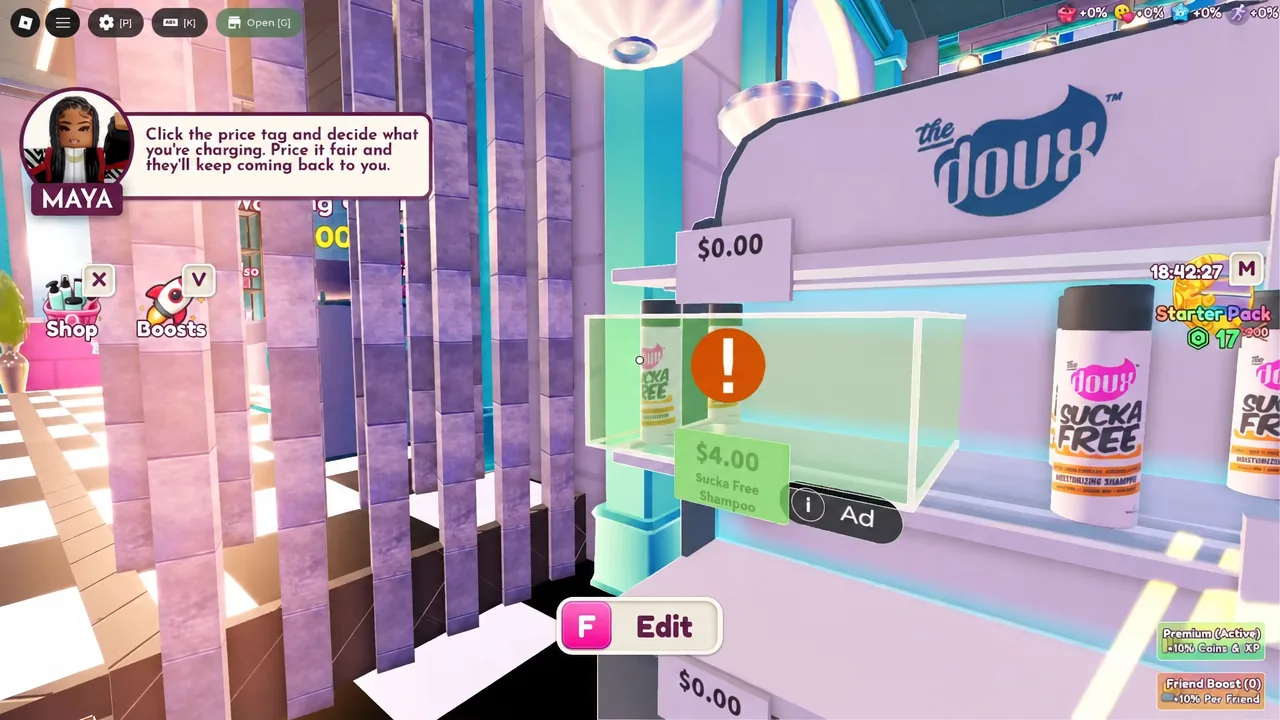
Prices carry over as you unlock more inventory, so it is worth setting each one the moment the product hits a shelf.
| Product | Working retail price |
|---|---|
| Sucka Free Shampoo | $6.89 |
| Mousse Def | $7.50 |
| Fresh Rinse Conditioner | $8.00 |
| Block Party Gel | $25.00 |
C.R.E.A.M. Twist & Curl Cream is part of the same product line and prices the same way. Extra display space costs money too: the Clothing Shelf runs $250 and gives you somewhere to put higher-value items like Block Party Gel.
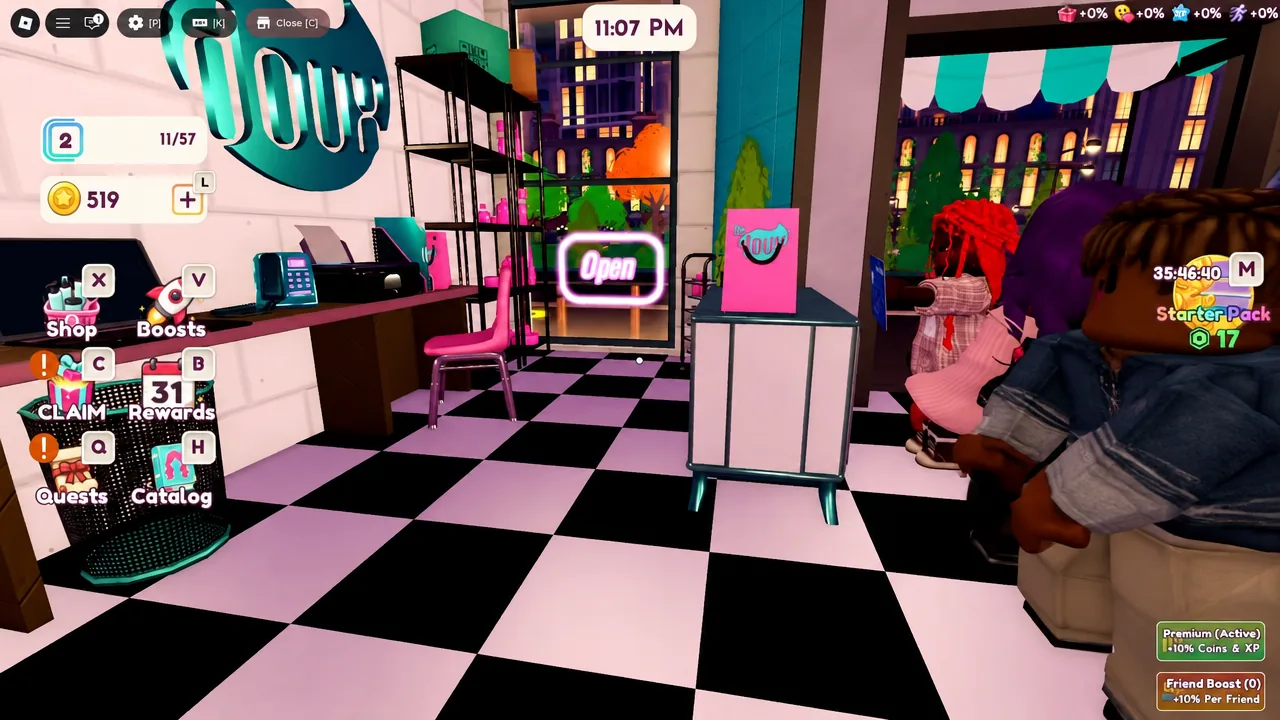
With prices in, open the Shop menu and press Open. Customers only start walking in after that.
The three hair styling minigames
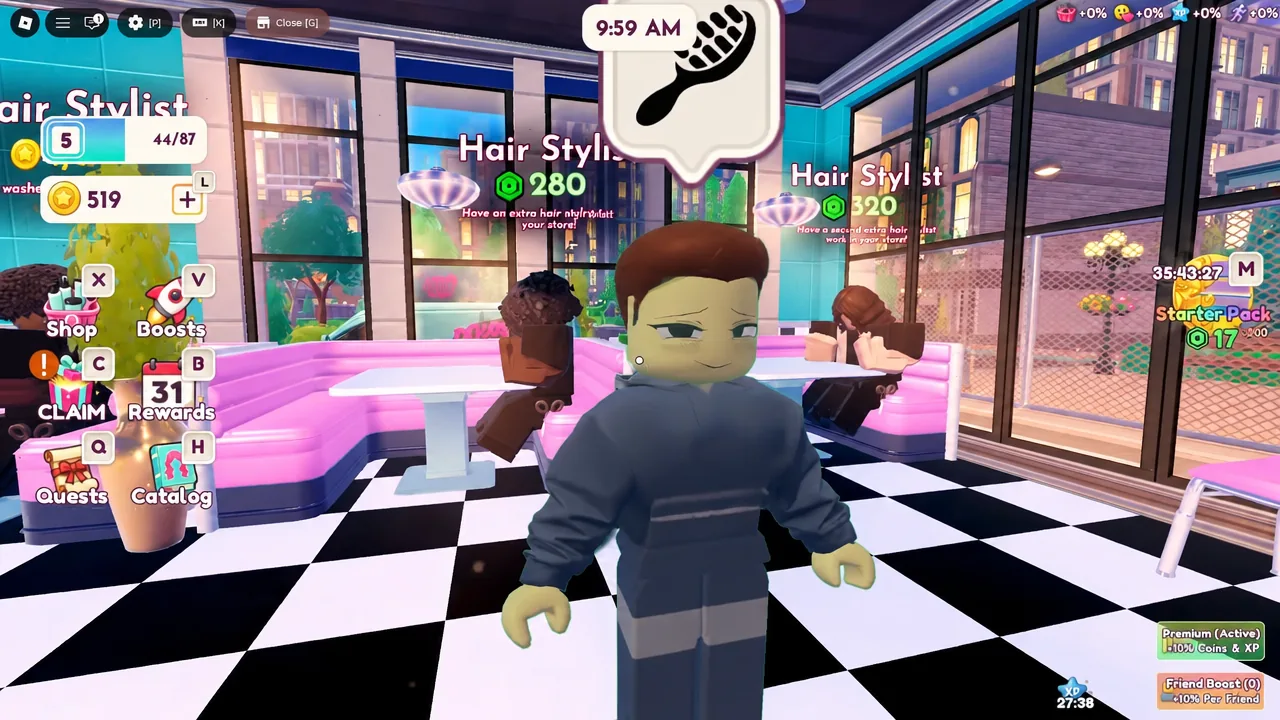
Customers show what they want in a speech bubble above their head. Talk to them, walk them to a free chair, and the matching minigame starts. All three are short, and all three use different inputs.
| Service | What you do |
|---|---|
| Cutting | Click when the moving indicator sits inside the green zone on the bar. |
| Braiding | Drag the dot along the curved arrow path from start to finish. |
| Brushing | Click repeatedly until the progress bar fills. |
Chairs come in types — Standard, Washing, and Dryer — and a customer needs the right one for their request. Adding more chairs is what raises how many people you can serve at once.
Every finished style drops a pile of hair on the floor. Sweep it up manually — the piles build fast when several chairs are running, and they clutter the paths customers use.
Checkout: handing back the right change
The register is the part that trips people up. Payment is not a single click. For cash, you work out the difference between what the customer handed over and what they owe, then dispense that amount using the bills and coins on screen. For card payments, you type in the exact total instead.
The transaction closes and the customer leaves once the amount matches. Odd prices like $6.89 exist to make the change calculation slower, so round retail prices are easier to run when a queue builds up at the register.
Daily rewards, playtime gifts, and boosts
Free income sits behind three separate systems, and none of them collect themselves. Daily Rewards pay out on a login streak, with Day 1 worth $650. Playtime gifts unlock on a timer while you play. Mystery boxes come from those gifts and can contain premium products — Block Party Gel is one of the unboxable items.
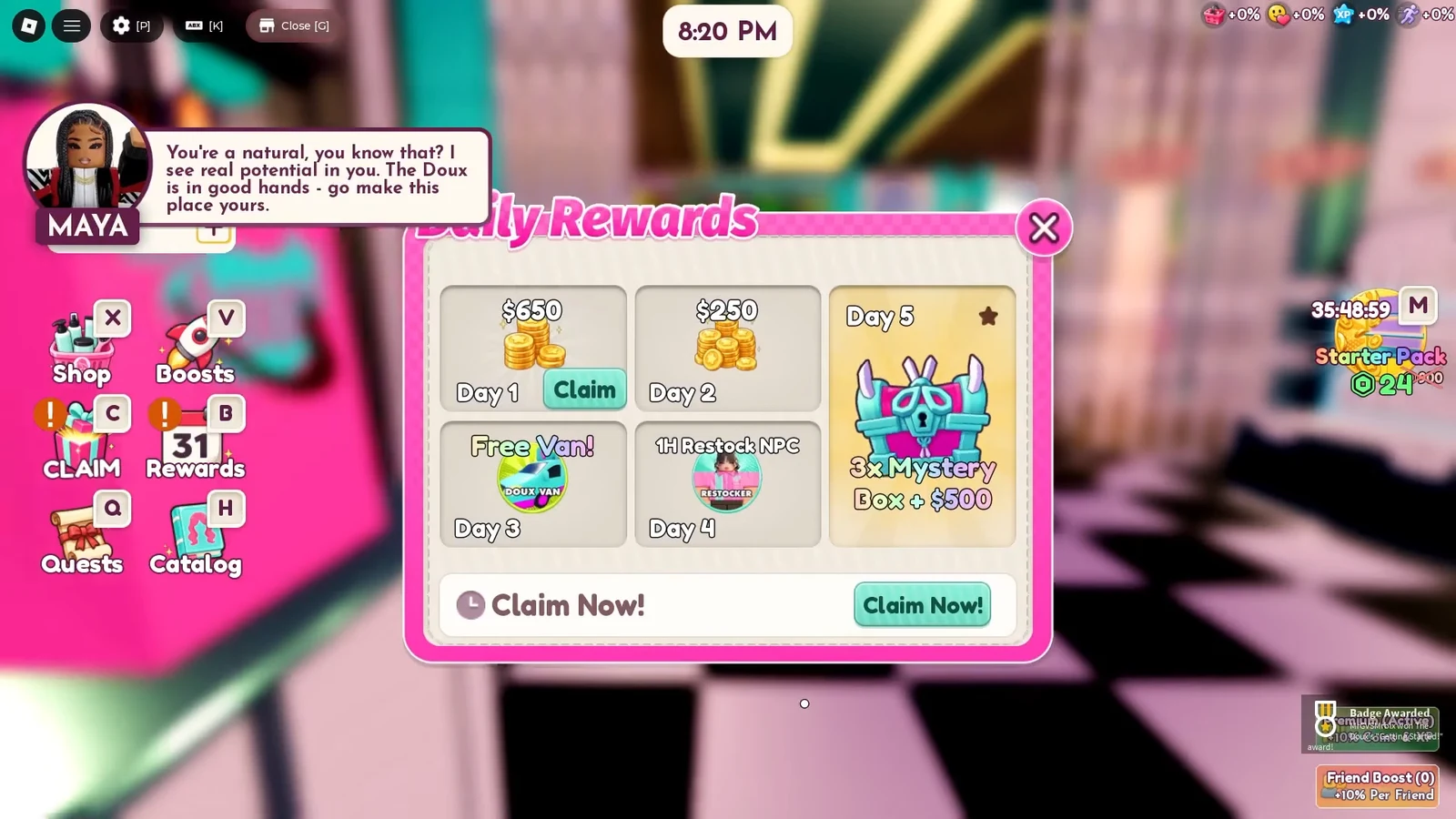
Two multipliers stack on top of earnings. Premium Active adds 10% to coins and XP, and the Friend Boost scales with how many friends are in your server — it reads 0% when you are playing alone.
Hire an NPC stylist to automate the chairs
The first real break from manual work is staff. A hair stylist costs $1,000 in in-game cash and takes over styling duties on their own, working chairs while you handle the register or restock shelves.
You know the hire landed when the NPC spawns on the floor and walks a customer to a chair without any input from you. Until then, the only reason it fails is not having the full $1,000 on hand.
Tip: hire before you expand your product range. A stylist working chairs frees you up to run the register, which is where the queue actually backs up.
Why customers stop buying or leave
- The store is still closed — no customers spawn until you press Open in the Shop menu.
- A shelf still shows a green exclamation mark, meaning the box was never dropped on it.
- The register transaction is incomplete because the change dispensed does not match the amount owed.
- No free chair of the type the customer’s speech bubble asks for.
The salon scales the same way every time: more shelves and higher-margin products raise revenue per customer, more chairs raise throughput, and staff remove the bottleneck of doing both jobs yourself. If you want to run through the loop for yourself, the experience is listed on the Roblox page for My Salon Empire, published by The Doux.