Aging in Paralives is governed by the Storyteller, the narrator-style settings layer that controls how time and life stages work in your save. By default, every Storyteller has aging switched on for your active household, so Parafolks will move through life stages and eventually die unless you change the setting yourself.
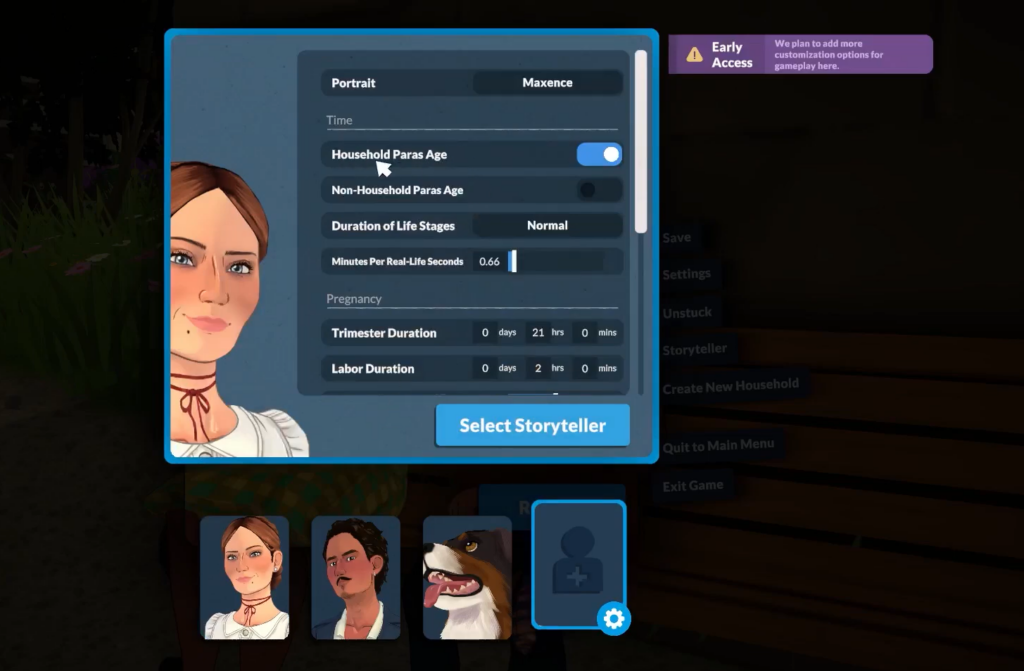
Turn off aging from the Storyteller menu
You can disable aging at two points: right after the tutorial when picking your Storyteller, or at any time during a running save. The toggle is identical in both places, and it can be switched back on later without breaking anything.
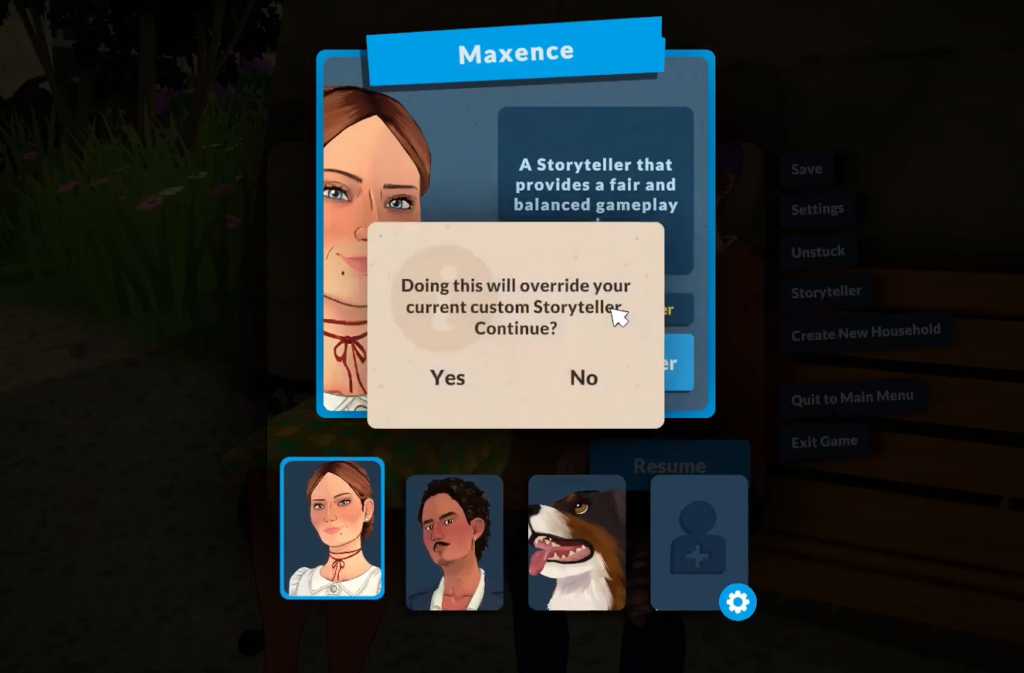
Esc or click the three white dots in the top right corner of the screen to open the options menu.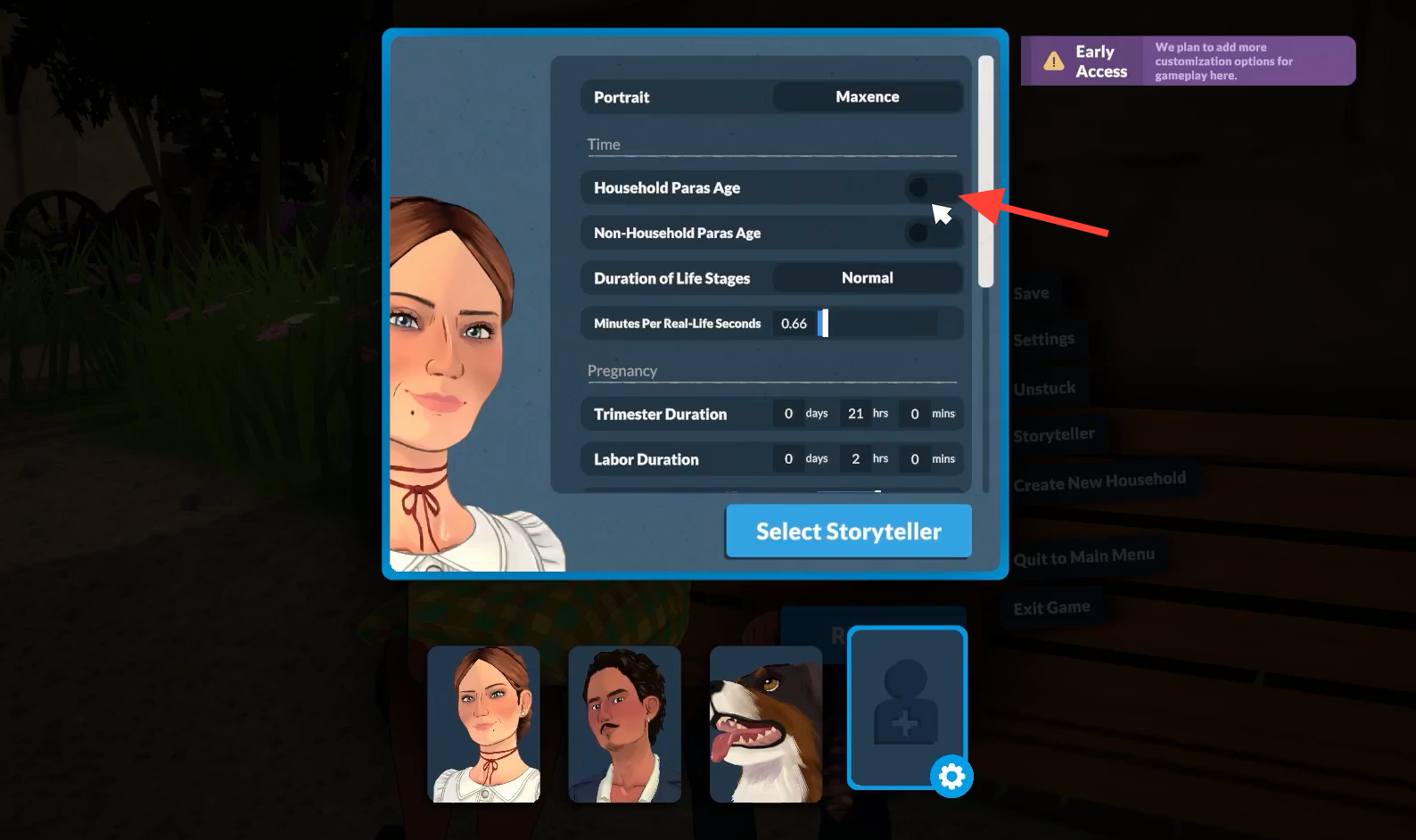
The choice of Storyteller does not matter for this setting. None of the default Storytellers ship with aging disabled, so this step is required on every new save where you want immortal Parafolks.
Household vs non-household aging
Paralives splits aging into two independent toggles, and they behave in opposite directions by default. This is the part that catches most players off guard.
| Setting | Default state | Effect when on |
|---|---|---|
| Household Paras Age | On | Your active household ages and can die of old age |
| Non-Household Paras Age | Off | NPCs around town age alongside your household |
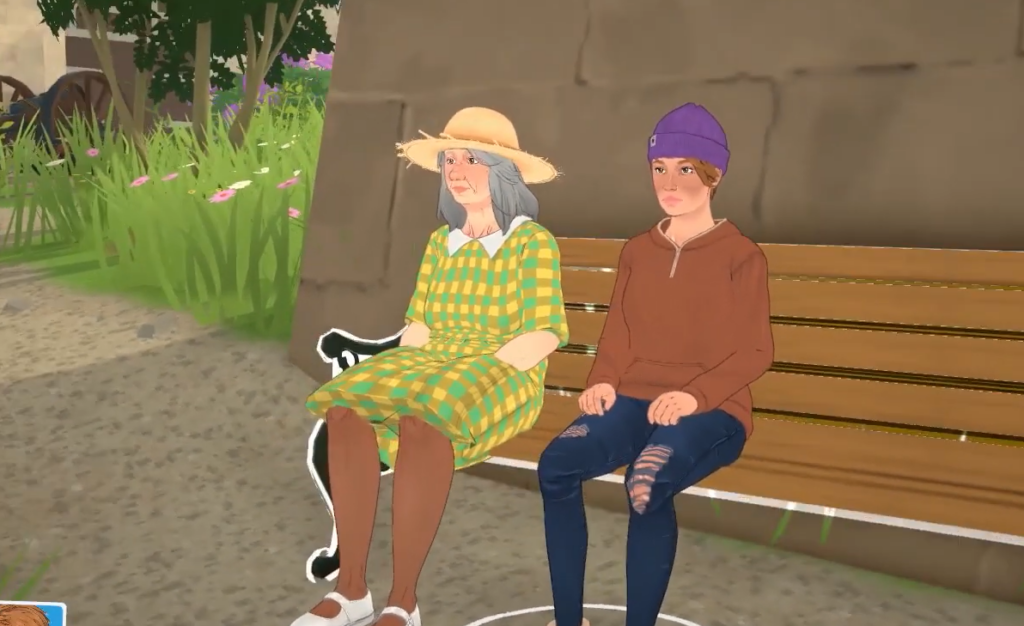
If you leave both settings untouched, your own Parafolks will grow old and die while the rest of the town stays frozen at whatever age they were generated. If you want a synchronized neighborhood, turn Non-Household Paras Age on. It sits directly below the household toggle in the same menu.
Extend life stages instead of freezing them
If full immortality feels too far, the Storyteller menu also lets you stretch how long each life stage lasts. The Duration of Life Stages setting has three presets: Short, Normal (Medium), and Long. There is also a Minutes Per Real-Life Seconds slider that changes how fast the in-game clock advances inside a single day.
Here is the breakdown of how many in-game days each life stage lasts at each preset.
| Life stage | Short | Normal | Long |
|---|---|---|---|
| Baby | 1 | 3 | 13 |
| Toddler | 2 | 4 | 17 |
| Child | 5 | 11 | 47 |
| Pre-Teen | 3 | 7 | 31 |
| Teen | 6 | 13 | 55 |
| Young Adult | 10 | 21 | 87 |
| Adult | 9 | 19 | 79 |
| Elder | 6 | 13 | 55 |
Child, Pre-Teen, and Teen are the only stages with growth spurts, which are tied to fixed percentages of each stage. If aging is off, those growth spurts will not fire either, because time inside the stage effectively stops advancing.
Age cheats for a single Parafolk
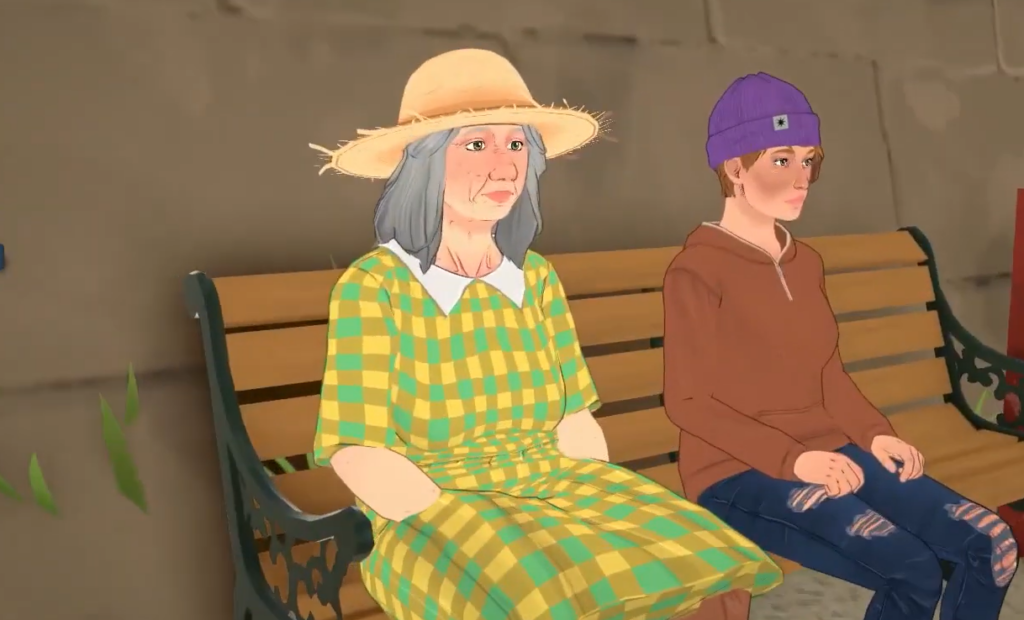
If you only want to control one character instead of changing world rules, the cheat console handles age directly. Open it with Ctrl + F1, select the Parafolk you want to target, then type a command.
| Command | Effect |
|---|---|
NEXTLIFESTAGE | Advances the selected Parafolk to the next life stage |
PREVIOUSLIFESTAGE | Sends them back one life stage |
NEXTGROWTHSPURT | Triggers the next growth spurt, if the stage has one |
PREVIOUSGROWTHSPURT | Reverses the most recent growth spurt |
PRINTAGE | Displays the Parafolk’s exact age |
SETAGE [number] | Sets the age in years to the value you enter |
How to confirm aging is actually off
To verify the change, open the Parafolk’s profile from the side menu and click the small figure icon under their name. The lifespan bar will appear, and hovering over it normally shows the number of in-game days left in the current stage. With aging disabled, that countdown stops advancing, and growth spurts for Child, Pre-Teen, and Teen Parafolks will no longer trigger.
One thing worth flagging: turning off aging removes natural death from old age, but it does not make Parafolks invincible. Other causes of death still apply, so a frozen life stage is not the same as a frozen life. If you need to undo a death, the cheat console is the only built-in way to bring a character back.