Multiplayer in Neverness to Everness (NTE) is gated behind early progression. The co-op feature does not appear from the start of the game, and it cannot be forced open through menu settings. You earn access by leveling your Hunter Rank through opening missions and activities in Hethereau, then use the in-game phone to invite friends with their UID.
Quick answer: Play through the opening quests until you reach Hunter Level 8, open the in-game phone, tap the Multiplayer icon next to Tutorial on the second page of apps, and search for a friend’s UID on the same server region to send an invite.
Multiplayer unlock requirement in NTE
The unlock point is tied to Hunter Level, which rises as you complete the opening main story beats and side activities. Most players cross the threshold roughly 25 to 35 minutes into a fresh save, depending on how much side content they engage with. Until that point, the Multiplayer entry on the in-game phone stays unavailable.
Every friend you plan to play with must hit the same milestone in their own save. Invites will not resolve if either side is still below the gate.
| Requirement | Detail |
|---|---|
| Unlock level | Hunter Level 8 |
| Access point | In-game phone, second page of apps |
| Connection method | UID search |
| Region | Same server region for both players |
| Party size | Up to 4 players |
| Time to unlock | ~25–35 minutes of early progression |
Region and UID prerequisites
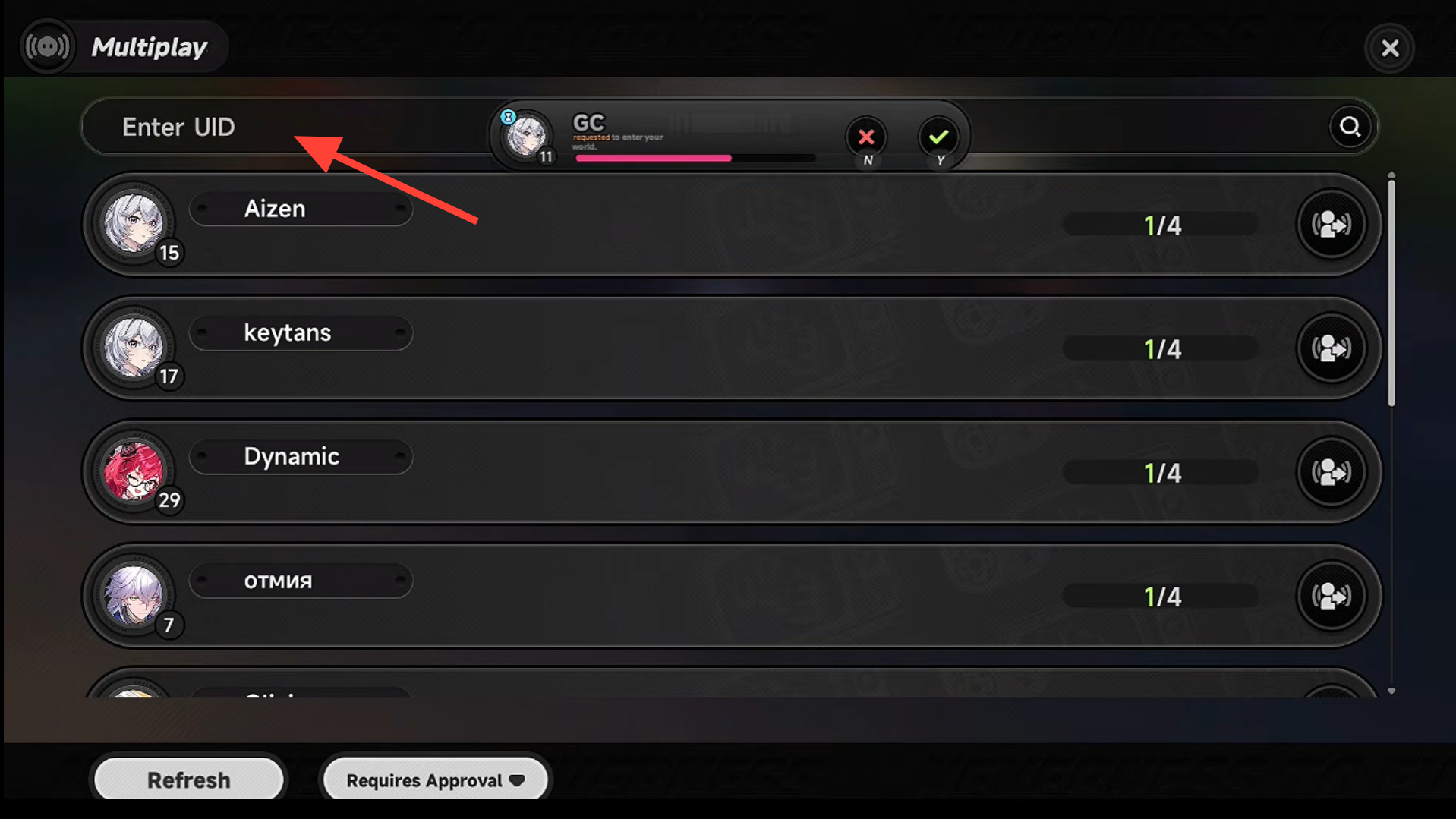
Two conditions must line up before any invite goes through. Both accounts need to be on the same server region, since UIDs from a different region will not return search results. You also need each friend’s UID, which is the unique numeric player ID shown in the profile menu.
Switching regions is possible if a friend sits on a different server, but moving away from your home region typically increases latency and load times. Note down your own UID before coordinating, especially when several players need to invite each other in the same session.
Send a co-op invite in NTE
Confirm the unlock worked
You know the gate has lifted when the Multiplayer icon becomes selectable on page 2 of the phone, immediately next to the Tutorial app. Opening it should reveal the search bar and the privacy controls in the lower-left corner, which let you require approval for invites, restrict invites to friends only, or switch to private mode.
If the icon is greyed out or missing, your Hunter Level is still below 8. Continue with main quests and side activities until the level ticks over.
Common reasons multiplayer does not work
| Symptom | Cause | Fix |
|---|---|---|
| Multiplayer icon missing or locked | Hunter Level below 8 | Continue early quests until you reach Level 8 |
| UID search returns nothing | Different server region | Confirm both accounts are on the same region, or switch regions |
| Friend not found despite correct region | Friend has not unlocked co-op yet | Have them clear the opening progression to Hunter Level 8 |
| Invite never arrives | UID typo or privacy mode active | Re-enter the UID and check the invite settings in the lower-left of the multiplayer menu |
What you can and cannot do in co-op
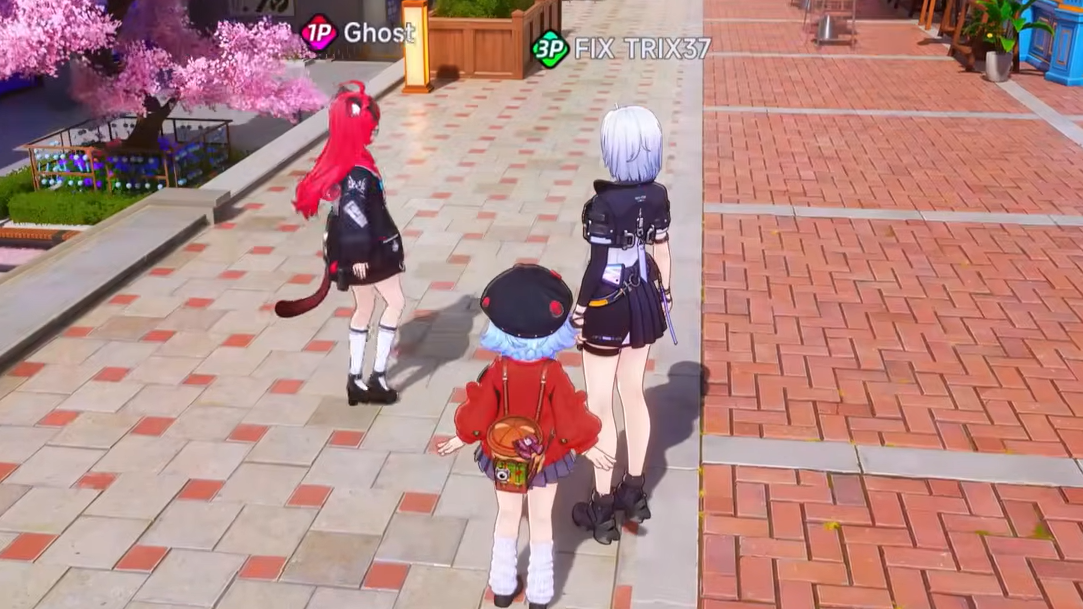
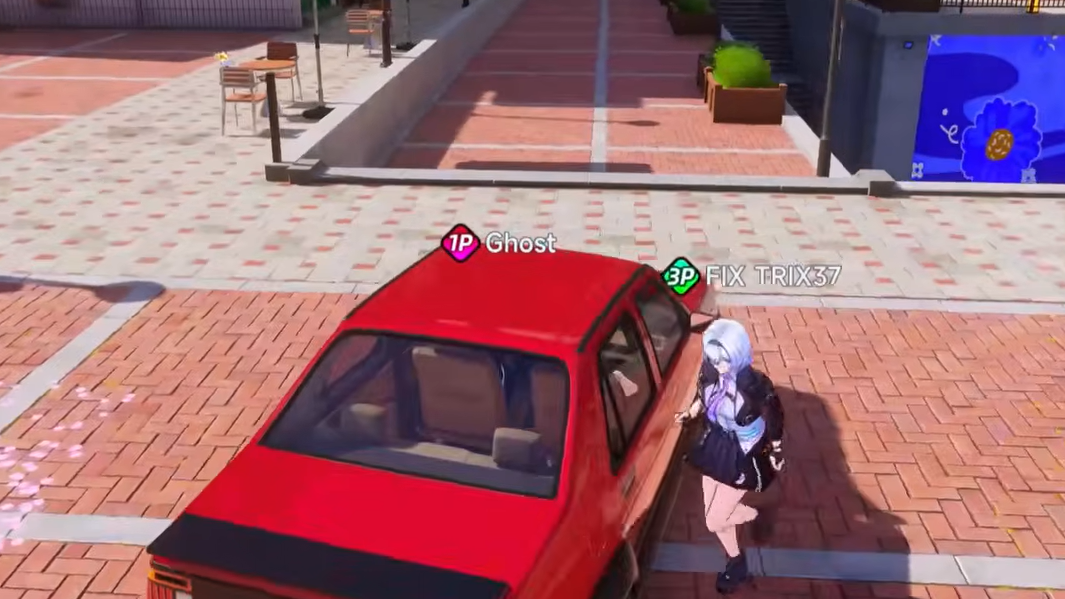
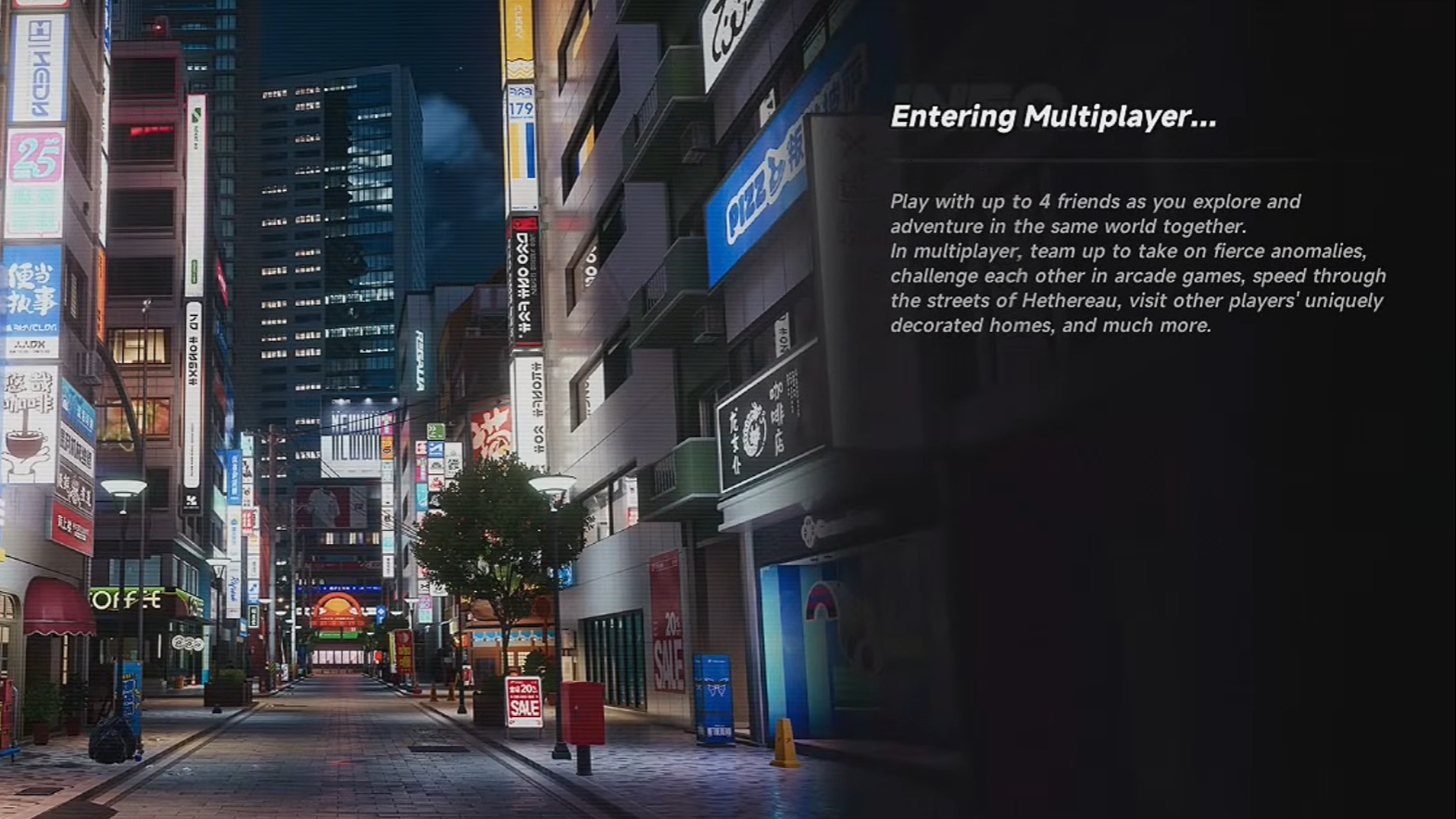
Co-op in NTE is built around shared open-world play in Hethereau City rather than story progression. Parties of up to 4 players can free roam, take on anomalies, race, run mini-games, play Mahjong, visit each other’s houses, and take part in heist activity. Story missions remain single-player only and cannot be cleared with friends in the session.
Because the host’s save drives the available content, joining a friend who is further ahead exposes you to areas and activities you may not have unlocked on your own save. Your personal story progress does not advance during their session.
Tip: Keep your UID written down somewhere outside the game. It saves time when a group needs to swap IDs quickly, and it avoids breaking session flow to dig through the profile menu mid-play.