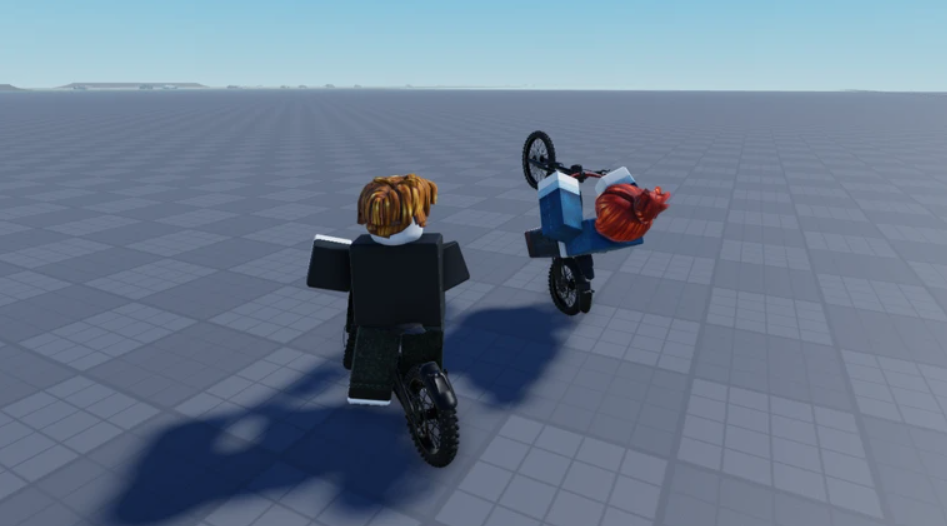
The Prism Cube sits at the far end of the map in Lift a Cube, and it is the last thing standing between you and the end of the route. It weighs 1.22t and its readout asks for 1.0B Recommended Strength, which is roughly a billion times what a single push-up gives you at the start. Getting there is not about grinding harder. It is about stacking the right multiplier before you train.
Quick answer: Roll and equip the Godly Illusion arm material (4000x Strength), buy every push-up speed upgrade you can afford, then train until your Strength counter passes 1.0B. Walk to the Prism Cube at the end of the track, trigger the LIFT prompt, and rapidly left-click until the bar reaches the right edge.
Every cube weight and Strength requirement
Each cube prints its weight and a Recommended Strength figure. Match or beat the recommendation and the lift goes through cleanly. Fall short and the cube either wobbles or will not leave the ground at all.
| Cube | Weight | Recommended Strength |
|---|---|---|
| Wood Cube | 2.2kg | Starter lift |
| Stone Cube | 6.5kg | 60 |
| Copper Cube | 15.0kg | 216 |
| Ice Cube | 20.4kg | 611 |
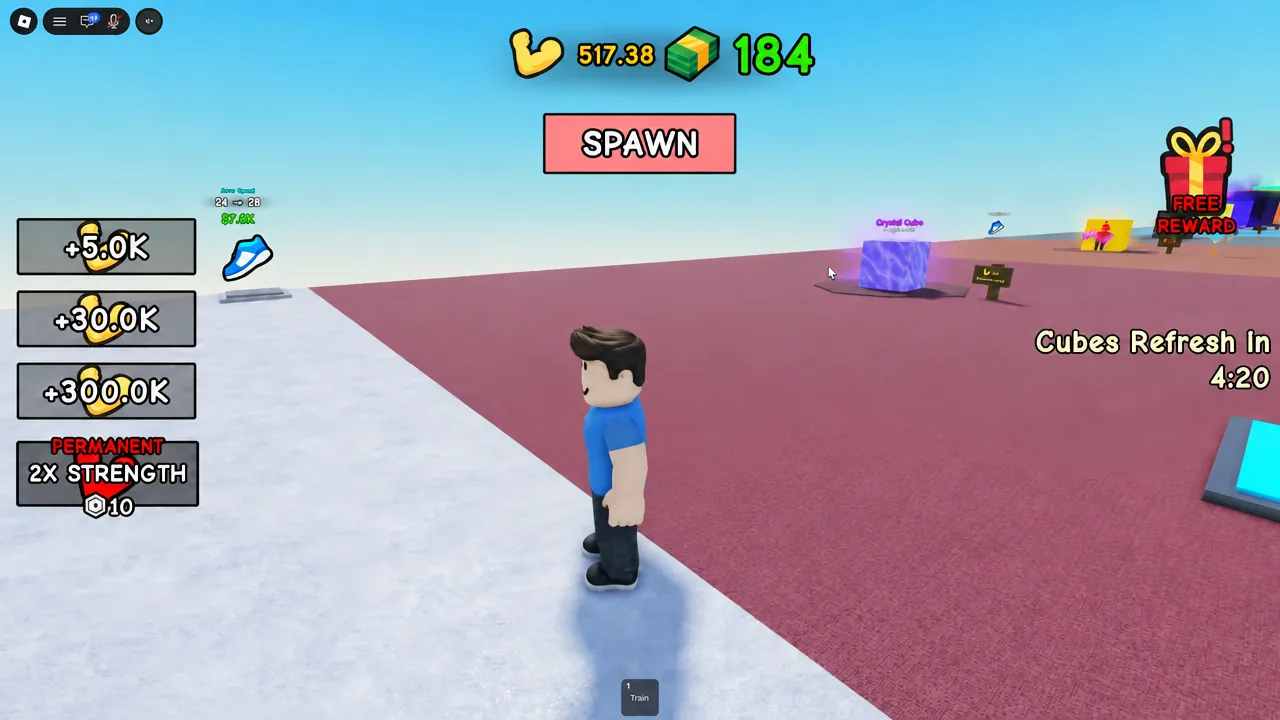
| Crystal Cube | 37.6kg | 2.3K |
| Golden Cube | 72.6kg | 7.0K |
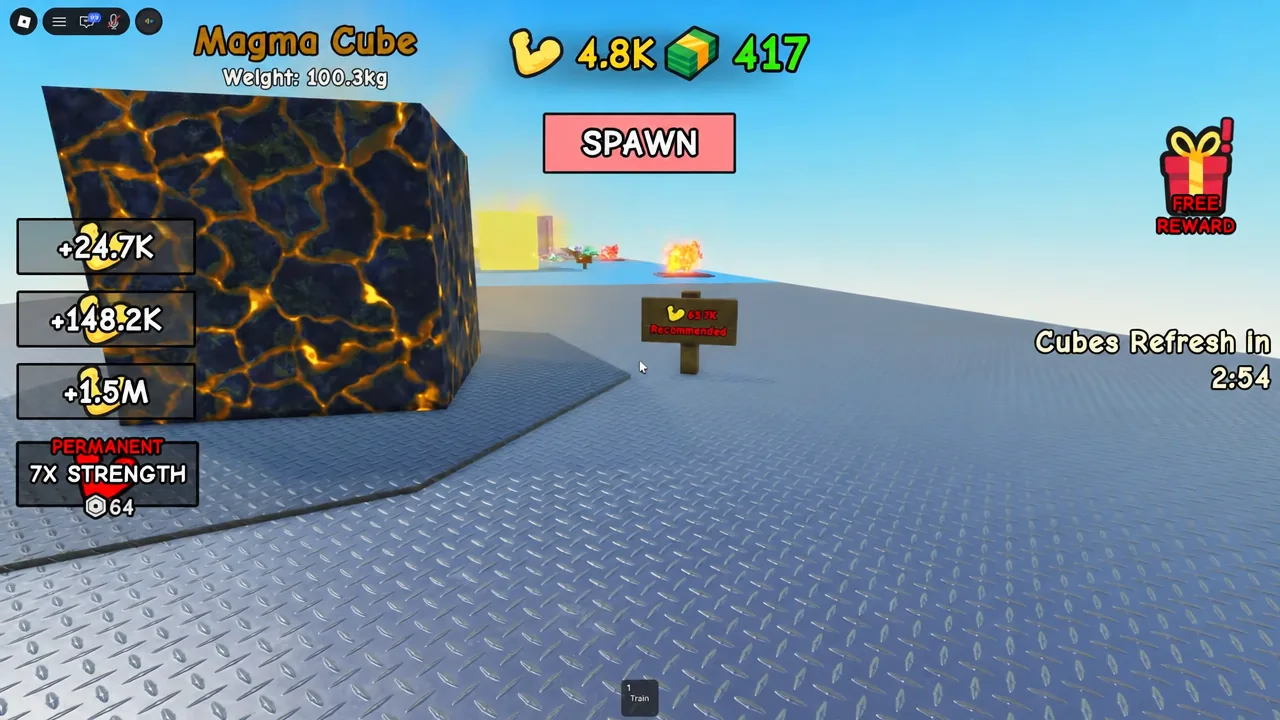
| Magma Cube | 98.2kg | 64.4K |
| Plasma Cube | 203.3kg | 451.4K |
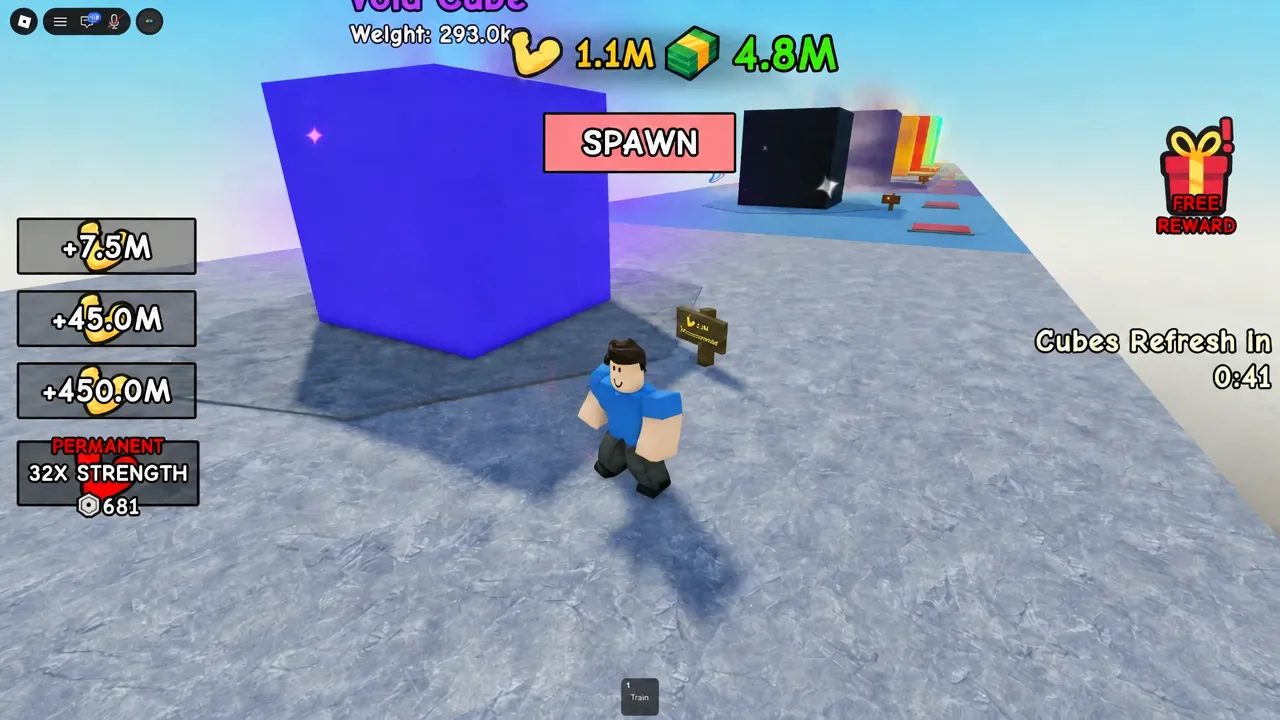
| Void Cube | 306.6kg | 3.0M |
| Singularity Cube | 613.8kg | 30.0M |
| Prism Cube | 1.22t | 1.0B |
Notice where the difficulty actually spikes. The jump from Golden to Magma multiplies the requirement roughly nine times, and the step from Singularity to Prism multiplies it by more than thirty. Those two walls are where players stall, and both are solved by a better arm material rather than more time on the training pad.
Arms and arm materials do different jobs
There are two separate upgrade layers, and confusing them is the fastest way to waste Cash. Arms control speed. Buying better arms at the green pads lowers the seconds per push-up, so one training session produces more reps. Documented push-up times drop to around 0.63s and later 0.53s as you buy through the early pads, and the highest tier includes a Glitch arm upgrade at $10M.
Arm materials control value. A material applies a flat multiplier to the Strength you earn per repetition, and it stacks on top of your arms instead of replacing them. That is why a 4000x material is worth more than any amount of extra rep speed. You roll materials at the Arm Materials Chest, which unlocks at 20 Strength, and each station prints its own Cash cost.
Map upgrades sit alongside both. Movement speed pads and training speed pads are permanent once bought, and there are cosmetic-adjacent boosts such as the purple aura upgrade at $5K. Every purchase is funded by lifting, so the Copper and Golden Cubes double as income sources — Copper pays around $69 a lift and Golden roughly $2.8K.
Arm material multipliers and Cash prices
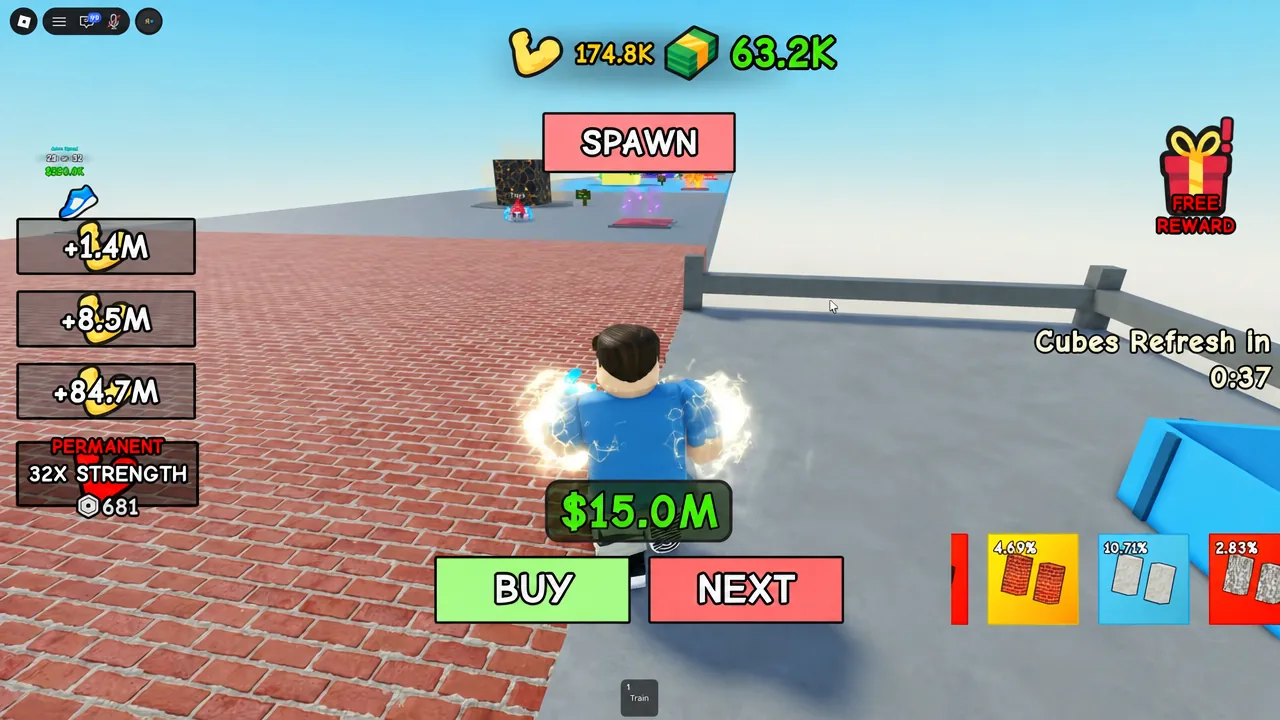
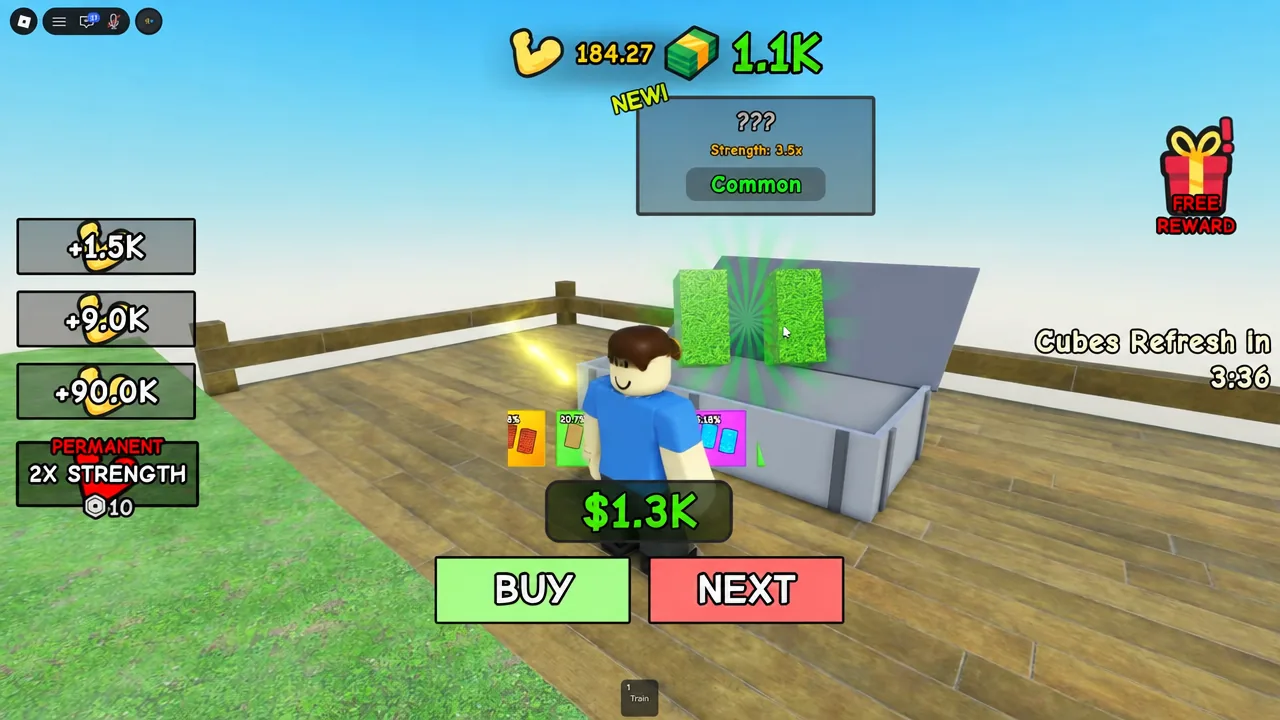
Materials roll randomly from the chest, but once a result appears you pay its listed Cash price to keep it. These are the multipliers that matter on the way to a billion Strength.
| Material | Strength | Rarity | Cost |
|---|---|---|---|
| Sand | 1.5x | Common | $80 |
| Grass | 3.5x | Common | $1.3K |
| Water | 40x | Epic | $300.0K |
| Brick | 120x | Legendary | $1.7M |
| Candy | 600x | Mythic | $180.0M |
| Tiles | 1500x | Mythic | $900.0M |
| Illusion | 4000x | Godly | $9.0B |
Illusion at 4000x is the material that makes the Prism Cube realistic, and its $9.0B price tag is paid for by farming the heaviest cube you can already lift. Rolling a high-tier material you cannot yet afford is common — the result stays visible, so treat the price as a savings target rather than a lost roll.
Robux gamepasses that shorten the grind
None of these are required. The Prism Cube is reachable without spending, since every multiplier it needs is purchasable with in-game Cash. The passes mainly compress waiting time, and the Strength multipliers stack with your equipped material.
| Gamepass | Price |
|---|---|
| 20x POP | 5 Robux |
| 2x Strength | 10 Robux |
| 4x Strength | 32 Robux |
| 20x Strength | 360 Robux |
| Instant Strength I | 16 Robux |
| Instant Strength II | 320 Robux |
Instant Strength II is the one aimed squarely at the final lift. Combined with the Illusion material, it pushes totals well past the billion mark — figures in the tens of billions are normal at that point, which is comfortably above the 1.0B recommendation.
How to lift the Prism Cube
How to confirm the lift worked
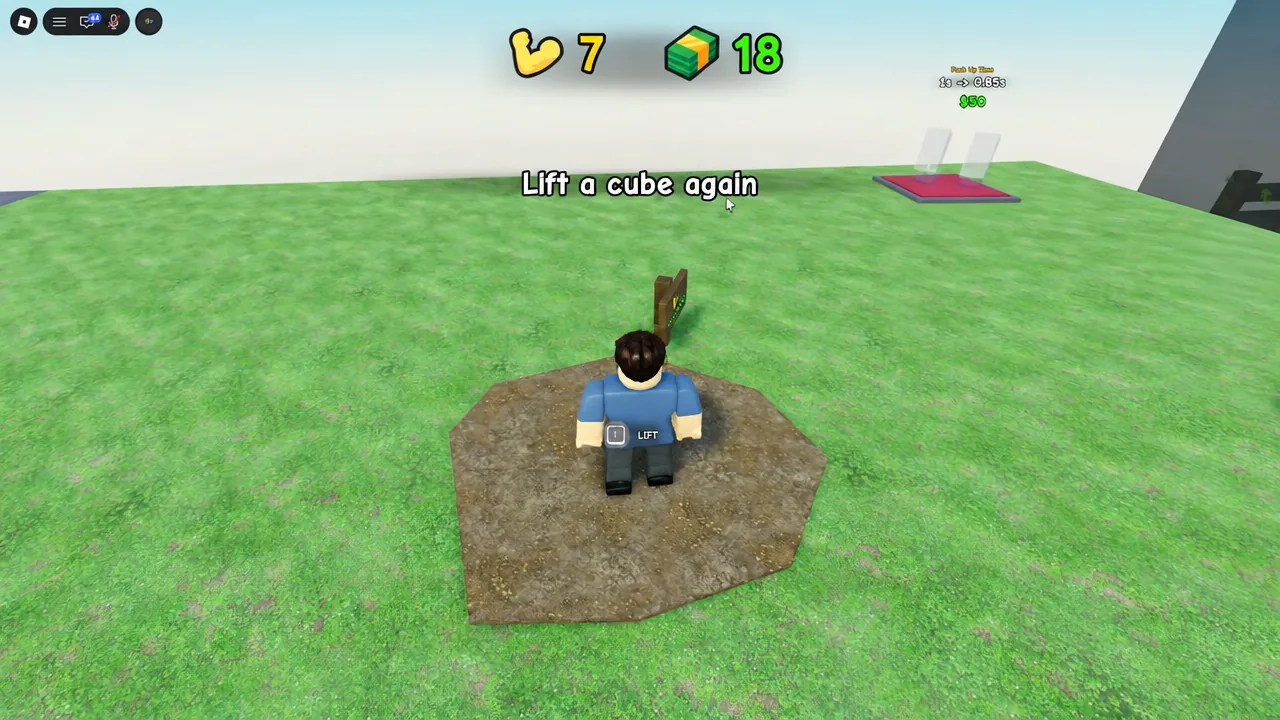
A completed lift has two visible cues. The cube goes overhead, and a Cash amount is added to your balance. If you only see one of those, the attempt did not resolve.
Failures come from a short list of causes. No LIFT prompt means you are outside the cube’s interaction range, so keep walking toward it. A bar that stops moving means your clicking stopped — the minigame needs continuous rapid input. A cube that wobbles but never rises means your Strength is still below what the cube wants, which is a training problem, not an input problem.
Note: weight and Recommended Strength readouts have shifted between updates, so trust the numbers printed on the cube in front of you over any list, including the Prism Cube’s requirement.
The whole run comes down to one decision repeated at every wall. When Strength gains plateau, the answer is almost never a longer training session — it is the next material tier, funded by farming the heaviest cube you can already put overhead. Get Illusion equipped, let the push-ups run, and the 1.22t Prism Cube becomes a formality.