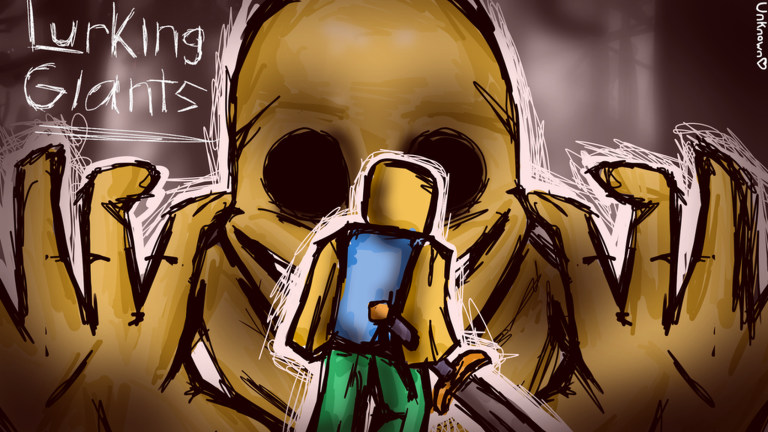
Lurking Giants drops players into a Backrooms-style survival horror match where one side hunts and the other hides. Codes from the developer hand out credits you can spend on new creatures to play as or gear that helps you last longer when the tables turn.
Working Lurking Giants codes
These codes are confirmed active right now. Redeem them before they get pulled, since the developer can disable any code without notice.
SORRYFORDELAYAGAIN— 200 credits25MILVISITS— 750 creditsBACKROOMS— 500 credits
How to redeem Lurking Giants codes
Codes are entered from a menu inside the match lobby, not through an external website.
Your credit total updates immediately in the Shop menu once a code goes through. If the number doesn’t move, double-check for extra spaces or a mistyped character before trying again.
Expired Lurking Giants codes
These codes no longer give out credits. Skip them and use the working list above instead.
10MILVISITSREDIESFAULTSORRYFORDELAYIMSOGULLIBLE
Where new Lurking Giants codes get announced
Codes are a fairly new addition to Lurking Giants, and the developer, Ultra Works, tends to release them alongside visit milestones or as an apology for delayed updates. The official Lurking Giants Discord server is the best place to catch announcements as they happen, since it also covers Ultra Works’ other Roblox projects.
A larger rework of Lurking Giants is planned for January 2027, and code drops have picked up pace in the run-up to it. Spend your credits on whichever creature or survival item catches your eye, since a fresh batch of codes tends to follow whenever the developer hits a new visit count.