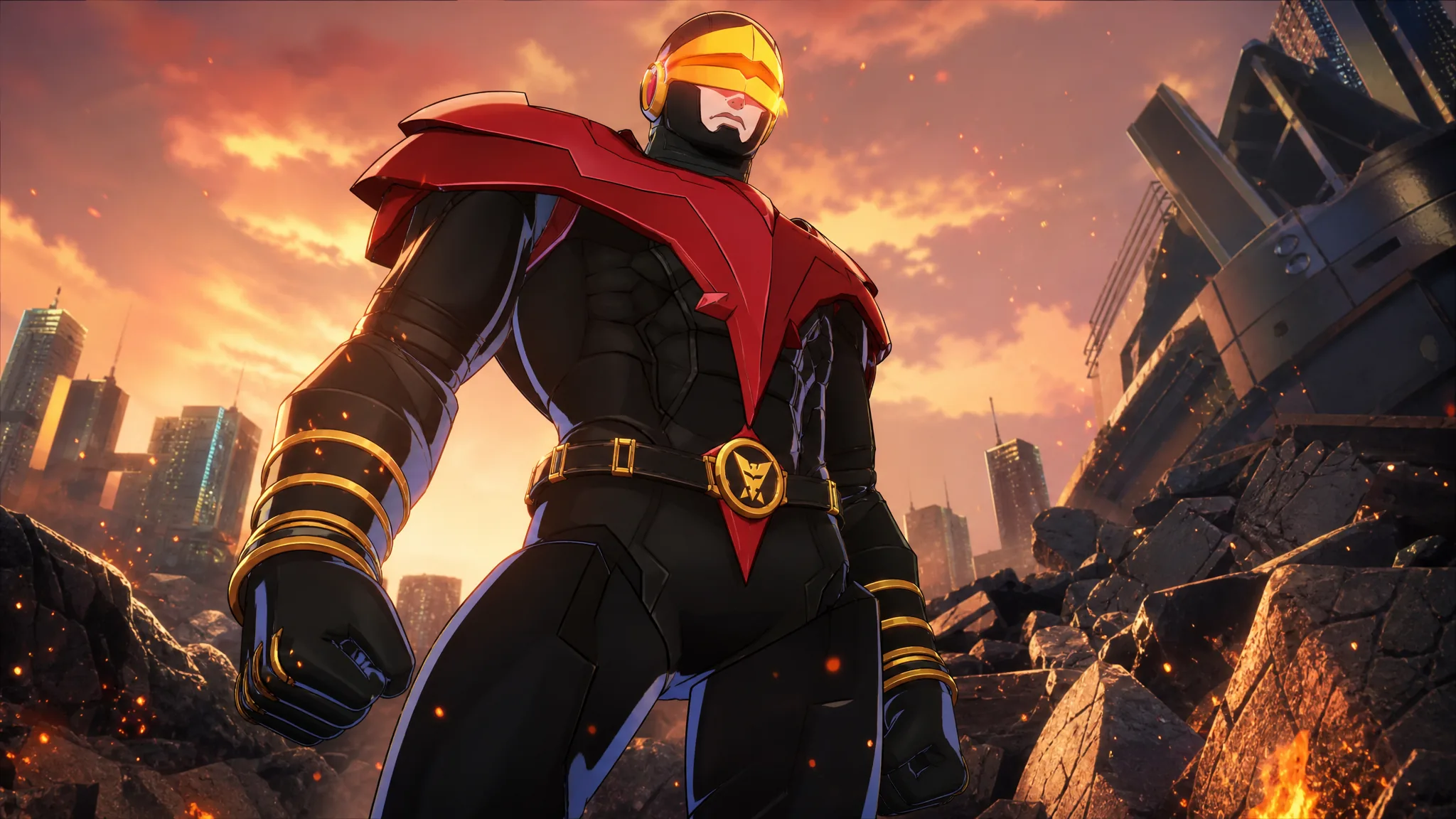
To mark the launch of Marvel Tōkon: Fighting Souls, PlayStation is handing out a free pack that adds five profile avatars and a set of result screen poses for the game’s heroes. The avatars themselves are the easy part. The one real hurdle is that you need an active PlayStation Plus membership to add the pack to your account.
Quick answer: Sign in to a PS5 or the PlayStation Store with a PlayStation Plus account, open the MARVEL Tōkon: Fighting Souls PlayStation Plus Pack, and add it for $0.00. The avatars appear in your profile picker after it downloads.
What the free pack includes
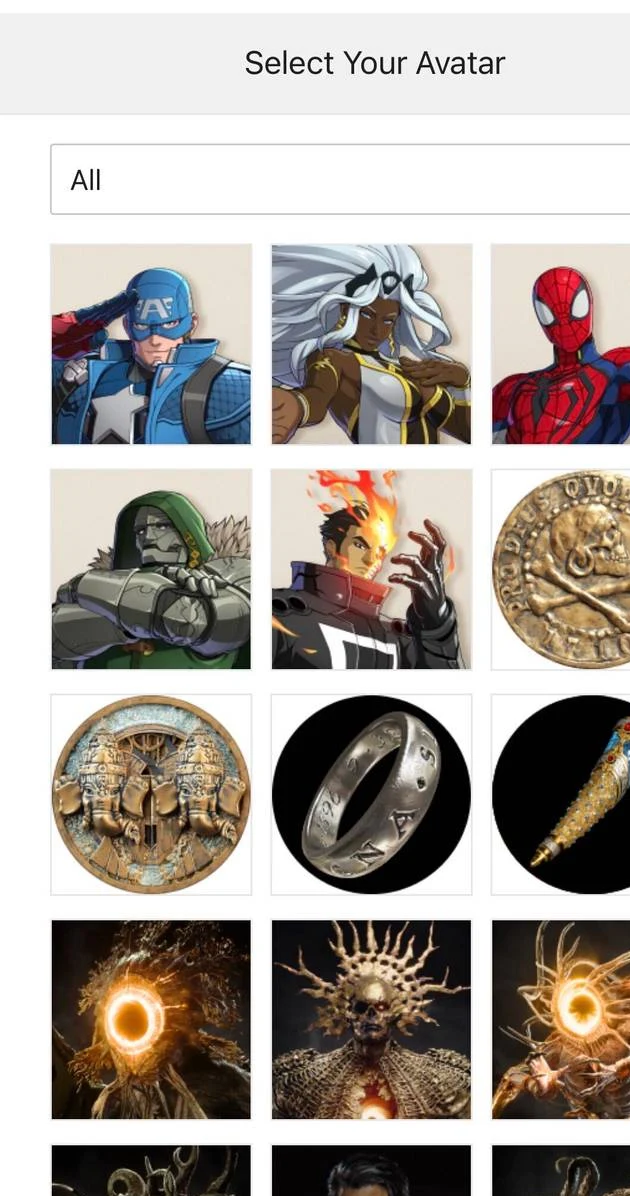
The bundle is split into two parts. There are five profile avatars you can set on your PlayStation account, plus a set of result screen poses that show up in matches for every hero in the roster. The avatars cover a mix of heroes and villains from the launch lineup.
| Item | Details |
|---|---|
| Profile avatars | Spider-Man, Captain America, Ghost Rider, Storm, Doctor Doom |
| Result screen poses | A pose set covering every hero in the game |
| Price | $0.00 |
What you need before claiming
The pack is free, but it is not open to everyone. The store listing sits behind a PlayStation Plus requirement, so you need an active membership on any tier to add it. There is one important split to know about.
| Requirement | Needed for |
|---|---|
| PlayStation Plus membership | Adding the pack to your account |
| A copy of Marvel Tōkon: Fighting Souls | The in-game result screen poses |
| No game required | The five profile avatars alone |
Note: The store listing asks for a copy of the game, but that condition applies to the in-game poses. You can still take the five avatars for your profile without owning Marvel Tōkon.
How to claim the avatars
How to set an avatar and confirm it worked
Once the pack finishes installing, go to your PlayStation profile and open the avatar picker. The five new Marvel Tōkon avatars sit alongside your existing ones, ready to select. If they show up in that list, the pack claimed correctly.
For the poses, boot up Marvel Tōkon: Fighting Souls and finish a match. The new result screen poses become available for the roster’s heroes once the pack is tied to your account.
Why the pack might not add
If the store blocks you from adding the pack, the usual cause is that the account you are signed in with does not have an active PlayStation Plus membership. Switch to your PS Plus account or renew the membership, then try again. If the avatars do not appear in your profile after the order goes through, give the download time to finish and reopen the avatar picker.