Marvel Tōkon: Fighting Souls is a 4v4 tag fighter from Arc System Works, and its free Open Beta gives you a large slice of the game before the full launch. You get most of the roster, several online and offline modes, and the opening chapters of the story. If you have never touched a fighting game, the beta is built to walk you in slowly.
Quick answer: Open the PlayStation Store on PS5 or Steam/Epic Games Store on PC, search for “Marvel Tōkon: Fighting Souls Open Beta,” download the client for free, sign in with a PlayStation Network account, and play between July 24 and July 26. No code, registration, or PlayStation Plus is required.
Open Beta dates and platforms
The test runs for exactly 72 hours across PlayStation 5 and PC. You can pre-load the client roughly two hours before servers go live, so install early to avoid queueing at launch.
| Detail | Information |
|---|---|
| Dates | July 24 to July 26, 2026 |
| Start | July 24, 12:00 AM PT (8:00 AM BST / 4:00 PM JST) |
| End | July 26, 11:59 PM PT |
| Platforms | PS5, Steam, Epic Games Store |
| Registration | Not required |
| PS Plus | Not required |
| Pre-load | About 2 hours before start |
An internet connection is mandatory, and every player must sign in with a PlayStation account, even on PC. There is no Xbox or Nintendo Switch version.
How to download on PS5 and PC
Note: PC players tend to see slower speeds during the launch rush, so pre-loading protects your playtime. If you hit a login error, wait a few minutes and try again rather than spamming the button, which only adds to server strain.
Pick your first hero using the Ease of Use rating
On the character select screen, each fighter shows an EASE OF USE rating in stars. More stars means the character is simpler to control, which is what you want when you are learning. A strong point of the game is that once you learn a character, you can rely on them for the whole match instead of juggling three at once.
Captain America, Ms. Marvel, and Wolverine are among the most beginner-friendly picks. Iron Man and Spider-Man are also relatively easy to learn. Storm and Danger sit on the advanced end and reward more practice before they click.
For team building, pair a close-range brawler with a long-range specialist. Wolverine’s aggressive melee, for example, works well next to Iron Man’s ranged pressure. That said, the best team is the one built from characters you actually enjoy, so start with your favorite and expand from there.
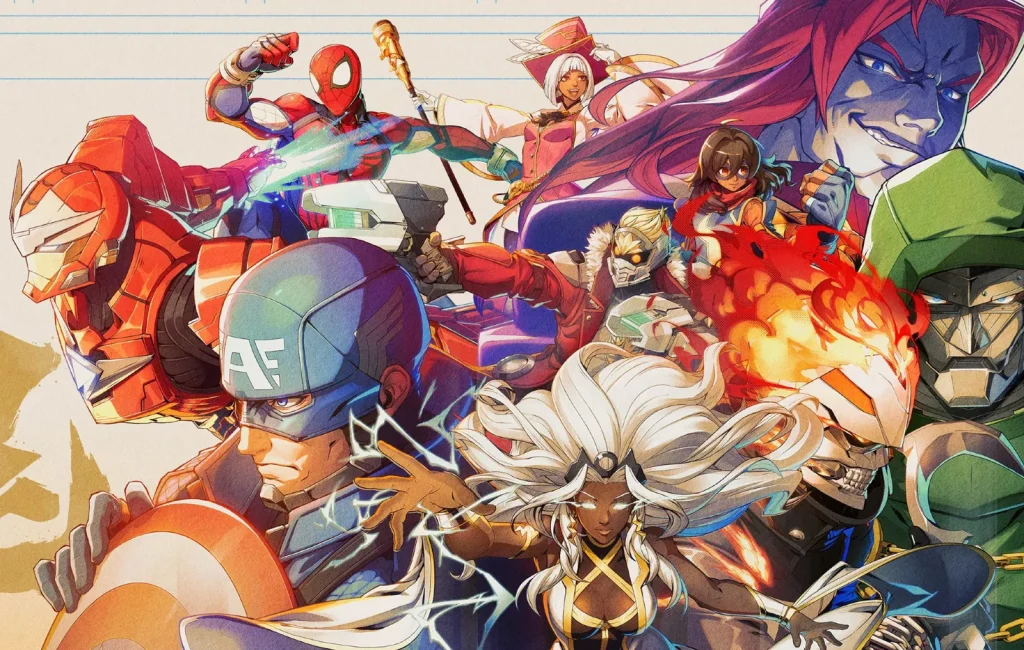
The beta includes 16 playable characters after Green Goblin was added shortly before launch.
- Black Panther
- Blade
- Captain America
- Danger
- Doctor Doom
- Ghost Rider
- Green Goblin
- Iron Man
- Magik
- Magneto
- Ms. Marvel
- Peni Parker
- Spider-Man
- Star-Lord
- Storm
- Wolverine
Start with Startup Battle to learn the basics
Startup Battle is the interactive tutorial, and it teaches the core mechanics step by step while you play as Captain America. It covers the three normal attacks, combos, skills, and character-specific moves through hands-on drills instead of text walls.
The tutorial splits into two parts. Basics focuses on what a single character can do, while Assemble introduces team play and cooperative actions. If you already know fighting games, you can skip Basics and jump straight to Assemble.
| Attack | Default button (PS5) |
|---|---|
| Light (L) | Square (□) |
| Medium (M) | Triangle (△) |
| Heavy (H) | Circle (○) |
Link Attacks make your first combos easy
The Link Attack system lets you chain hits by pressing the same button repeatedly, so you can land real combos without motion inputs. Each button opens a different route.
| Sequence | Result |
|---|---|
| L → L → L → L | Chains into a Skill and can trigger a Break (stage transition) |
| M → M → M | Leads into a powerful Super Skill |
| H → H → H | Leads into a stronger Ultimate Skill |
Once those feel natural, try a mixed route such as L → M → H → Skill → Assemble Rush → follow-up attack. Coordinating with teammates during a combo opens more damage and shows off the team-based side of the game.
Guarding and defensive team options
Defense matters as much as offense. Hold back (←) to stand-guard and down-back (↙) to crouch-guard. Once blocking feels comfortable, add two team-based defensive tools.
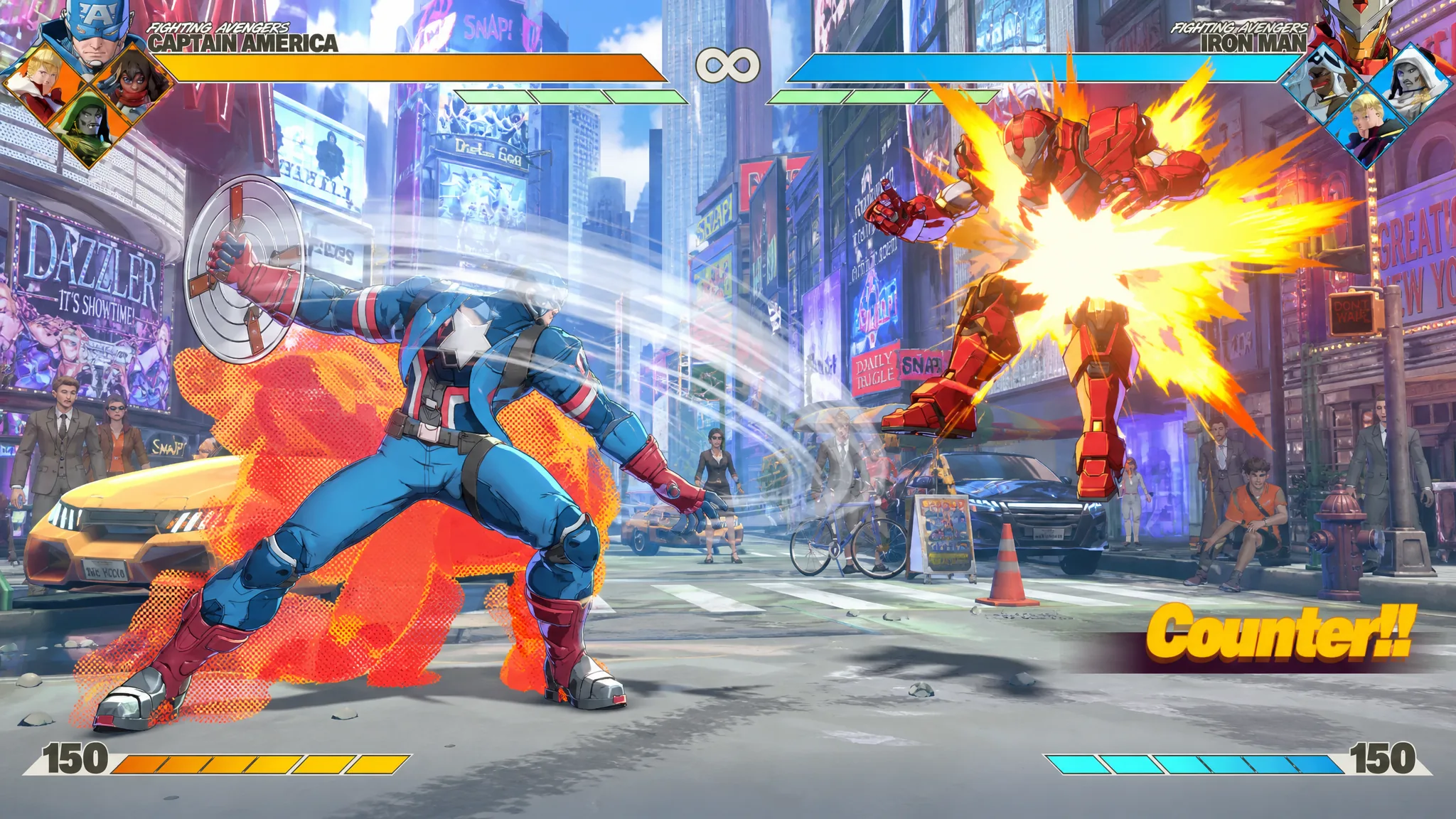
- Assemble Counter — press □ + × while not guarding. Your character backsteps, and if the opponent attacks during it, you launch an automatic counterattack.
- Crossover — press □ + × while guarding. A teammate rushes in to interrupt the opponent and create an opening for you.
Both can be practiced in Startup Battle, and both can flip a defensive moment into a comeback. Learning when to use each instead of simply blocking is what separates a good team from a great one.
Assists and character switching
Press × to call a teammate for an Assemble Assist attack. You can also switch characters with a directional input plus L2. The teammate you summon depends on the direction you hold.
| Input | Teammate called |
|---|---|
| Neutral or → | 2nd teammate |
| ↓ | 3rd teammate |
| ← | 4th teammate |
So ↓ + × calls your third teammate as an assist, while ← + L2 switches to your fourth teammate. Assists are easier to handle early on, so get used to those first. After calling an assist, a brief “Switch?” prompt appears, and pressing L2 during that window swaps you to that character for a seamless rotation.
Choose Quick Skills or Command Inputs
There are two ways to perform Skills. Command Inputs are the traditional motion inputs veterans expect, while Quick Skills fire the same moves with a single button press. Both give similar results, but Command Inputs deal slightly more damage and build more Skill Gauge.
If you are new, start with Quick Skills while you learn the fundamentals, then fold Command Inputs into your combos later for the extra reward. You can also remap the Quick Skill button in the control settings.
Modes, stages, and story in the beta
The beta is far more than online matches. Matches play out as 4v4 team battles in a best-of-five round format, with both teams sharing a single Vital Gauge. Each round begins 2v2, and the rest of your team joins as you trigger stage transitions, win rounds, or corner the opponent.
- Online — Casual and Ranked matches.
- Open Lobby — a social hub where you pick an avatar and start matches at arcade cabinets.
- Local Versus — offline play against a friend on the same system.
- Training Mode — practice movement, assists, and combos with no pressure.
- Startup Battle — the guided tutorial.
- Episode Mode — the first three chapters of the Amazing Guardians storyline, told through motion comics where Spider-Man begins forming his team to face the Champion.
Six stages are playable, giving you a feel for the game’s presentation and match flow.
- Knowhere
- Marvel’s New York (Day)
- Marvel’s New York (Night)
- Savage Land
- Wakanda
- X-Mansion
PC system requirements
If you are playing on PC, check your hardware against these targets. Both tiers need DirectX 12 and 60 GB of storage.
| Component | Minimum | Recommended |
|---|---|---|
| OS | Windows 10 (64-bit) | Windows 11 (64-bit) |
| Processor | Core i5-6600K / Ryzen 3 1200 | Core i7-8700K / Ryzen 5 3600 |
| Memory | 8 GB RAM | 16 GB RAM |
| Graphics | GTX 1060 (6 GB) / RX 580 | RTX 2070 / RX 6700 XT |
| Storage | 60 GB | 60 GB SSD |
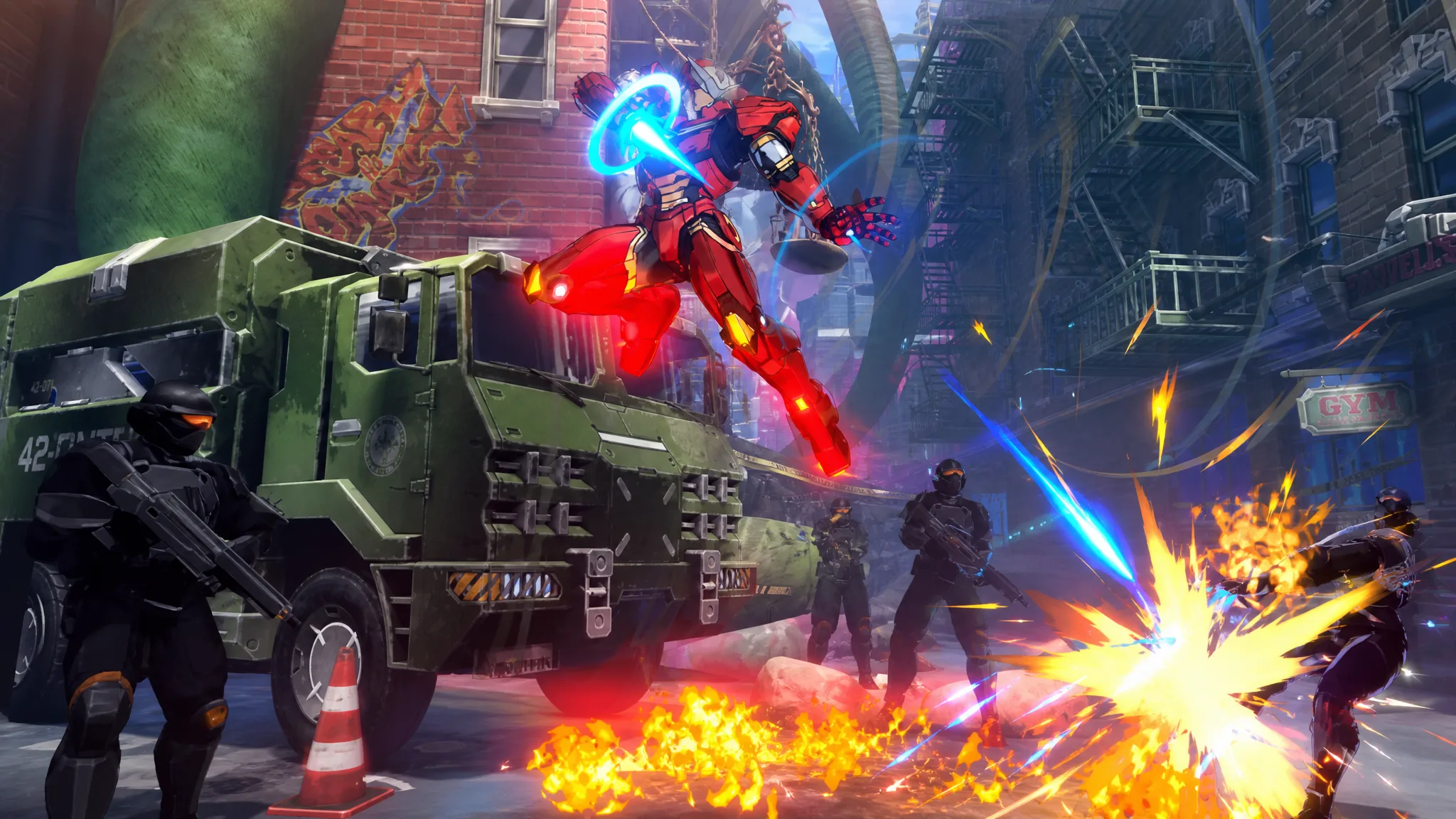
If you see stuttering, lower shadows and anti-aliasing first, since the beta build is not fully optimized. Enabling any available crossplay setting also widens the pool so matchmaking finds opponents faster during off-peak hours.
Progress made during the test, such as ranked points or cosmetics, does not carry into the final release, so treat these three days as pure practice. The full game arrives August 6, 2026 on PlayStation 5 and PC, with Phoenix Cyclops confirmed as the first Year 1 DLC character. For now, run Startup Battle, pick a favorite hero, and use the training tools to learn at your own pace before the servers close.