Maybe Tomorrow I’ll Open the Door: How to Get All Badges (Full Guide)
Every badge trigger in the Roblox game, from the food and minigame unlocks to the hidden glitch and the final phone call.
Every badge trigger in the Roblox game, from the food and minigame unlocks to the hidden glitch and the final phone call.
by AllThingsHow Staff
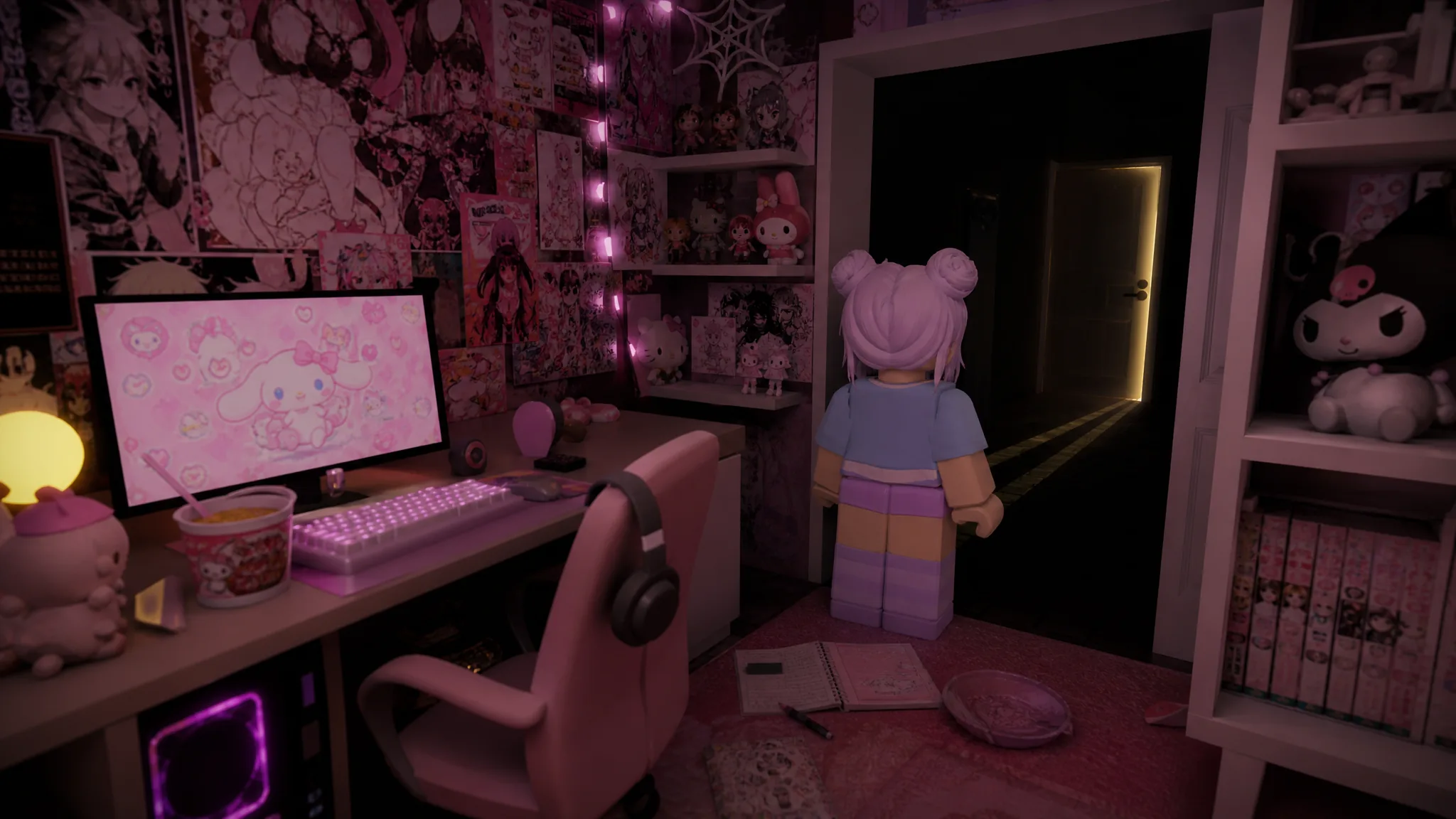
Almost every badge in maybe tomorrow ill open the door is hidden inside a single cluttered, pink anime-themed bedroom. You earn them by interacting with objects, eating food, clearing three PC minigames, and finding one spot the game does not want you to reach. Only the last badge sends you out of the room and down a red hallway.
Quick answer: Collect the food, book, and secret badges around the bedroom, open the PC to clear Catch Hearts (50 points), Strawberry Pop (25 pops), and Mochi Pet (full happiness), then leave through the door and answer the ringing rotary phone at the end of the hallway. The donation badge is bought separately from the game’s Roblox store page.
Full badge list and triggers
Each badge fires the moment you meet its exact condition, and a “Badge Awarded” notification pops up on screen. If a badge does not appear, the trigger did not fully complete, most often because a minigame score fell short or you left the interaction early.
Badge
How to trigger it
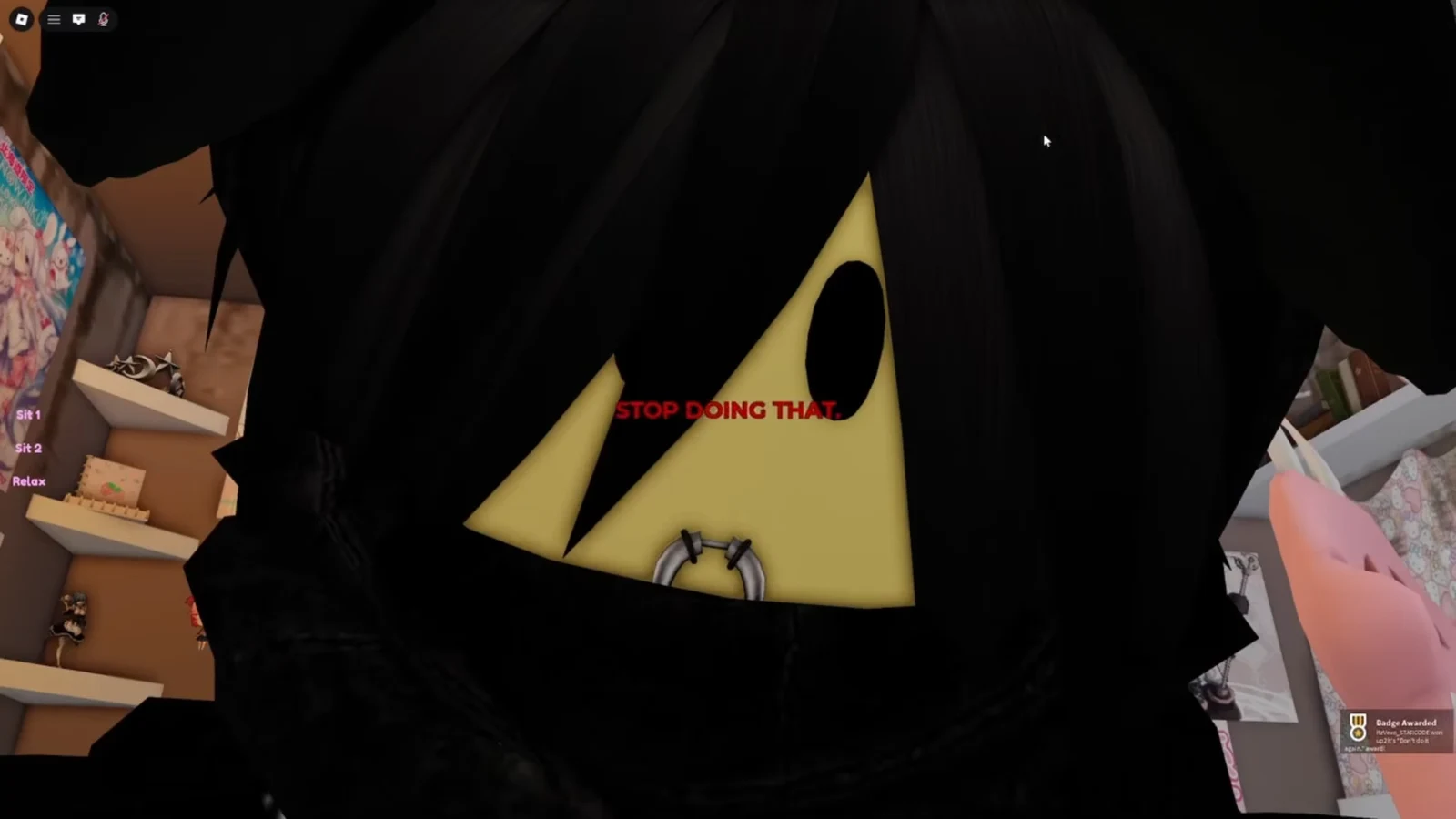
Stop (“STOP DOING THAT.”)
Zoom your camera all the way into your avatar’s face.
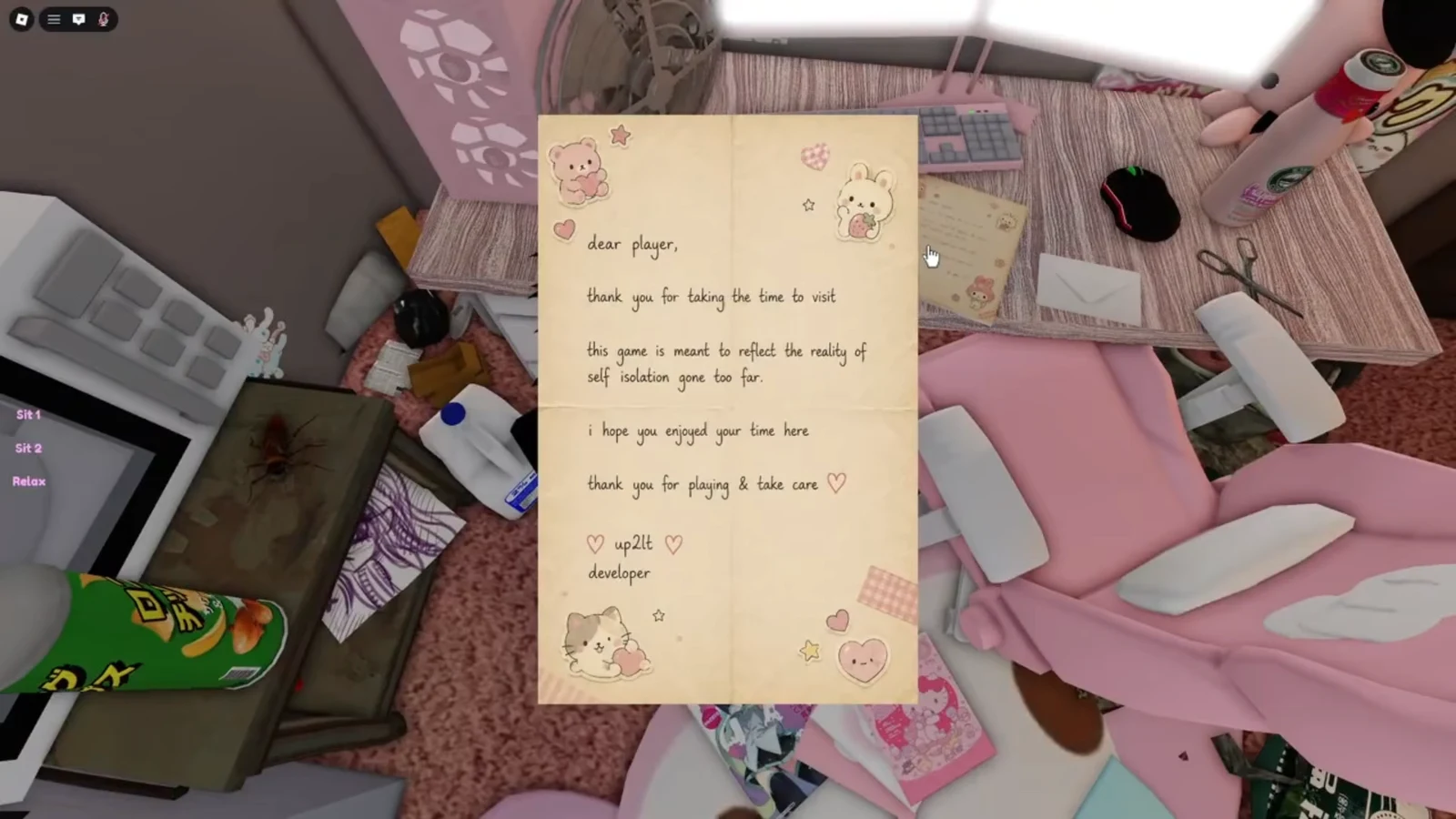
Developer’s Note
Click and read the handwritten letter on the study desk.
Mayo
Open the fridge, select Mayo, grab it, and eat it.
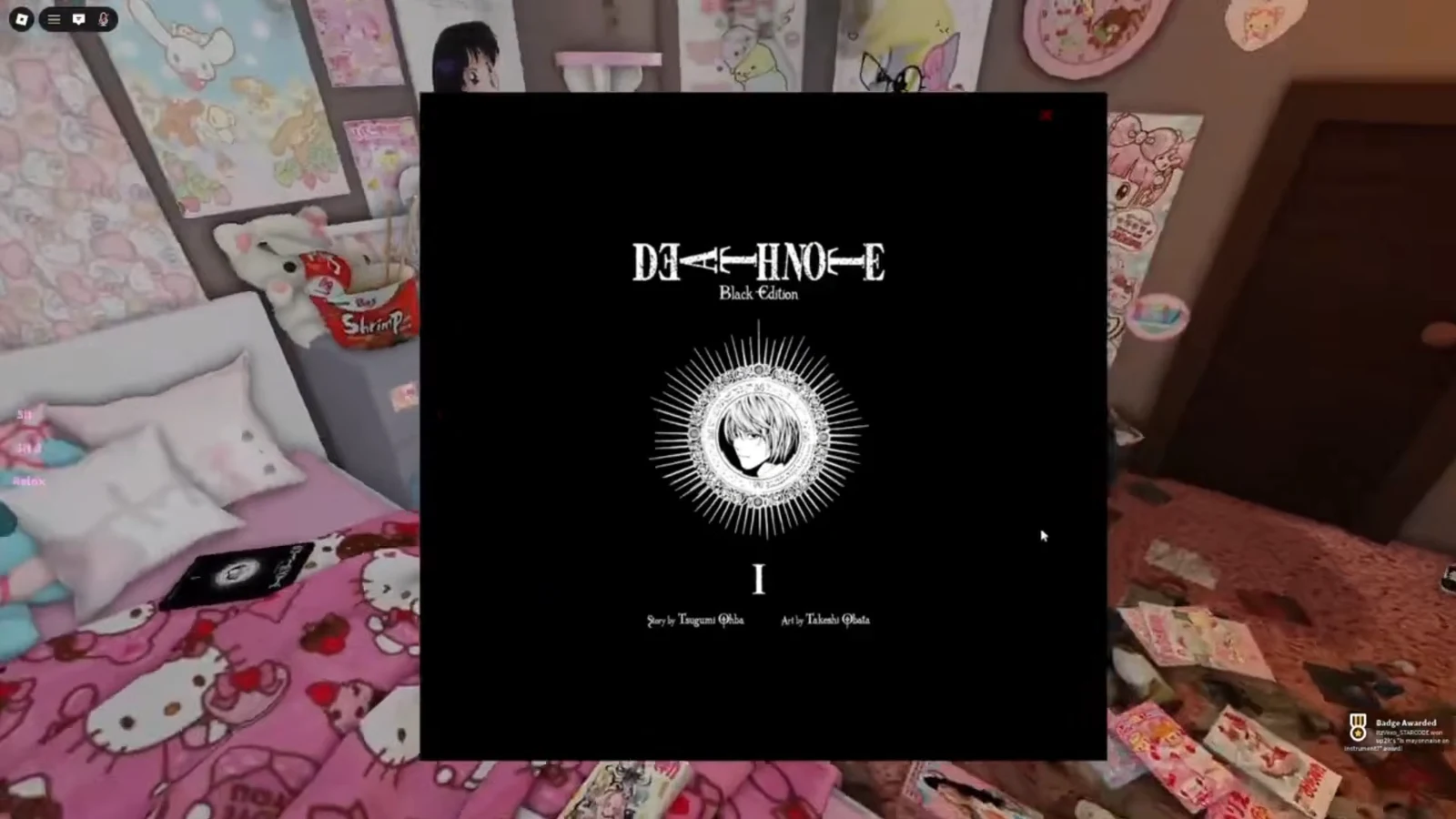
Manga
Open the Death Note book on the bed and flip through its pages.
Chips
Eat the chips by the microwave several times.
Door refusal
Interact with the exit door repeatedly until the jumpscare plays.
You weren’t supposed to do that
Grab the large ice cream, then drop into the gap behind the PC.
Heart Rx
Play Catch Hearts on the PC and reach 50 points.
Strawberry Pop
Play Strawberry Pop on the PC and pop 25 strawberries.
Mochi Pet
Play Mochi Pet on the PC and fill the cat’s happiness meter.
Squishie
Grab the blue Squishie block from the white bookshelf.
Ramen
Pick up and eat the cup of ramen on the floor near the bookshelf.
Phone
Follow the red hallway and answer the ringing rotary phone.
Donation
Buy the donation pass on the game’s Roblox store page.
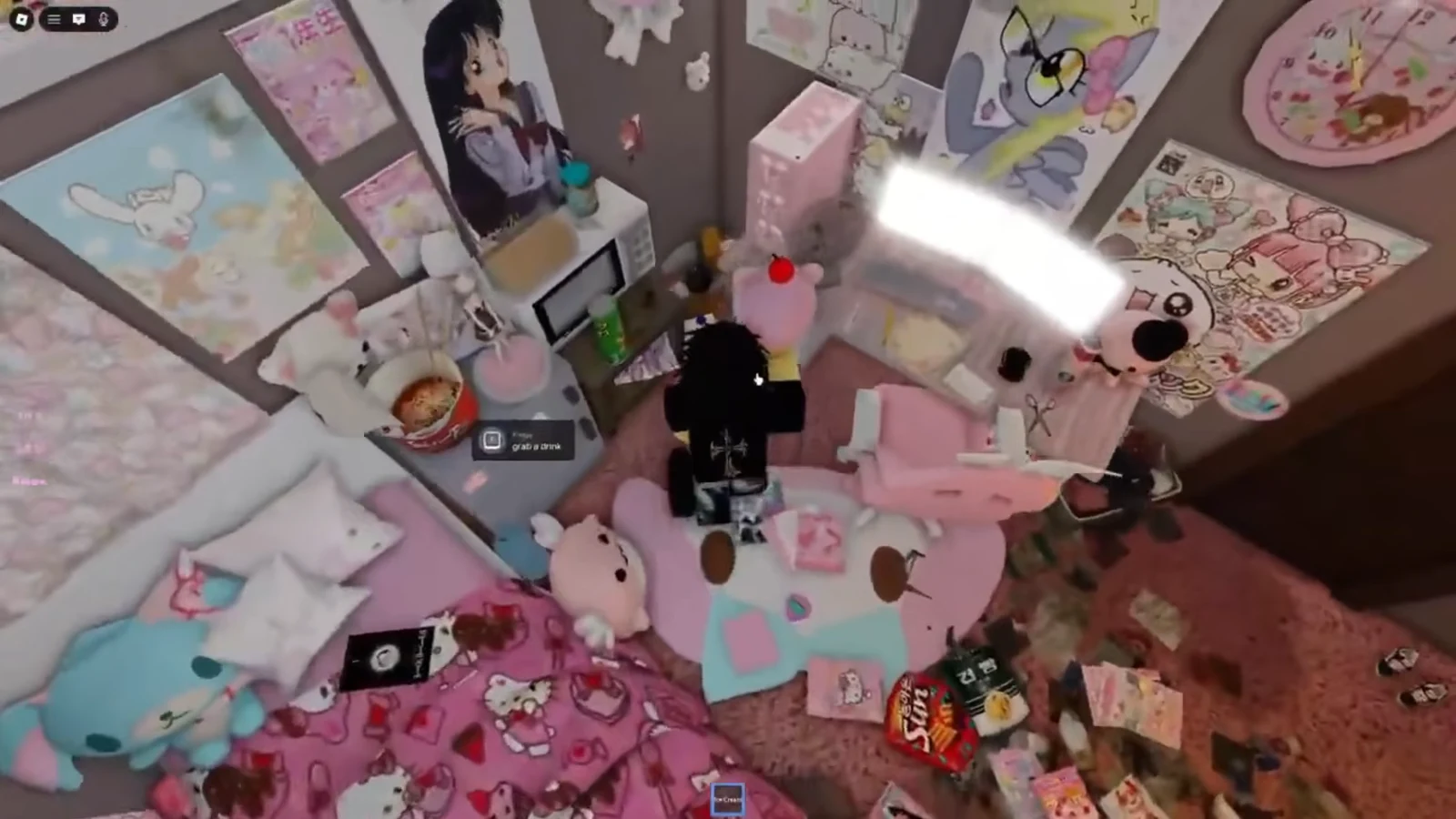
Push your camera in as close as it will go on your avatar’s face. The screen flashes the red “STOP DOING THAT.” warning and the Stop badge unlocks.
00:22Zooming fully into your avatar's face triggers the red "STOP DOING THAT." warning and the badge. Image credit: up2lt / via @itzvexo. Shown at 00:22 in ItzVexo’s video.
Go to the bed and click the Death Note book. Flip through several pages, then close it to earn the Manga badge.
01:47The Death Note: Black Edition book on the bed is the one you flip through for the Manga badge. Image credit: up2lt / via @itzvexo. Shown at 01:47 in ItzVexo’s video.
Open the fridge again and grab the Super Large Ice Cream (also shown as Beary Large Ice Cream). You need it equipped for the trick to work.
03:15Grab the oversized treat from the fridge before wedging into the gap behind the desk. Image credit: up2lt / via @itzvexo. Shown at 03:15 in ItzVexo’s video.
Climb up the PC setup and drop into the tight gap behind the desk. Equipping and unequipping the ice cream helps you clip into the space if you get stuck.
When you slip through, an “Error” screen reading “Your account registered as dead” and “You weren’t supposed to do that.” appears, and the hidden badge unlocks.
PC minigame badges: Heart Rx, Strawberry Pop, Mochi Pet
All three of these badges come from the computer. Interact with the PC, open Mini Games, and pick each one in turn. Every badge here needs a completed target, so do not stop early.
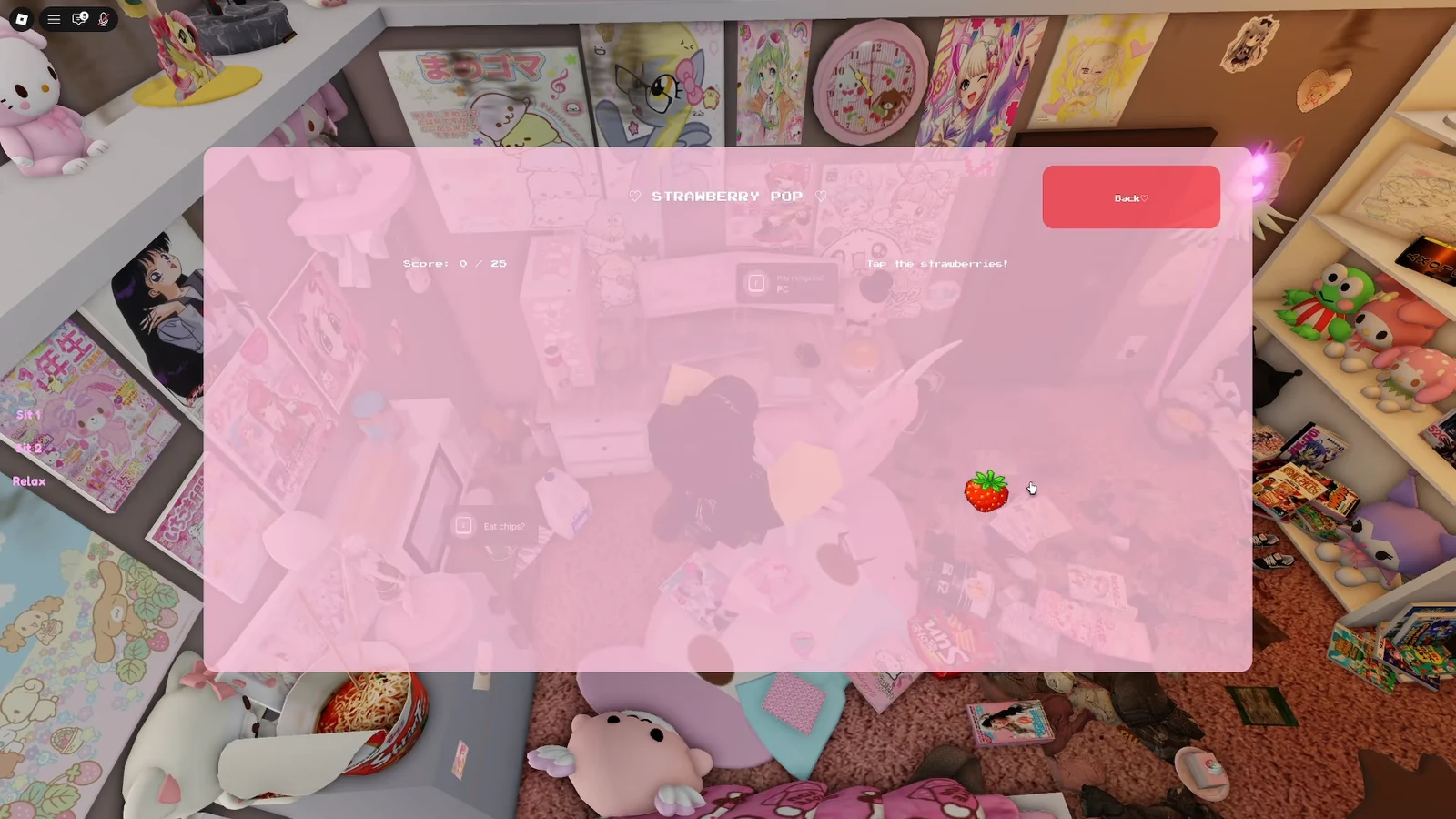
Return to Mini Games and choose Strawberry Pop. Pop 25 strawberries to complete the round and earn the Strawberry Pop badge.
04:38Tap strawberries in the Strawberry Pop minigame until the score reaches 25. Image credit: up2lt / via @itzvexo. Shown at 04:38 in ItzVexo’s video.
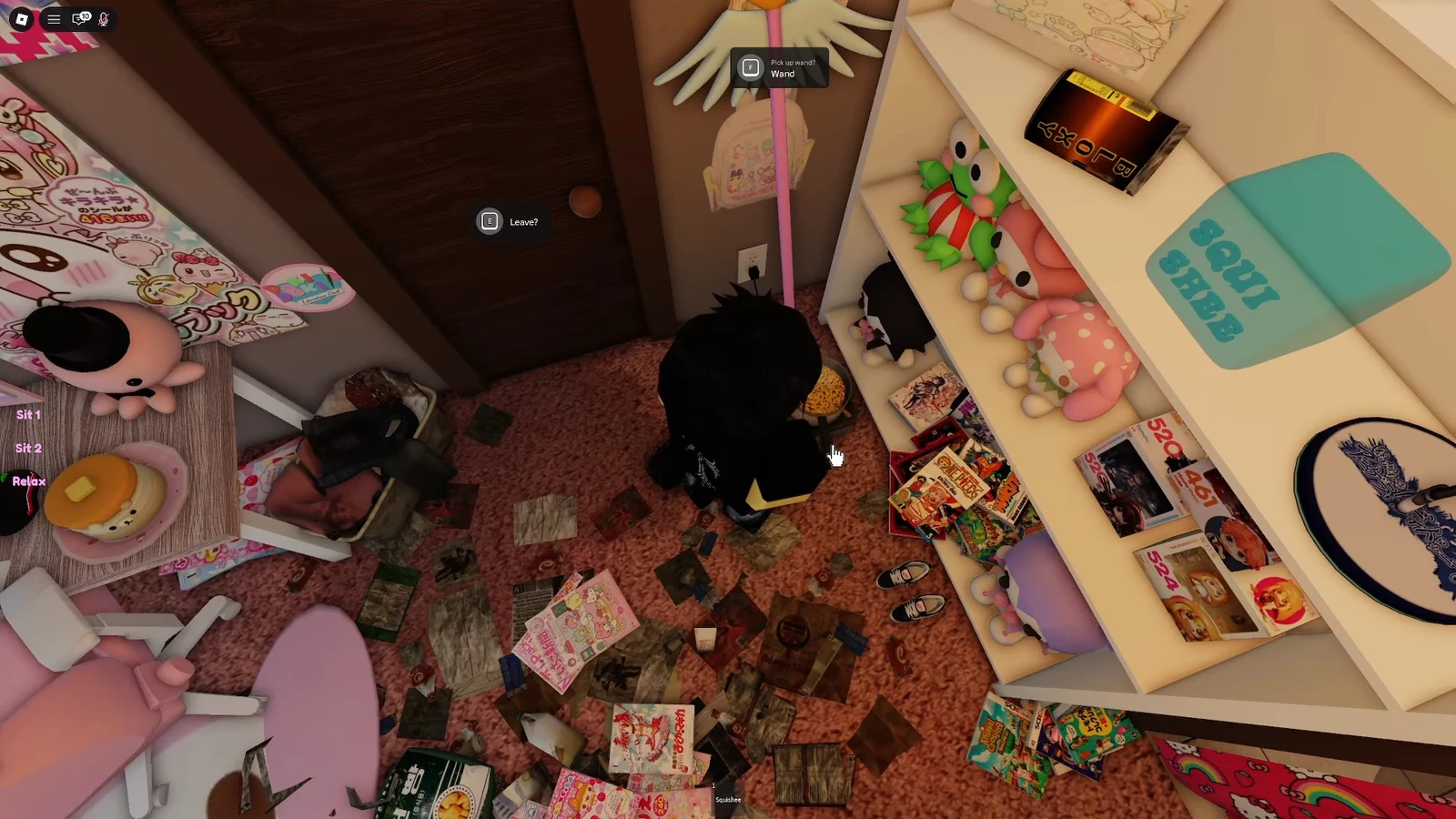
Look on the floor near the same bookshelf for the cup of ramen. Pick it up and eat it to earn the Ramen badge.
05:39Small items around the shelving unit, like the Squishie block and the ramen on the floor, each grant a badge. Image credit: up2lt / via @itzvexo. Shown at 05:39 in ItzVexo’s video.
Interact with the ringing rotary phone waiting there. Answering it unlocks the Phone badge, the last one you find inside the game.
Donation badge
The donation badge cannot be triggered in the room. It is granted when you buy the donation pass from the game’s store page, so it only unlocks after the purchase goes through.
Every badge you earn shows the “Badge Awarded” pop-up in the moment and then appears on your Roblox profile under the game’s badges. If one is missing, revisit that trigger and make sure the interaction or minigame reached its full condition before you moved on.