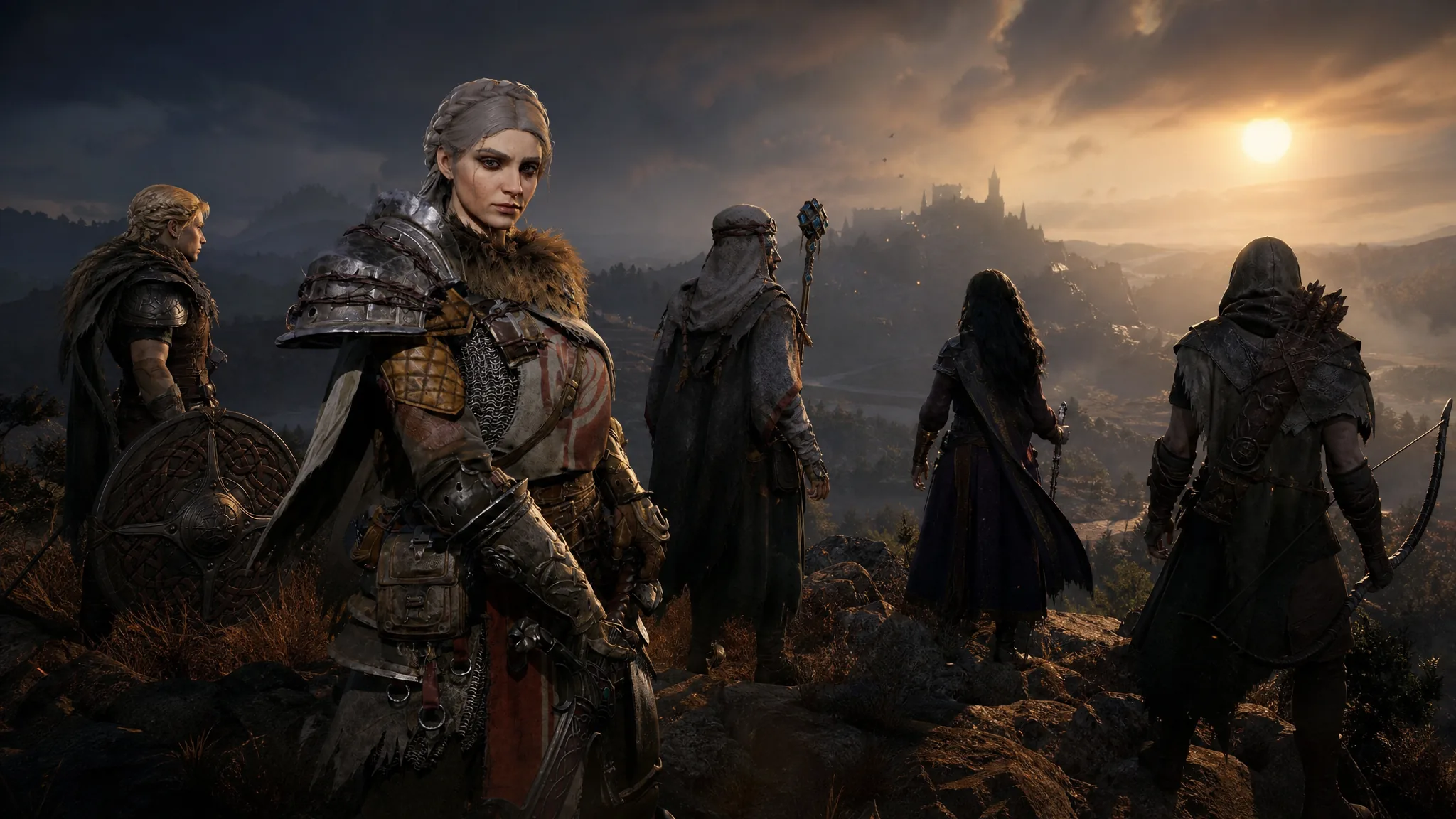
Mistfall Hunter is handing out free in-game items through Twitch Drops, and the setup is simple. You link your game account to Twitch once, watch eligible livestreams, and claim each reward as your watch time adds up. The current campaign runs from July 30 to August 5, 2026, and the first item lands after just 30 minutes.
Quick answer: Link your Mistfall Hunter account to Twitch at mistfallhunter.com/twitchdrops, watch any stream in the Mistfall Hunter category that shows the Drops Enabled tag, then claim each reward in your Twitch Drops inventory before the campaign ends on August 5, 2026.
All Mistfall Hunter Twitch Drop rewards and watch times
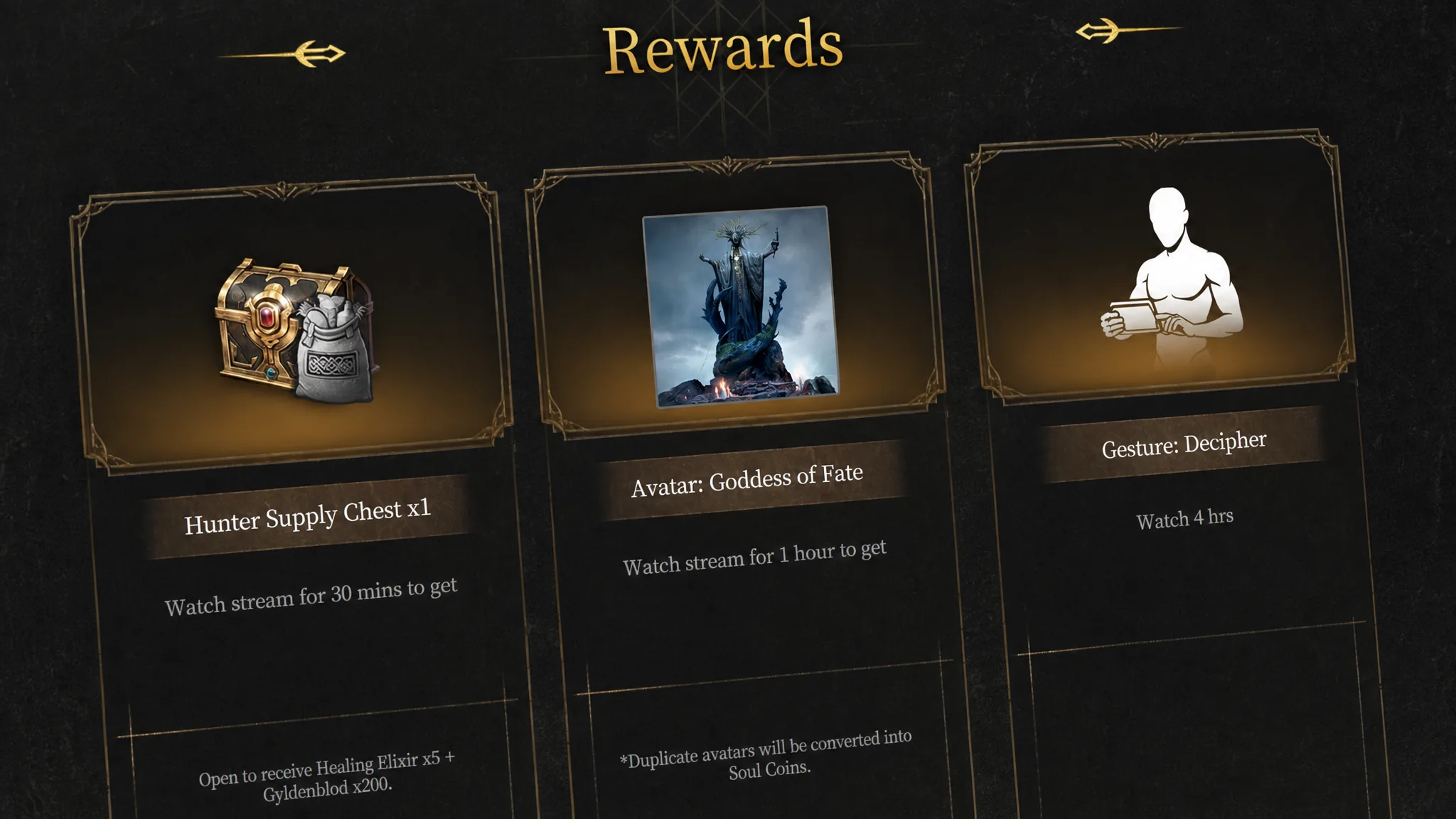
Watch time is cumulative, so you keep progress as long as you stay logged in and keep an eligible stream open. Three rewards drop from any Mistfall Hunter channel. Two more are tied to listed partner streamers, so you must be watching one of those channels for their progress to count.
| Reward | Watch time | Eligible channels |
|---|---|---|
| Hunter Supply Chest (Healing Elixir x5, Gyldenblod x200) | 30 minutes | Any |
| Avatar: Goddess of Fate | 1 hour | Any |
| Excellent Weapon Selection Chest | 1 hour | Partners only |
| Material Lucky Chest | 2 hours | Partners only |
| Gesture: Decipher | 4 hours | Any |
The Hunter Supply Chest is the fastest grab and gives you healing items plus currency to soften early runs. If you already own the Goddess of Fate avatar, a duplicate is converted into Soul Coins automatically, so the watch time is never wasted. Reaching all five rewards means roughly four hours of total viewing, split between general channels and partner channels.
Campaign window: When the drops end
The active campaign starts July 30, 2026 at 1:00 AM UTC and ends August 5, 2026 at 12:59 AM UTC. Any unclaimed progress and unclaimed drops expire when the window closes, so watch and claim before that deadline. Each individual reward also has its own claim timer once it unlocks, giving you about 24 hours from the notification to lock it in.
How to link your account and earn the drops
How to confirm your rewards arrived
A drop is successfully claimed when it shows as claimed in your Twitch Drops inventory. In the game, the items land in your in-game mail. If they do not appear right away, log out and back in to force an update, which pushes any pending mail to your character.
Delivery can take up to 24 hours after claiming, and launch periods may push that out further. Cosmetic rewards such as avatars and gestures are attached to the linked account. After the game’s official release, logging in with the same account restores every cosmetic earned during the event through mail.
Why drops sometimes fail to track
Most missed rewards trace back to a handful of fixable causes. Check these before spending time troubleshooting.
- The Twitch and Mistfall Hunter accounts were never linked, or the link silently failed.
- You were not logged into Twitch, or you watched a recorded VOD instead of a live stream.
- The stream did not have the Drops Enabled tag, so no progress accumulated.
- You tried to earn a partner-only reward on a general channel. The Excellent Weapon Selection Chest and Material Lucky Chest only progress on listed partner streams.
- You reached a milestone but never pressed Claim, so Twitch never sent the confirmation to the game servers.
If the linking page loops or shows an error, try it in a private or incognito browser window to clear stale cookies, and make sure your game server region matches the account you are linking. Each drop can only be redeemed once per account, so already-claimed items will not appear again. With the accounts connected and an eligible stream open, all five rewards are within reach before the August 5 cutoff.