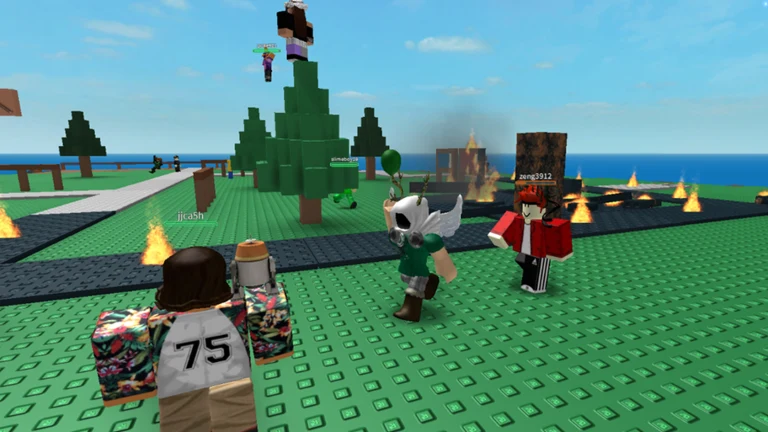
Natural Disaster Survival’s concealed quest is beneath the game’s waiting lobby and is separate from the three-animal rescue objective from the 2011 era. Go below, enable hat collection at the monitor, and return hats found in standard disaster rounds to the Donation Box. Completing this grants the Hat Donation Box secret badge and the Personal Safety Spikes accessory.
Quick answer: Drop onto the grey podium under the lobby’s blue staircase, change canCollectHats from false to true on the monitor, then deposit hats into the Donation Box until the shared bar fills (around 20 hats).
What you need before the room opens
Access to the hidden route depends on event progress rather than anything done in Natural Disaster Survival. Visiting the 2011 lobby and completing the animal rescue are not enough to open it. Verify each requirement below first.
- All 20 main quests in The Hunt: Roblox 20 completed, with Year Infinity unlocked.
- Before entering the experience, use the hub to follow the Natural Disaster Survival clue.
- Use a public server; the hat system is unavailable in private servers.
- Time on the clock. The event runs until September 28 at 1 p.m. ET.
The secret quests became available on September 19, in addition to the standard era objectives. After solving the clue, enter the Natural Disaster Survival experience directly.
Open the underground room under the lobby podium
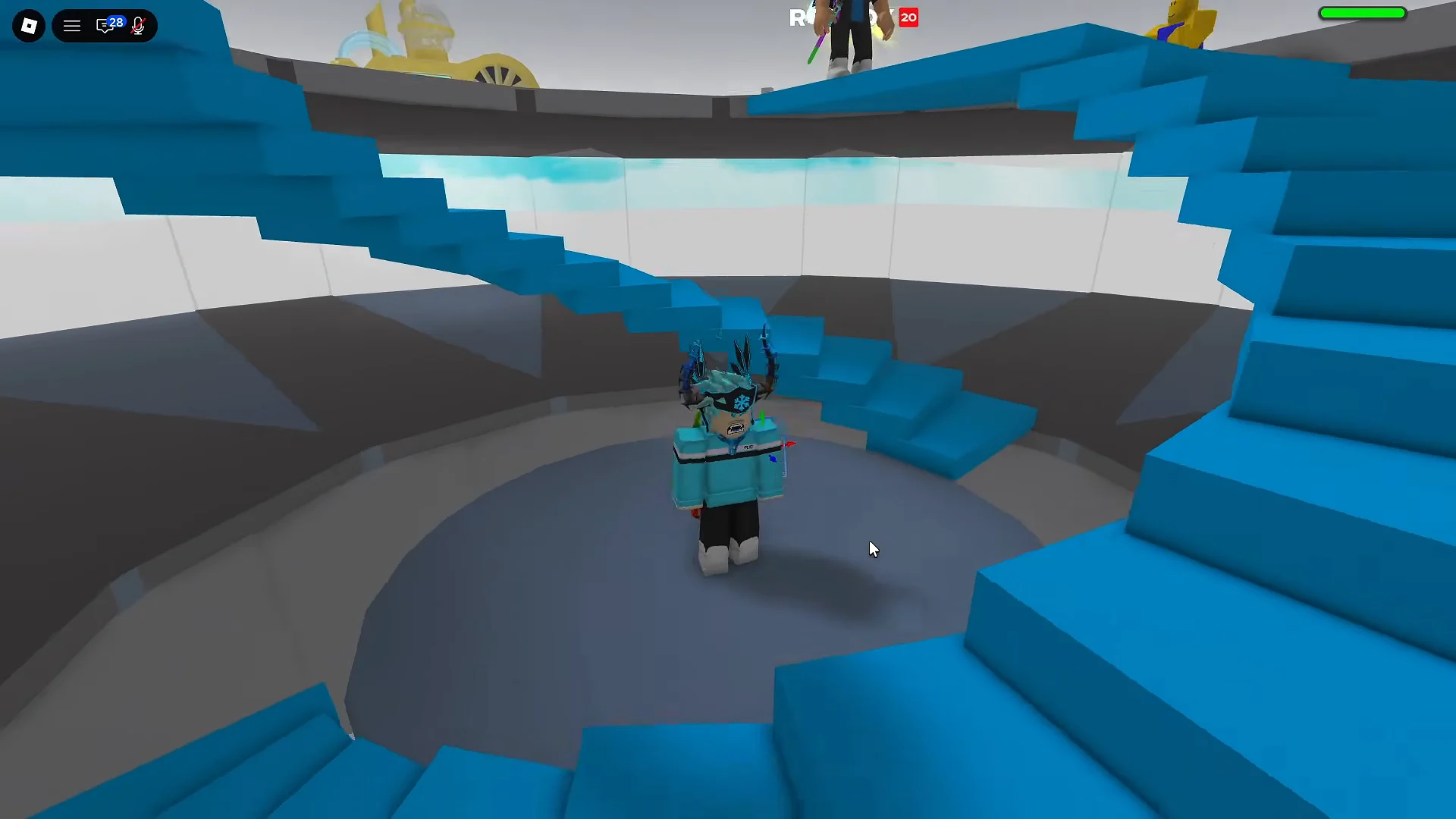
Switch on hat collection at the monitor
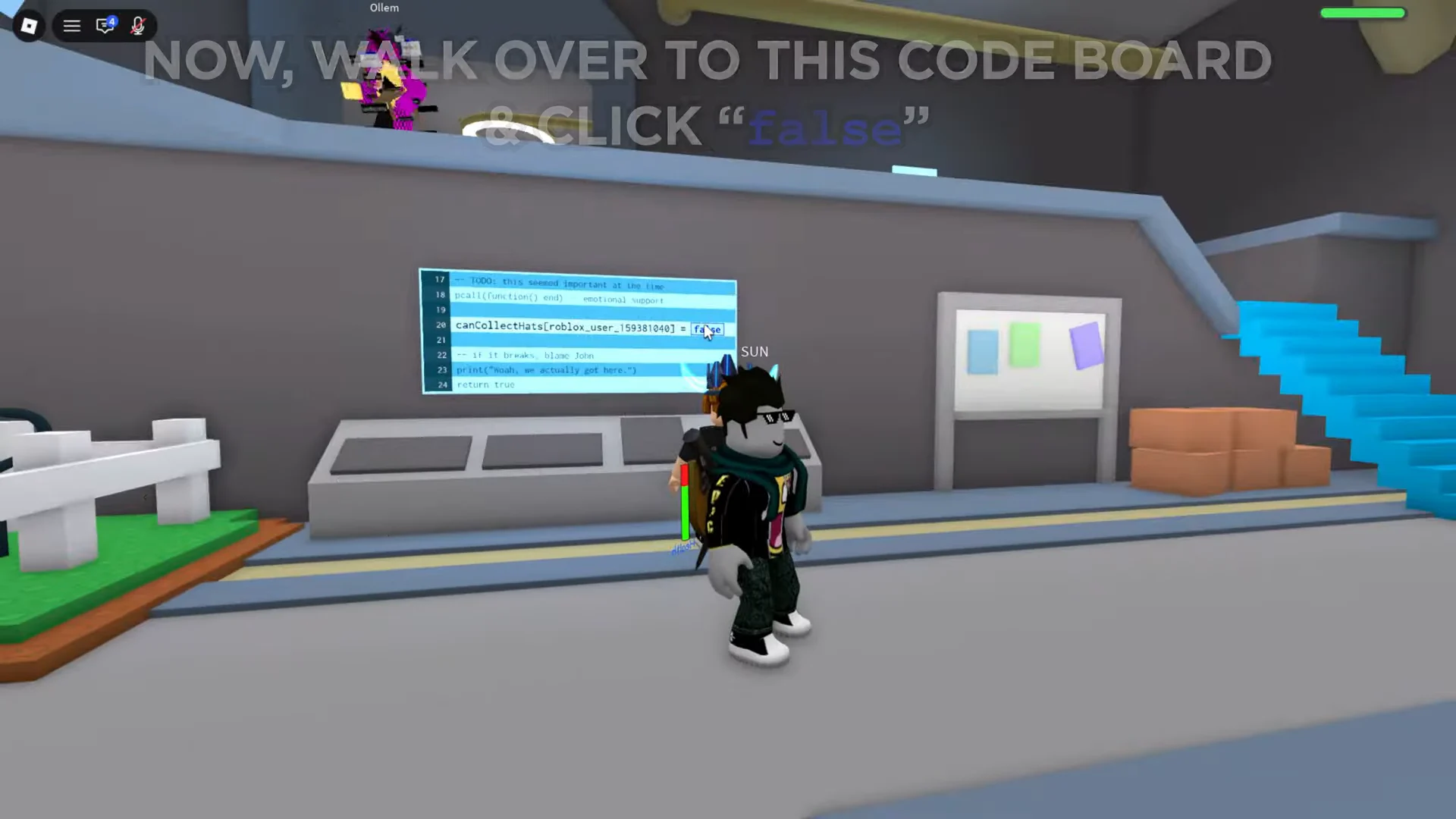
canCollectHats[YourUsername] = false. This is the value you need to change, and it starts disabled for the account you are playing on.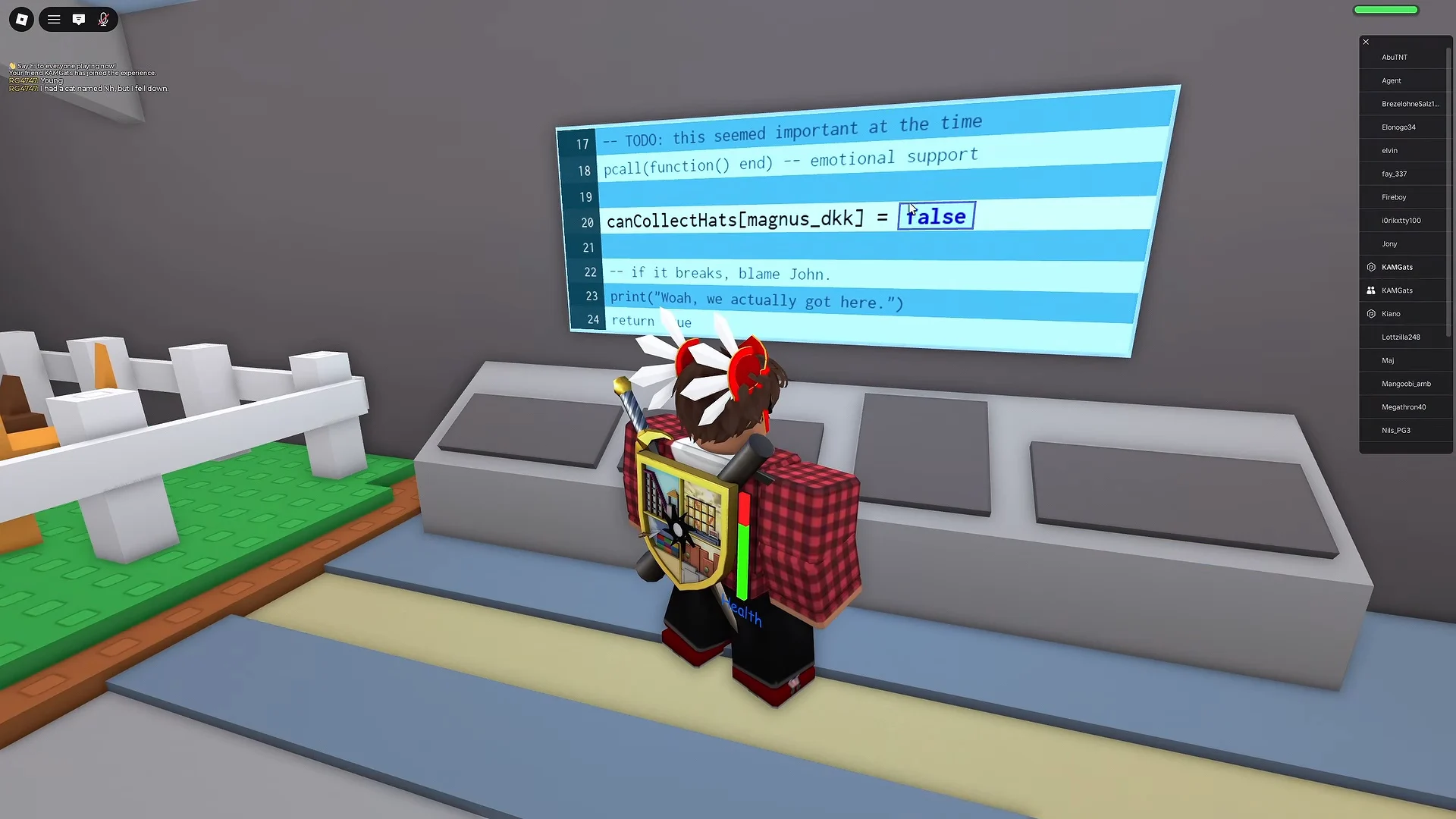
false entry, erase it, and replace it with true. This one change activates the quest. Hats neither appear nor count until the line shows true for the account you are using.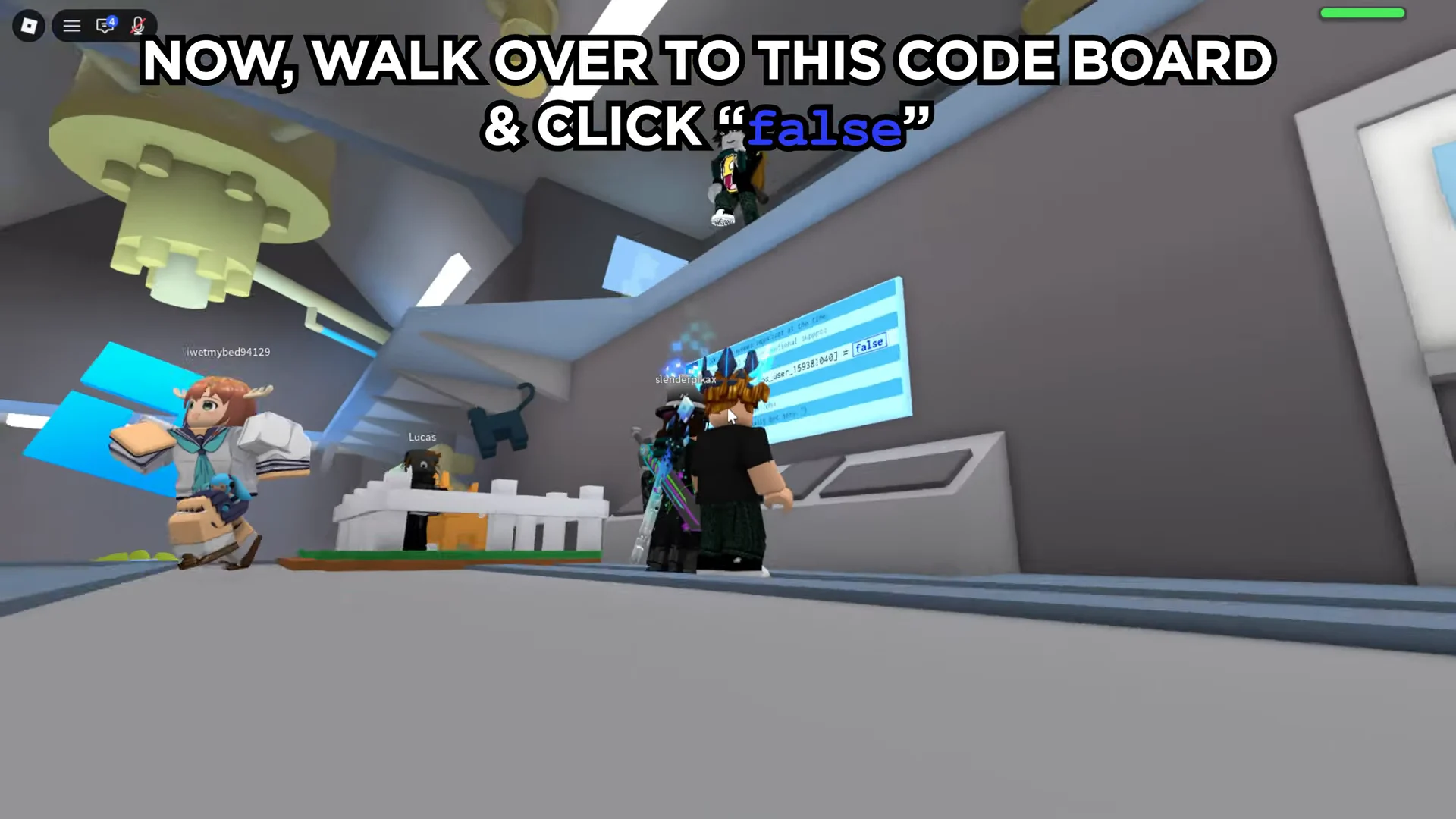
Reaching the Donation Box by itself has no effect. Unless you change the monitor before leaving, all hats pursued afterward are wasted.
Collect hats and feed the Donation Box
Hats appear during standard rounds on the regular disaster maps. No special mode or dedicated map is required. Two things can place a hat on the ground ahead of you.
- A player dies, suffers disaster damage, resets, or exits the server during the round.
- During a round, hats appear at random locations across the map.
The 2011 rescue task limits animals, but hats are not capped per round. Running over a hat equips it automatically, and a busy server can realistically let you collect three in one round. Reach the round’s end with your collected hats, since dying before then drops everything you have.
All server players share the contribution total, allowing everyone who deposits hats to advance the star meter together. The stated goal is 20 hats, although some sessions make the box require up to 25 before awarding the reward. At 20, begin checking for the award and continue depositing until it activates.
Choose a busy public server over a quiet one. A larger player count produces more deaths and resets, leaving additional hats on the ground each round.
Confirm the secret badge unlocked
After the meter reaches 100 percent and you have supplied at least one hat, the glass case visibly fills, confetti appears, and a badge alert shows on-screen. On your Roblox account, the badge is named Roblox 20 Secret Quest – Hat Donation Box.
Wait for that notification before leaving the server. The game and hub exchange progress in the background, so disconnecting during that transfer can make a finished objective look unfinished when you rejoin.
Claim Personal Safety Spikes in the 2011 hub
The badge is distinct from the wearable item. Because the accessory is not granted in the underground room, searching there after the final deposit is pointless.
Should the podium show a “Failed to check badges” message, dismiss it and continue selecting Claim until the award succeeds.
If the count is not moving
Work through these before restarting a collection run.
| Symptom | What to check |
|---|---|
| Room will not open | 20 main quests done, Year Infinity unlocked, hub clue followed |
| No hats appearing | Monitor value set to true; you are on a public server |
| Counter stuck | Hats carried but never dropped into the Donation Box |
| Badge or statue missing | Round not survived, or deposits under the threshold |
If the details are correct but the badge remains unregistered, leave and rejoin the hub or server, then check again before running the process another time. A session that has not refreshed is more often responsible than an unsuccessful deposit. After changing the monitor, the route is repetitive rather than puzzling, so visiting several busy public servers before the September 28 deadline will generally secure both the badge and Personal Safety Spikes.