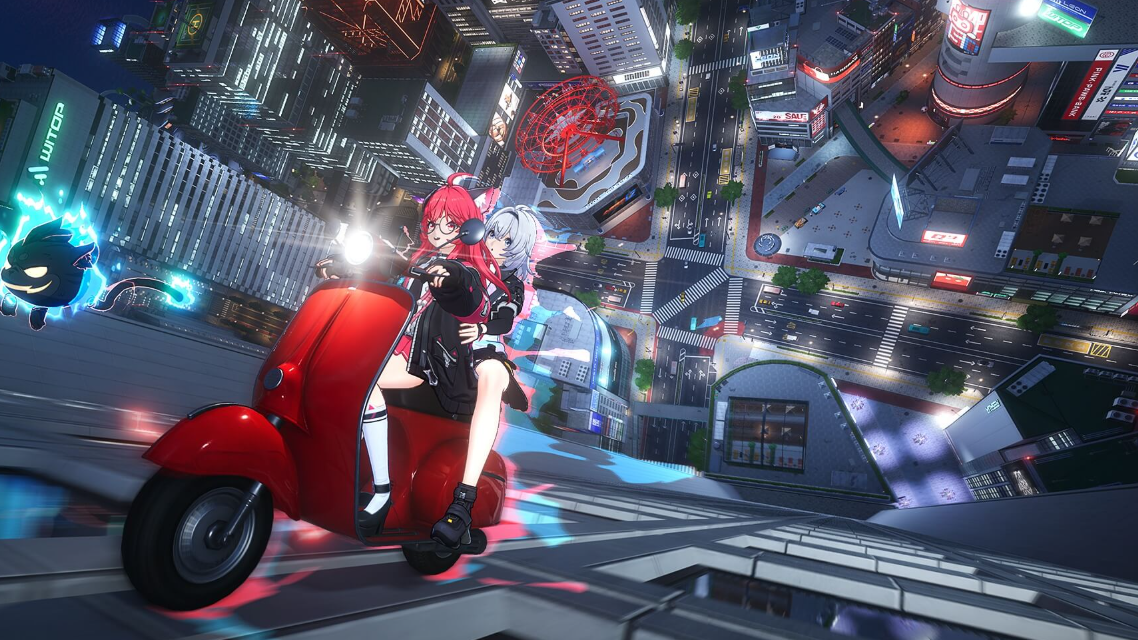
Map fog in Neverness to Everness covers unexplored districts of Hethereau until you sync with the nearest Wertheimer Tower. The tower acts as the area’s reveal point, lifting the dark overlay on streets, icons, and points of interest once you interact with it correctly.
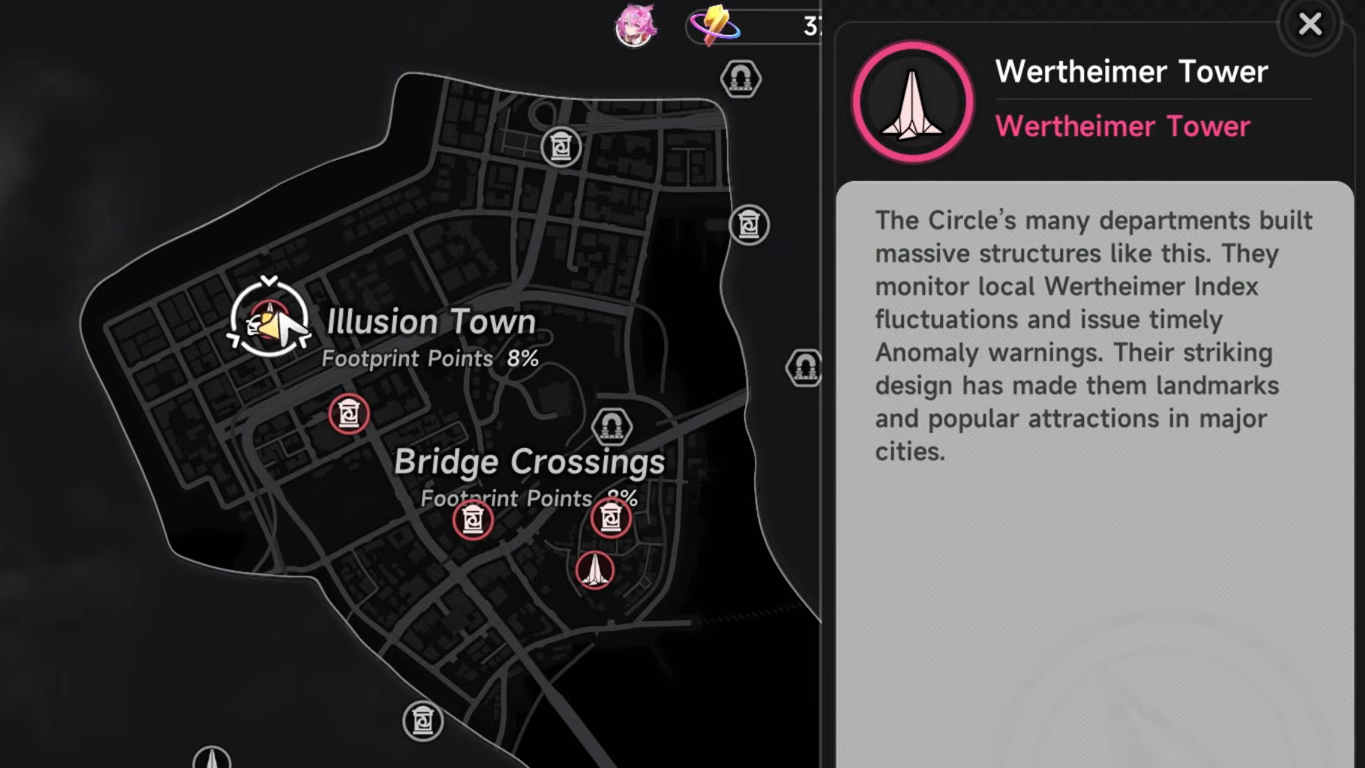
What Wertheimer Towers do
Wertheimer Towers are tall structures built across Hethereau by the Circle’s departments. They monitor local Wertheimer Index fluctuations and broadcast Anomaly warnings, which is why they double as map nodes in-game. Each tower has a red glowing top and a clearly marked symbol on the front of its base.
Syncing with one removes the fog of war from the surrounding district and exposes nearby map markers, side activities, and fast-travel points tied to that zone.
How to sync a Wertheimer Tower
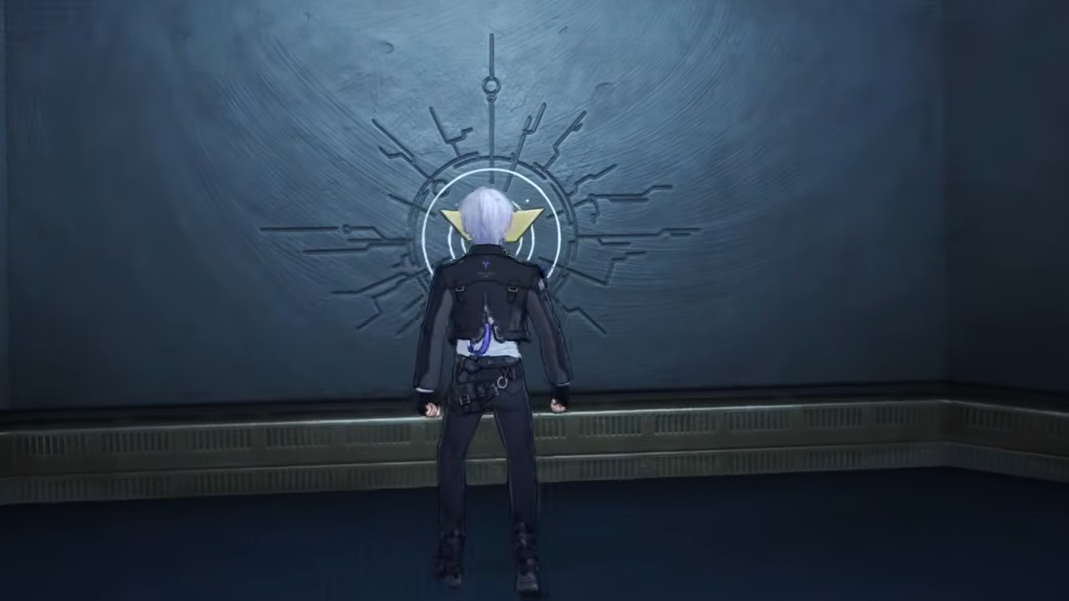
F Sync appears on screen, press F. The animation confirms the link, and the fog clears across the district tied to that tower.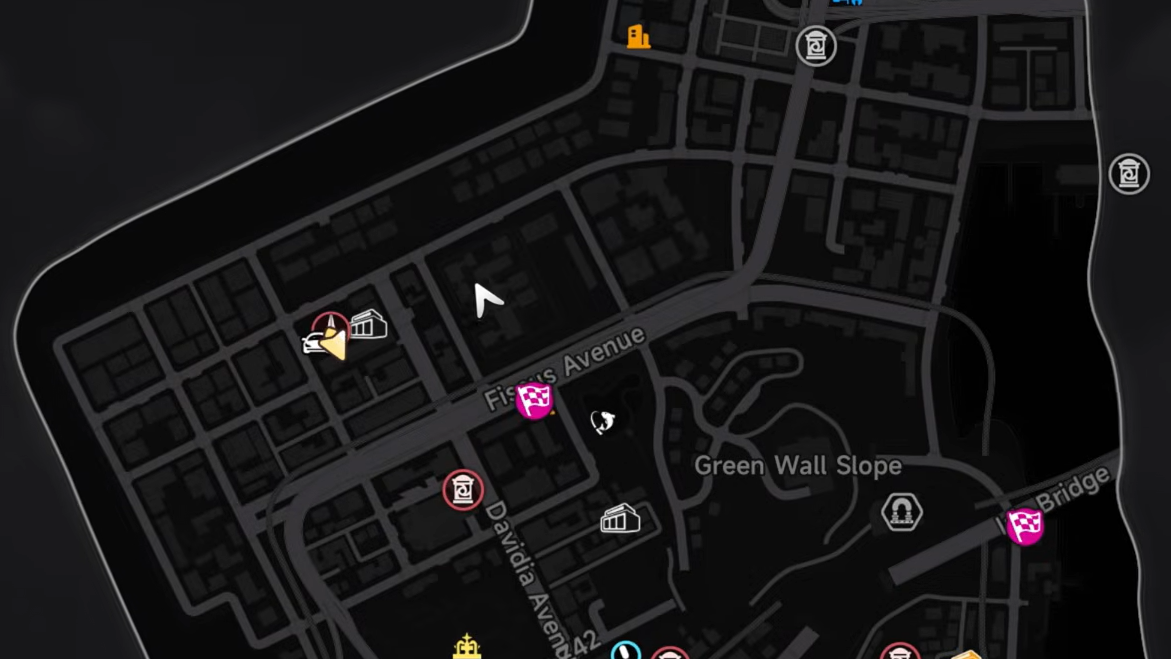
Why the sync prompt won’t appear
If pressing F does nothing, the cause is almost always positioning. The interaction zone is tied to the symbol on the tower’s front wall, not the entire base.
| Issue | Fix |
|---|---|
No F Sync prompt visible | Move directly in front of the wall symbol; avoid side or rear approaches. |
| Tower icon missing on map | The tower is outside your current draw distance; move closer until the icon appears. |
| Fog still present after sync | Each tower covers one district. Sync the next tower to reveal the adjacent area. |
Tracking your map progress
Each region shows a Footprint Points percentage on the map screen. Syncing towers raises that percentage along with general exploration, so chaining tower visits is the fastest way to push coverage upward in a new district. If a zone shows a low Footprint number and heavy fog, look for an unsynced tower icon first before trying to clear it on foot.
Hethereau is dense, and several towers sit close to main roads, which makes them easy to grab while driving between story missions or anomaly commissions out of Eibon.