NoPixel V doesn’t behave like a typical Steam release. It runs as a closed, invite-only beta, so it won’t show up if you search for it in the Steam store, and you can’t buy or download it from that storefront. Getting in depends entirely on receiving an invitation. Once you have access, though, you can still add NoPixel V to Steam and run it alongside the rest of your library.
Quick answer: There is no Steam store page for NoPixel V. If your account has been invited to the beta, install it through the Rockstar Games Launcher, then open Steam, choose Add a Game > Add a Non-Steam Game to My Library, and point Steam to the NoPixel V .exe file.

Access requirements before you start
NoPixel V is currently limited to a closed beta. Access is tied to an invitation on your Rockstar Games account, and the wider public rollout has no confirmed date yet. Because the beta is still a work in progress, expect crashes, bugs, and other technical issues while you play.
To go through the setup, you’ll need a few things in place first.
- A Rockstar Games account that has been invited to the NoPixel V beta.
- The Rockstar Games Launcher installed on your PC.
- The Steam client installed on the same PC.
Install the Rockstar Games Launcher and NoPixel V
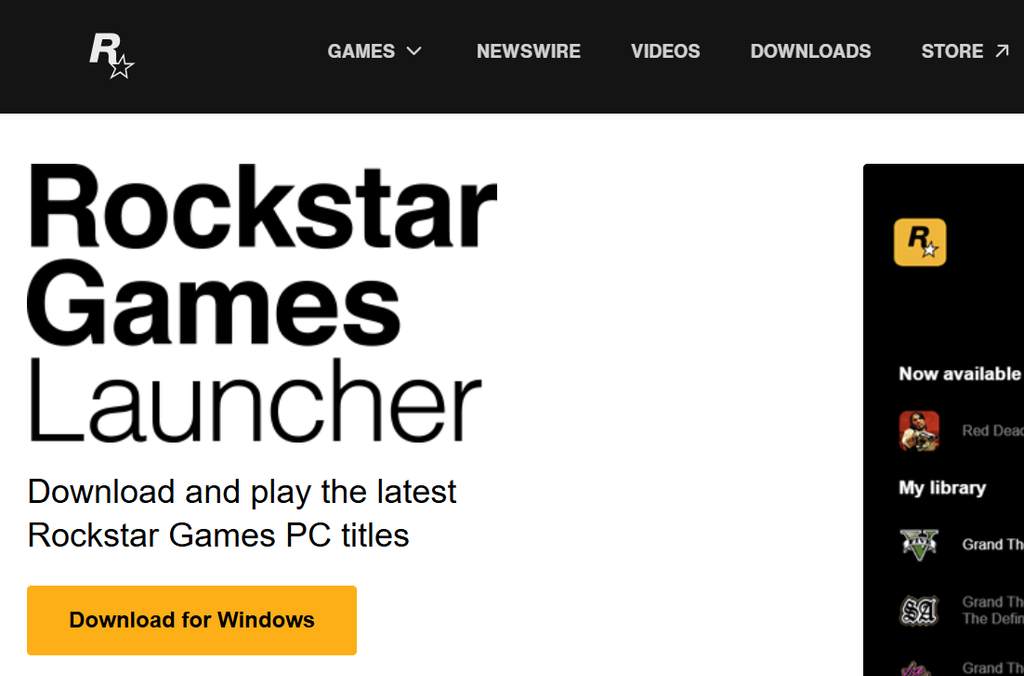
The Rockstar Games Launcher is what gives you the game library and the NoPixel V download. Get it installed first, then pull down the beta from within the launcher.
Once NoPixel V finishes installing, note the folder it lives in. You’ll need to find its main .exe file in the next stage.
Add NoPixel V as a Non-Steam game
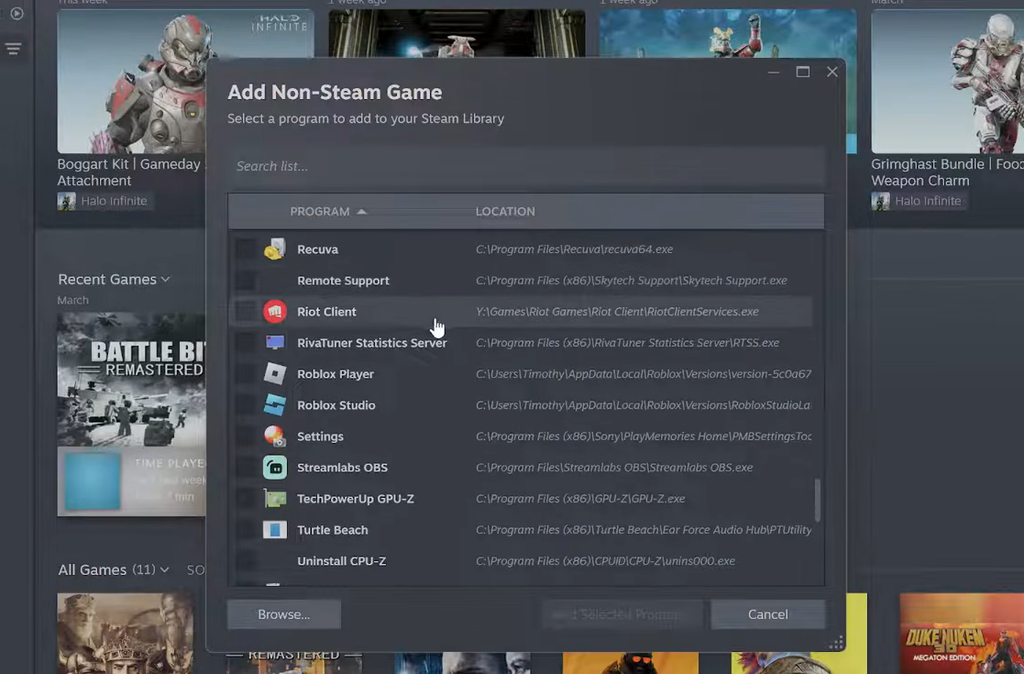
Steam can add programs that were installed outside its own storefront. That’s exactly how NoPixel V gets into your library, since it has no official listing to install from.
.exe file, then click Open.You’ll know it worked when NoPixel V appears as an entry in your Steam Library and you can launch it directly from there. If it doesn’t appear, the most common reason is picking the wrong file, so double-check that you selected the main .exe rather than a helper or installer file.
What adding it to Steam actually does
Adding NoPixel V this way does not convert it into a Steam game or hand ownership to the platform. It simply places a shortcut inside your Steam Library so the application is easier to reach.
From that entry you can launch NoPixel V through Steam, use the Steam Overlay while playing, and set up custom controller layouts through Steam. The game still runs through Rockstar’s software underneath, and it stays tied to your invited Rockstar Games account.
Until NoPixel V opens to a wider audience, this Non-Steam Game method remains the only way to keep it inside your Steam library, and it depends on already having beta access through Rockstar.