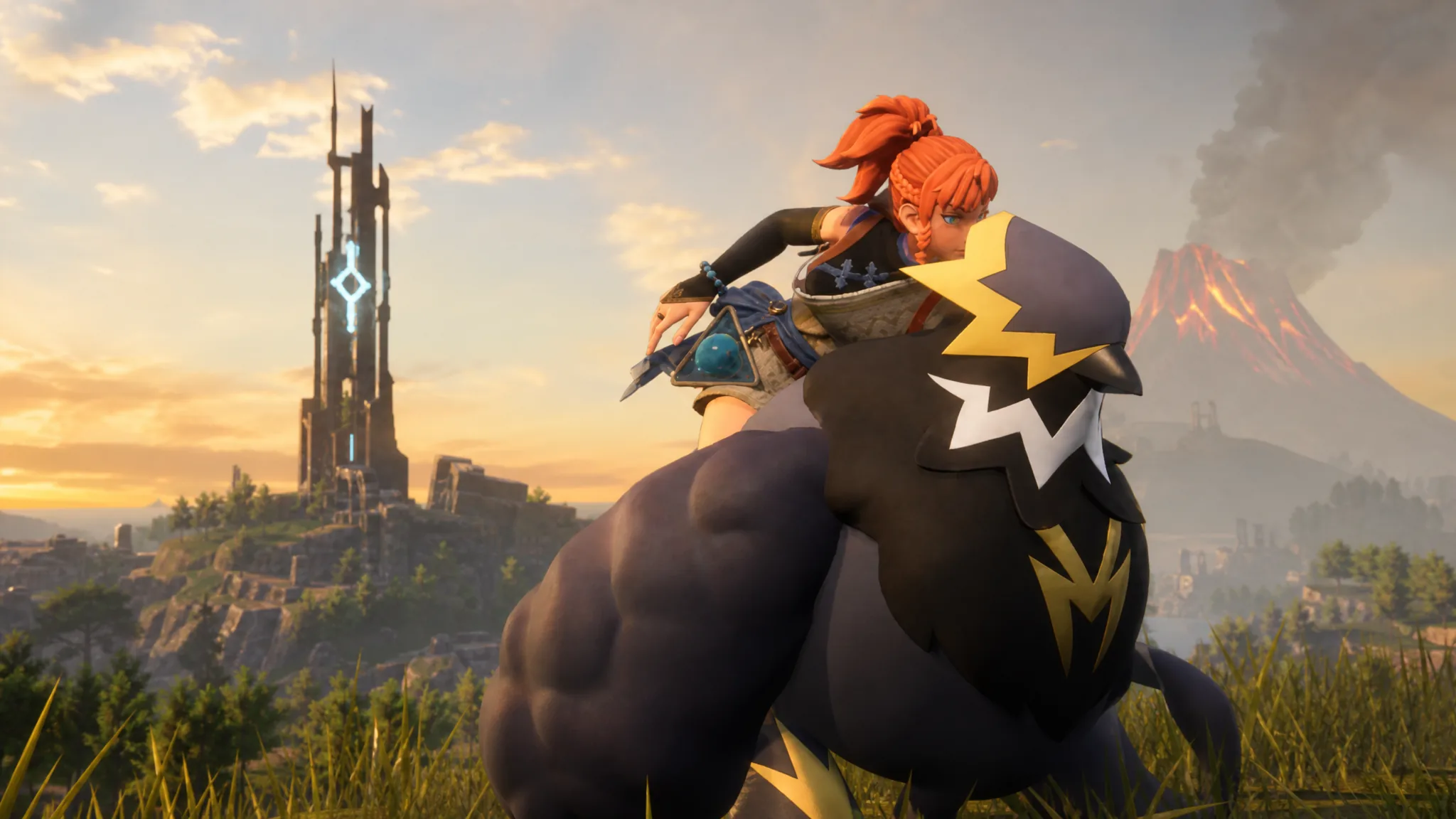
Palworld version 1.0.2 is a stability hotfix that lands three weeks after the game’s full 1.0 launch. It targets crashes tied to the Panthalus battle on dedicated servers, several multiplayer display bugs in The World Tree area, achievement unlock failures, and performance in the new Sunreach region.
Quick answer: Update Palworld through Steam or Xbox Game Pass to get v1.0.2. It fixes Panthalus dedicated-server crashes and disconnects, World Tree and Tower Boss multiplayer bugs, missing achievement unlocks, and reduces the processing load in Sunreach.
What Palworld 1.0.2 fixes
This update does not add new content. It resolves crashes, multiplayer sync problems, and control and interface issues that surfaced after the 1.0 release. The changes are grouped by category below.
| Category | Fixes |
|---|---|
| Crashes and Disconnections | Stops all players from being disconnected during the Panthalus battle on dedicated servers; stops individual crashes during that same fight; fixes a crash when entering Japanese text in fullscreen mode. |
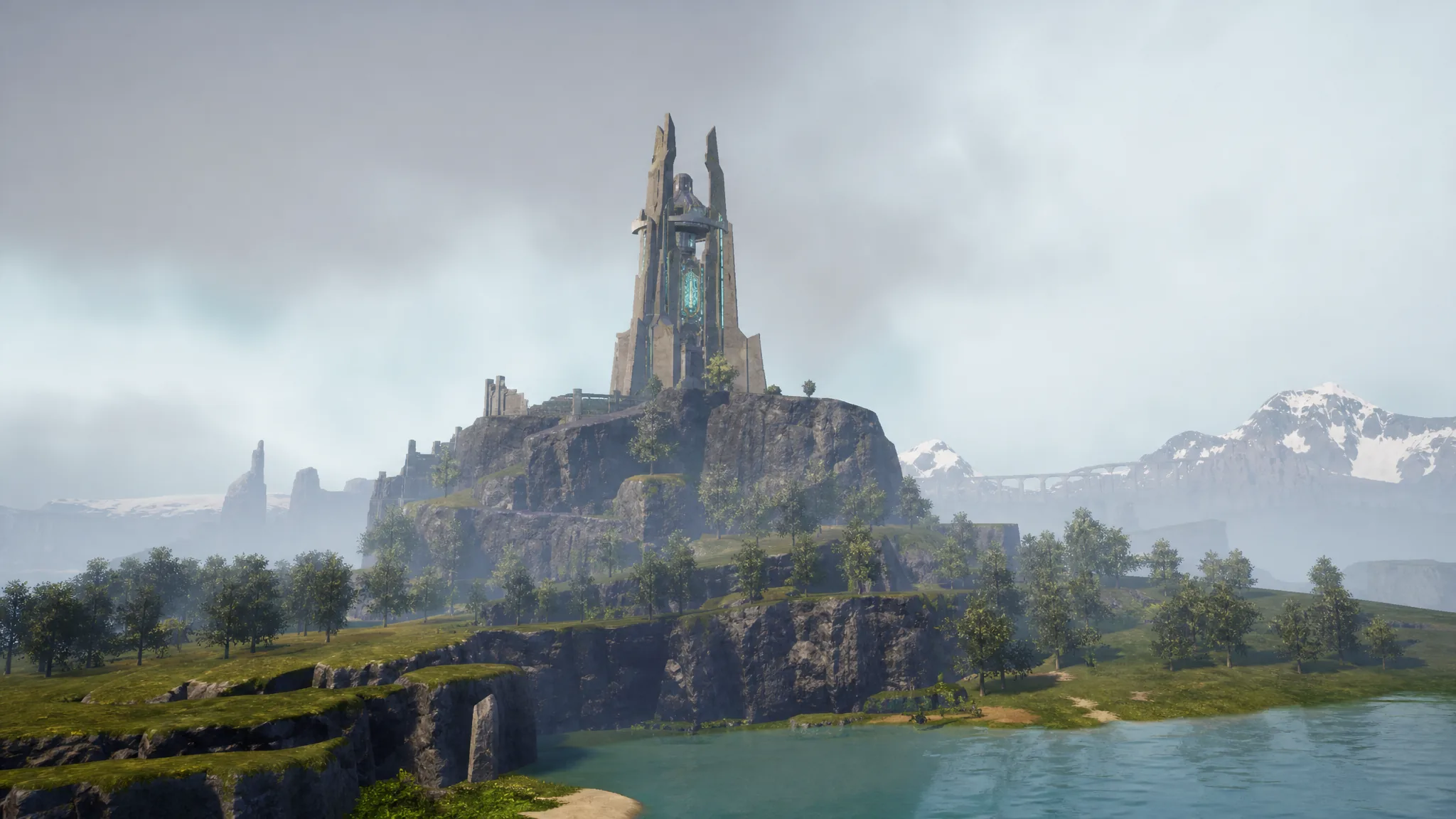
| Multiplayer | Fixes terrain failing to load for guests already in The World Tree when the host transitions in; stops the Tower Boss Victor & Shadowbeak from vanishing after a teleportation attack; fixes a guest’s light failing to display after respawning when the host beats the final boss. |
| Achievements | Fixes the “Predator Hunter” achievement not unlocking after its requirements are met; fixes the Pal Effigies achievement failing to unlock; corrects outdated Lifmunk Effigy achievement icons on Xbox. |
| Graphics and Display | Fixes heavily distorted World Tree terrain on Mac that blocked normal play; fixes the player model’s eye area rendering incorrectly during cutscenes and actions with certain face types. |
| Controls | Adds key rebinding for “Attack that enemy!” and “Inventory”; fixes unrelated changes being flagged as control conflicts when carrying over pre-v0.7 settings; fixes a false conflict when assigning an action to the middle mouse button; restores the missing Inventory Shortcut option. |
| UI | Fixes the damage number sometimes showing 0 when destroying ore while mining. |
| Performance | Reduces the processing load during gameplay in Sunreach for improved performance. |
Note: If you played earlier builds, the Panthalus and final boss fixes are the most impactful, since the crashes could knock every player off a dedicated server mid-fight.
Release date and platforms
Version 1.0.2 released on July 29, 2026, for all supported platforms. It follows v1.0 on July 10 and the v1.0.1 hotfix on July 15. Palworld runs on PC through Steam and the Microsoft Store, plus PlayStation 5, Xbox Series X|S, Xbox One, and Xbox Game Pass.
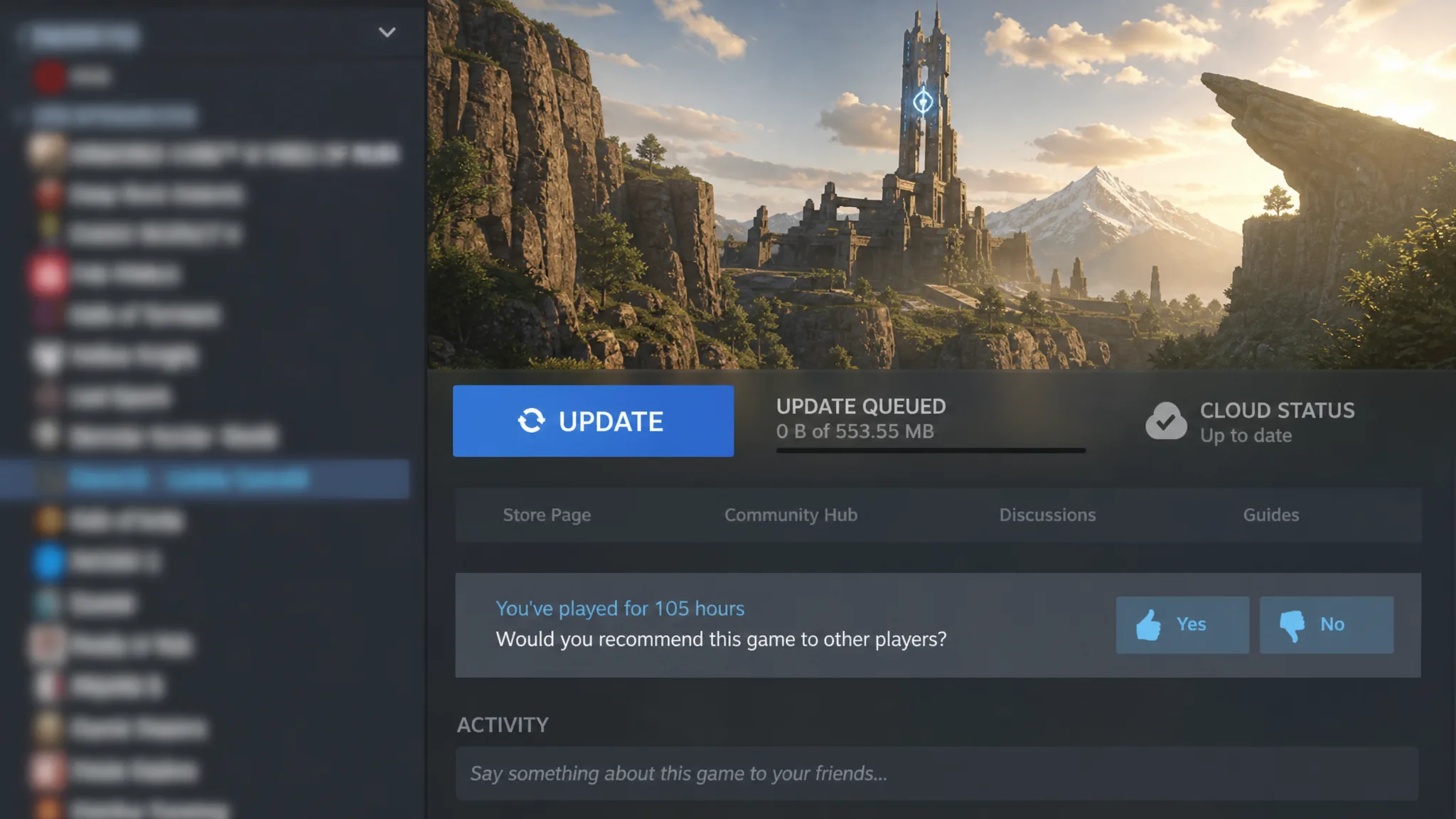
How to update Palworld to 1.0.2 on Steam
Steam can either apply the patch automatically or hold it for a scheduled time. If you want it right away, install it manually.
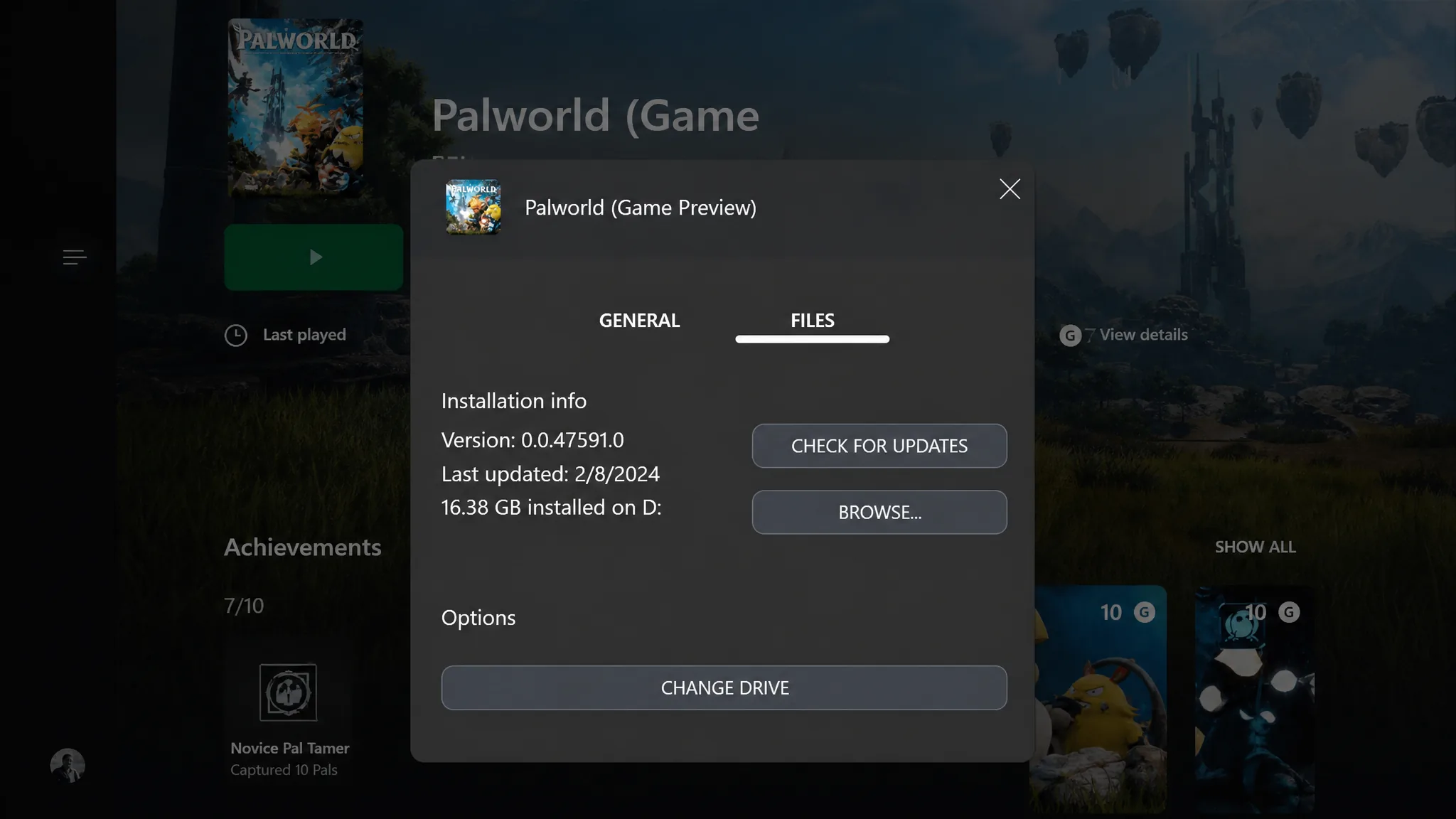
How to update Palworld on Xbox Game Pass
On Xbox, the update can be triggered from the game’s management menu if it does not download on its own.
How to confirm the update installed
After the download finishes, launch Palworld and check the version number, which should read v1.0.2. Dedicated server hosts should also update their server build so clients on 1.0.2 can connect without version mismatch errors. Once you are on the patched build, the Panthalus fight and the final boss encounter should complete without the earlier disconnects, and you can rebind the “Attack that enemy!” and “Inventory” actions in the Controls menu, which confirms the control fixes are active.