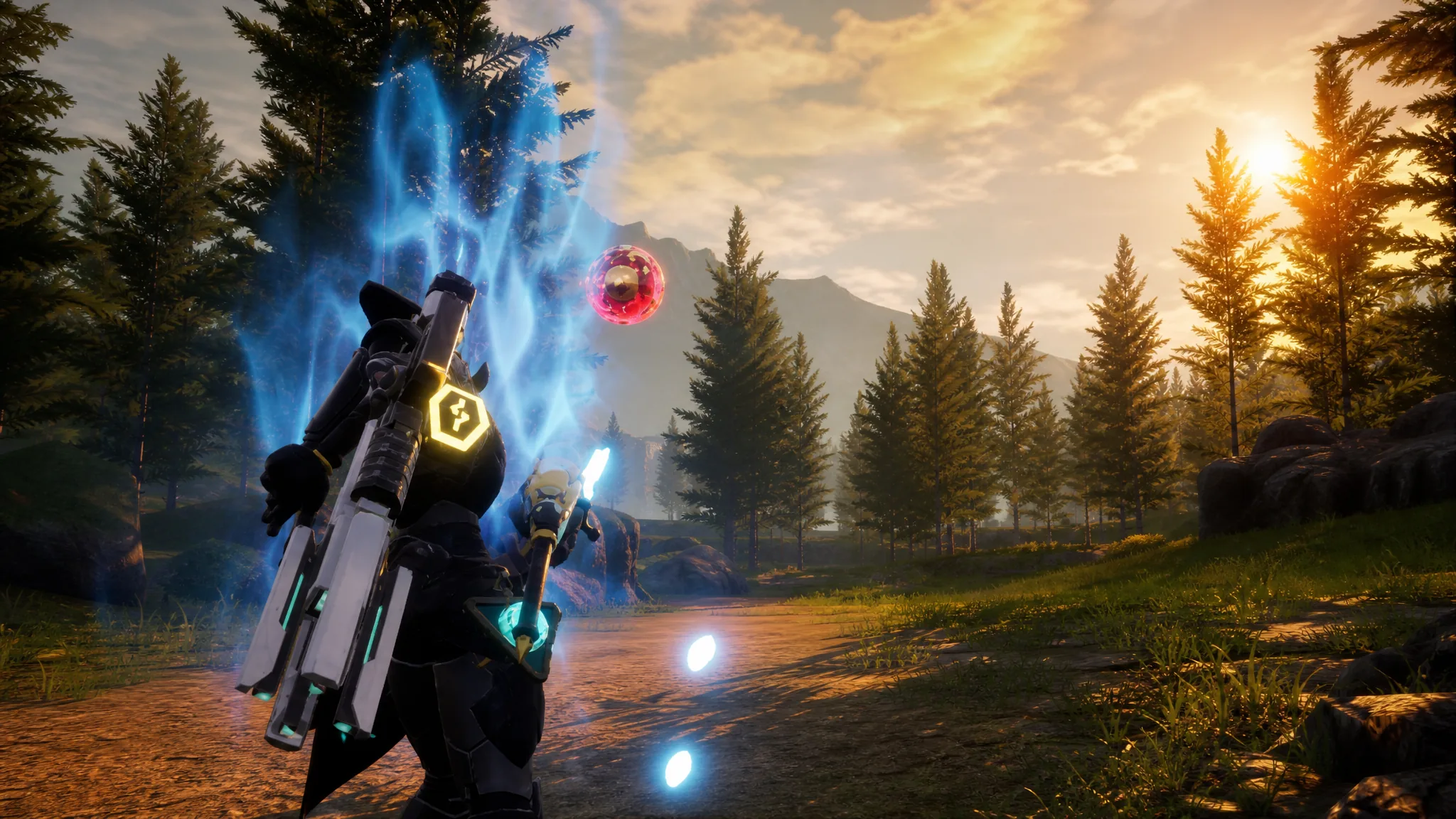
Sphere Modules are equipment items in Palworld that change how your Pal Spheres behave when you throw them. Every module raises capture power, and each one also adds its own trajectory effect, from a curved arc to full homing. You slot a single module into a dedicated gear slot, and it applies to every Pal Sphere you throw, no matter the sphere tier.
Quick answer: Unlock a module in the Technology tree at its required level, then craft it at a Sphere Workbench or Sphere Assembly Line with a Handiwork Pal. Equip it in the Sphere Module slot found beneath the Glider on your character screen.
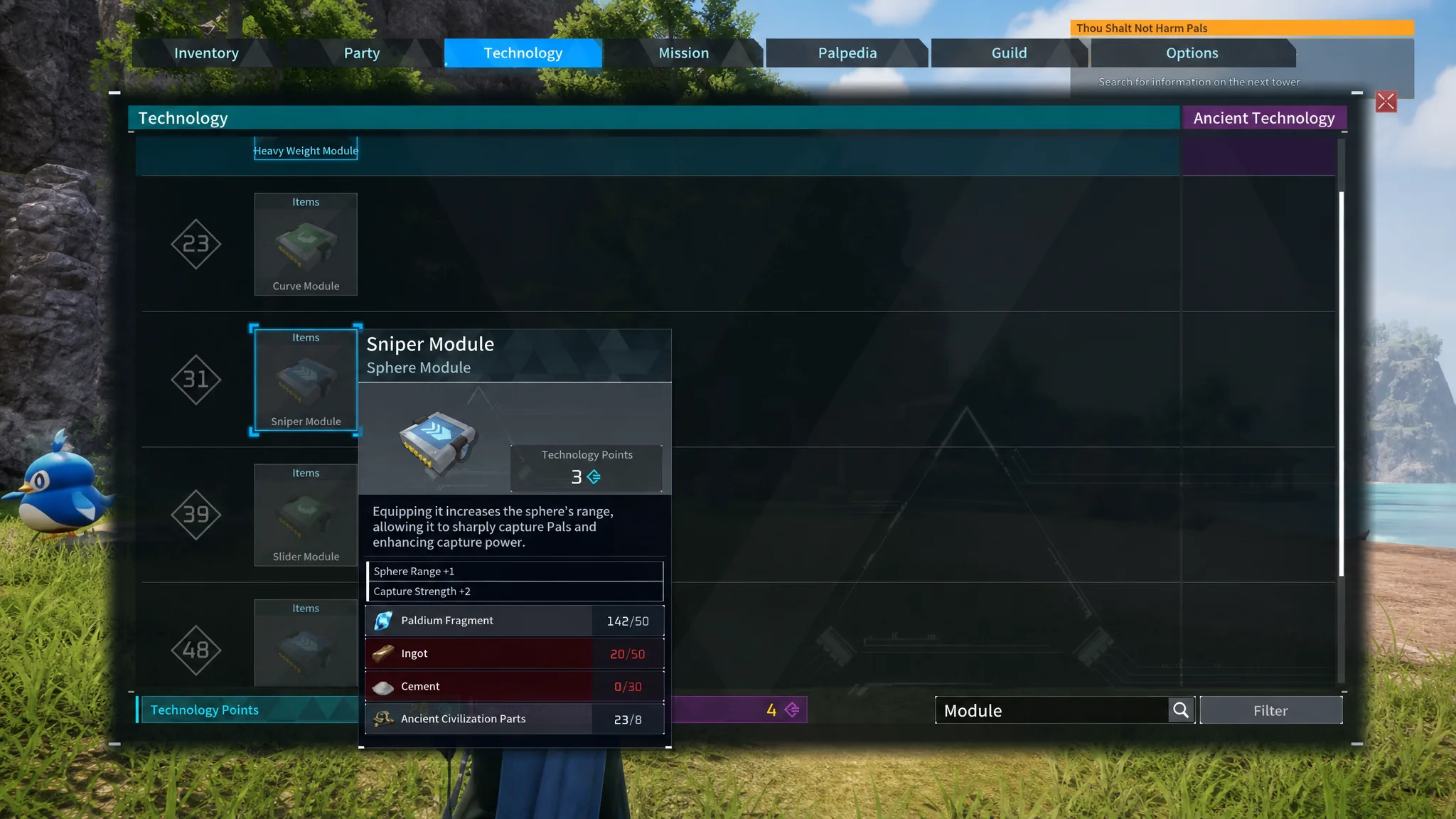
All six Sphere Modules, tech levels, and materials
There are six modules in total. Each one requires a specific Technology Level, a number of Technology Points to learn the recipe, and a set of crafting materials. The table below lists everything you need for each module along with its effect.
| Module | Tech Level | Effect | Materials |
|---|---|---|---|
| Heavy Weight Module (Uncommon) | 19 · 1 point | Sphere Weight +1, Capture Strength +1 | Paldium Fragment x10, Ingot x10, Stone x20 |
| Curve Module (Uncommon) | 23 · 2 points | Sphere Curve +1, Capture Strength +2 | Paldium Fragment x30, Ingot x30, Stone x50, Ancient Civilization Parts x2 |
| Sniper Module (Rare) | 31 · 3 points | Sphere Range +1, Capture Strength +2 | Paldium Fragment x50, Ingot x50, Cement x30, Ancient Civilization Parts x8 |
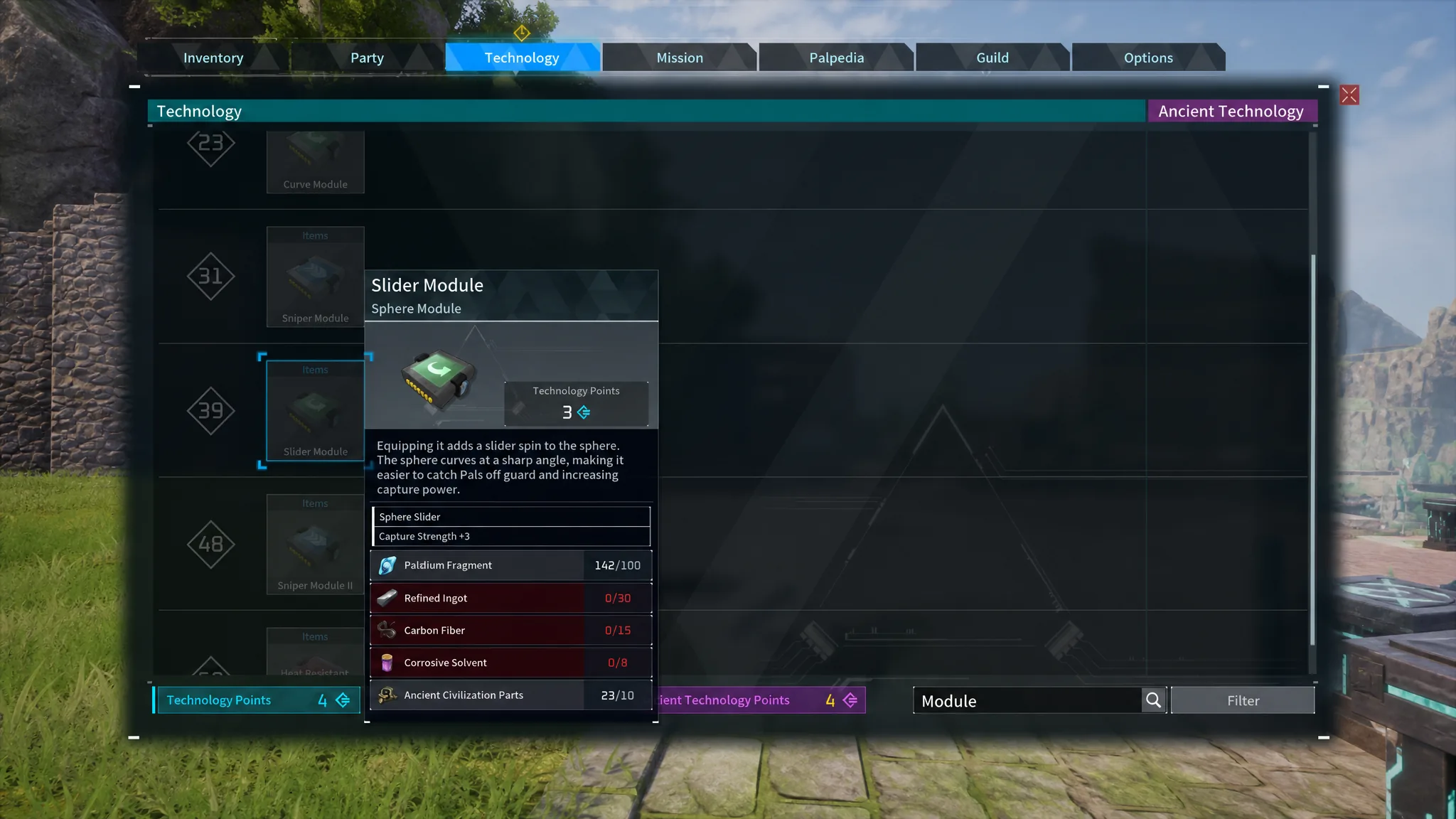
| Slider Module (Rare) | 39 · 3 points | Sphere Slider, Capture Strength +3 | Paldium Fragment x100, Refined Ingot x30, Carbon Fiber x15, Corrosive Solvent x8, Ancient Civilization Parts x10 |
| Sniper Module II (Epic) | 48 · 4 points | Sphere Range +2, Capture Strength +3 | Paldium Fragment x200, Pal Metal Ingot x30, Carbon Fiber x30, Ancient Civilization Parts x20, Ancient Civilization Core x2 |
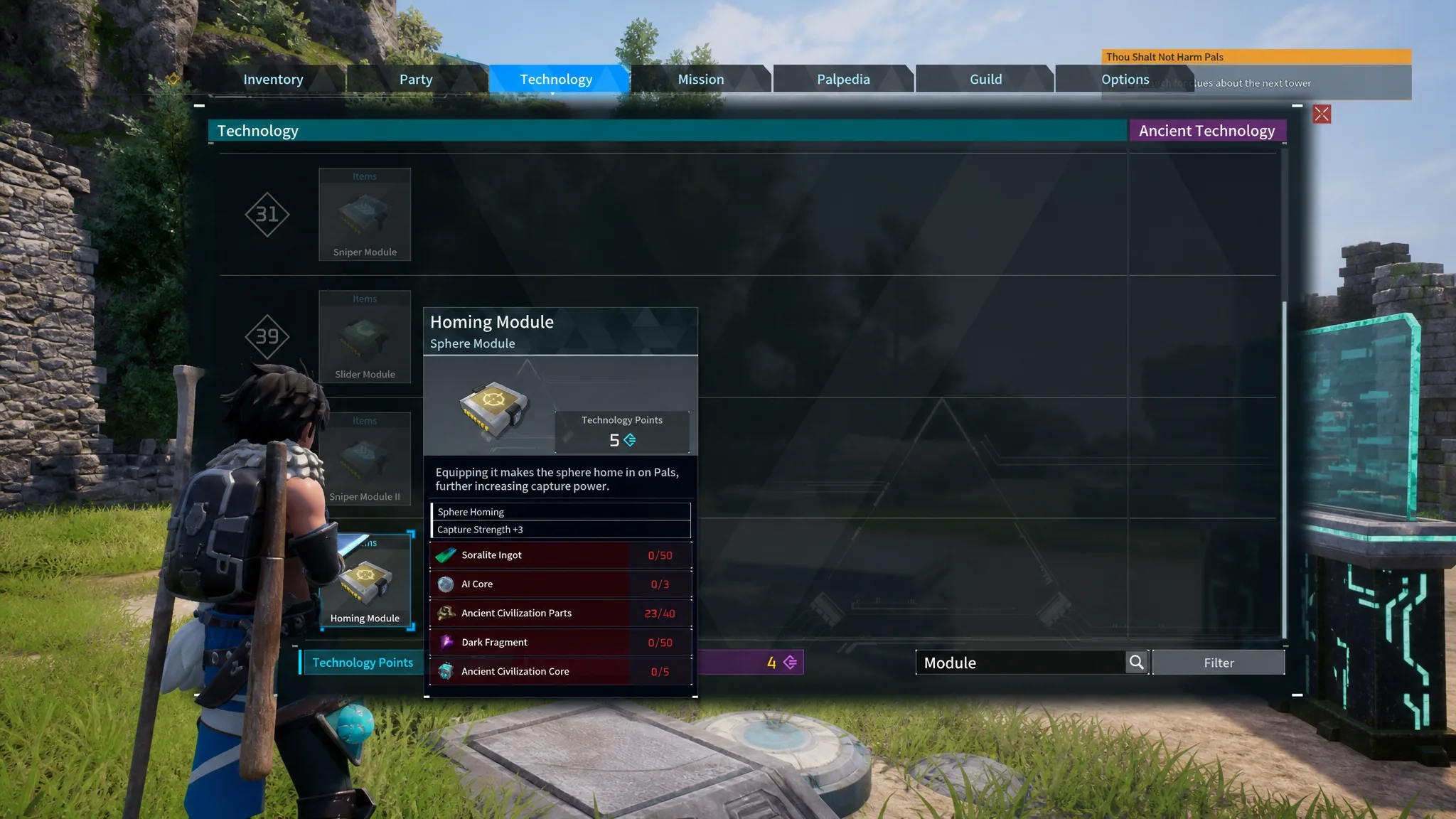
| Homing Module (Legendary) | 69 · 5 points | Sphere Homing, Capture Strength +3 | Soralite Ingot x50, AI Core x3, Ancient Civilization Parts x40, Dark Fragment x50, Ancient Civilization Core x5 |
The Heavy Weight Module trades throwing range for extra capture power, so it works best on a strong Pal that is already close to you. The Curve and Slider Modules bend the sphere’s path to catch Pals off guard, with the Slider producing the sharper angle. The Sniper Modules extend range for skittish Pals that run, and the Homing Module tracks your target automatically, making it the most forgiving to aim.
Where to get the crafting materials
The early modules use basic resources you already gather, while the later ones pull in rarer materials tied to bosses and end-game areas. Here is where each material comes from.
| Material | How to get it |
|---|---|
| Paldium Fragment | Mine the blue Paldium nodes scattered across the map; a pickaxe is fastest. |
| Ingot | Smelt Ore in any Furnace, or set up an Ore Mining Site at your base. |
| Stone | Mine rocks manually or assign Pals to a Stone Pit. |
| Cement | Craft from Stone, Bone, and Pal Fluid after unlocking it around level 19. |
| Refined Ingot | Combine Ore and Coal in an Improved Furnace, unlocked at level 34. |
| Carbon Fiber | Feed Coal or Charcoal to the Production Assembly Line; also dropped by Pals like Jetragon and Shadowbeak. |
| Pal Metal Ingot | Feed Ore and Paldium Fragment to a powered Electric Furnace. |
| Corrosive Solvent | Craft using Venom Glands and Sulfur. |
| Ancient Civilization Parts | Defeat or capture Alpha Pals, and clear dungeon and world bosses. |
| Ancient Civilization Core | Earned from raid bosses, which are tough fights worth preparing for. |
| Dark Fragment | Dropped by Dark-type Pals on Feybreak Island, such as Starryon and Omascul. |
| Soralite Ingot | Smelt Soralite (found on Sunreach) in the Ancient Furnace; a Plasma Multicutter is needed to farm the ore. |
| AI Core | A craftable material that itself uses Ancient Civilization Cores and Soralite Ingots. |
How to craft and equip a Sphere Module
You can only keep one module equipped at a time, and modules do not break, so it is fine to carry several and switch between them as needed.
How to confirm the module is working
Once a module sits in the Sphere Module slot, its effect is active immediately with no extra steps. Throw a sphere and you will see the change straight away, whether that is a curved flight path, a longer throw, or the sphere homing toward the Pal. The added capture strength applies to every sphere tier you own, so the effect stacks on top of whatever Pal Sphere you are already using.
For pure catching power, aim to reach the Sniper Module II and the Homing Module. Until then, the Sniper Module is a reliable pick for range and strength, while the Heavy Weight Module is the easiest option for close, stronger Pals when aiming a curve or long throw feels awkward.