Palworld now lets you fight other tamers and their Pals, but the feature does not exist in a normal single-player or offline save. Player combat arrived with the version 0.7.0 patch, and it splits into two separate systems. One is a dedicated arena battle, and the other is open combat across a server, including raids on other players’ bases.
Quick answer: Yes, Palworld has PvP. To fight players anywhere on a dedicated server, open PalWorldSettings.ini and set bIsPvP=True, bEnablePlayerToPlayerDamage=True, and bEnableDefenseOtherGuildPlayer=True, then restart the server. There is no PvP toggle for a non-server world.
Where PvP works and where it doesn’t
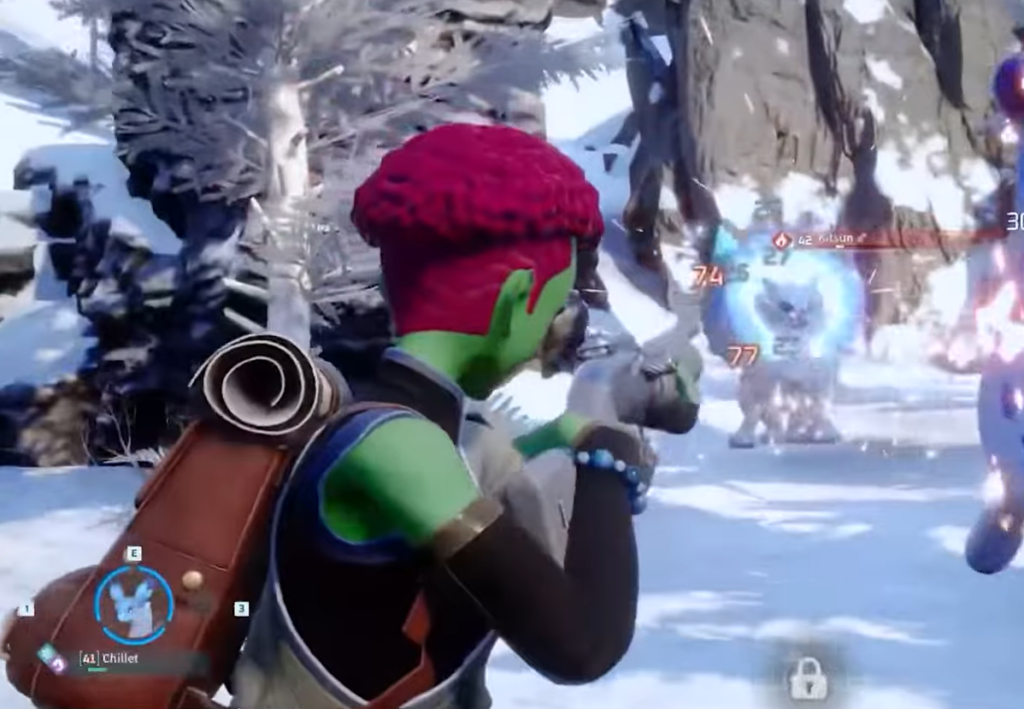
PvP is tied to multiplayer. Open-world player combat runs only on public or private servers. A solo save, or a world without the right multiplayer setup, has no way to enable it. If you want to attack another player and raid their base, you need to be on a server that has PvP switched on.
The PvP Arena is the exception. It can be reached in any world save that has the Multiplayer setting turned on. You travel to the Arena Entrance, host a match, and battle another tamer with your Pals under rules set by the host. Winning an arena match rewards Battle Tickets.
PvP Arena vs. server PvP functionality
The two systems reward you differently and work in different places. The arena is a contained duel. The server functionality turns the whole world into a combat zone.
| Feature | PvP Arena | Server PvP functionality |
|---|---|---|
| Where it works | Any world save with Multiplayer on | Public or private servers only |
| Where you fight | Inside the arena | Anywhere on the server, including bases |
| Who sets rules | The host player | The server configuration |
| Reward | Battle Tickets | Champion’s Emblems or the opponent’s gear |
How to enable server PvP in PalWorldSettings.ini
Local > Pal > Saved > Config > Windows > PalWorldSettings.ini.
bIsPvP=True
bEnablePlayerToPlayerDamage=True
bEnableDefenseOtherGuildPlayer=True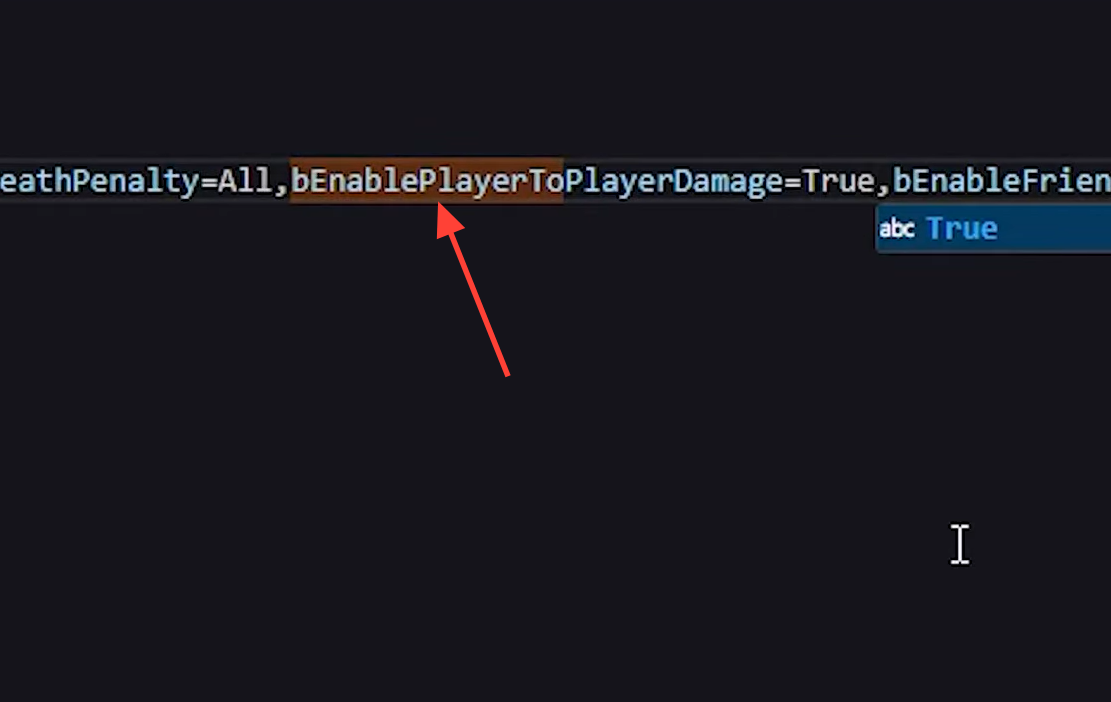
You know it worked when players can damage each other on the server and entering another guild’s base turns their base Pals hostile. If nothing changes, the file was not saved, the server was not restarted, or you are on a non-server world where PvP cannot be enabled at all.
What changes when server PvP is on
Turning on PvP rewrites several server rules at once. These affect combat, base defense, and how other players interact with your storage and structures.
- Players can damage each other directly.
- Entering another player’s base makes that base’s Pals hostile toward you.
- Flying players and mounted Pals take increased damage.
- Summoned Pals and base Pals take reduced damage.
- Players can open chests owned by other guilds.
- Melee weapon damage against structures built by other players is reduced.
- Base Pals defend a wider area, and the allowed distance between neighboring bases is increased.
- The range at which player names and damage numbers appear changes.
- Players are alerted when their base is attacked, and building or repairing inside the base is blocked during the attack.
- Some weapons have adjusted range and damage values.
The server PvP functionality is experimental, so you may still run into balancing quirks and bugs during fights.

If your goal is a quick duel with a friend, the arena is the simpler route since it works in any multiplayer save. If you want raids, base attacks, and open-world fights, you need to be on a dedicated server with the three settings above set to True. Outside of those setups, Palworld stays a PvE experience.