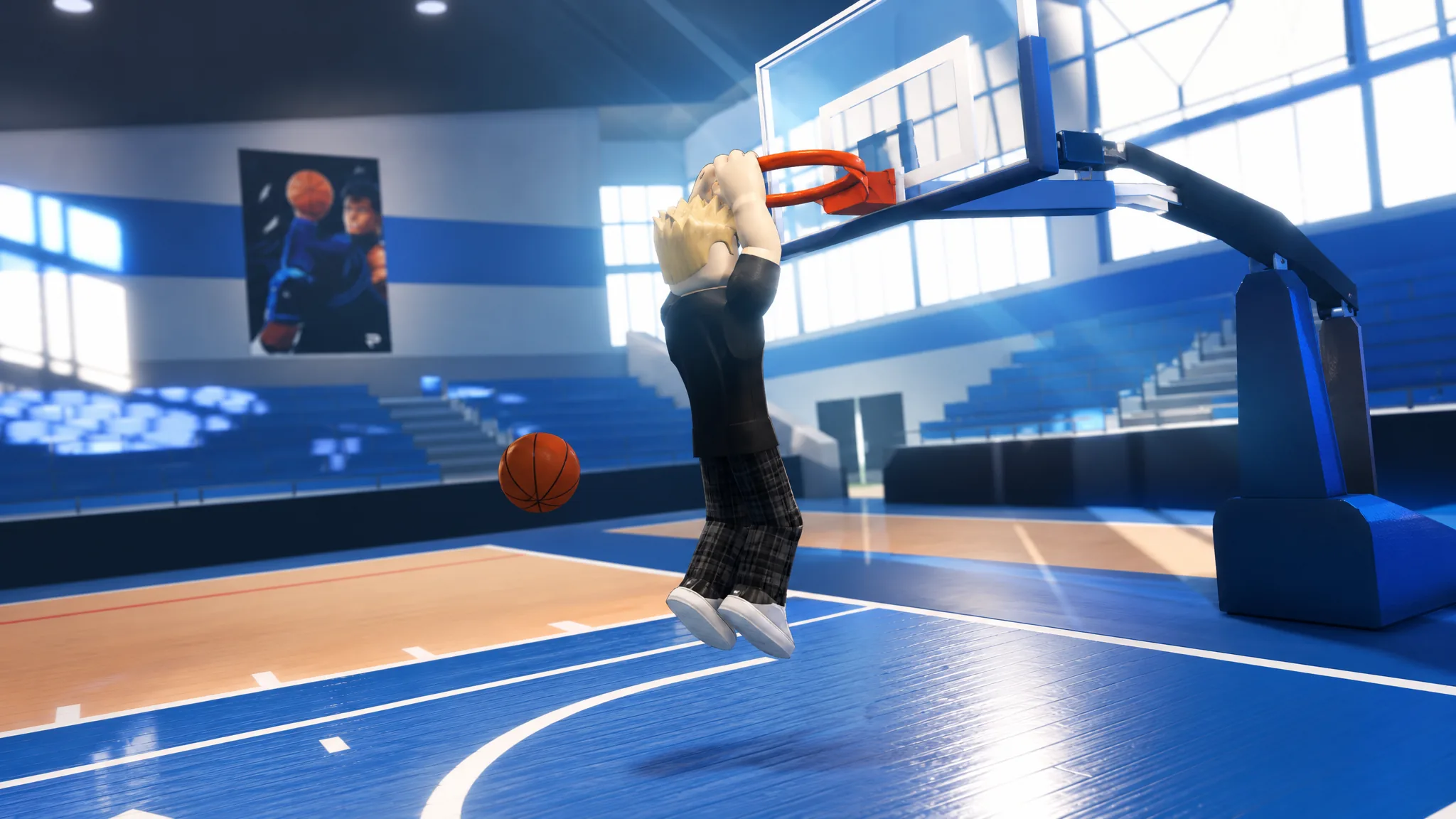
Dunking is one of the highest-percentage ways to score in Practical Basketball, but the finish is driven by your movement state, not a single button you can spam from anywhere on the court. The game reads your distance, angle, and momentum, then picks the animation that fits. Get those wrong and you get a layup or a block instead of a poster.
Quick answer: On PC, hold Space while gathered under the rim for a standing dunk, or press Shift + Space while sprinting toward the basket with forward momentum for a driving dunk. On controller, hold sprint and press Y.
Dunk inputs on PC and controller
The finish you get depends on which input you use and whether you are moving. Pick the input from your movement state rather than treating every close shot as the same action.
| Dunk | PC input | When to use it |
|---|---|---|
| Standing dunk | Hold Space | Stationary or barely moving, directly under the rim |
| Driving dunk | Shift + Space | Sprinting at the basket with forward momentum |
| Self lob dunk | F, then Shift + Space or Space on the catch | Open lane, throw the ball to yourself and finish before landing |
| Contact dunk | Shift + Space | Same as a driving dunk; triggers as a special animation through a defender |
| Layup (avoid for dunks) | Hold E | Safer finish when a dunk is unrealistic |
On controller, every dunk uses the same combination. Hold the sprint input together with Y, and press them at the same time rather than separately, which keeps standing dunks consistent.
Standing dunk: positioning and timing
A standing dunk needs you close to the rim with little or no forward movement. You cannot hold Space from the logo and expect it to trigger.
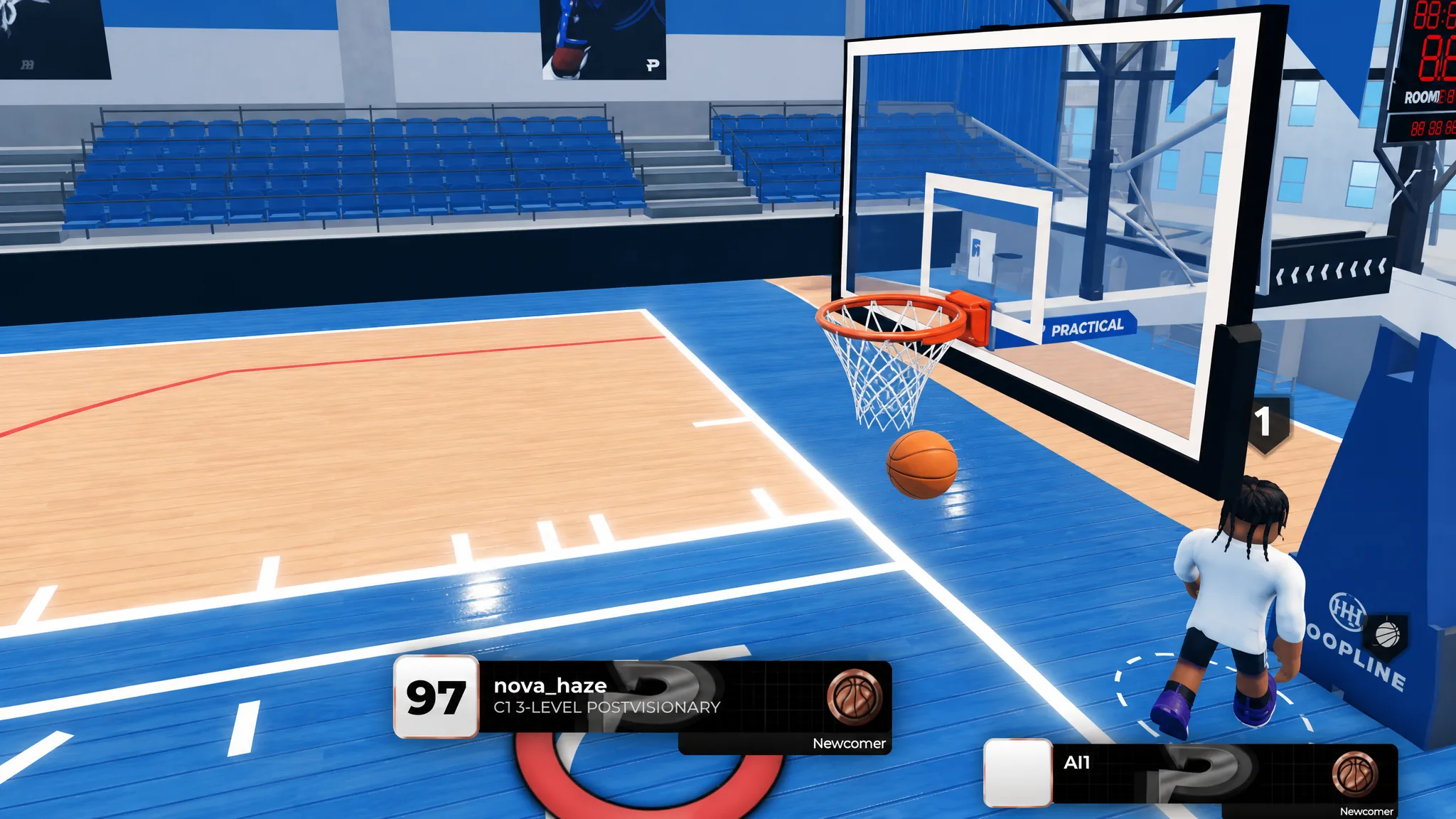
Do not try this from several steps away or while still running. Attempting it from distance usually swaps in a different finishing animation. Standing dunks are strongest when you seal a smaller defender or crash the offensive glass.
Driving dunk: approach and angle
The driving dunk only connects when you attack the rim with speed and a clean angle. It rewards a lane you have already opened with a hesitation or combo dribble.
Shift + Space as you close on the rim, holding the input right before you reach the final zone.Triggering the input too far out, or driving straight into multiple defenders, usually gives you a layup or a block instead. When you are outnumbered, hold E for the safer layup and live for the next possession.
Contact dunk: dunking through a defender
A contact dunk is not its own button. It is a special animation that can play during a driving dunk when you have the momentum and positioning to finish through a body. You still use Shift + Space.
To raise your chances, attack the basket with speed and catch the defender off balance rather than meeting them set. Driving into a rim protector who is already planted, or attempting it with no momentum, almost always ends in a block or a layup.
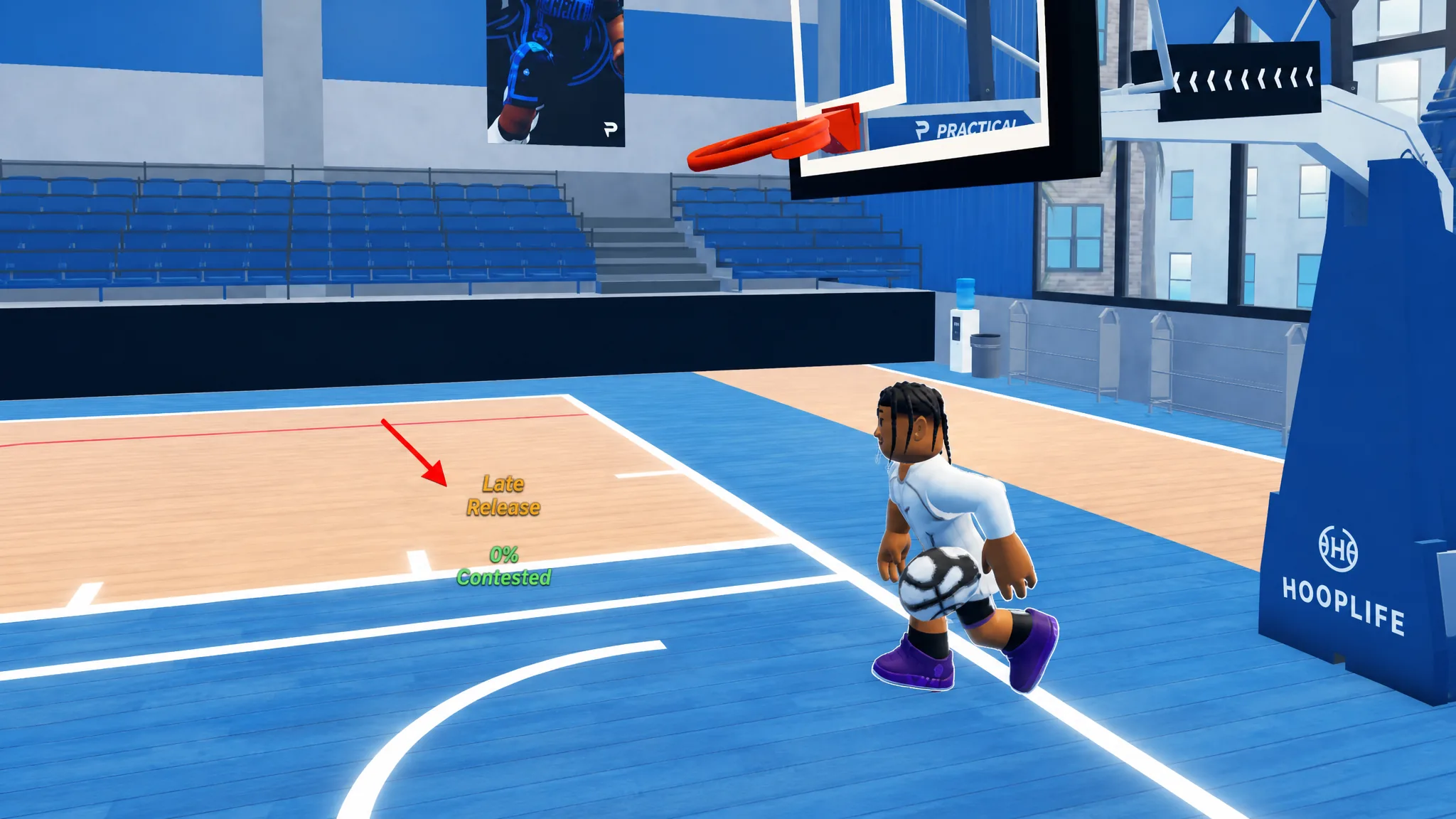
The timing meter still matters here. A delayed or early release ends the dunk in a miss even when the animation triggers.
Self lob dunk
The self lob is the flashiest finish and works best with an open lane. Press F to throw the ball to yourself, then trigger the dunk with Shift + Space or Space as you catch it near the rim. Mistiming the catch or trying it in traffic usually results in a missed finish or a turnover.
Why your dunk turns into a layup
When a dunk fails, change one variable at a time so you can see what fixed it, whether that is your movement state, distance, angle, or defender pressure. These are the common causes.
| Cause | Fix |
|---|---|
Used E instead of a dunk input | Hold Space or press Shift + Space; E always performs a layup |
| Wrong approach angle | Line up a straight path to the rim before the input |
| Not enough momentum | Sprint into a driving dunk instead of walking |
| Mistimed release | Release the meter in the green zone, not early or late |
| Triggered too far from the basket | Close the distance, or take one more dribble |
Note: E is a strong tool for assists and safe finishes, but it will never produce a dunk. Keep Space ready when you want the points.
Does your build affect dunking?
Most builds can dunk in the right situation, but height and finishing attributes make a clear difference. Taller builds and those with stronger finishing trigger standing, driving, and contact dunks far more reliably. Shorter or low-vertical builds should default to layups in the same spots and lean on mismatches when they do go up.
Once the inputs feel automatic, the difference between a standing and a driving dunk comes down to a single question before you press: are you gathered under the rim, or moving toward it with speed? Answer that first, pick the matching input, and the finish takes care of itself.