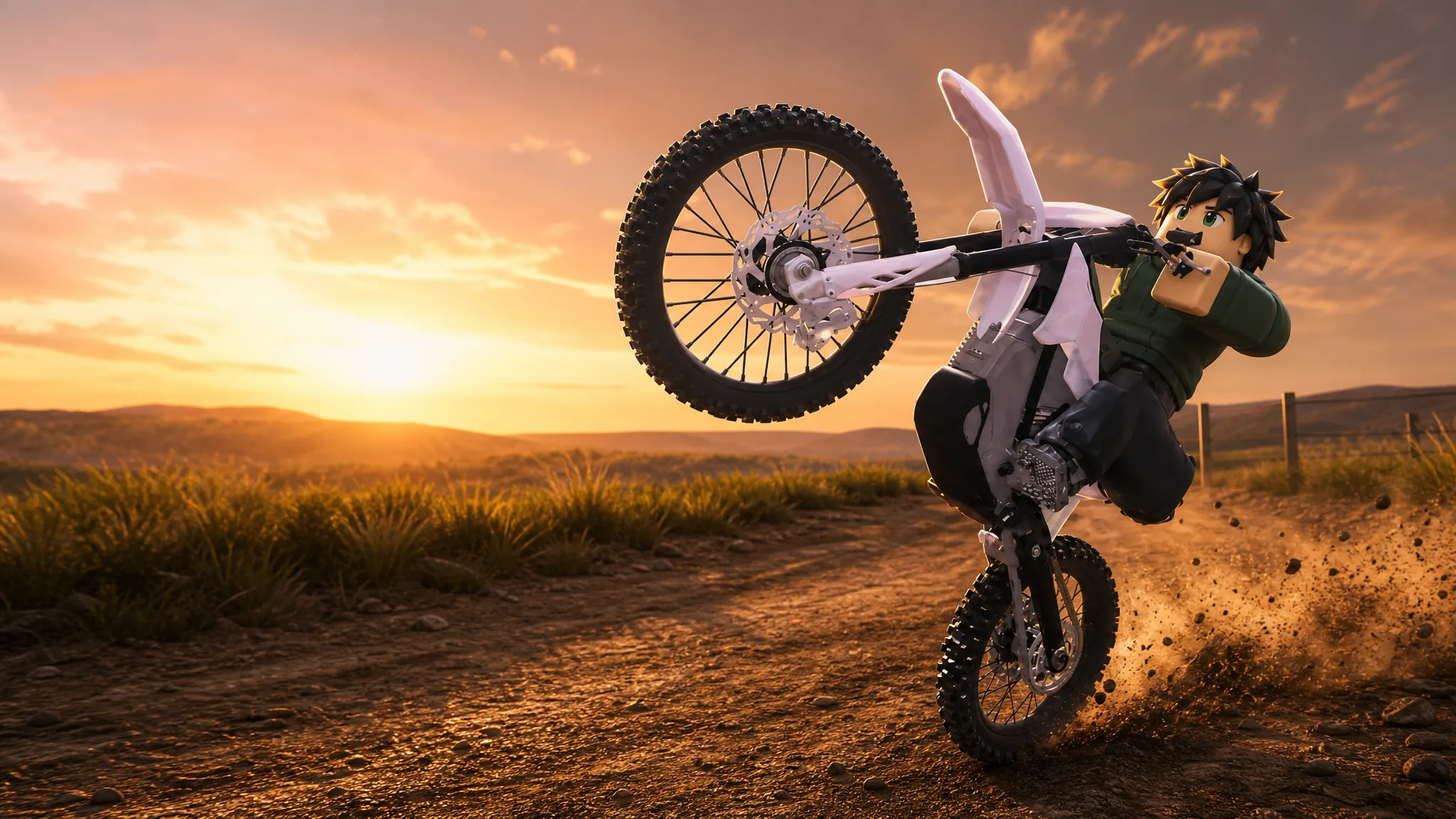
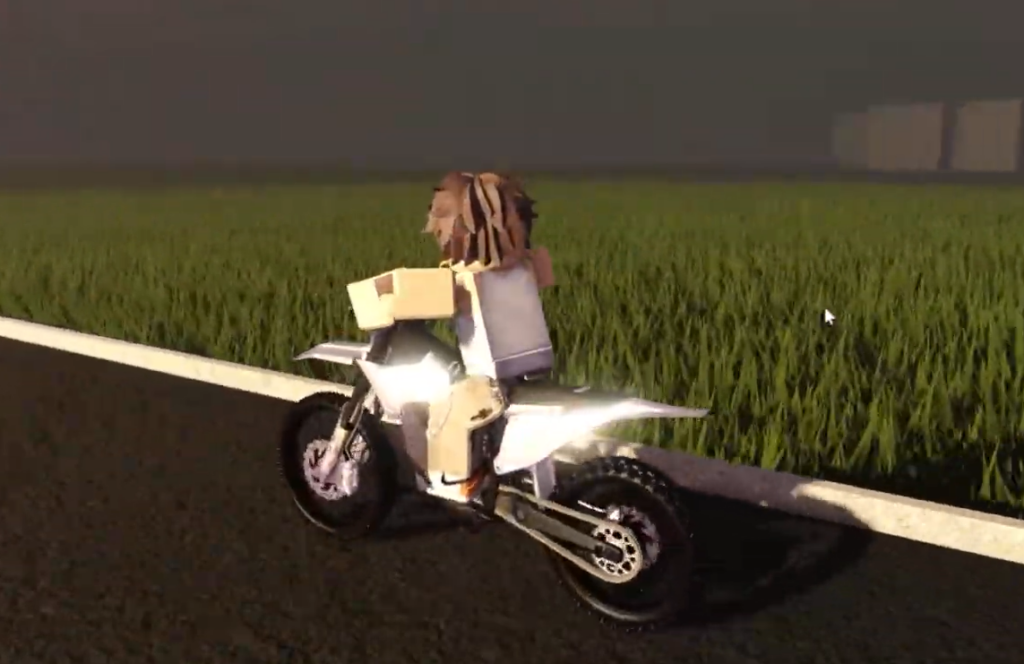
Project Wheelie is an early access testing build on Roblox where you ride a motorcycle, lift the front wheel, and hold a balance point using realistic physics. The current test lets you try basic wheelie mechanics on a map with toggleable traffic, turn tracks, ramps, and a police vehicle to swerve around.
Quick answer: Build up to a moderate speed with W, press Left Ctrl to lift the front wheel, then feather W to hold the balance point. Press Left Ctrl again to bring the wheel back down. On a controller, press D-pad Up to toggle the wheelie.
Project Wheelie controls and keybinds
Everything runs off a small set of keys. Standard riding uses W to accelerate and S to brake or reverse. The rest are the testing binds shown in the on-screen controls panel.
| Action | PC key | Controller |
|---|---|---|
| Toggle Wheelie | Left Ctrl | D-pad Up |
| One Hander (while wheelieing) | C | — |
| Knee Knock (while wheelieing) | X | — |
| Burnout / Drift | W + S | — |
| Stand | Left Shift | — |
| Up Mode | E | — |
| Down Mode | Q | — |
The testing binds are labelled in-game under “Testing Controls” with the note “Binds specific to testing,” so treat that panel as the final reference if the layout changes in a later update.
How to wheelie on PC and controller
W. You want enough momentum to lift the front wheel, but not so much that the bike becomes hard to control.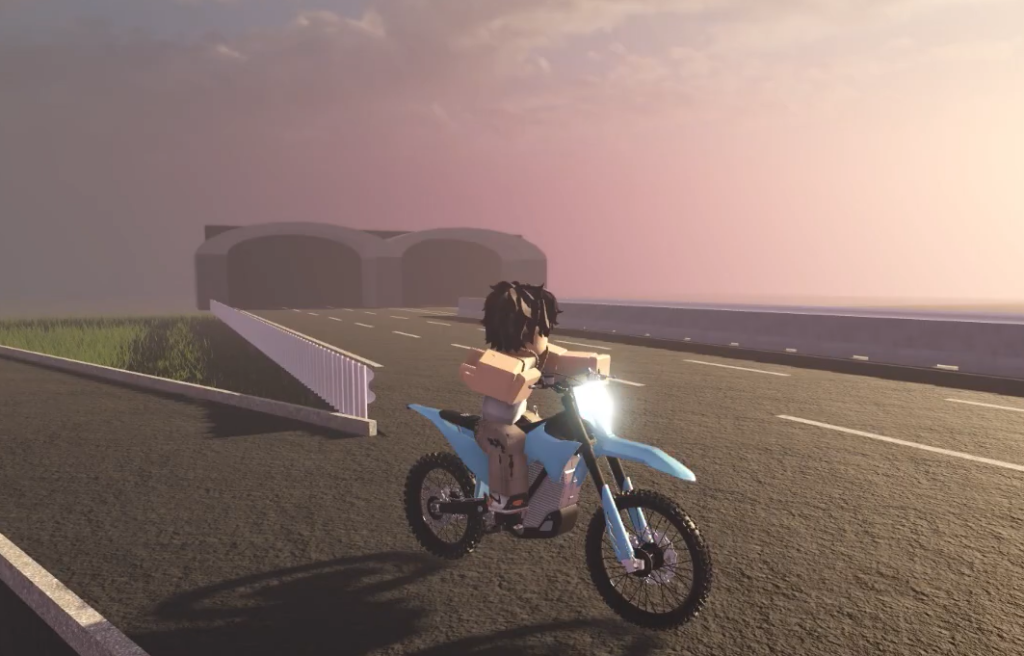
Left Ctrl on PC or D-pad Up on a controller. The front tire lifts and the bike shifts back onto the rear wheel.W if the nose starts dropping, and ease off if the bike leans too far back. Small inputs keep you upright.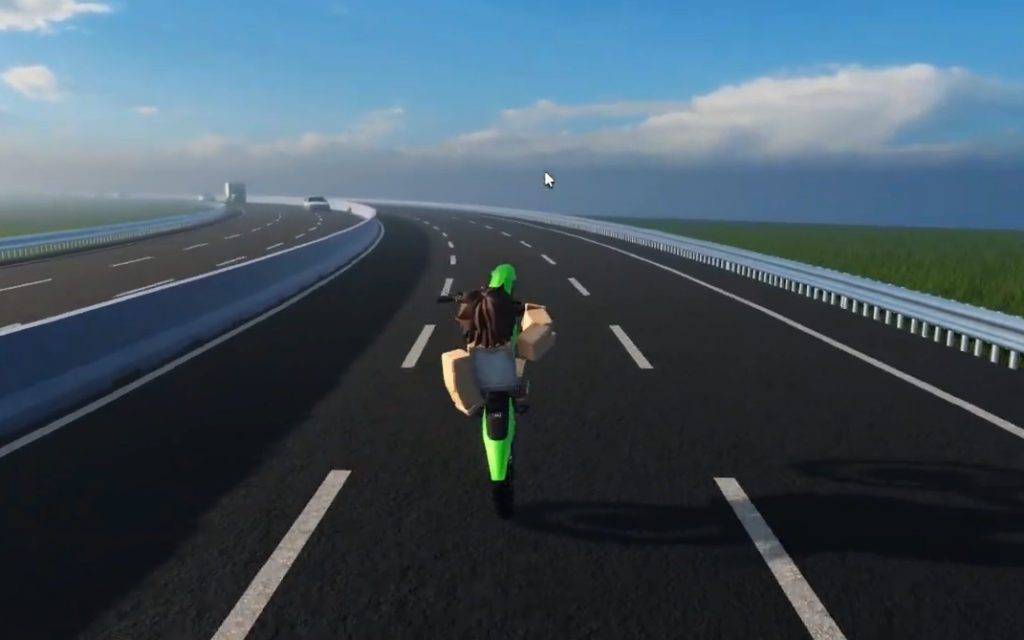
You know it worked when the front wheel is off the ground, and the bike holds steady on the rear tire without tipping backward. If it loops out, you can spawn a fresh bike and try again.
Balancing and the Wheelie Counter Lean setting
Balance is the whole challenge. Lean too far back and the bike loops out; too little throttle and the front wheel drops. Correct with tiny throttle taps rather than big movements.
The Simulation tab includes settings that change how forgiving the balance feels. Turning on Assisted Balance makes holding the wheelie easier, and Wheelie Counter Lean makes the rider lean opposite to the turn during a wheelie, which helps you swerve while keeping the front wheel up. Other options in that tab include Throttle Wheelie Loop Resistance, Realistic Lean, Standing Counter Lean, and Crash Ragdoll.
The hand and head animations are cosmetic. The rider’s hands twist the throttle and pull the brake levers, and the head tracks the camera, but neither changes how the bike balances.
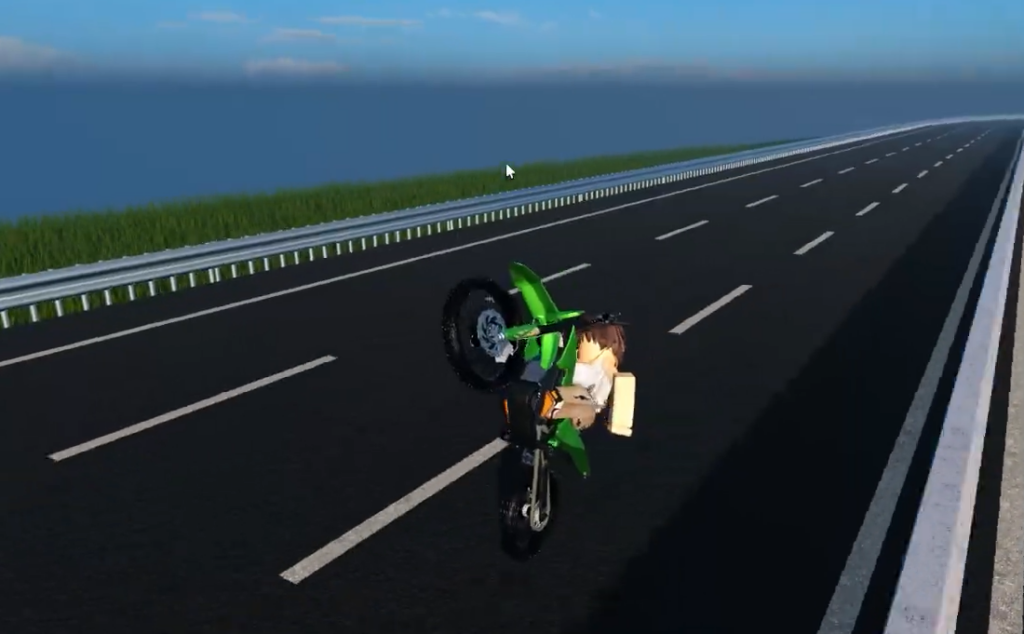
Tricks: One Hander, Knee Knock, stoppies, and burnouts
Tricks only fire in the right state. The One Hander and Knee Knock are performed while you are already holding a wheelie, so lift the front wheel first, then press the trick key.
| Trick | Input | Condition |
|---|---|---|
| One Hander | C | While wheelieing |
| Knee Knock | X | While wheelieing |
| Stoppie | Lower the front wheel / brake | Ending a wheelie |
| Burnout / Drift | W + S together | Hold both keys |
To do a burnout, press and hold accelerate and reverse at the same time, which is W + S on PC. To perform a stoppie, end the wheelie and shift the weight onto the front wheel as the front tire comes back down.
Traffic mode and the test map
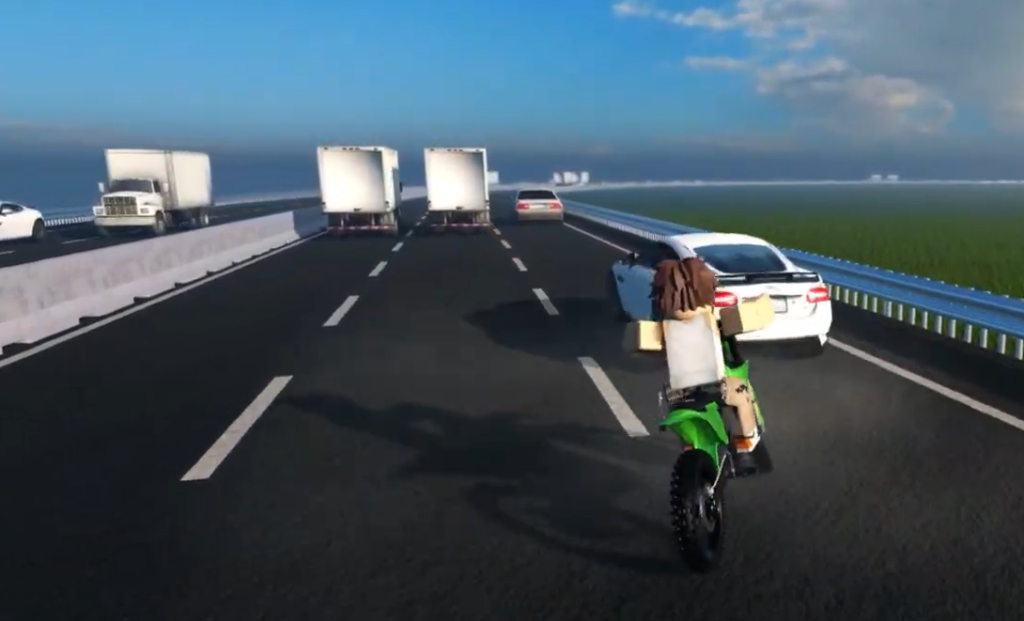
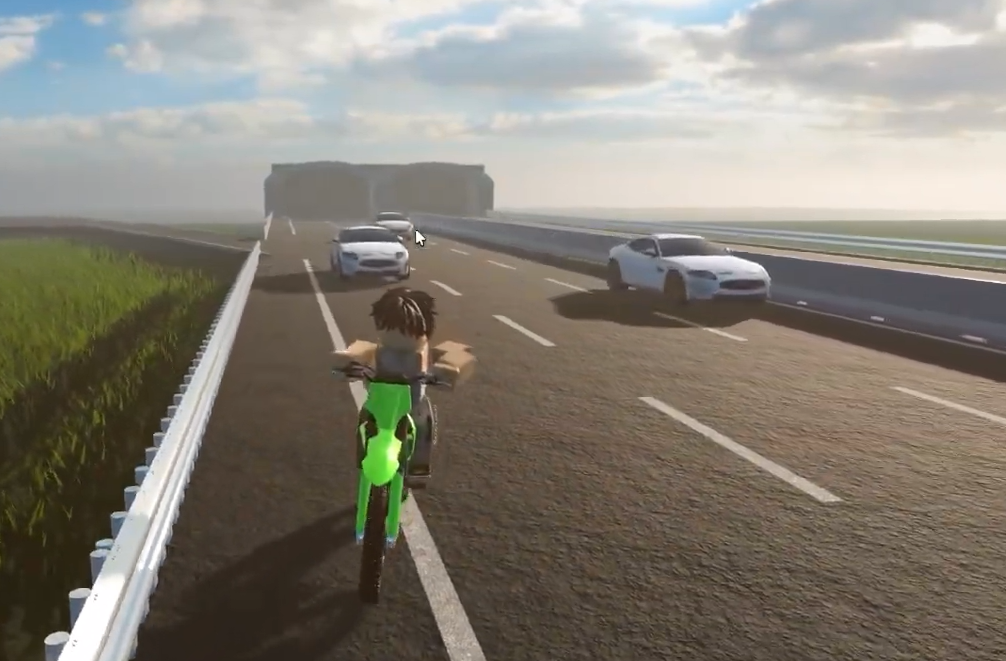
Highway traffic is optional. Use the Enable Traffic and Disable Traffic button on the left of the screen to switch cars on or off. With traffic on, you can practice holding a wheelie while swerving between vehicles, and the Wheelie Counter Lean setting makes those turns easier to steer.
The test map also includes turn tracks, ramps, and a police vehicle to ride around. You can pick a bike color and spawn a fresh test bike from the on-screen controls, with a short spawn timer before it appears.
Settings that affect handling and view
The settings menu is split into Gameplay, Simulation, Audio, Visual, Interface, and Animations tabs. Most of these change how the game looks and feels rather than the physics, but a few are worth setting before you practice.
| Tab | Useful options |
|---|---|
| Simulation | Assisted Balance, Wheelie Counter Lean, Realistic Lean, Throttle Wheelie Loop Resistance, Crash Ragdoll |
| Visual | Camera FOV, Camera Height, Screen Shake, Smooth Camera, Reduced Motion, Show FPS Counter |
| Animations | Advanced First Person Cam, Hand Animations, Head Movement |
| Audio | Background Music, Sound Effects, Footstep Sounds |
| Interface | Lock Camera To Mouse, Show Notifications, AFK Cutscene |
If the camera makes balance hard to read, adjust Camera Height and turn on Smooth Camera so you can see the front wheel clearly as it rises and falls.
Because this is an early access testing build, the developers state you are trying only about a week of development and basic wheelie mechanics, with a full game still in progress. Start with short, controlled wheelies on an open stretch, get comfortable with the balance point, then add tricks and traffic once you can hold the front wheel up without looping out.