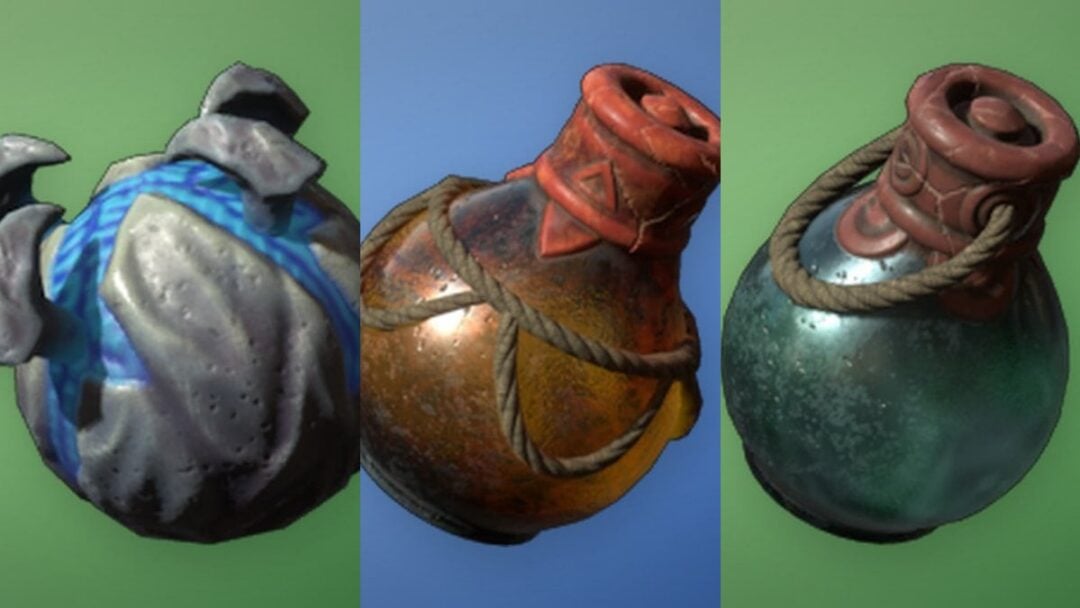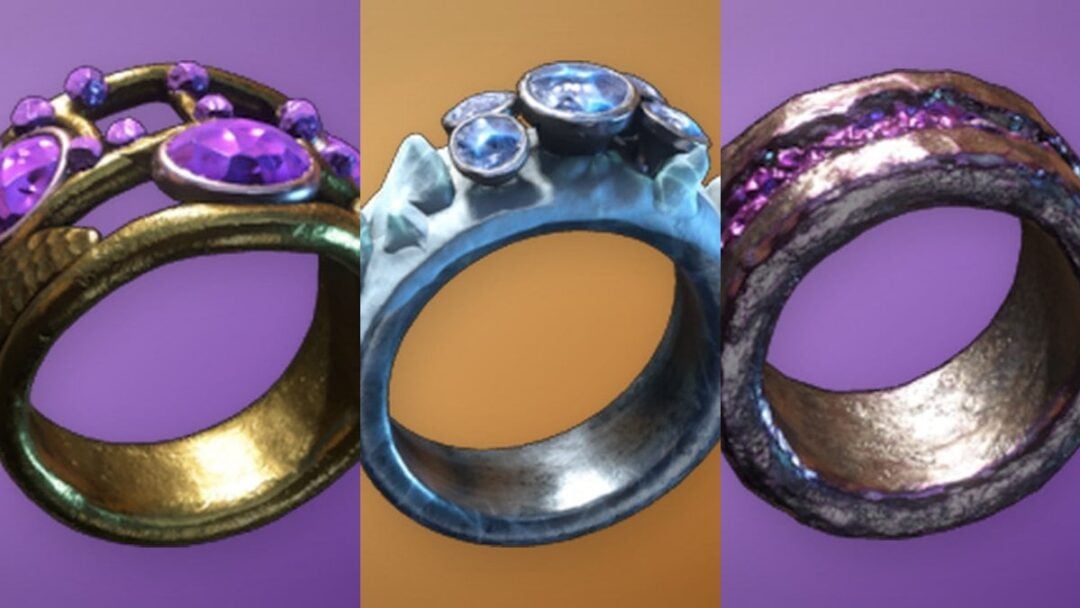
Money in RE:Heads, Please! comes from one place: the coin you have equipped. Every flip pays out a fixed amount based on that coin, so the entire game is a loop of flipping, banking cash, rolling a better coin at the fountain, and equipping it. Everything else — enchants, accessories, codes, the skateboard — exists to make that loop pay more per second.
Quick answer: Flip until you have $1,000, roll the Coin Gacha at the fountain, then equip the highest-rarity coin you pull from the coin menu. Join the game’s Roblox group to unlock auto flip.
How coins decide your cash per flip
Each coin has a set profit value, and equipping a higher-tier coin raises your earnings multiplier directly. The starter Penny pays $10 a flip, which is why the first $1,000 feels slow and everything after it does not. Coins are also used at the Ruined Station for mining ores, but rarity does not affect mining progress there.
| Coin | Profit per flip |
|---|---|
| Penny | $10 |
| Dalgona Coin | $15 |
| Plush Toy Coin | $20 |
| Gear Coin | $25 |
| Slime Coin | $30 |
| Clover Coin | $40 |
| Seaweed Coin | $100 |
| Friendship Coin | $150 |
| Graph Coin | $200 |
| Rhythm Coin | $250 |
| Dream Coin | $500 |
| Zone Coin | $550 |
| Leveling Coin | $650 |
| Lock Coin | $1,000 |
| Black Rose | $1,100 |
| Overdrive Coin | $1,200 |
| Calendar Coin | $2,500 |
There is no sell button, so a coin you stop using is not worth cash. The prices listed next to coins do not translate into a refund, and low-tier pulls are only stepping stones toward the next rarity. Coins run from Common up through Uncommon, Rare, Epic, Legendary, and Mythic, and the Godly coin cannot be rolled at all — it has to be crafted.
Unlock auto flip by joining the Roblox group
Auto flip is the single biggest change to your income rate, because your coin keeps flipping while you walk to the fountain, run quests, or sit in menus. Tapping the AUTO FLIP button before you qualify throws up a “Group Member Required” prompt instead of turning it on. Membership in the developer’s Roblox community is the gate.
If the join attempt fails with “You have joined the maximum number of communities,” Roblox is blocking it at the account level, not the game. Leave a group you no longer use, then join again and rejoin the server so the game re-checks your membership.
You know it worked when the AUTO FLIP toggle stops throwing the group prompt and your cash counter climbs without any clicking. Group membership also unlocks the 3x gacha roll, which matters in the next section.
Roll the Coin Gacha at the fountain
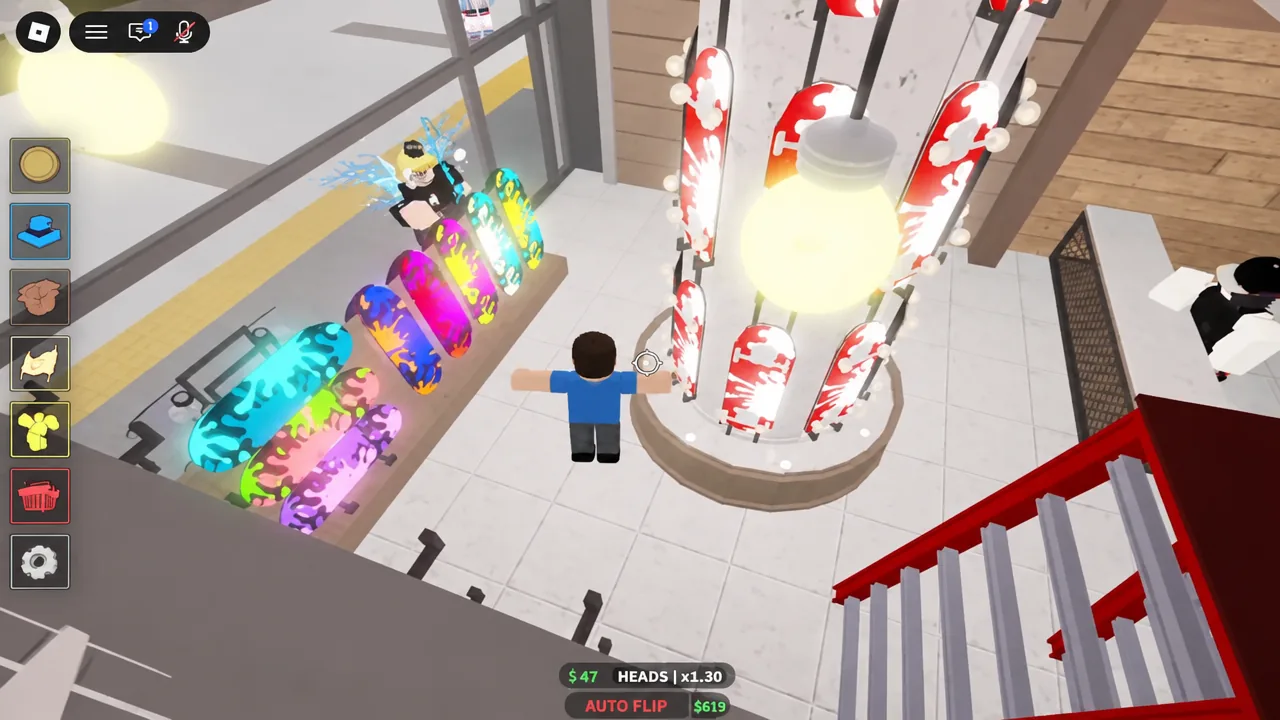
The Coin Gacha sits at the central fountain, marked by a glowing circle on the floor. Every new coin you own comes out of here, and the three roll options differ only in how many pulls you get and what you need to access them.
| Roll | Cost | Requirement |
|---|---|---|
| Single | $1,000 | None |
| 3x | $3,000 | Group Member |
| 5x | $5,000 | VIP |
Equip the best coin you own
A pulled coin does nothing sitting in your inventory. Open the coin menu using the coin icon on the left of the screen, select your highest-profit coin, and equip it. The panel shows the coin’s level, upgrades, enchants, and description, so you can compare two coins before committing.
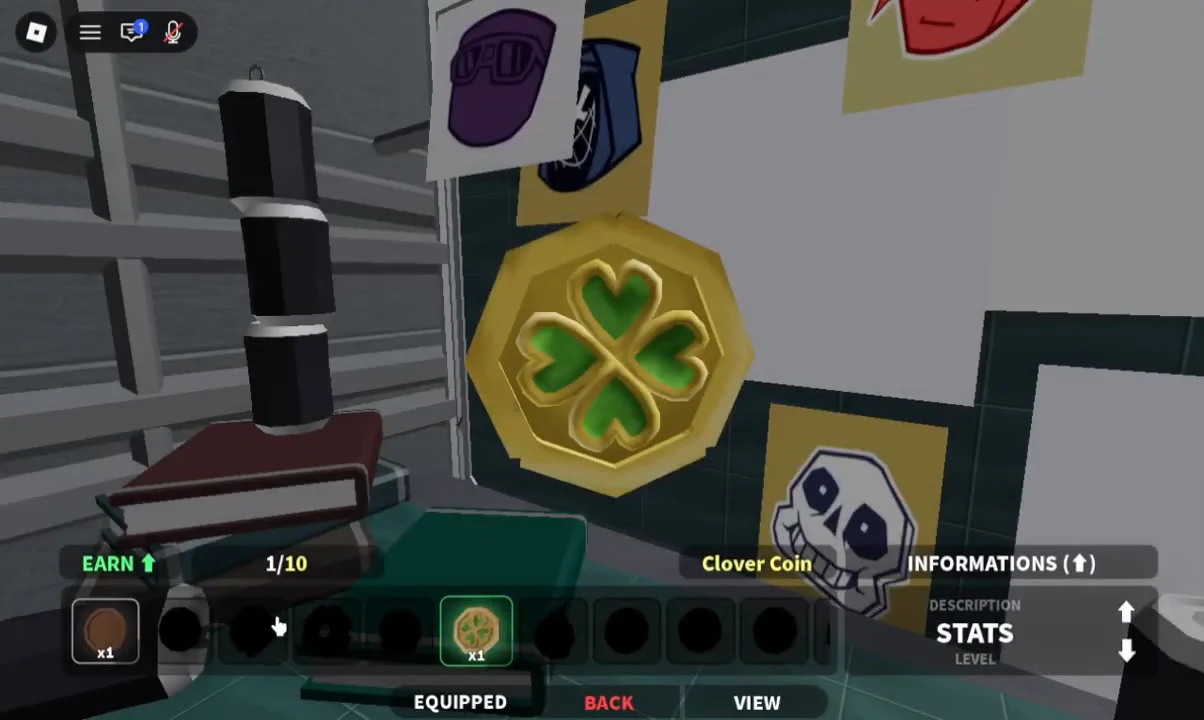
Verification is immediate: the equipped coin appears in the flip UI at the bottom of the screen, and your payout per flip jumps to that coin’s profit value. If the number has not changed, the equip did not register and you need to select it again.
Where not to spend money early
The upgrade NPC is a money sink for new players. Because gacha pulls replace your coin quickly, anything you sink into a starter coin is gone the moment you land something better. Hold your cash for fountain rolls instead.
- Skip upgrades until you have a coin you intend to keep for a long stretch.
- When you do upgrade, the money-earned stat is the safest pick — it is pure income.
- Upgrade costs scale with the coin’s quality, so high-rarity coins get expensive fast.
- A “break” on an upgrade does not destroy the coin; it resets the upgrade level to zero.
- Accessories and the Ruined Station are later-game systems, not starting priorities.
Turn cutscenes off in settings. The long animations interrupt flipping, and switching them off keeps your earnings rate steady.
Enchants that raise cash per flip
Once you are holding a coin worth keeping, the enchant station is where the real income scaling happens. A well-enchanted mid-tier coin will out-earn a higher-rarity coin with nothing on it, so aim for tier 2 or tier 3 effects rather than settling for first-tier rolls.
- Wealth — raises the base money you earn per flip.
- Flash — increases flip speed, so you get more payouts per minute.
- Heads — improves your chance of landing heads, which triggers the higher payout.
- Luck — improves roll luck for gacha pulls.
In the enchant menu, mark the effects you want to keep in green. Anything green is locked in and will not be rolled off when you enchant again, which stops you from losing a Flash 3 while chasing a Wealth roll.
Redeem codes for boost items
Codes hand out Enchant Books, Engraving Scrolls, Accessory Tickets, and the soda and energy drink boosts, all of which feed straight back into cash per flip. Open the Shop using the shopping basket icon, scroll to the Codes section, paste a code into the entry box, and hit Redeem. A confirmation appears and the items land in your inventory.
sicktricks— 2 Engraving Scrolls, 3 Accessory Tickets, 1 Mining Luck PotionThankyouFor5kCCU— 3 Luck Sodas, 3 Wealth Sodas, 3 Energy DrinksThankyouFor4kCCU— 8 Enchant Books, 8 Accessory TicketsThankyouFor3kCCU— 5 Enchant Books, 5 Accessory TicketsUpdate2.5— 3 Engraving Scrolls, 5 Enchant Books, 5 Accessory Tickets
Codes here expire quickly, often within days of a new version. Codes are case-sensitive and single-use per account, so copy them exactly and redeem as soon as you see them.
Save Luck Sodas, Wealth Sodas, and Energy Drinks for a session where you plan to sit and grind. Using them while you are idle wastes the timer.
Quests that speed up the grind
The quest NPC’s tasks are worth clearing early because they unlock the skateboard. Find the spray cans scattered around the map, then the board markers, and the board becomes available. Press Q on keyboard to ride it and R to boost, which cuts the walk between the fountain, the enchant station, and the shops down to seconds.
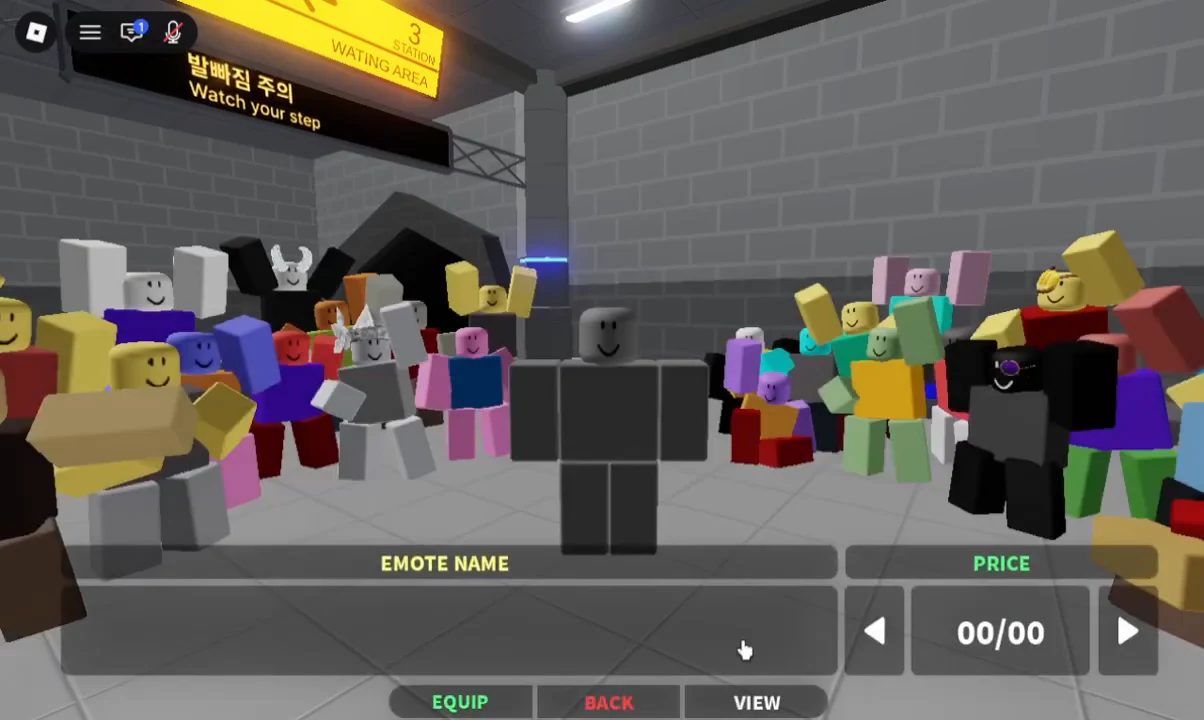
There is also an emote quest at the yellow dancing NPC. Buy any emote that costs 1,000 and use it 30 times to complete it. One more piece of early bookkeeping: buy the ball item once you are earning around $1K per flip, since a later quest from the girl NPC asks for it.
Interface labels, costs, and unlock order shift between versions of the game, so if a price or button name on your screen does not match, trust what the game is showing you and adjust from there.