Shigaku is a Roblox school roleplay game built around hallway PvP. You spawn as a student at Shigaku High, roam the campus, and settle fights with a compact melee system that rewards blocking, timing, and quick dashes. Winning comes down to knowing eight keys and using them in the right order.
Quick answer: Press T to raise your fists, chain punches, hold F to block or parry, land R criticals to knock opponents out, and use Q to dash away when you get cornered.
Spawn in and open the Student Handbook
Pick a student slot from the character screen and click ATTEND to load onto the Shigaku High campus. You start outside the main building, free to walk in, use the wardrobe, or head into the halls where most fights happen.
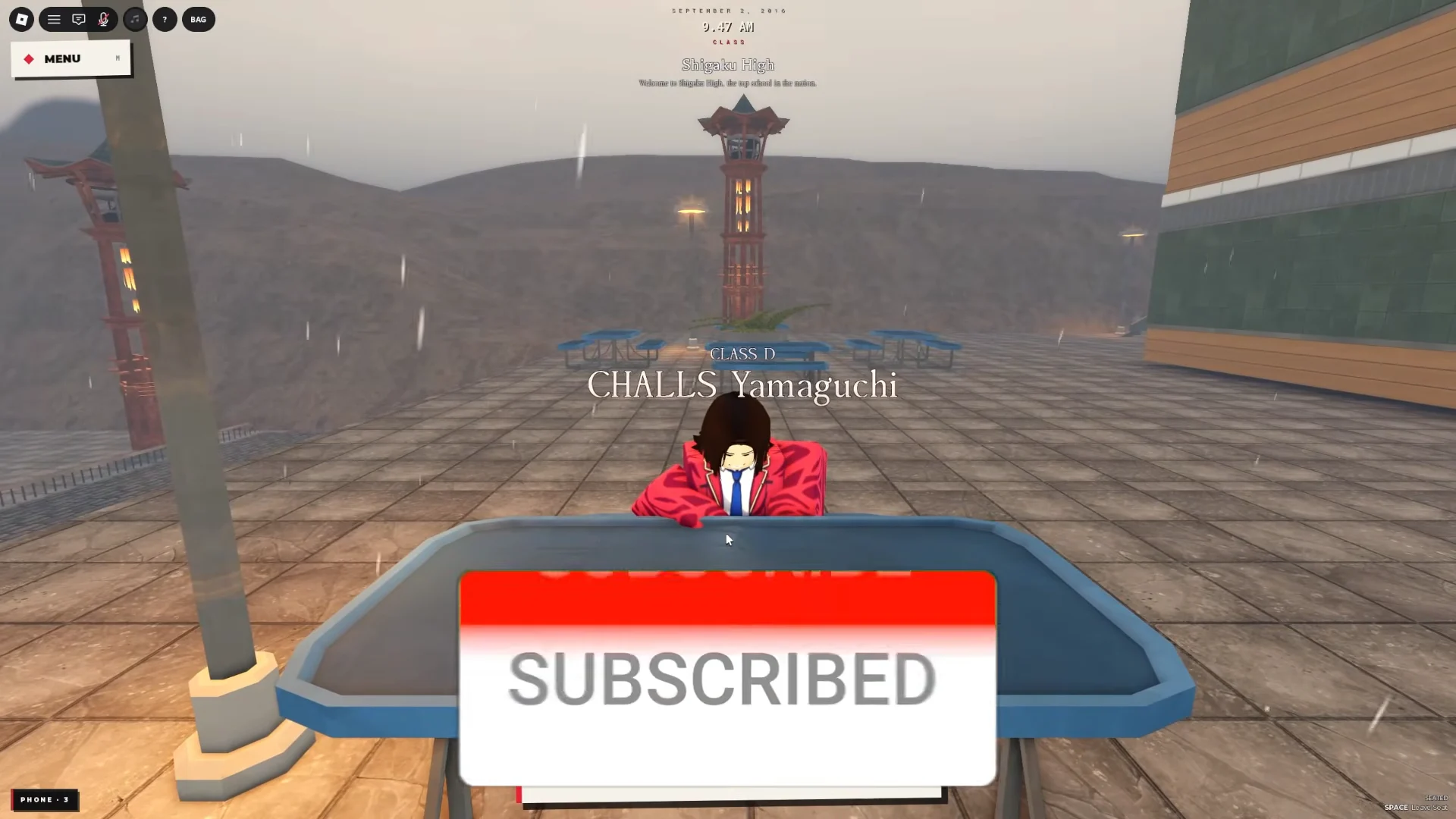
Before your first brawl, open the Student Handbook and read the Controls page. It lists every keybind, including combat inputs and utility options like Shift Lock, First Person, Quick Photo, Emotes, and Cinematic mode.
Shigaku combat controls and keybinds
These are the core inputs you use in a fight. Learn the first four before anything else, since punches, blocks, criticals, and dashes decide almost every exchange.
| Key | Action |
|---|---|
| T | Equip and use Fists |
| F | Block / Parry |
| R | Critical strike (heavy knockdown) |
| Q | Dash |
| Shift | Sprint |
| C | Carry a downed player |
| M | Open Menu |
| Ctrl | Open Phone |
Carry with C lets you pick up a downed opponent and stuff them into a locker, which removes them from the fight entirely.
How to win fights in Shigaku
Fights are won by staying defensive between your own hits and cashing in with criticals. Three habits carry most matchups, including the moments when multiple students gang up on you in a corridor.
- Hold
Fto keep a block up and cut down the damage from incoming punch combos. - Land the critical with
Rwhenever you get an opening. It is your knockout blow. - Use
Qto dash in and close the gap, or to break away when opponents corner you.
You know a fight is over when your critical connects and the opponent drops unconscious. From there you can walk away, or carry them off with C.
Open the Docomo phone
Press Ctrl to open the in-game Docomo flip phone. From its messaging screen, choose Messages, Menu, or Contacts; you can message other players directly and stay on campus.
Working Shigaku codes
Three codes currently redeem. The first grants 25 free rerolls; the other two redeem for unlisted rewards.
SORRY4DELAYTHATSONUS— 25 free rerollsMOREMOREMOREMYBADFIXESOTW
How to redeem Shigaku codes
M on your keyboard, or click Menu in the top-left corner of the screen.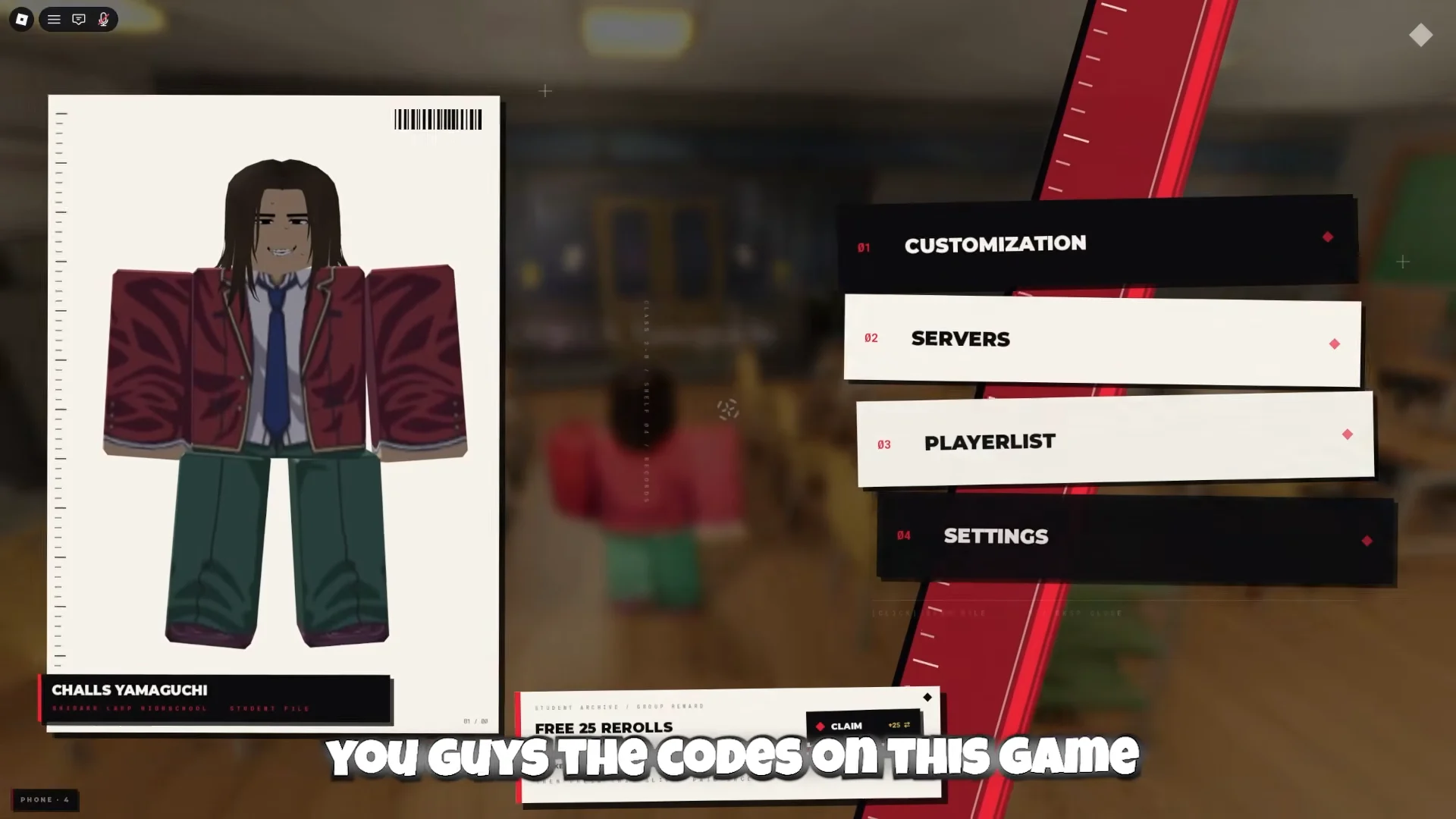
SORRY4DELAYTHATSONUS into the ENTER CODE box and click REDEEM. Your reroll count goes up by 25 when it lands.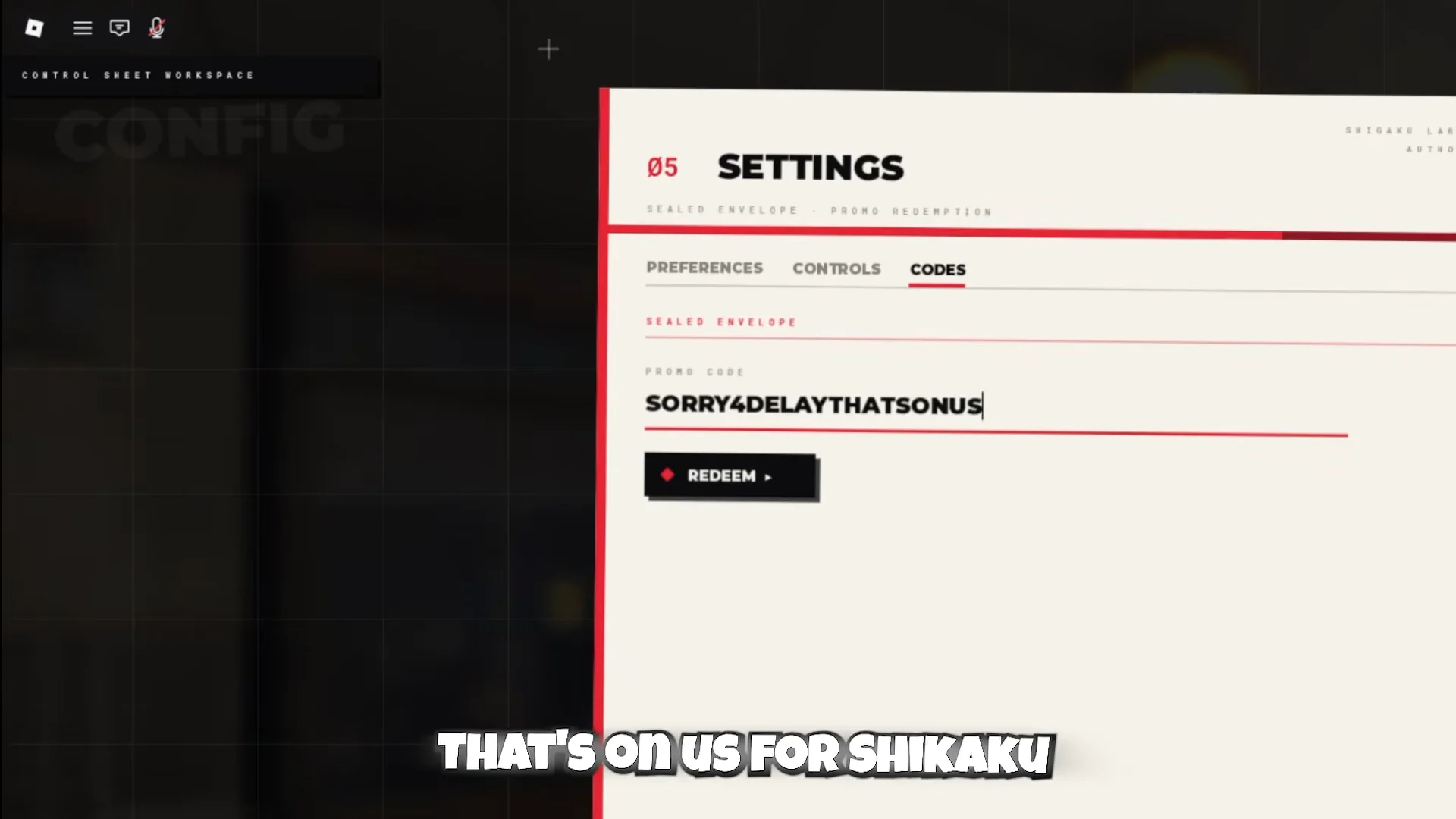
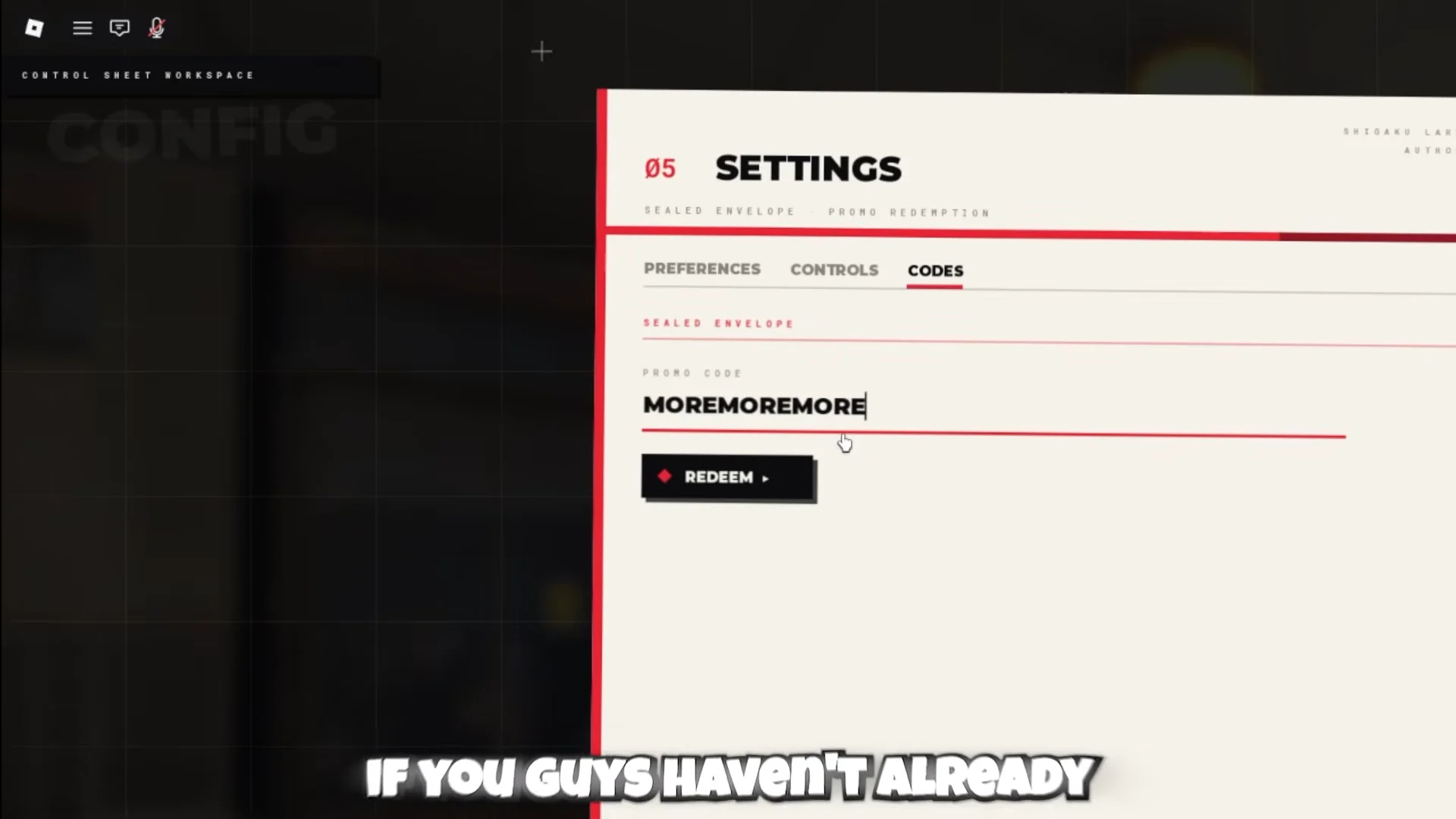
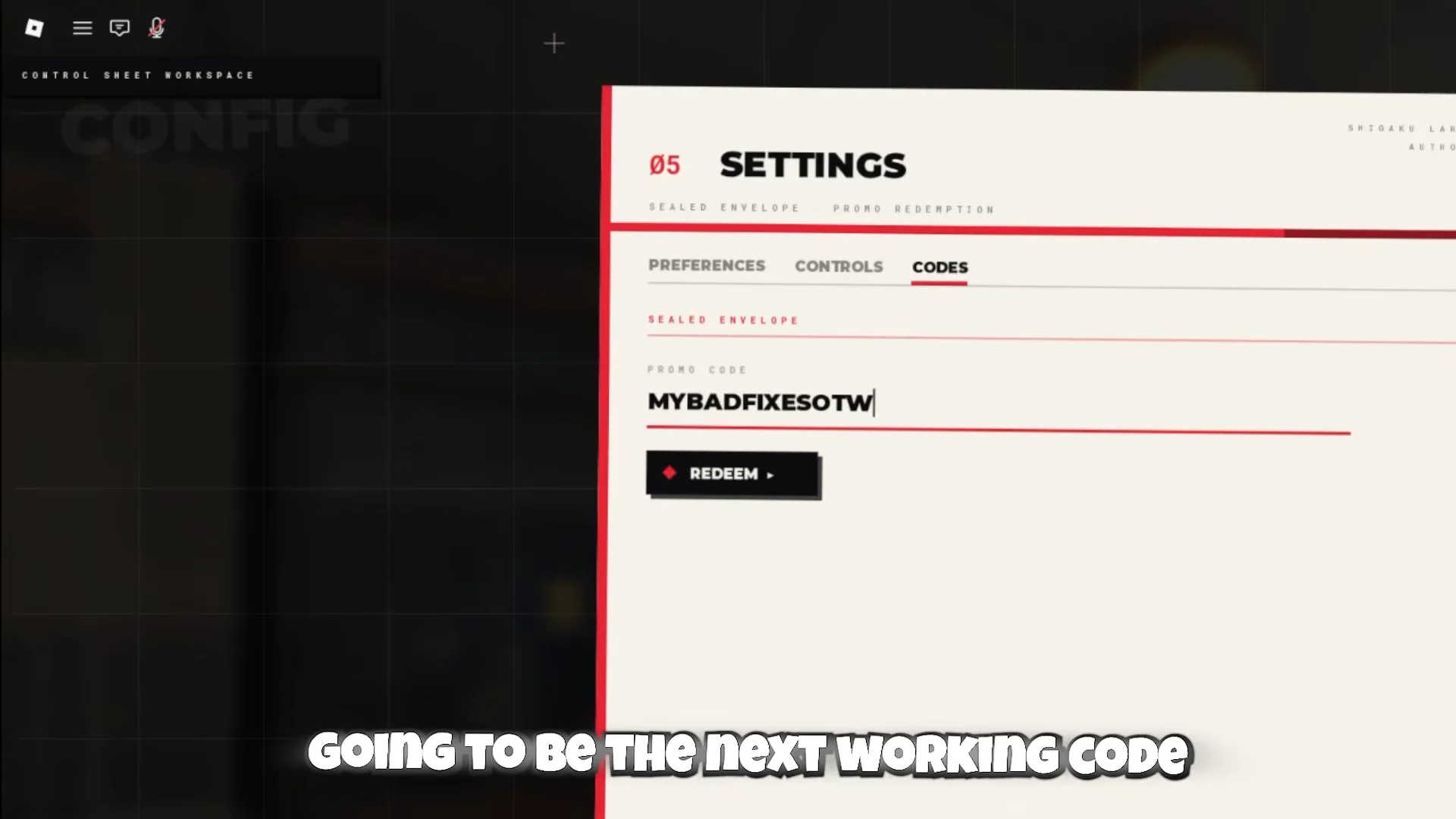
Enter each code exactly as written, since the field is case-sensitive. Once all three are in, your 25 rerolls are ready to spend the next time you reroll your character.