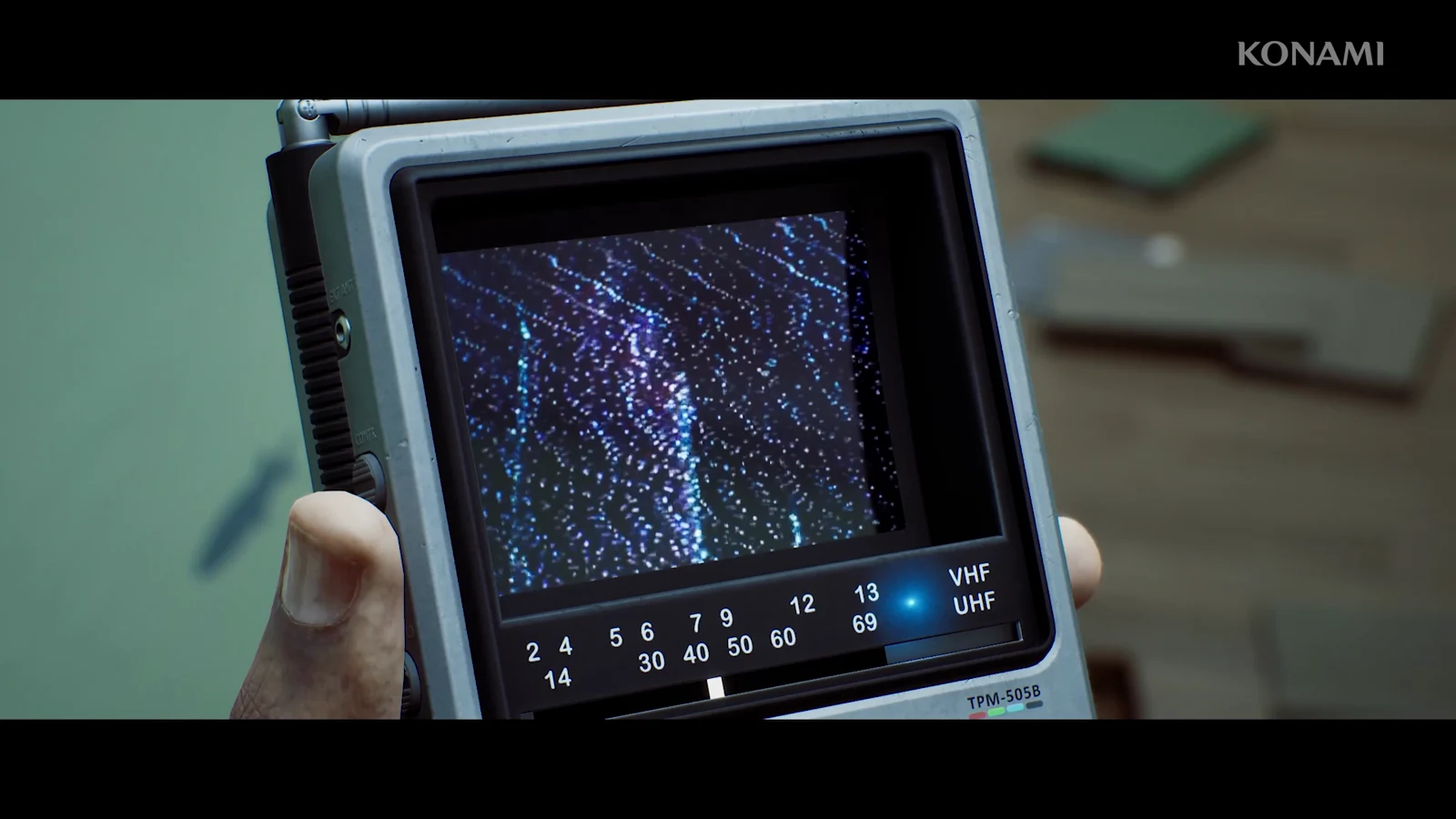
Most CRTV recordings in Silent Hill come off the handheld unit while you walk. VHF transmissions do not. Those live on stationary radios, and each one drops you into the Fine Tuning minigame, where the frequency dial is only the first of three things you have to get right.
Quick answer: Interact with a VHF transceiver, dial in the base frequency until the screen reads CALIBRATION REQUIRED, straighten the test pattern by tilting the CRTV, align the RGB bars, then hold the store control.
When the CRTV needs fine tuning instead of normal tuning
Ordinary video signals only need the dial. You raise the CRTV in the right area, sweep the frequency slowly, and the picture locks in on its own once the indicator settles inside the reception window.
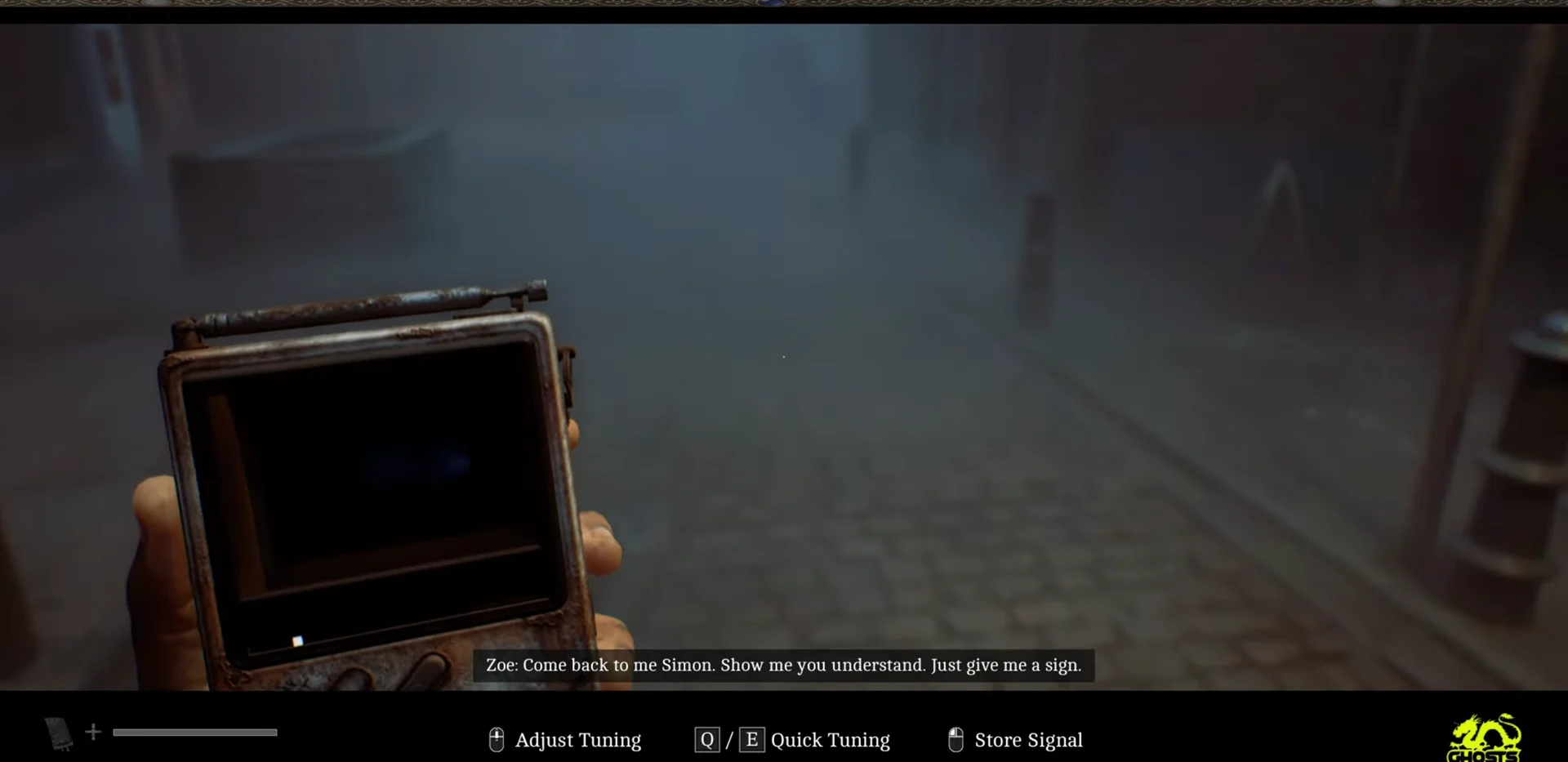
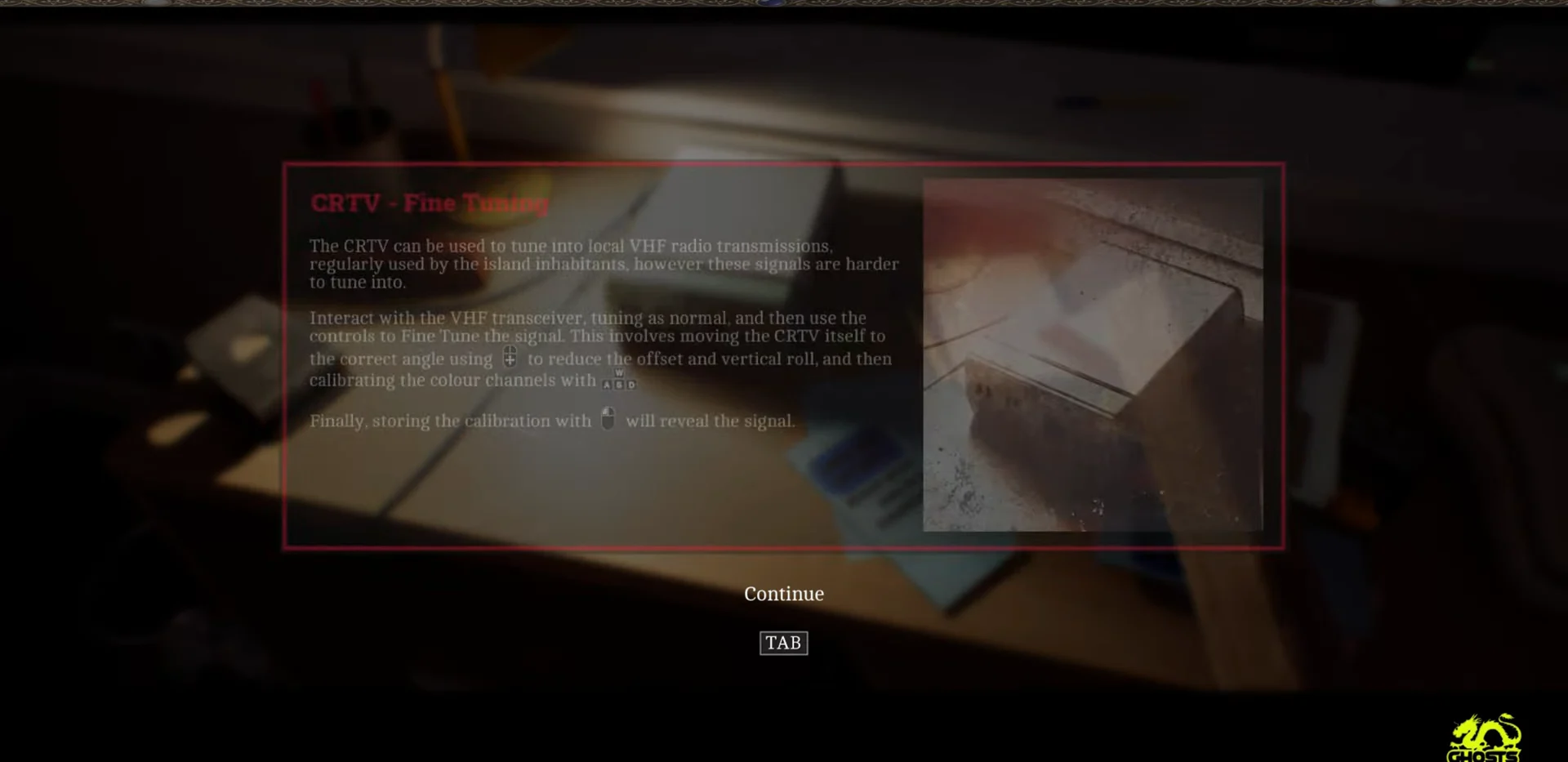
VHF transmissions are the ones the island’s residents actually use, and the handheld cannot resolve them by itself. You have to find the physical radio, tune as usual at that unit, and then correct the CRTV’s own position before the picture becomes watchable. The game explains this the first time you touch a transceiver, in a window headed CRTV – Fine Tuning.
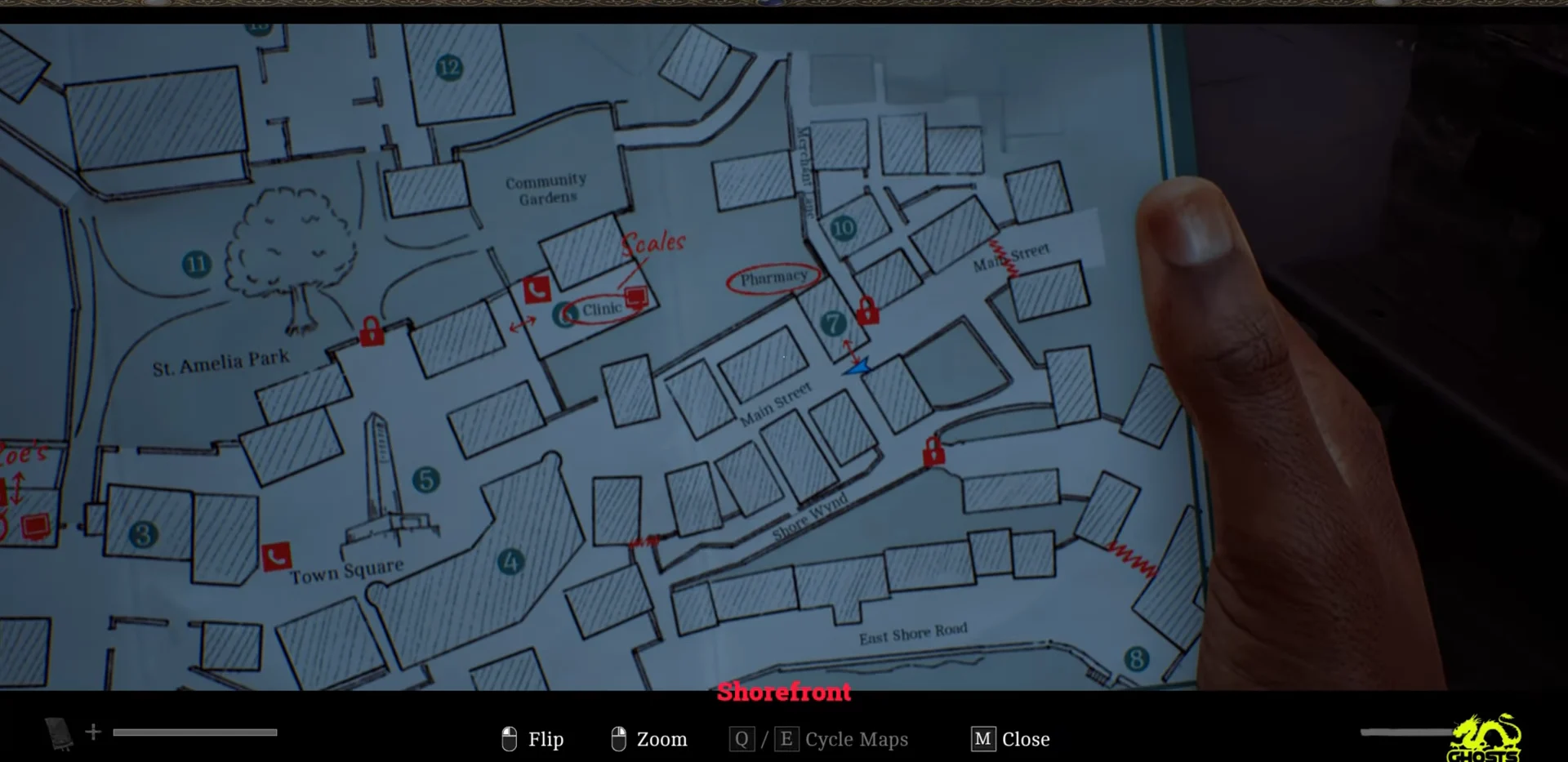
Because these signals are tied to hardware rather than a location, the map is worth a look before you go hunting. In Chapter 4, the outdoor signal sits in the streets near the Shorefront Family Clinic, while the transceiver waits in a back office at roughly Channel 30.
Fine tuning controls on PC and controller
| Stage | PC | Controller |
|---|---|---|
| Tune at the radio | E | Interact button |
| Sweep frequency fast | Q / E | Tuning control |
| Angle and roll | Mouse | Right stick or tilt |
| Colour channels | A / D | D-pad |
| Store calibration | Hold right click | Hold store button |
On PS5, the CRTV’s tilt is mapped to the DualSense motion sensor by default, which makes the angle stage awkward if you play with the pad in your lap. Turning off Enable CRTV Motion Sensor Controls in the settings moves tilt over to the right stick.
How to fine tune a VHF signal
E Tune rather than the usual examine option.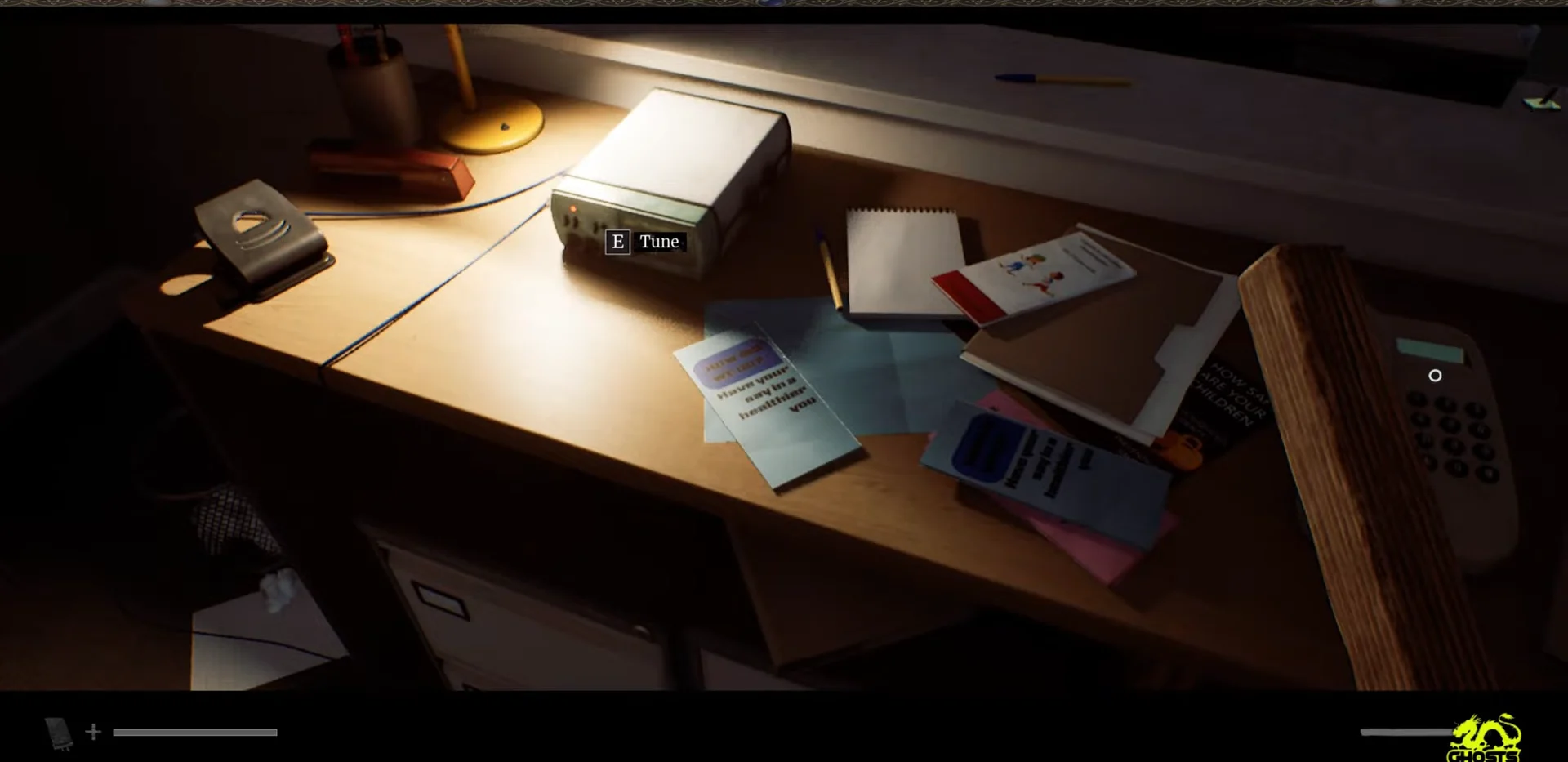
FINE TUNE - SEARCHING; when you land on it, the static resolves into a colour test pattern and the readout switches to CALIBRATION REQUIRED.Align CRTV prompt.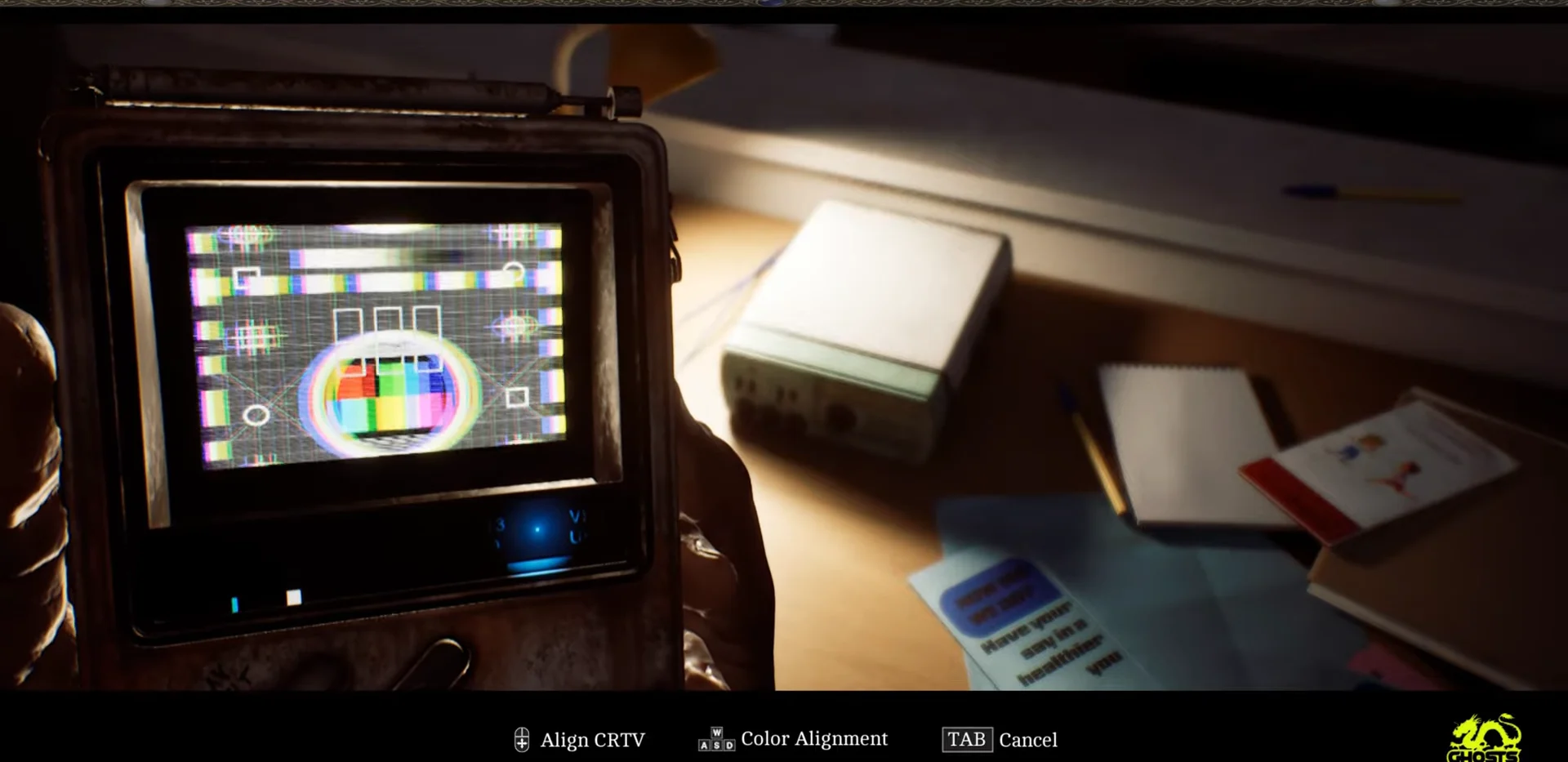
Color Alignment and separate out the channels. Nudge each colour until it sits inside its matching frame, watching the Align RGB Signals meter fill and turn green as you close in.CALIBRATION COMPLETE appears. The on-screen prompt spells this out as HOLD TO STORE, and it has to be held rather than tapped.The two alignment stages fight each other. If the colour bars start drifting again mid-way through the RGB step, the angle has slipped, so reset the tilt before touching the colours again.
CRTV screen labels and what each one means
| On-screen text | What it means |
|---|---|
| FINE TUNE – SEARCHING | Base frequency is wrong; keep sweeping |
| CALIBRATION REQUIRED | Frequency found; alignment not done |
| Align CRTV | Angle and roll stage is active |
| Align RGB Signals | Colour meter; fill it green |
| CALIBRATION COMPLETE | Signal is ready to store |
Treat CALIBRATION REQUIRED as the checkpoint. Seeing it means you can stop touching the dial entirely, and anything still wrong with the picture is down to the position of the device rather than the frequency.
How to tell the signal registered
A stored VHF signal plays its recording immediately. In the Chapter 4 case, that means a local medical spot titled Prescription Drugs and You, complete with the clinic’s consultation and blood pressure cards. If the clip runs, the channel is banked.
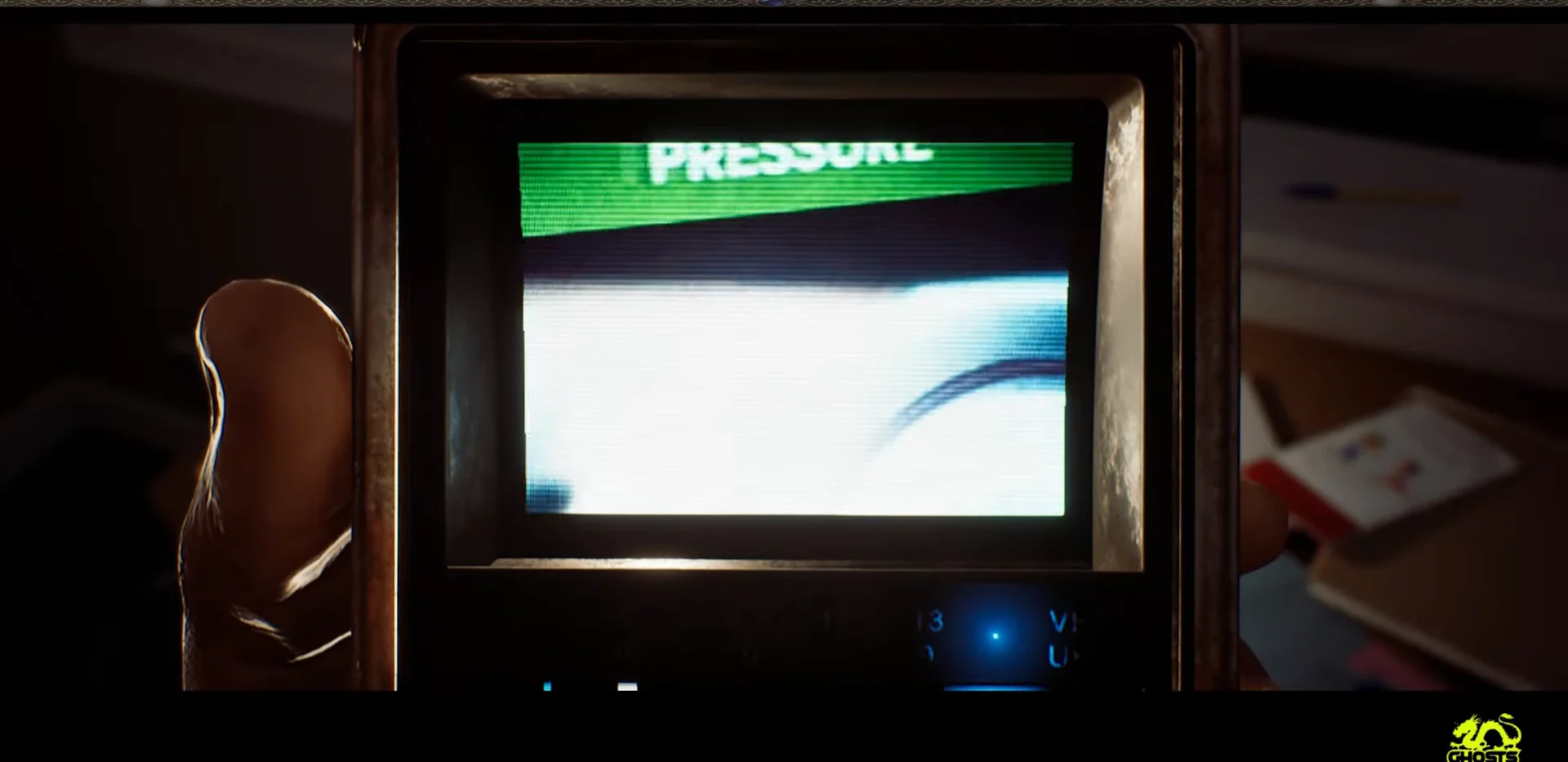
Each stored recording counts toward the 18 video signals tracked by the Sweeping Signals trophy. Channels that only exist to track enemies are not part of that count, and your signal progress carries between playthroughs, so a radio you never calibrated is the only one you need to come back for.
The recordings also do real work beyond collection. Numbers, calendars, and other details visible in stored footage feed directly into puzzles elsewhere in St. Amelia, which makes the calibration worth the fiddling the first time a transceiver stops you.