Skatepedia is your built-in reference for the full trick library in Skate, organized with clear inputs for each move. It’s available right from the game menus on console and PC with a controller. EA documents the Flick‑It control scheme and where Skatepedia lives in the menus on its official guide, which also notes the list will grow over time as new tricks are added (EA: Get Control!).
Access Skatepedia from the main menu
☰ (Menu) on your controller. This brings up the primary navigation where Settings is located.X on Xbox or Square on PlayStation. The Settings screen contains gameplay, controls, and reference tools.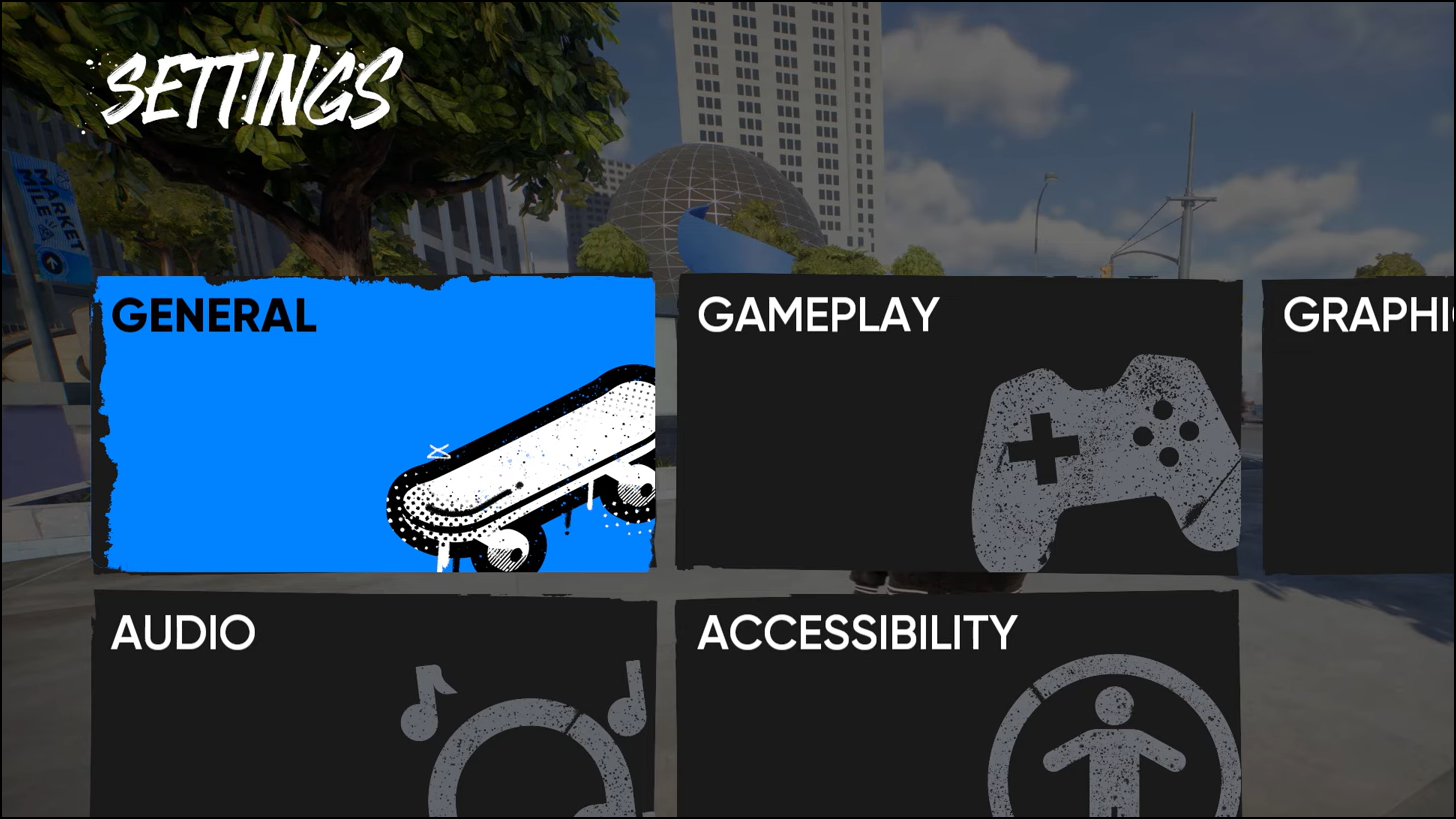
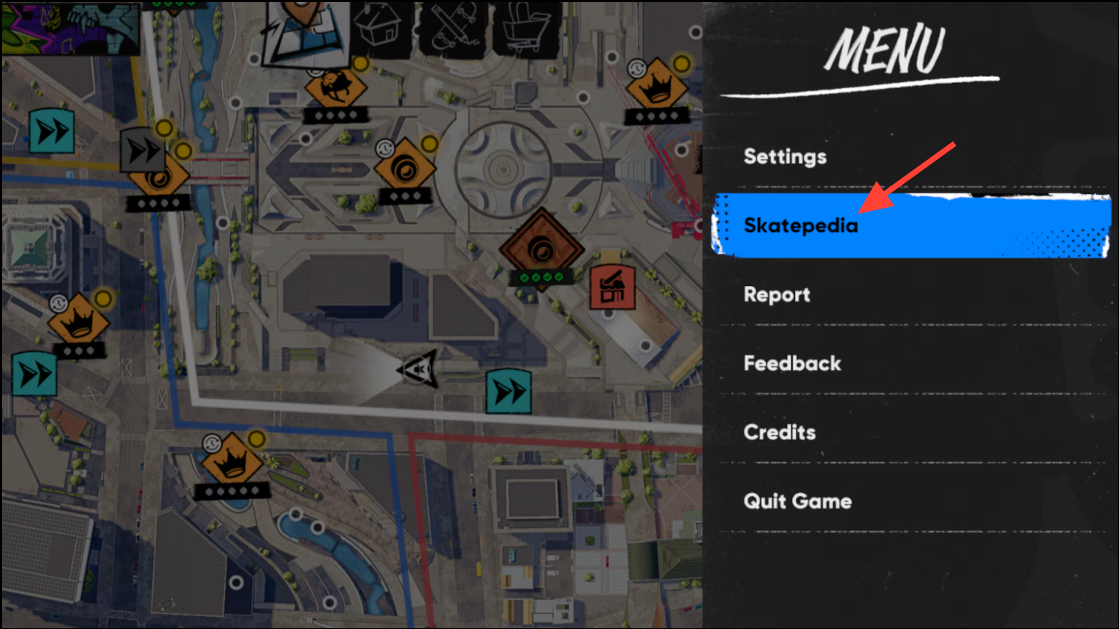
Open Skatepedia mid‑session (pause menu)
X (Xbox) or Square (PlayStation), then open Skatepedia. Review a trick, close the menu, and resume skating exactly where you left off.Pick the right control preset and stance before studying inputs
Skatepedia reflects your current control preset and stance, so aligning these with how you play avoids confusion when reading inputs. The game offers Streamlined, Classic, and Experienced presets; the Flick‑It system uses the left stick to steer and the right stick for board control, with triggers for grabs.
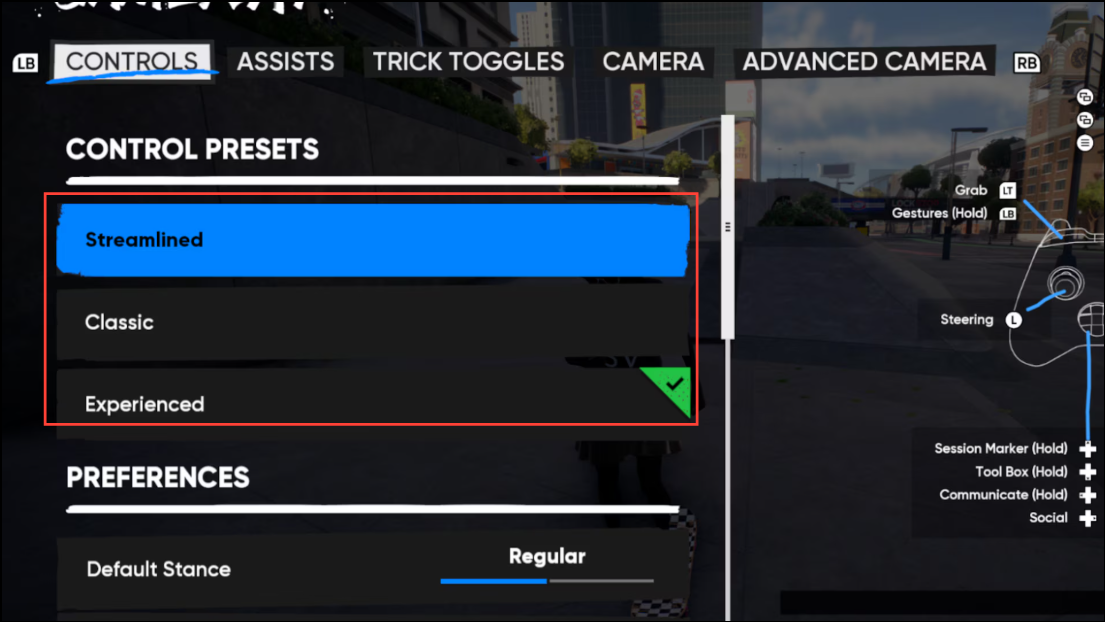
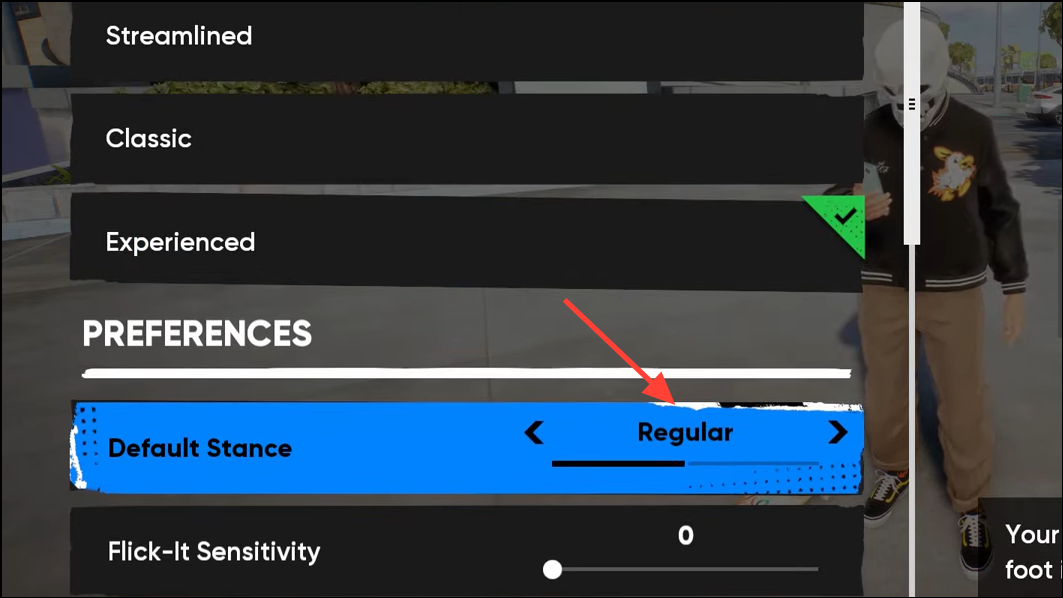
- If you switch stance later, revisit Skatepedia to see mirrored inputs that match the new stance.
- If you’re new, start with Streamlined or Classic; move to Experienced once you want more granular control options.
Use Skatepedia efficiently
Skatepedia is more than a list—each entry spells out exact stick motions and button holds so you can learn quickly and consistently.
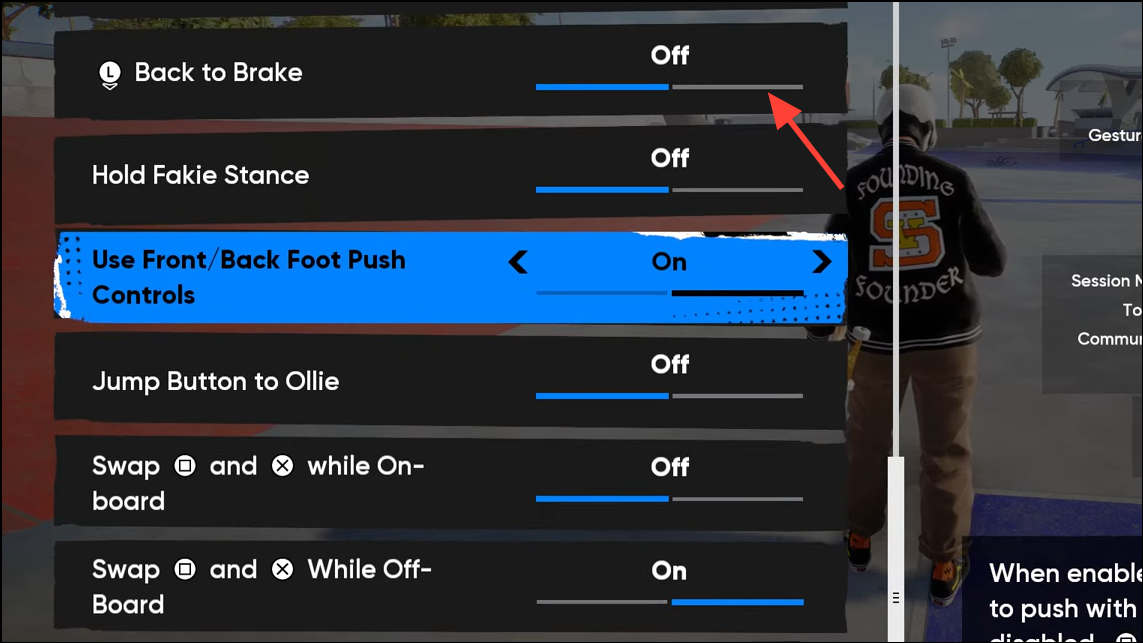
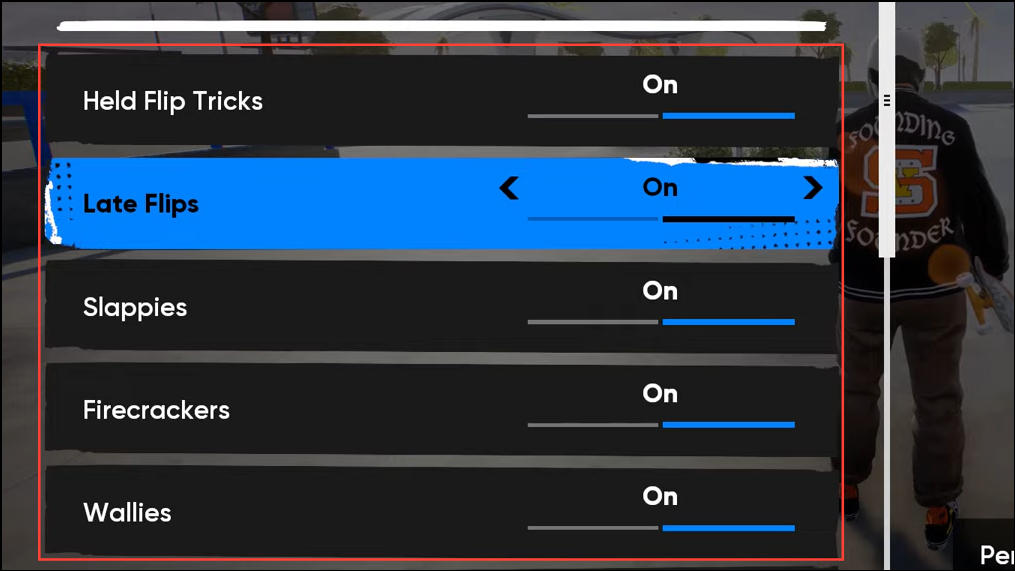
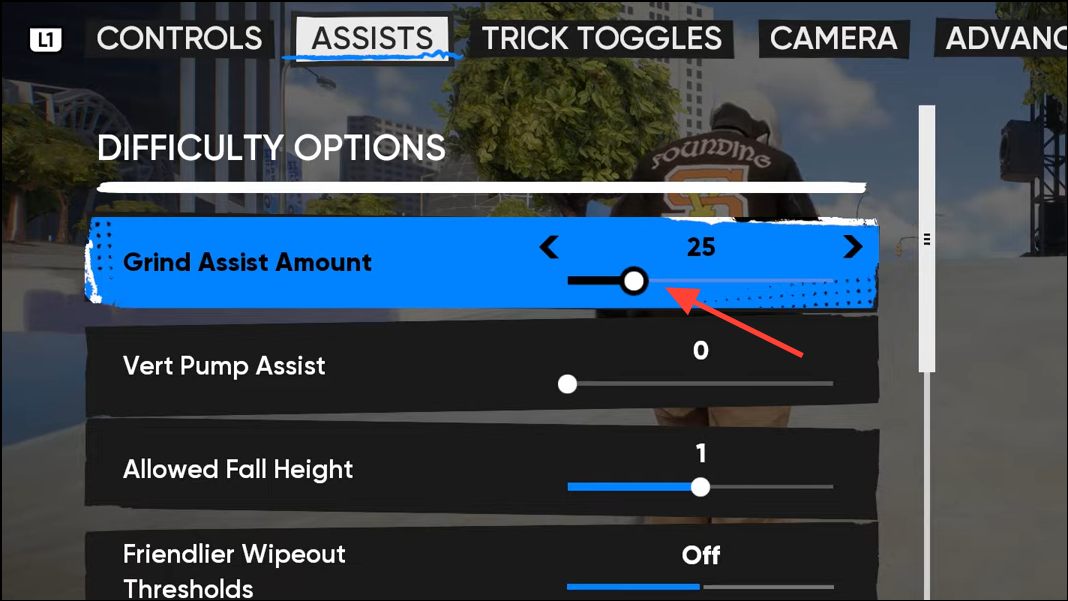
- Categories you’ll find: Basic Board Actions, Flip Tricks, Grinds, Grabs, Offboard, and Terminology.
- Skatepedia will be updated over time; expect more tricks to appear as seasons and patches roll out.
If Skatepedia doesn’t appear
Once you know where it lives, Skatepedia cuts guesswork and speeds up learning lines—keep it handy, practice a few entries at a time, and you’ll lock in the motions faster.