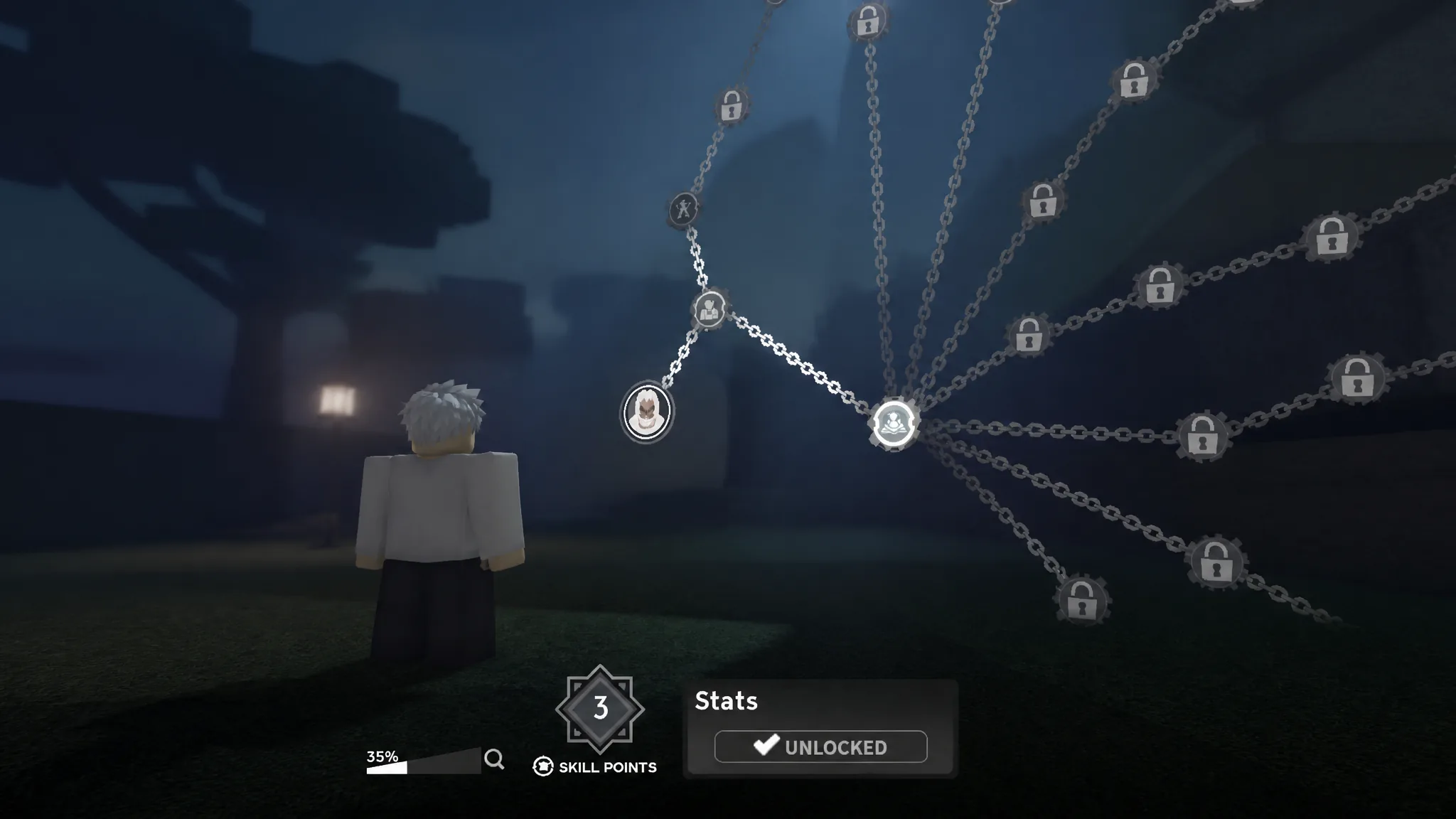
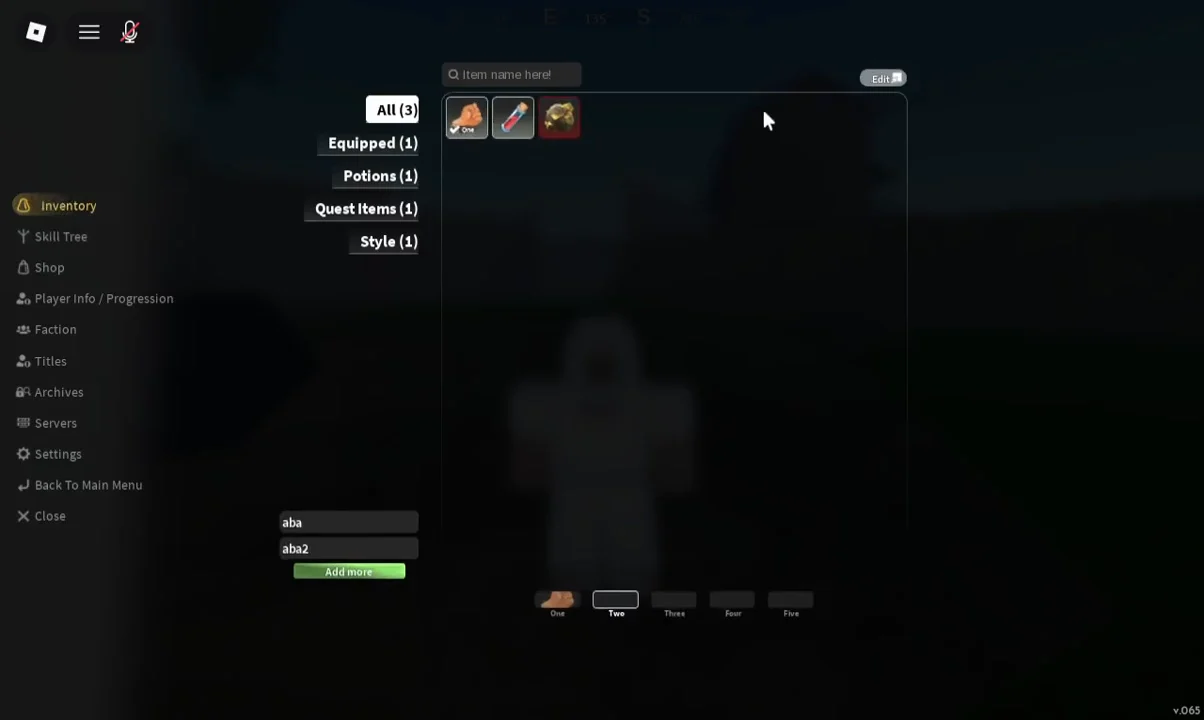
Skill points are the main way you shape a character in Slayers 2, and the game does very little to tell you where they live. They sit behind the main menu, inside a branching node screen that covers everything from health and stamina to wall climbing, weapon damage, clan abilities, and Breathing techniques. Here is how to reach that screen, spend what you have earned, and undo it if you pick wrong.
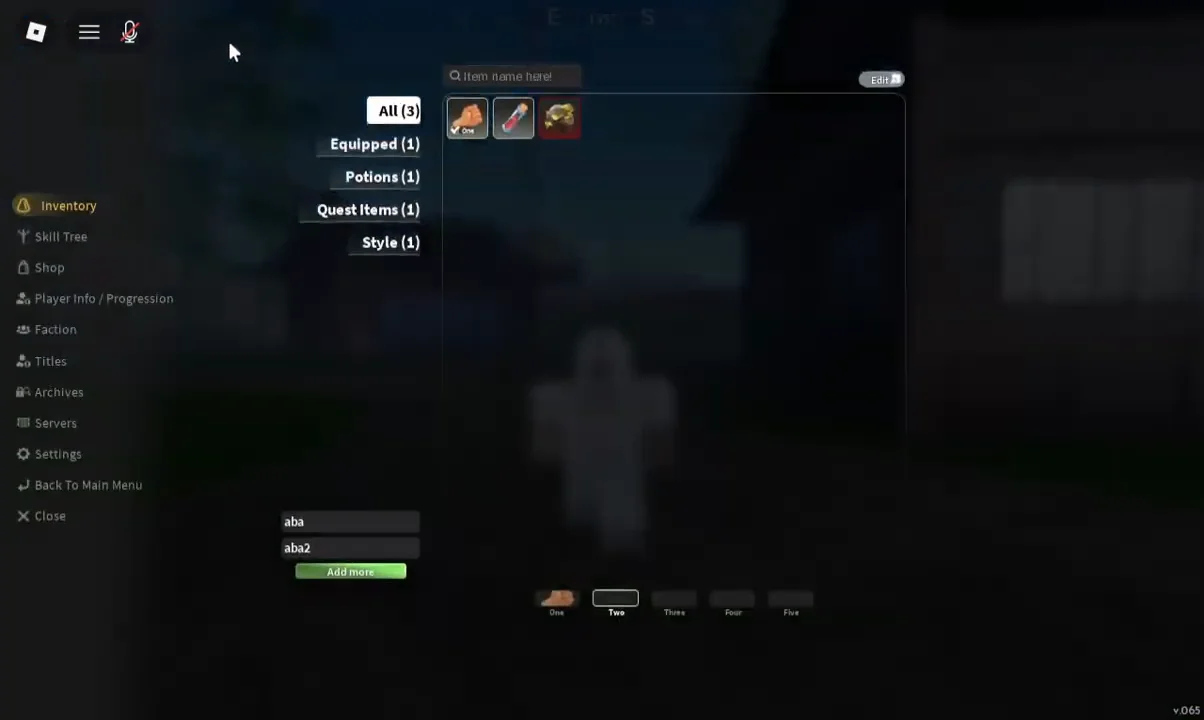
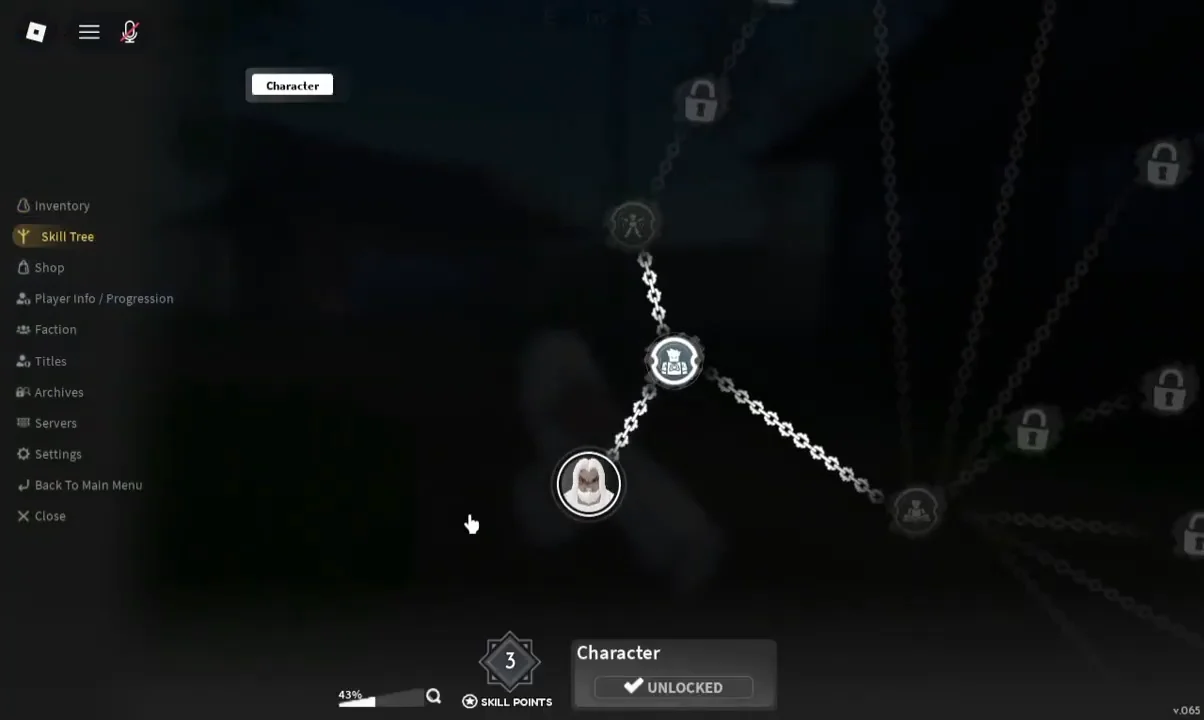
Quick answer: Open the menu with the three-line icon in the top-left corner, pick Skill Tree from the sidebar, then click a node to spend from the SKILL POINTS counter at the bottom of the screen.
Open the Skill Tree menu in Slayers 2
Where skill points come from and how to check your total
Every level you gain hands you three skill points. That is the only steady supply, so levelling is the pacing mechanism for your entire build. There is no separate currency to buy into the tree with, and nothing here is spent automatically.
Your current balance sits under the SKILL POINTS label at the bottom centre of the Skill Tree screen. Check it before you start clicking, because individual nodes cost different amounts and some sit behind a minimum investment in the branch leading up to them.
Mastery is tracked separately from your character level. Gaining levels fills out the tree, but it does not finish a moveset on its own — you still need to use a weapon or style in combat to raise its mastery.
What the nodes cover
The tree is not one long line. Chains fan out into separate branches drawing on Body, Weapons, Clan, and Breathing progression, and there are dedicated trees for individual weapon types and Breathing abilities. The upgrades you will find scattered across them include:
- Stamina and health
- Sword damage and block regeneration
- Wall climbing and double jump
- Innate Skills and Character abilities
- Clan skills
- Spears and other weapon lines
- Breathing style techniques
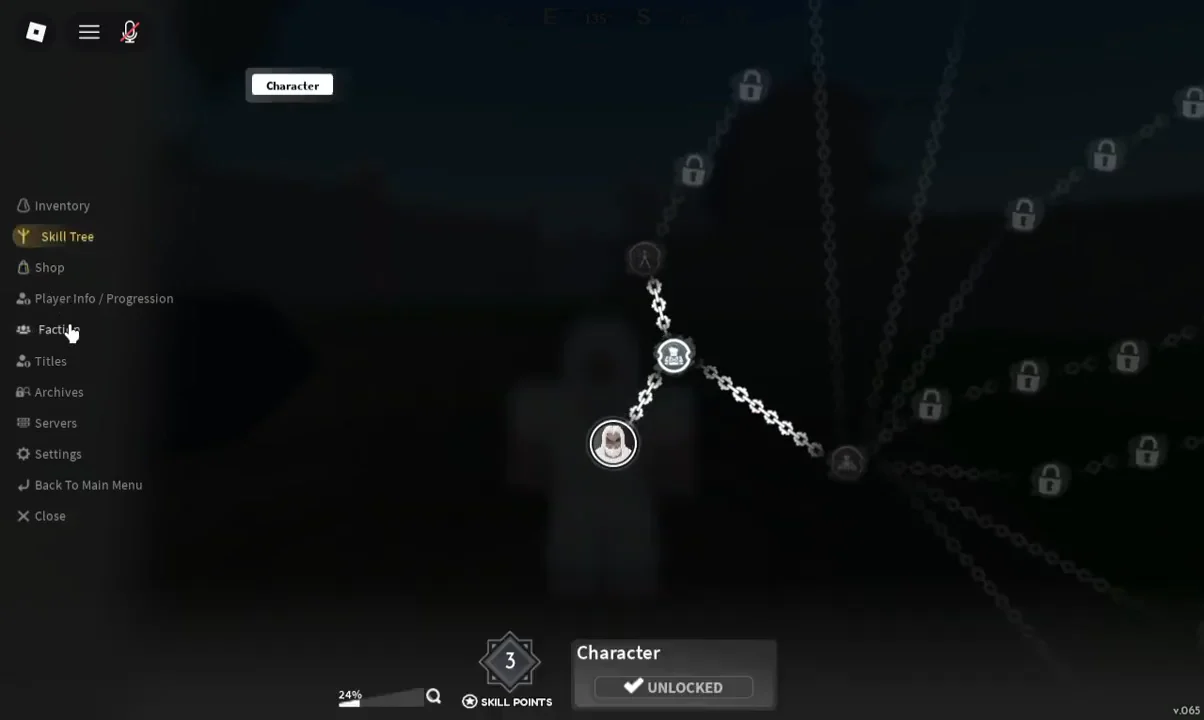
Before you commit anything, click through the node you are aiming for and read its requirement. Deep techniques in a Breathing or weapon line usually sit several nodes in, so a purchase early in the wrong branch can strand you well short of the ability you actually wanted.
Which nodes to unlock first
Movement comes before everything else. Wall Climb and double jump are effectively mandatory, because several trainer routes and quest areas are built around the assumption that you can scale terrain. The Sound Breathing route through the snowy Icevail Valley area, for instance, needs Wall Climb to reach at all.
After that, spend against whatever is currently stopping you rather than following a fixed order:
| Problem | Where to spend |
|---|---|
| Can’t reach a trainer or ledge | Movement nodes (Wall Climb, double jump) |
| Dying before fights end | HP and block branches |
| Running dry mid-combo | Stamina options |
| Just unlocked a Breathing style | First useful technique in that tree |
Breathing styles unlock at Level 25 through a trainer questline, so points banked before then are best aimed at traversal and survivability. Dumping everything into raw damage early tends to leave you with a character who hits reasonably hard and still cannot climb to the next quest giver.
How to confirm a point was spent
Click the node again after purchasing it. A node you own reports UNLOCKED in its detail panel, and the SKILL POINTS figure at the bottom of the screen reflects what you have left to spend. If the node still shows as locked, the purchase did not go through and your total will not have moved.
Movement unlocks are easy to verify outside the menu too. Close the Skill Tree, find a wall, and try to climb it.
How to reset skill points in Slayers 2
Misallocated points are recoverable. Open the same menu and switch to the Shop tab, where the reset options sit alongside the temporary boosts. You will find Reset Skill Points there, next to Reset Breathing, Reset Fighting Style, and Reset Reputation, plus timed buffs such as 2x EXP (30m), 2x Mastery (30m), 2x Luck (30m), and 2x Soul (30m).
Shop items are paid for with Robux or Ore, and Ore is farmable — chests can drop it, Final Selection awards one, and world bosses give four. Some entries are also gated behind VIP and will say so when you select them.
The code POINTSRESET grants a skill point reset for free. Redeem it by joining the Ouw Productions community, typing the code into the redemption box on the game’s main menu, and clicking the green Redeem button.
Once the reset applies, your full pool returns to the SKILL POINTS counter and every node you had bought reverts to its locked state, ready to be spent again from scratch. That safety net is worth remembering, but it is not infinite — plan the branch you want before you start clicking, and the tree stops being a guessing game.