Every squad in Star Wars Zero Company is capped at four operatives, so each slot has to earn its place. The Astromech earns it by doing things no other archetype can: handing action points to teammates, deleting enemy defense bonuses inside a scan radius, and carrying three utility items with extra charges on each one.
Quick answer: Slot an Astromech such as BR-1 into your four-operative squad, put three different utility items in its loadout, and spend its turns on Enhanced Scanners plus Built-in Comlink so the rest of the team hits harder and acts more often.
Astromech specialization: One fixed role, no class swap
Most operatives in the game let you pick a combat specialization. Astromechs do not. The class is locked to a single specialization called Astromech, and everything you customize happens inside its Focus Tree rather than by branching into another role.
That rigidity is the point. Because there is only one path, the droid’s upgrades stack into a support profile that never dilutes. It is not a damage dealer competing with your sharpshooter or Mandalorian; it is the unit that makes those characters more efficient.
Astromech abilities and passives (full reference)
Here is what the Focus Tree actually gives you, and what each entry does at its upgraded ranks.
| Talent | Effect |
|---|---|
| Built-in Comlink (I–III) | Spend 1 AP to give an ally +1 AP. At the top rank the droid can pass along everything it has left. |
| Coordinated Support (up to VI) | Special action that grants +1 AP to all active allies, rising to +2 AP at rank VI. |
| Enhanced Scanners (I–VI) | Negates enemy defense inside the scanned area and raises squad chance-to-hit by 20%. At rank VI the radius is 24.0m with a 25% chance to make targets Vulnerable. |
| Self Repair | Consumes all remaining AP to restore 50% of the droid’s maximum health. |
| Extended Storage / Storage Optimization | Passives that each add a use to limited-use utility items. |
| Improved Motors / Hardened Frame | Additional passive upgrades available in the same tree. |
Action point sharing with Built-in Comlink and Coordinated Support
Turn-based tactics games live and die on action economy, and the Astromech is the only operative that manufactures extra actions for other people. Built-in Comlink costs the droid 1 AP and gives a chosen ally 1 AP. That is a straight transfer, which sounds neutral until you consider that your Jedi’s attack is worth far more than the droid’s.
Coordinated Support is the bigger swing. It is a special action that pushes +1 AP to every active ally, upgradeable to +2 AP at rank VI. The strongest sequencing is to hold it until your other three operatives have already acted, then fire it to buy the whole squad another round of movement or attacks in the same turn.
Tip: keep a Comlink transfer in reserve for the end of a mission. A single extra point of movement is often the difference between a squadmate reaching the evac zone and being left behind.
Enhanced Scanners: Stripping enemy defense before you shoot
Enhanced Scanners is the Astromech’s offensive contribution, even though it deals no damage. Activating it negates the defense value of enemies caught in the scan and raises the squad’s chance-to-hit by 20% inside that radius. Cover that would normally blunt your shots stops mattering.
The ability scales through six ranks. By rank VI, the scan covers 24.0m and carries a 25% chance to apply Vulnerable, which guarantees a critical hit on the next attack against that target. Against armored problems like a COIL B2 Super Battle Droid or a BX Droid Commando, scanning first and firing second is simply more reliable than trading blind shots.
Three utility slots and how the storage passives multiply charges
Other classes open with a single utility slot. Astromechs have all three unlocked, and the only restriction is that you cannot equip duplicates of the same item. A typical loadout mixes a Concussion Grenade, an Impact Bomb, and a Smoke Bomb, or swaps one of those for a medpac when your frontline needs healing more than the enemy needs explosives.
Extended Storage and Storage Optimization are where this turns lopsided. Each passive adds a use to limited-use utility items, so a single Impact Bomb becomes three throws. Fill all three slots and take both passives, and one droid walks into a fight with nine consumables.
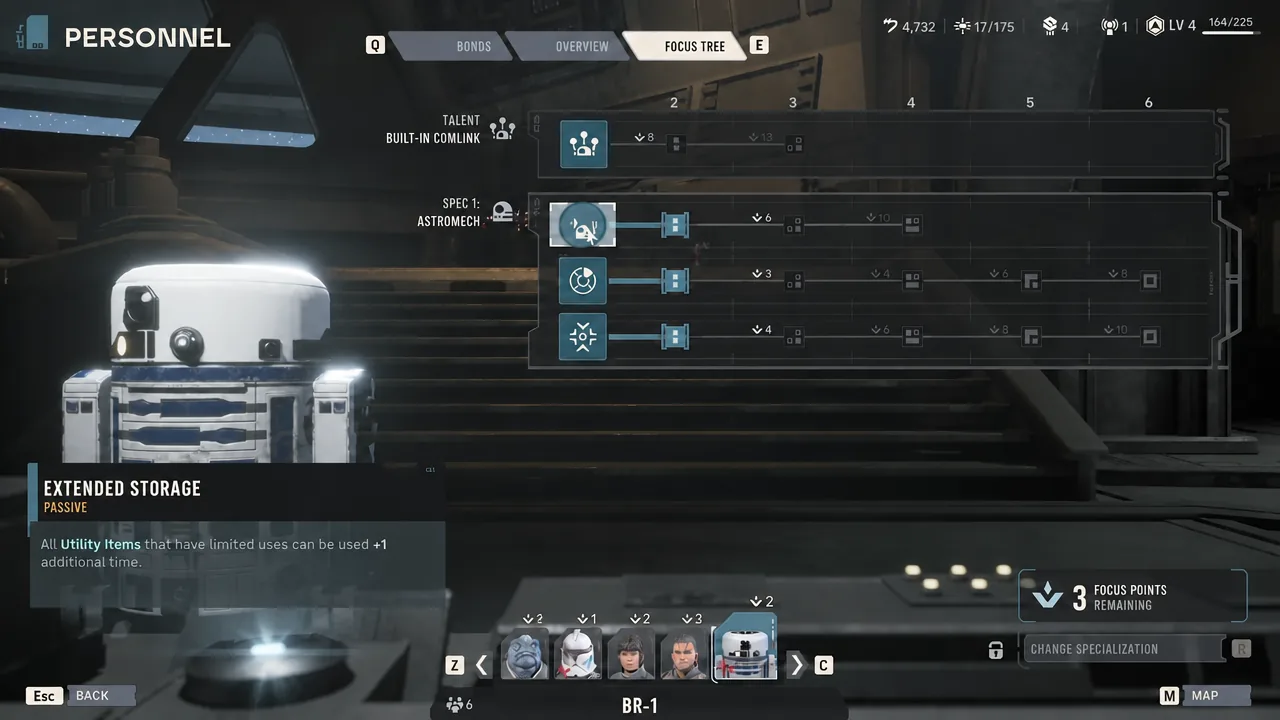
Grenades are strongest against clustered targets, so save a couple for enemy reinforcements, which tend to arrive bunched together. A Concussion Grenade also has a niche use near ledges, since knocking a heavy enemy off an edge removes it regardless of how much health it had. The obvious limit is spacing. Against scattered opponents, the utility spam does far less work and you fall back on scans and AP transfers.
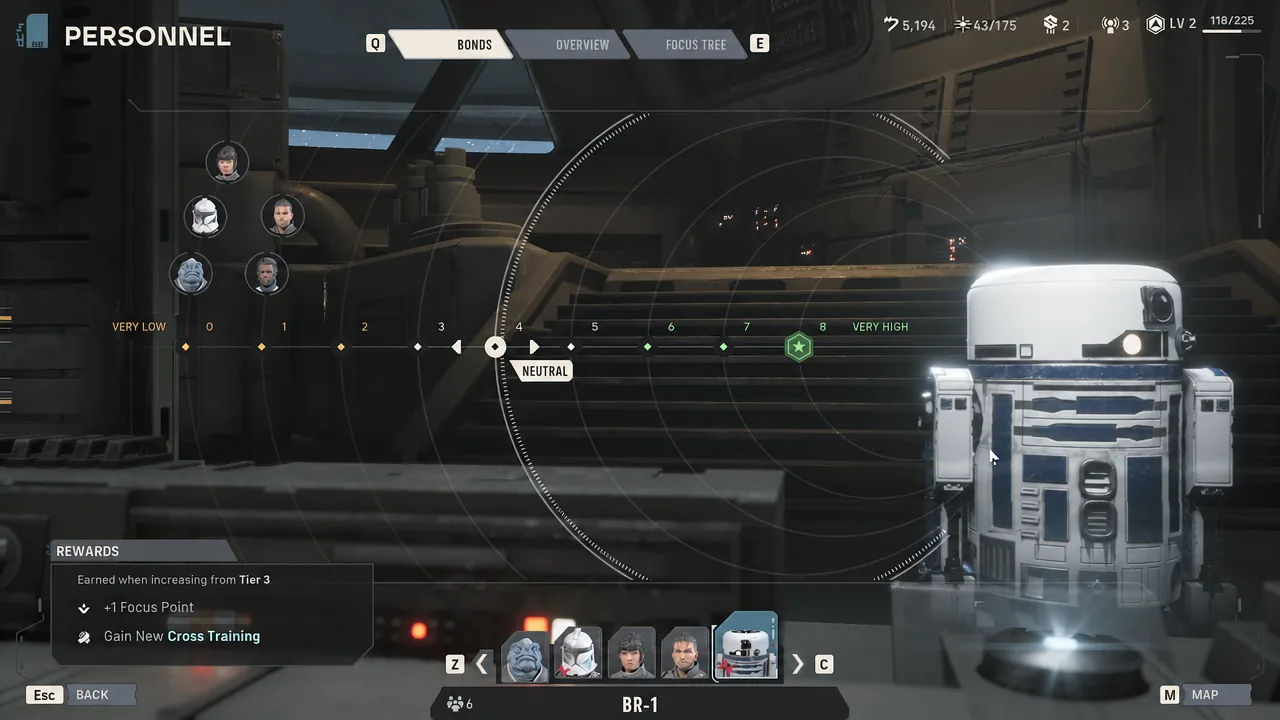
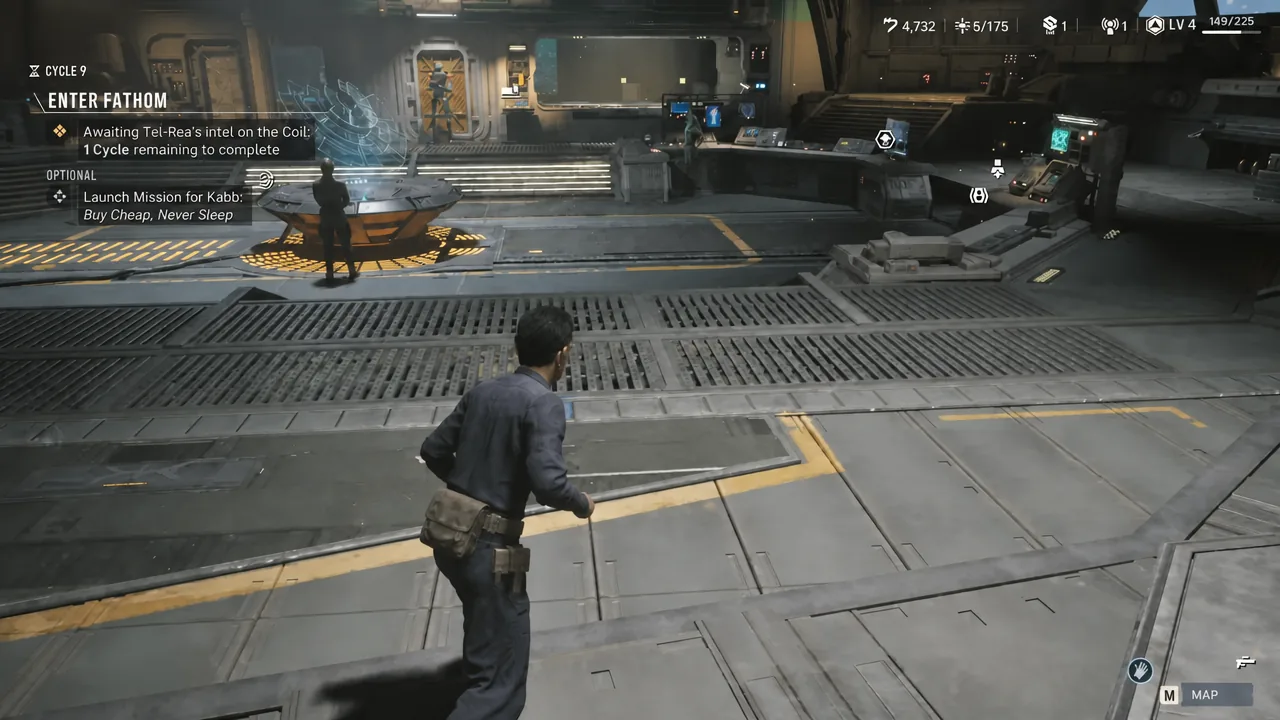
Building the Astromech loadout in the armory
Astromech movement and survivability in the field
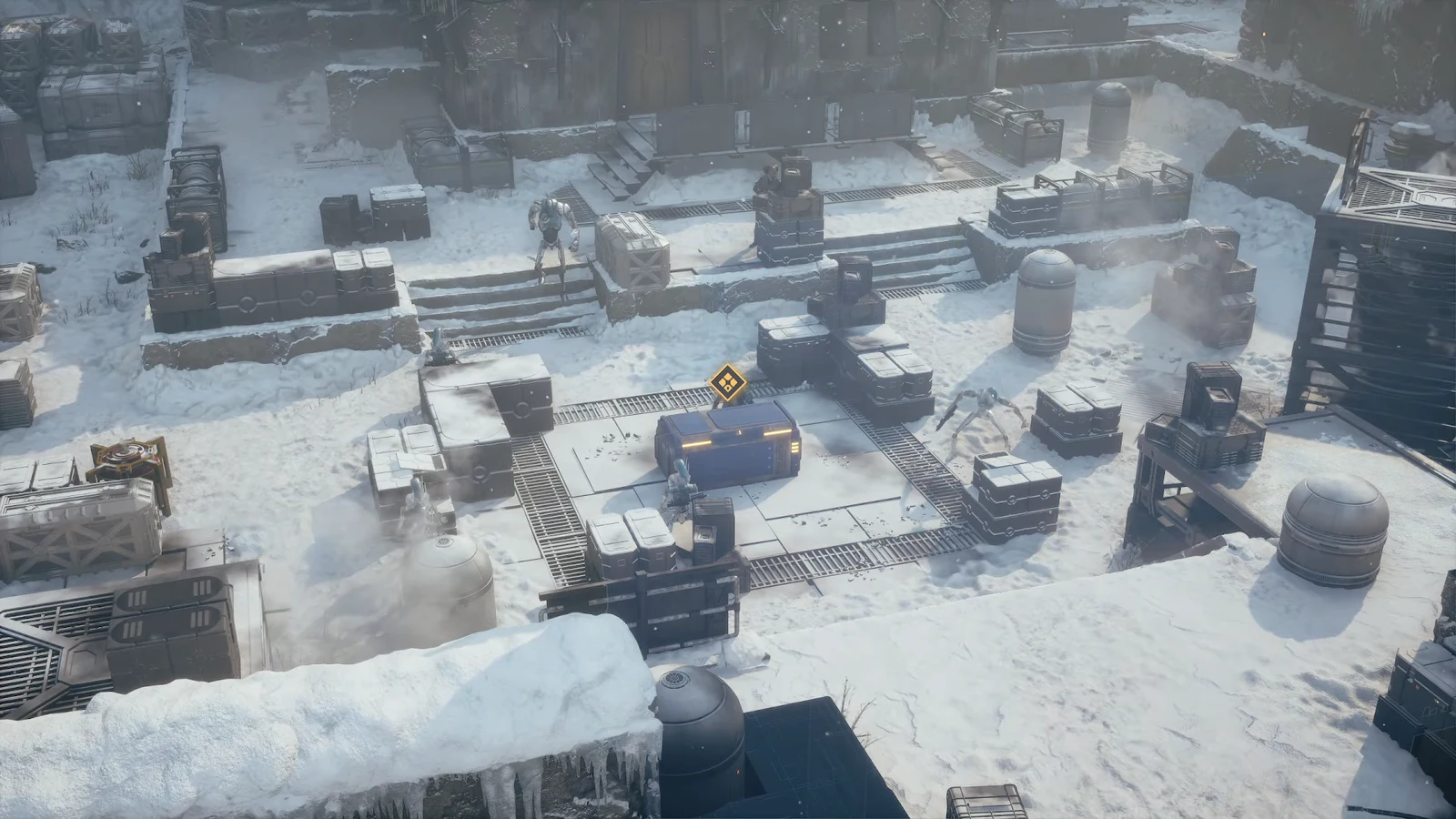
Astromechs carry built-in jetpacks, which lets them climb vertical terrain that would cost other operatives several moves or block them entirely. On layered maps like the snowy facility on Vandor, that means the droid can reposition to a ledge, drop a scan over the enemy group below, and still have AP left to throw something.
When the droid does take damage, Self Repair converts all of its remaining AP into 50% of its maximum health. It is a full-turn commitment, so use it on a turn where the squad does not need an AP handout, not as a reflex.
Star Wars Zero Company is a single-player turn-based tactics game from Bit Reactor, made in collaboration with Respawn Entertainment and Lucasfilm Games, and it is available on PC, PlayStation 5, and Xbox Series X and S. Once you have an Astromech unlocked, there is very little reason to field a squad without one, because no other archetype adds actions to the team’s turn and removes defense from the enemy’s.