
Topic
Google Photos
Google Photos is a photo storage and sharing service for backing up, organizing, searching, editing, and sharing photos and videos across devices. It syncs your library to the cloud, includes 15 GB of storage shared with Google services, and offers more capacity through Google One plans. | Developer: Google | Pricing: Free with 15 GB shared cloud storage; paid Google One plans available | Platforms: Web, Android, iOS
-
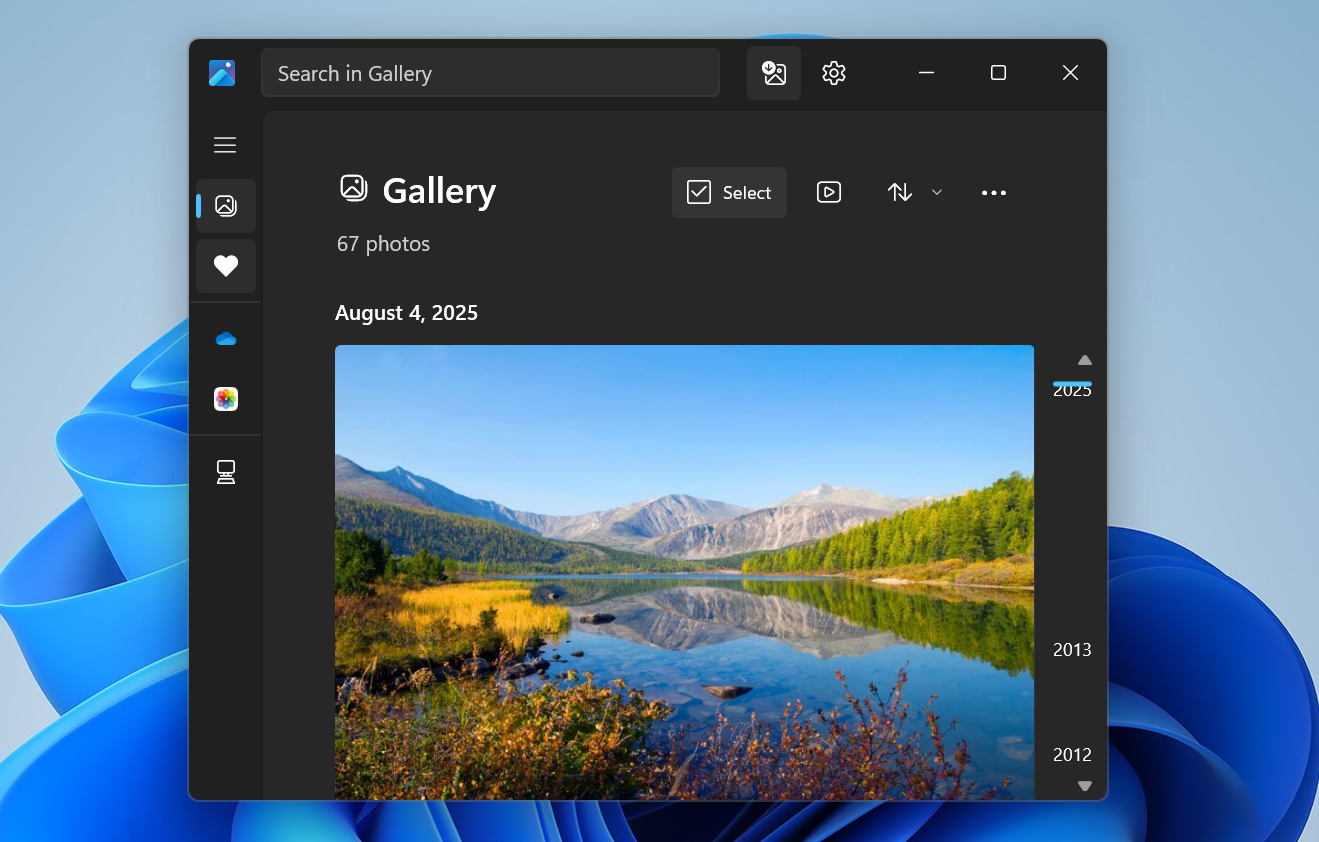
How to Sync Google Photos with the Windows 11 Photos app via Google Drive
Configure Google Drive and the Photos app so your Google Photos library appears alongside local images on a Windows 11 PC.
-

How to use Magic Editor in Google Photos
Edit your photos with the power of AI with Magic Editor in Google Photos.
-

How to make a memory movie in Google Photos
Easily make memory montages with the ‘Highlight video’ feature in Google Photos.
-

How to transfer photos from Google Photos to iCloud Photos
Finally, transferring photos from Google Photos to iCloud Photos won’t be a hassle.
-
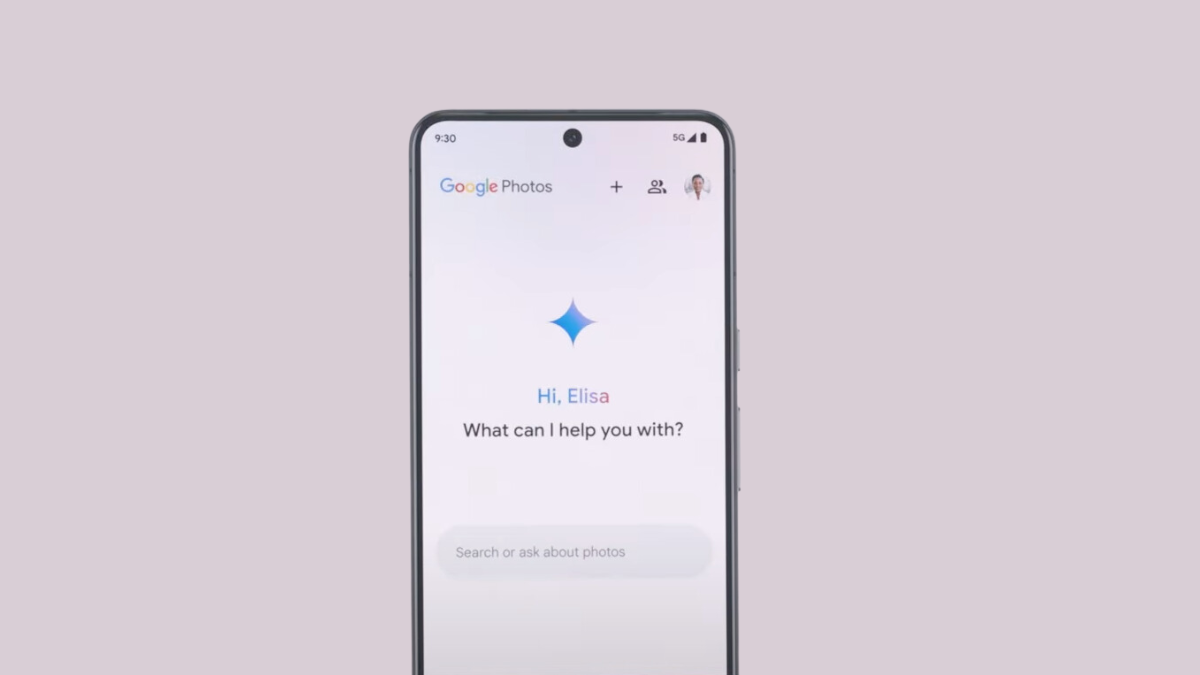
What is Ask Photos in Google Photos Powered By Gemini AI
Google brings the power of Gemini AI to Google Photos.
-

When will Google Roll Out Access to AI Editing Tools for All Google Photos Users?
The AI race has prompted Google to roll out its Pixel-exclusive AI-editing features for all Google Photos users.
-

How to Add a Favorite Person in Google Photos to Quickly Share Photos and Videos
It’s extremely easy to share photos and videos with your favorite person now.
-
How to Download All Your Photos from Google Photos
Use Google Takeout to easily download all your photos from Google Photos to your PC or Mac.
-

How to Move Google Photos From One Account to Another
4 methods to transfer Google Photos between accounts.
-

How To Delete All Photos From Google Photos
Learn how to easily delete photos from your Google Photos library if you’re short on storage space.