
Topic
GTA 6
-
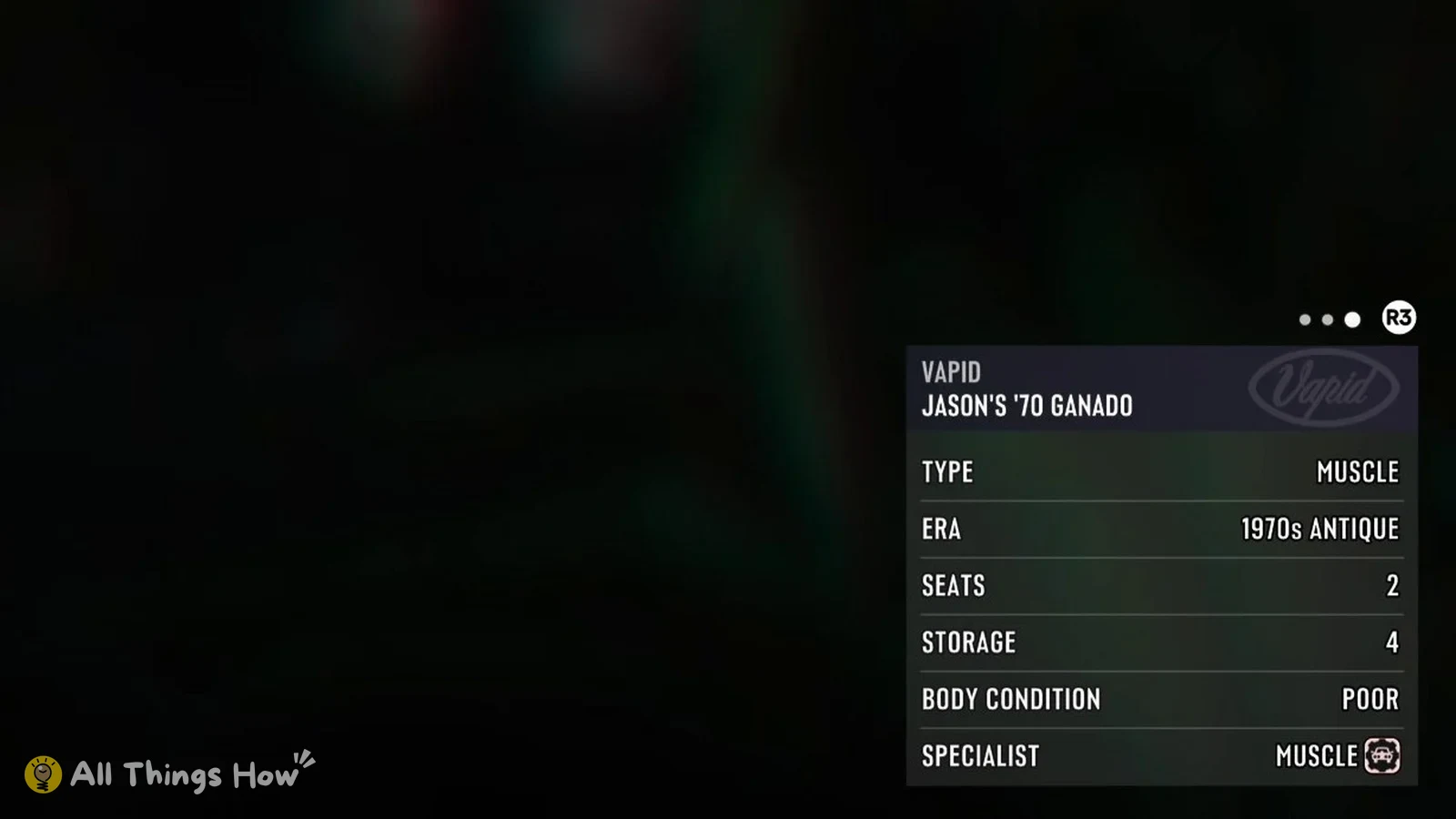
GTA 6 on PS5: How to Check a Car’s Stats, From Speed to Rating
Hold left on the D-pad in a vehicle to see its speed, handling, rating, era and condition on three pages.
-
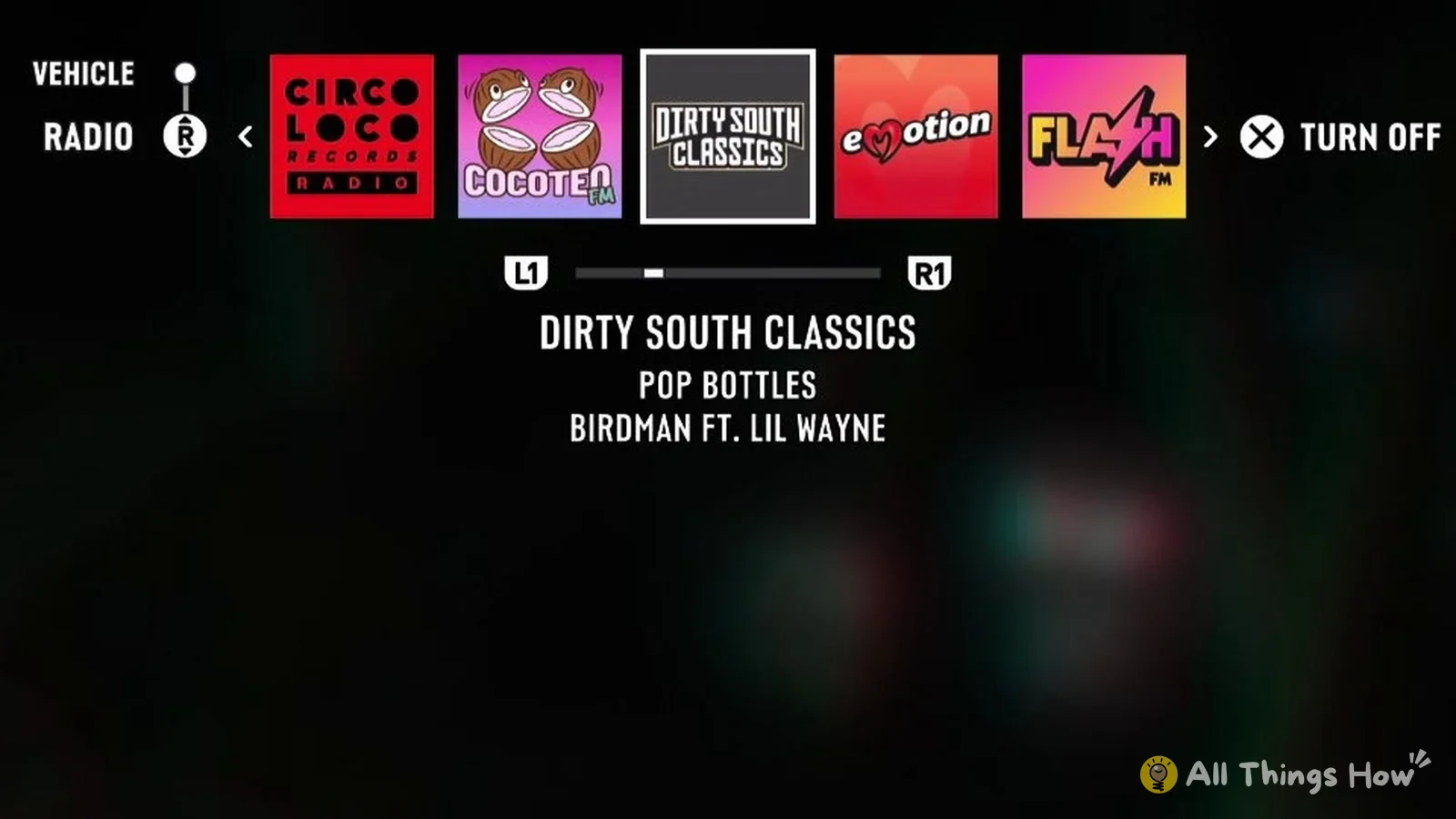
GTA 6: All 22 Radio Stations and How to Change Station on PS5
The full order of the radio strip in a car, the PS5 buttons for switching stations, and the ON DEMAND tab.
-
GTA 6 Version 1.002.002 Patch Notes: Every Launch Update Fix
Rockstar’s first Grand Theft Auto VI update fixes seven bugs, including crashes, autosaves, story phone calls and stuck Wanted Levels.
-
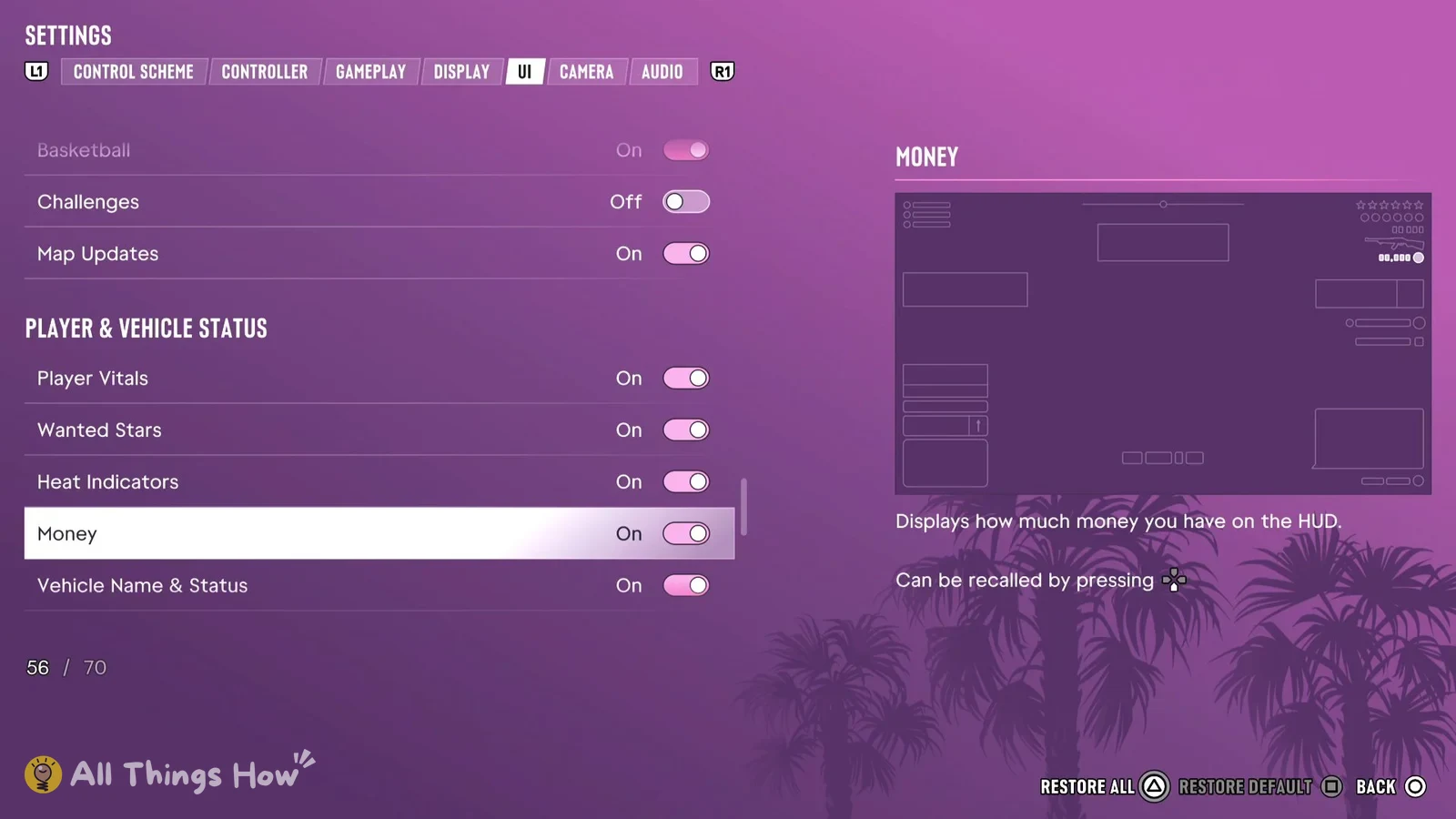
GTA 6: How to Increase the BuckMe Limit When You Can’t Deposit More Money
The caps on BuckMe Checking and Family Savings go up only as you play through the main story.
-
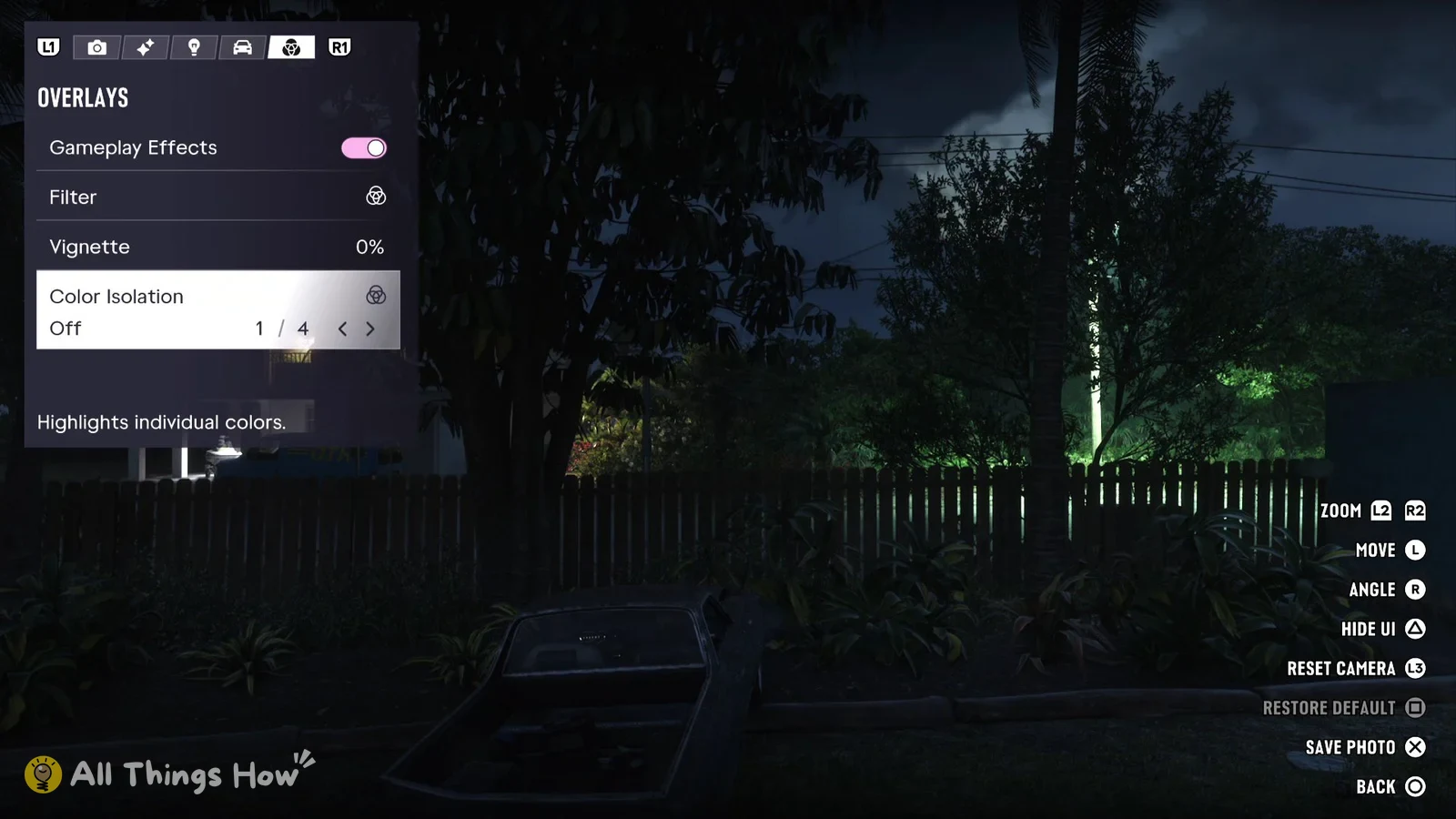
GTA 6 Photo Studio: How to Use Photo Mode and Its Controls on PS5
How to open Photo Studio from the pause menu, the PS5 button layout, and what each of its five tabs changes.
-
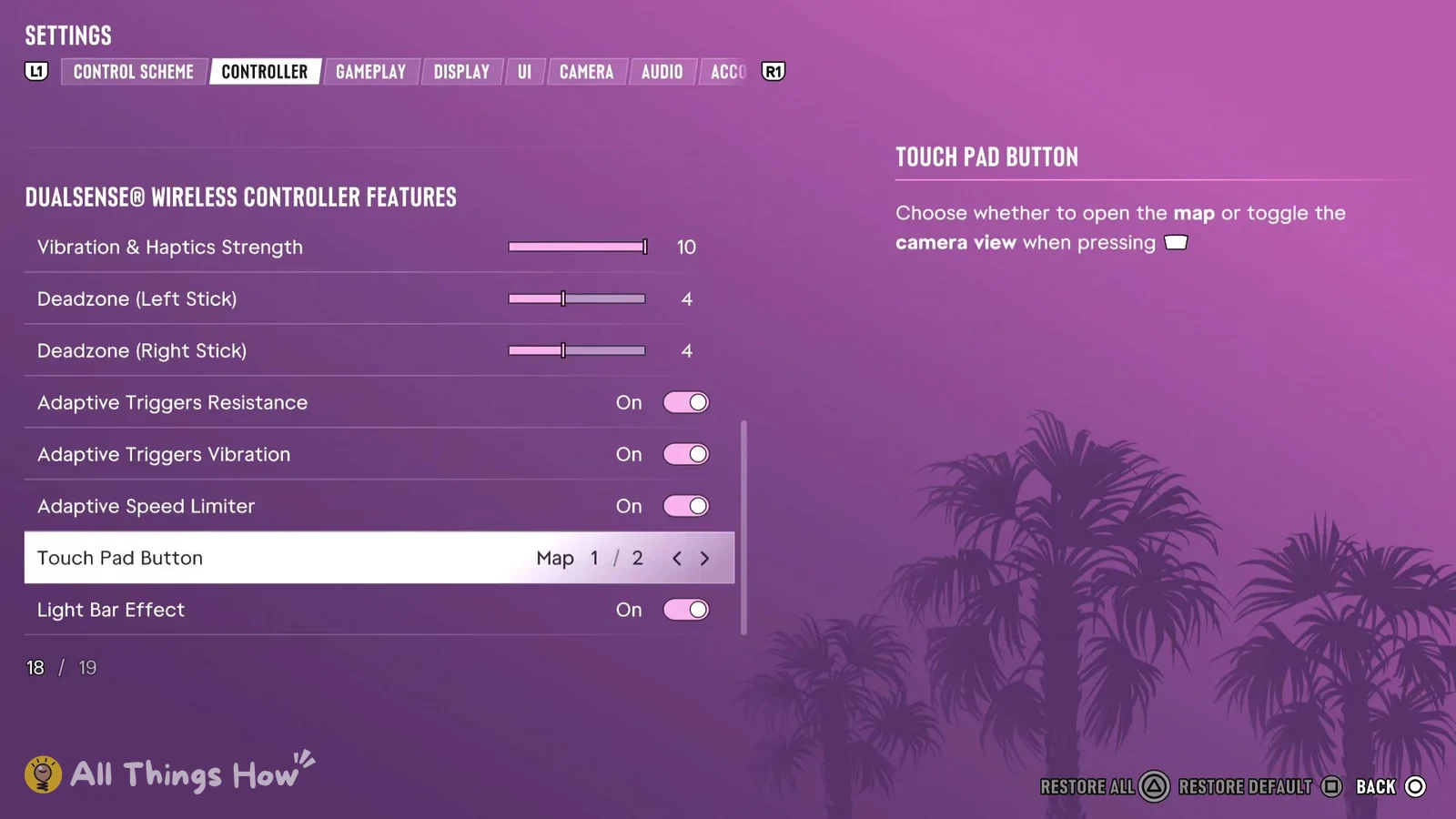
GTA 6 on PS5: How to Change the Camera View With the Touch Pad
One Controller setting switches the DualSense touch pad from opening the map to changing the camera view.
-
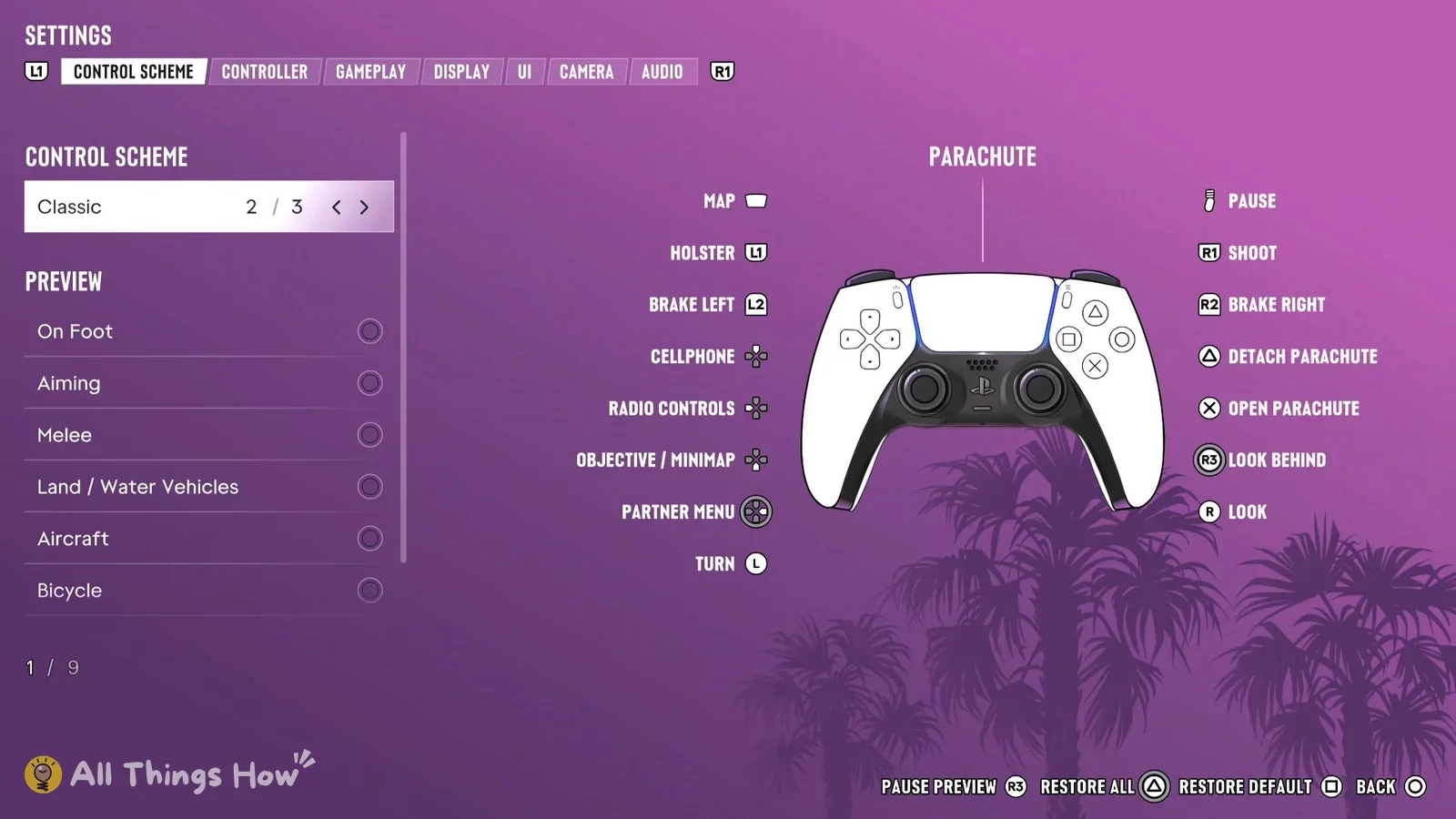
GTA 6: How to Switch to Left-Handed Controls on PS5 (Full Button Layout)
Where the Left-Handed scheme sits in Settings, and every button it moves on foot and in land or water vehicles.
-
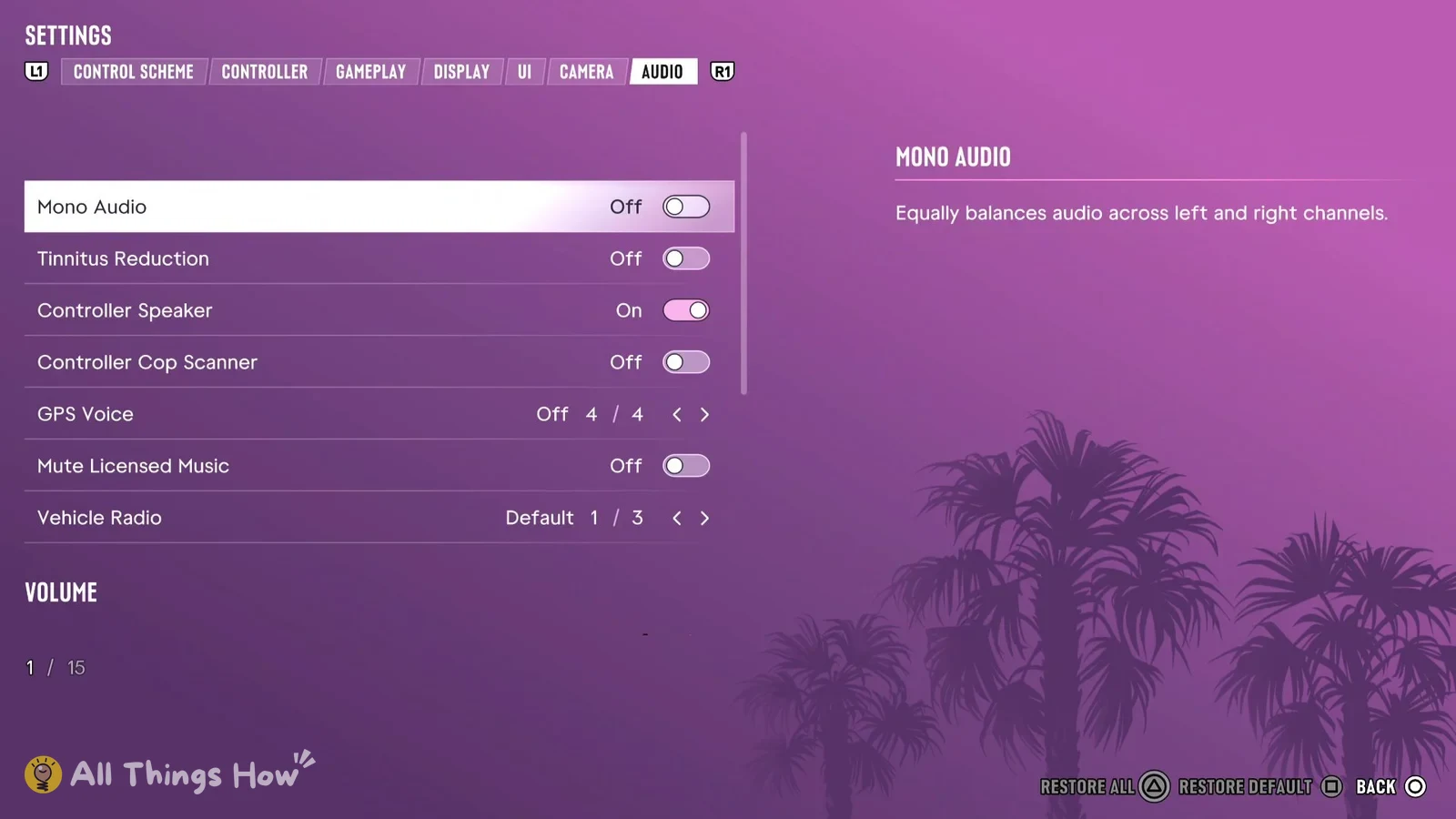
GTA 6: How to Mute Licensed Music for Streaming (PS5 Audio Tab)
The Mute Licensed Music toggle sits in the Audio tab’s SETUP group and is set to Off on a fresh install.
-
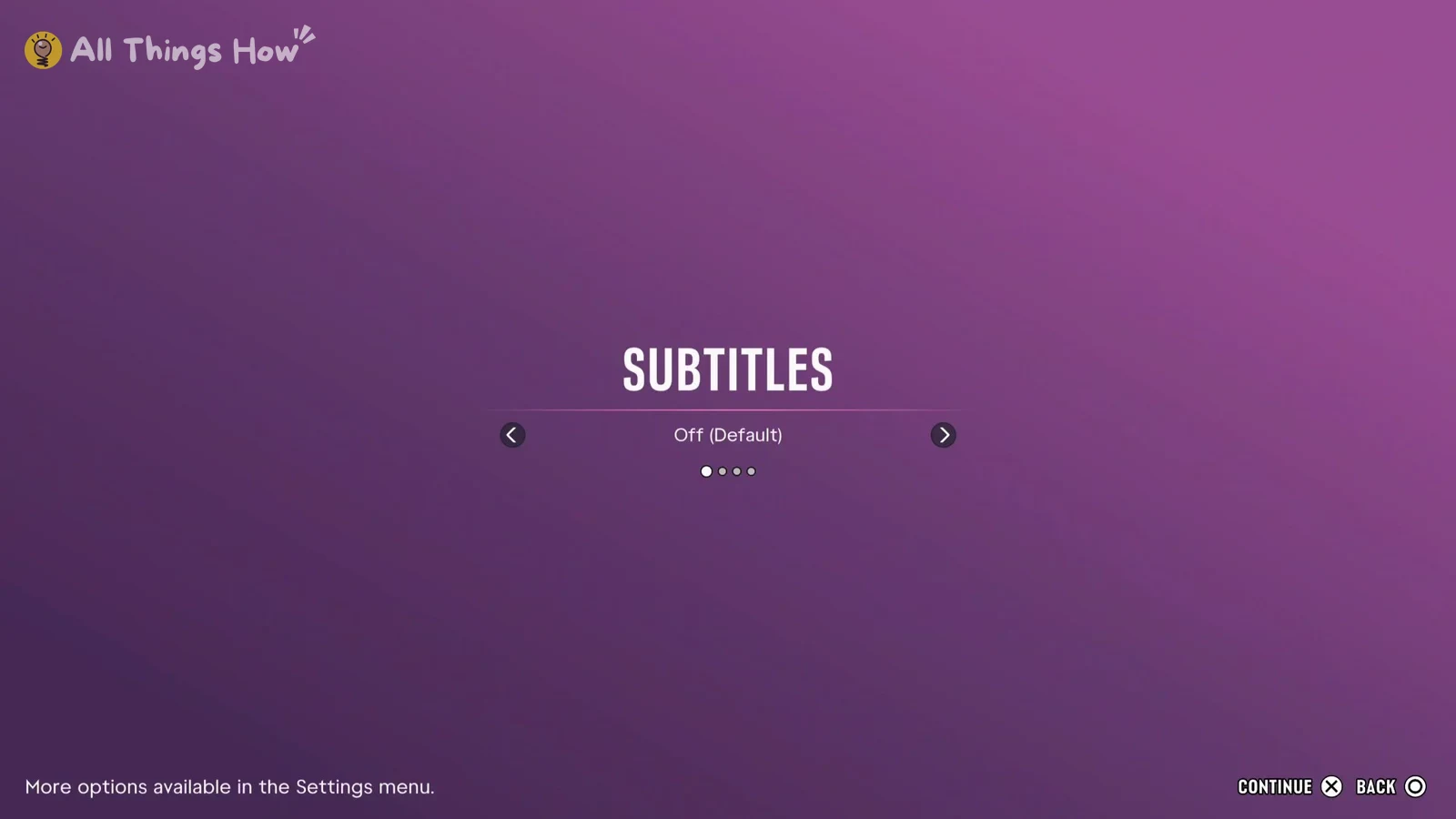
GTA 6 Subtitles on PS5: How to Turn Them On and Change the Size
Where the Subtitles & Captions settings sit in the UI tab, plus the separate size, speaker name, and background options.
-
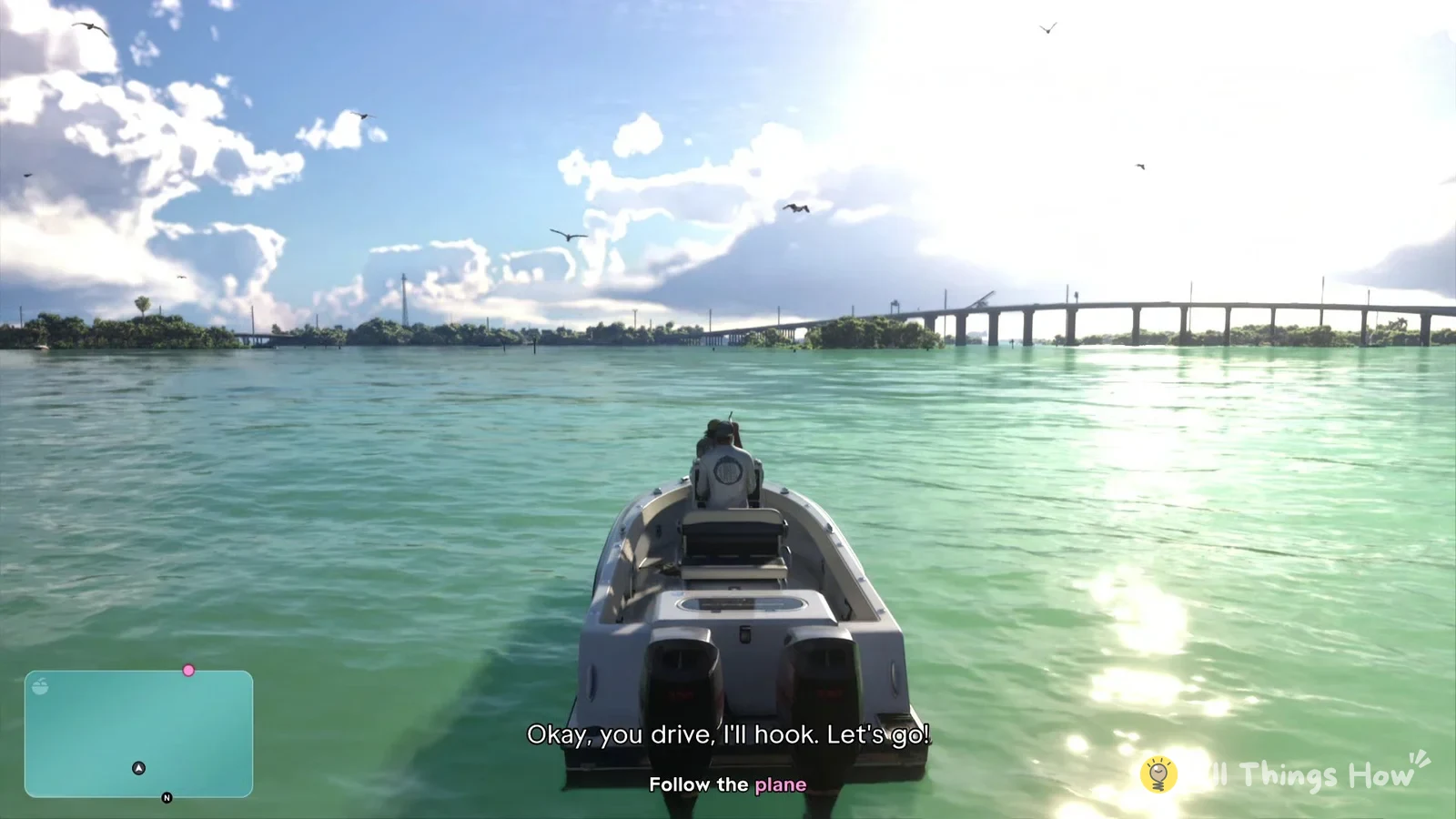
How to Open the Map in GTA 6 and Set a Destination or Marker (PS5)
Which buttons open the map, place a destination or marker, recenter on your character, and close the map in GTA 6.