
Topic
GTA 6
-
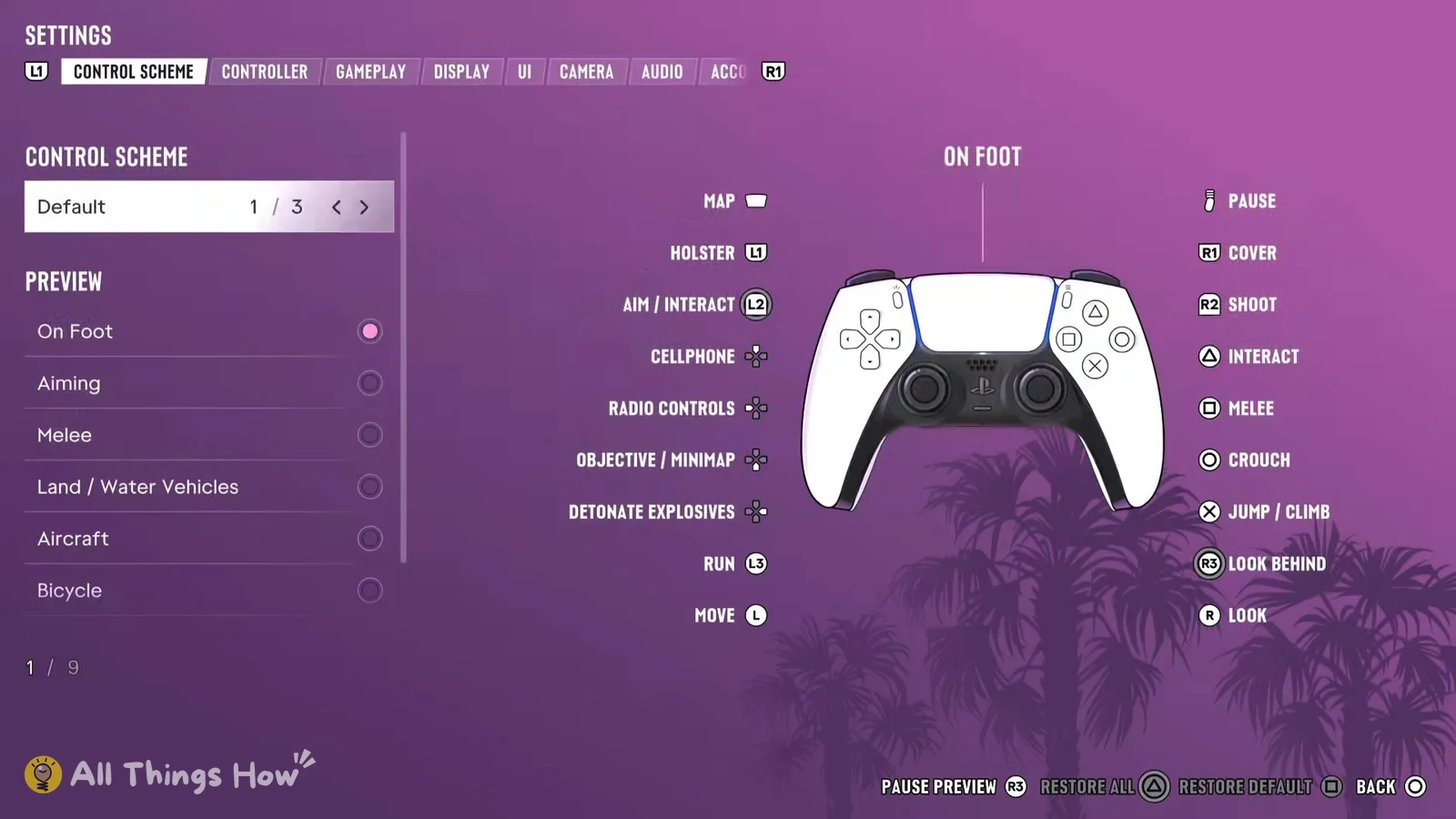
GTA 6: How to Turn On Lock-On Aim (Targeting Setting on PS5)
Switch Targeting from Partial to Lock-On in the Gameplay tab so holding L2 snaps your aim to the nearest enemy.
-
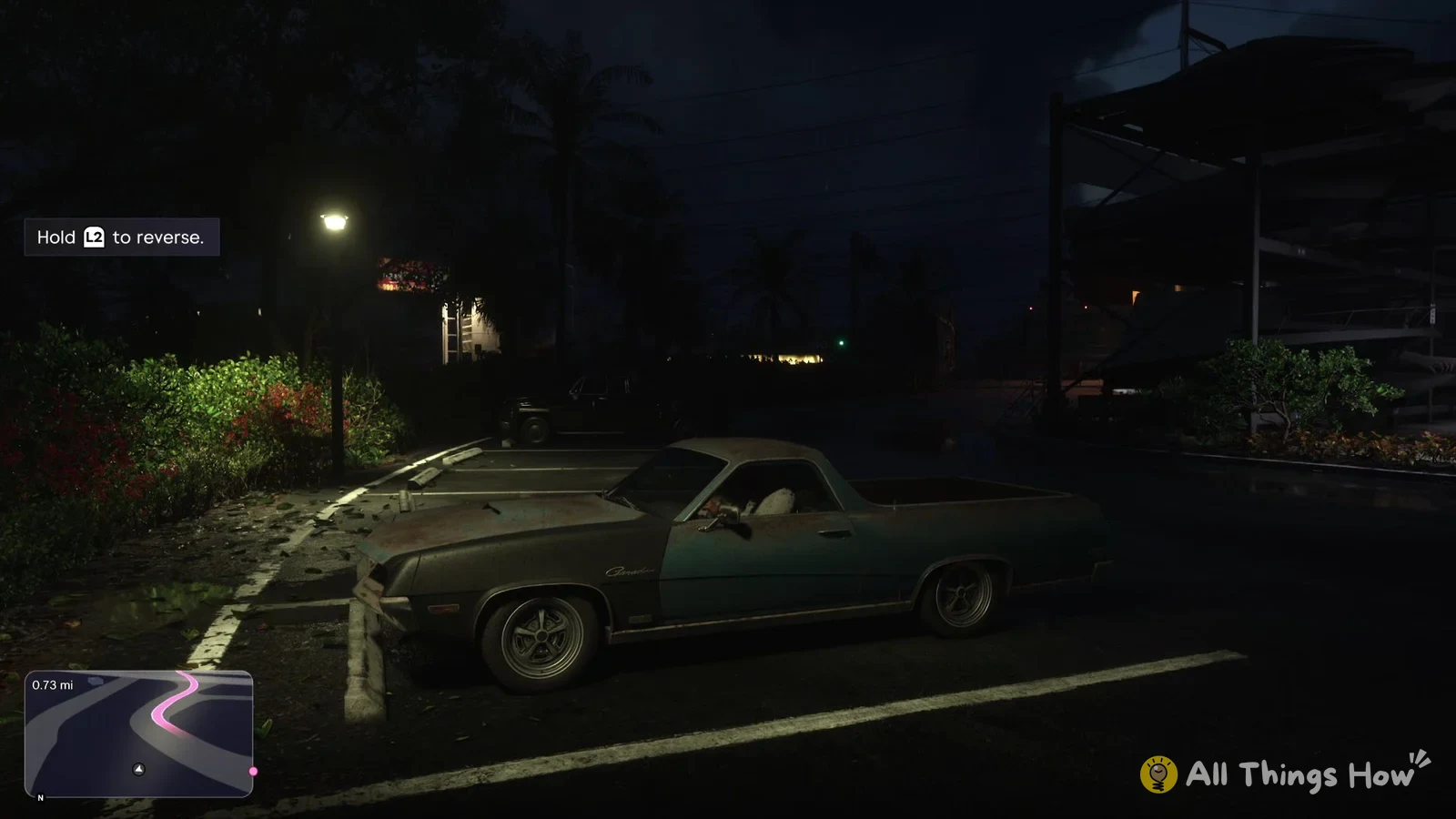
GTA 6: How Turn-by-Turn GPS Directions Work
The pink minimap route, the distance counter and the next-turn box, shown on a Chapter 1 drive to Cal’s house.
-
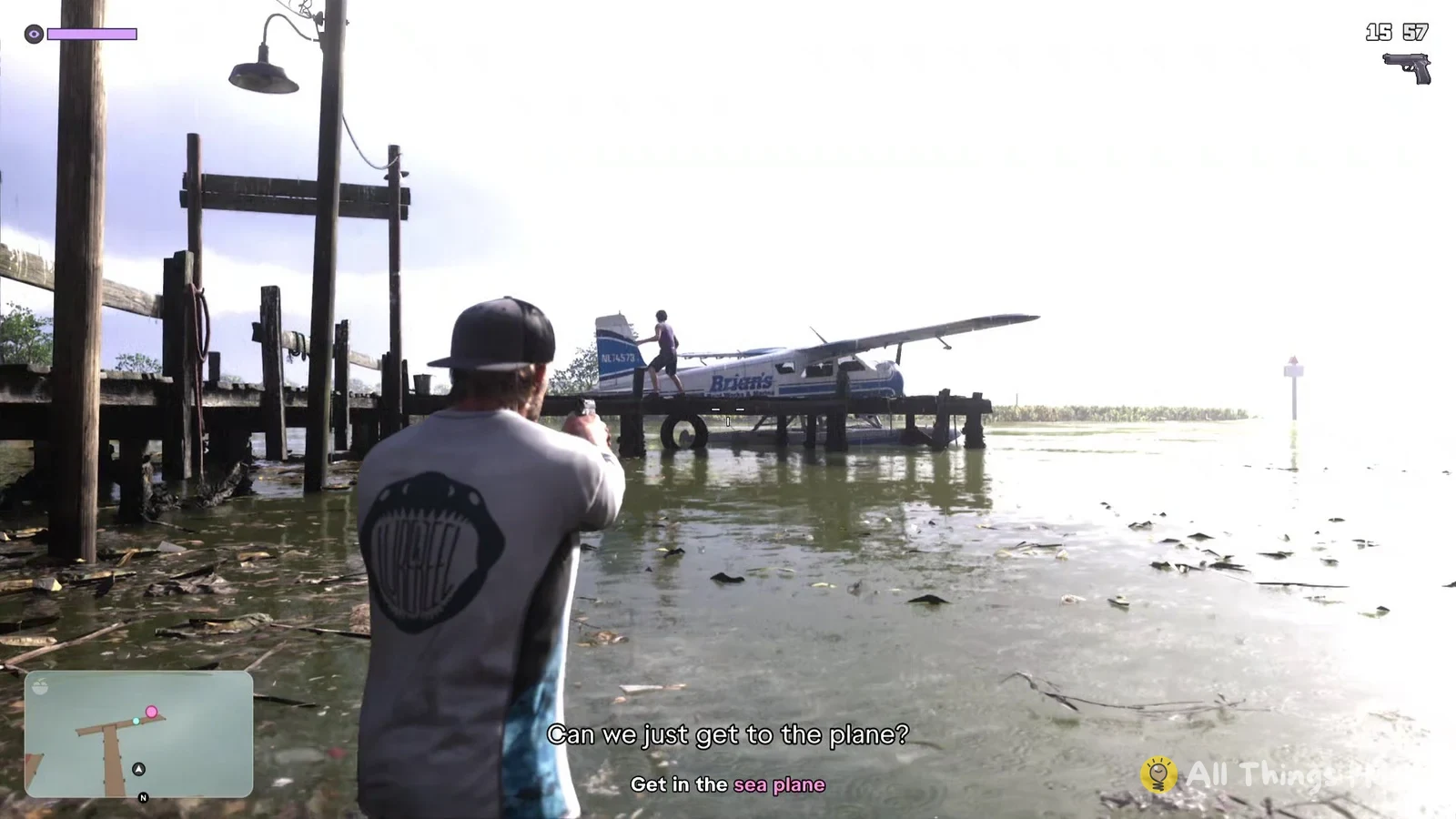
GTA 6 Sea Plane Controls: How to Take Off, Steer and Land (Gone Fishing)
The full Aircraft control list for PS5, plus how the float plane in “Gone Fishing” gets off the water and back down.
-
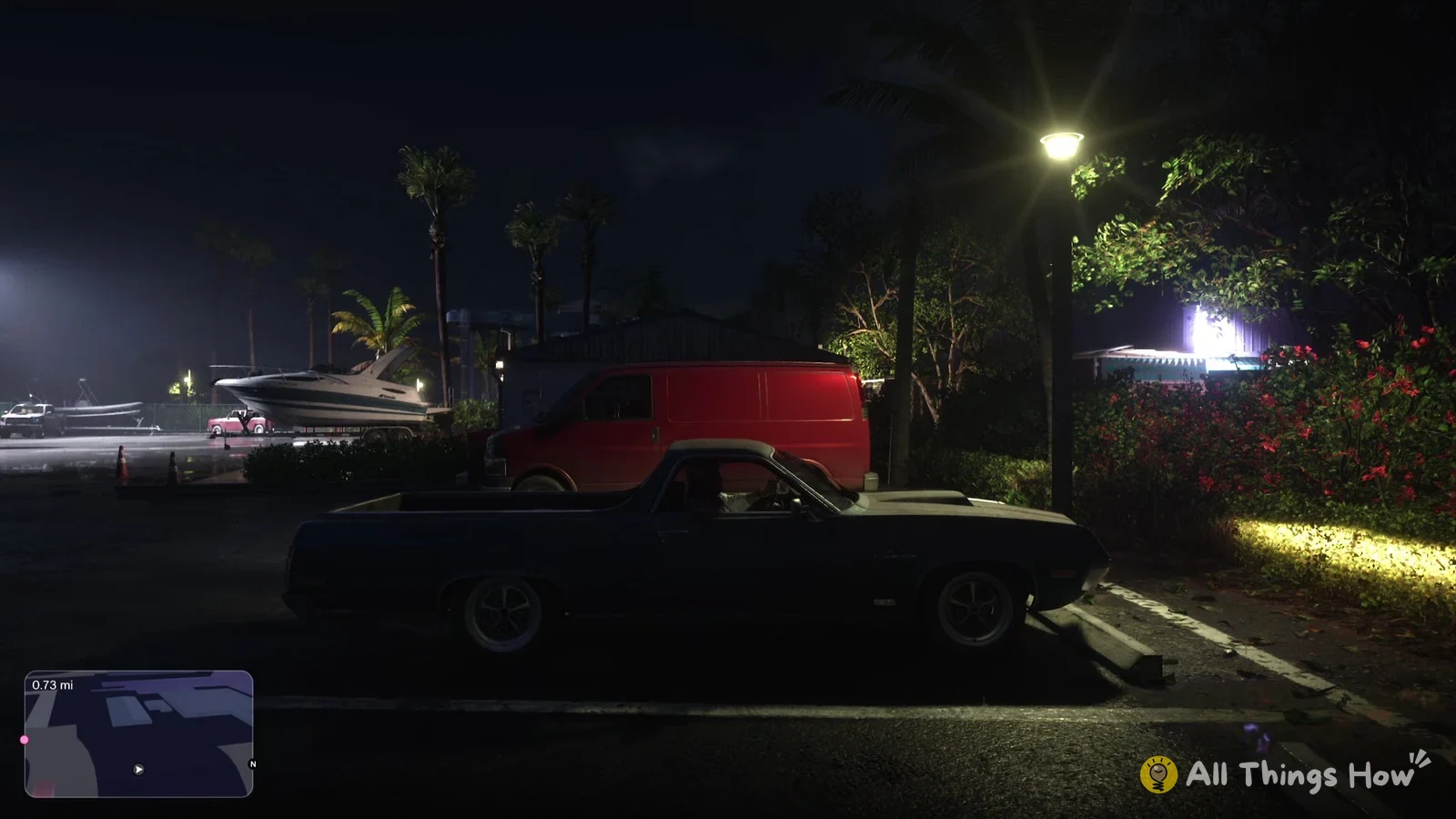
How to Reverse in GTA 6 on PS5 (Hold L2)
Back out of a parking space in Jason’s Ganado with L2, steer with the left stick, and drive off with R2.
-
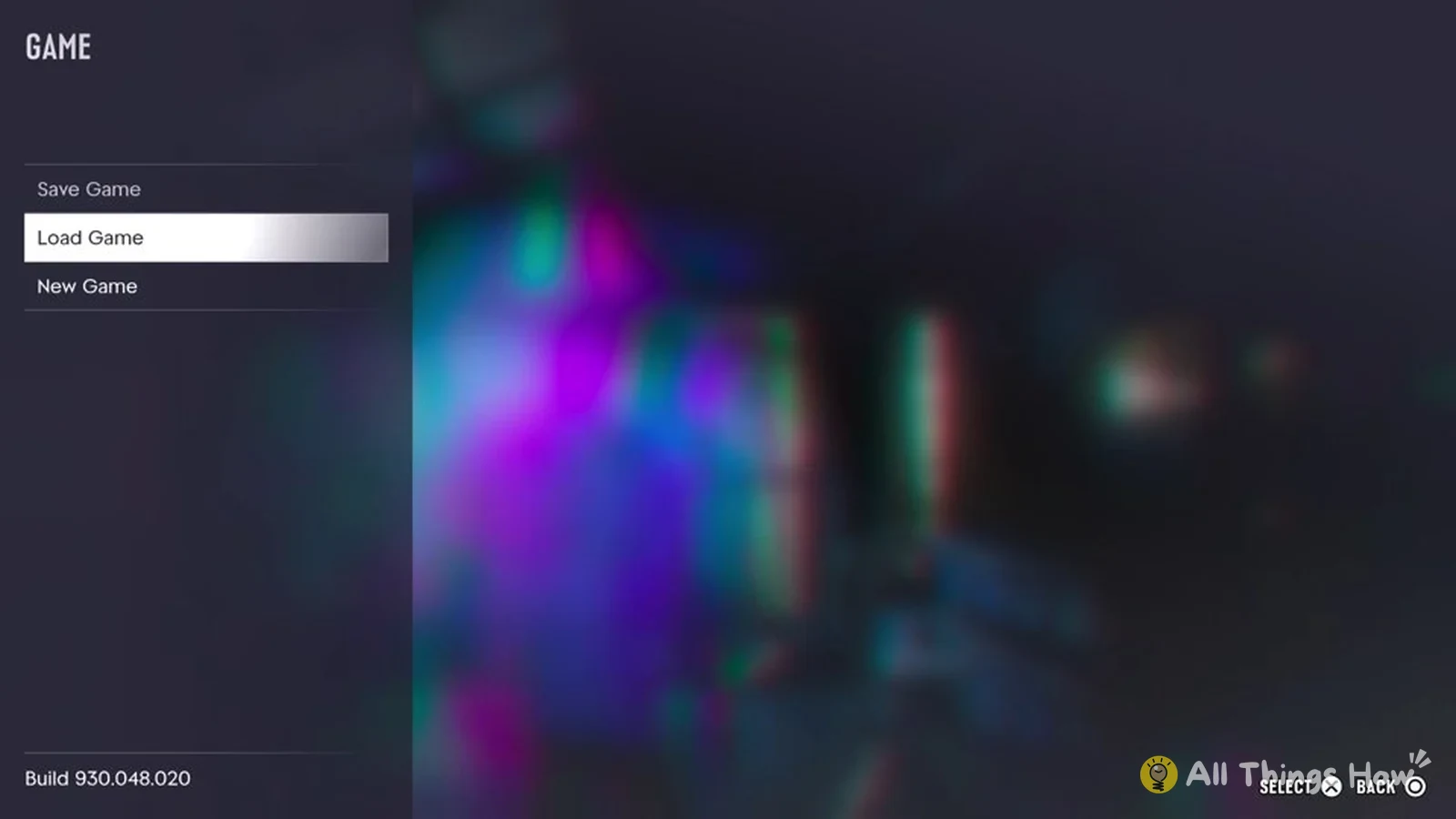
How to Save in GTA 6, and Why Save Game Is Greyed Out During Missions
GTA 6 has 15 manual save slots behind the Game page of the pause menu, and they’re locked while a mission is running.
-
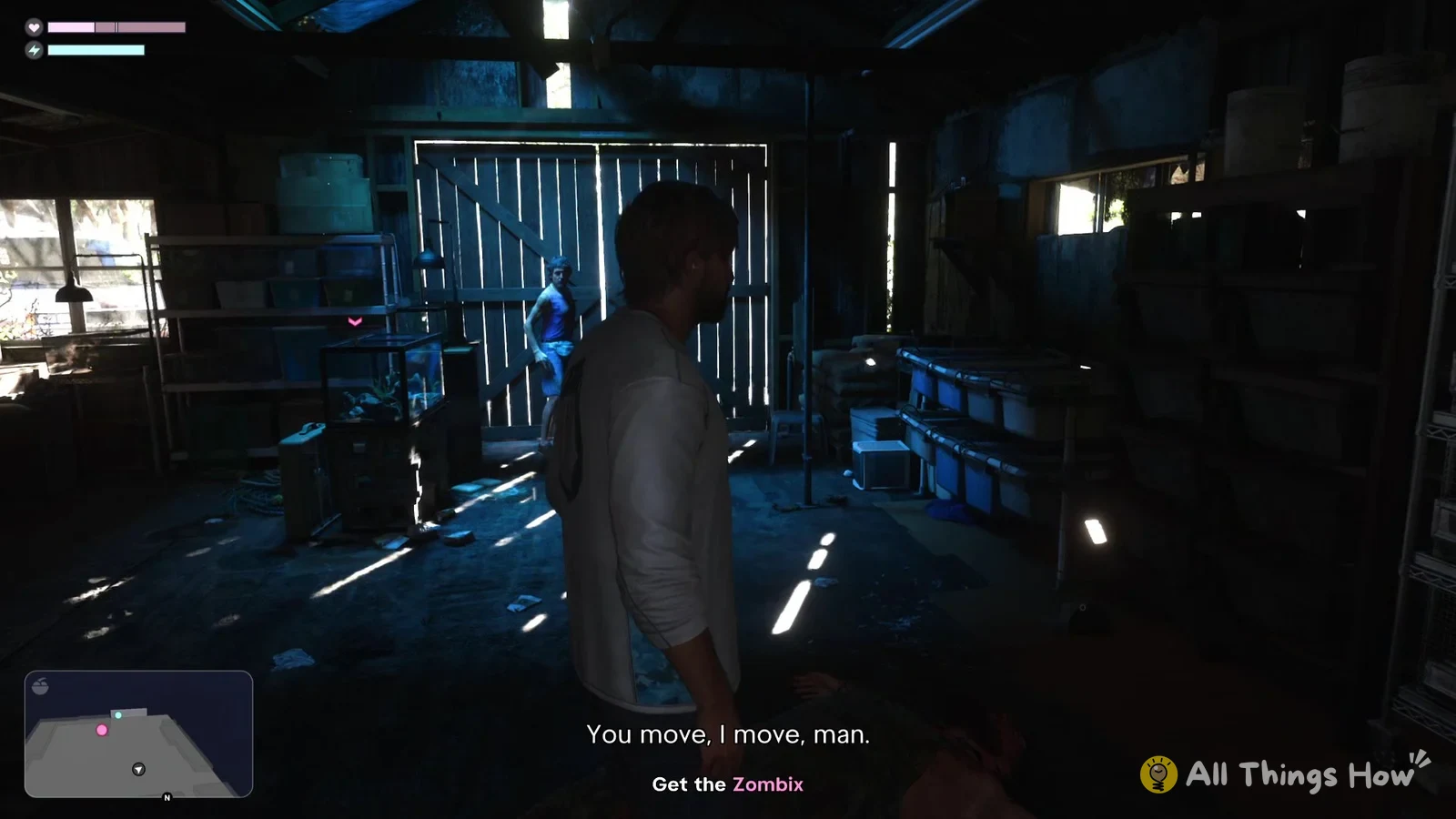
How to Punch, Block and Grapple in GTA 6 (PS5 Melee Controls)
Every Default PS5 melee button in GTA 6, from heavy attacks and counters to door hits from a car.
-
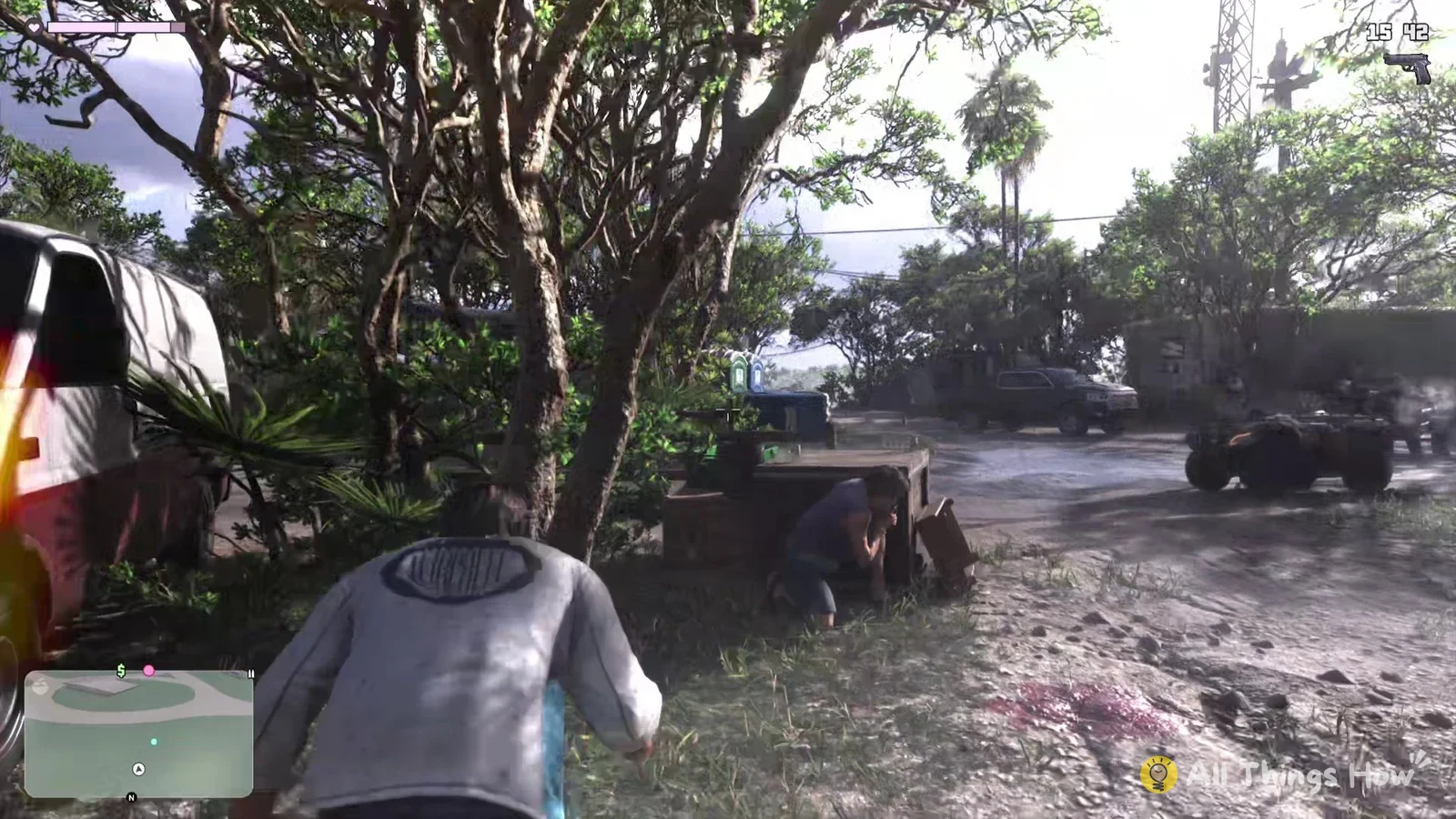
GTA 6 on PS5: How to Take Cover and Shoot From Cover
The R1, L2 and R2 combo that puts you behind a wall, car or tree and lets you fire back.
-
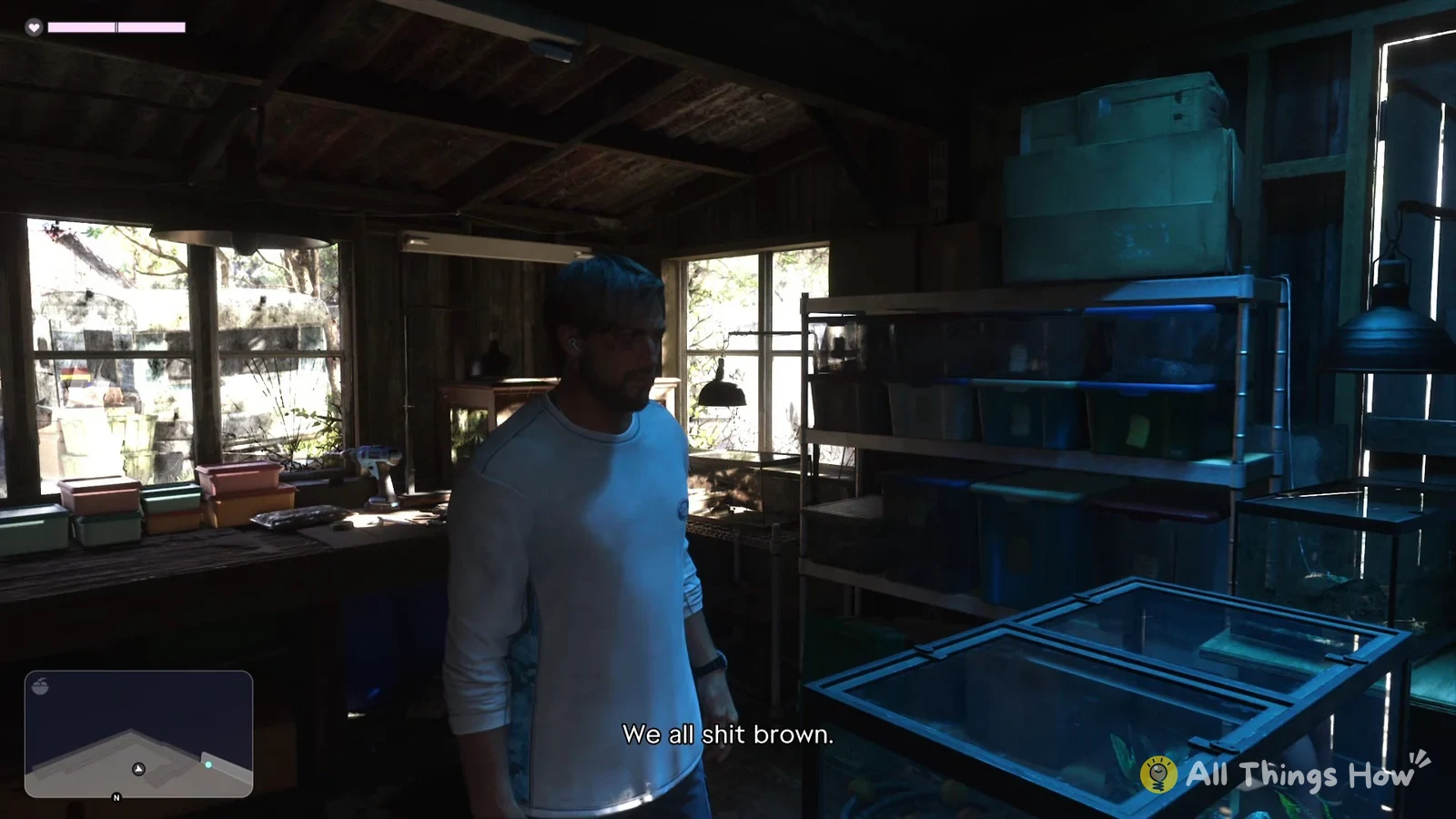
How to Heal in GTA 6: Where to Buy Zombix and How to Use It
Zombix is GTA 6’s healing item, sold at grocery stores and found around Leonida, and you take it from the loadout wheel.
-
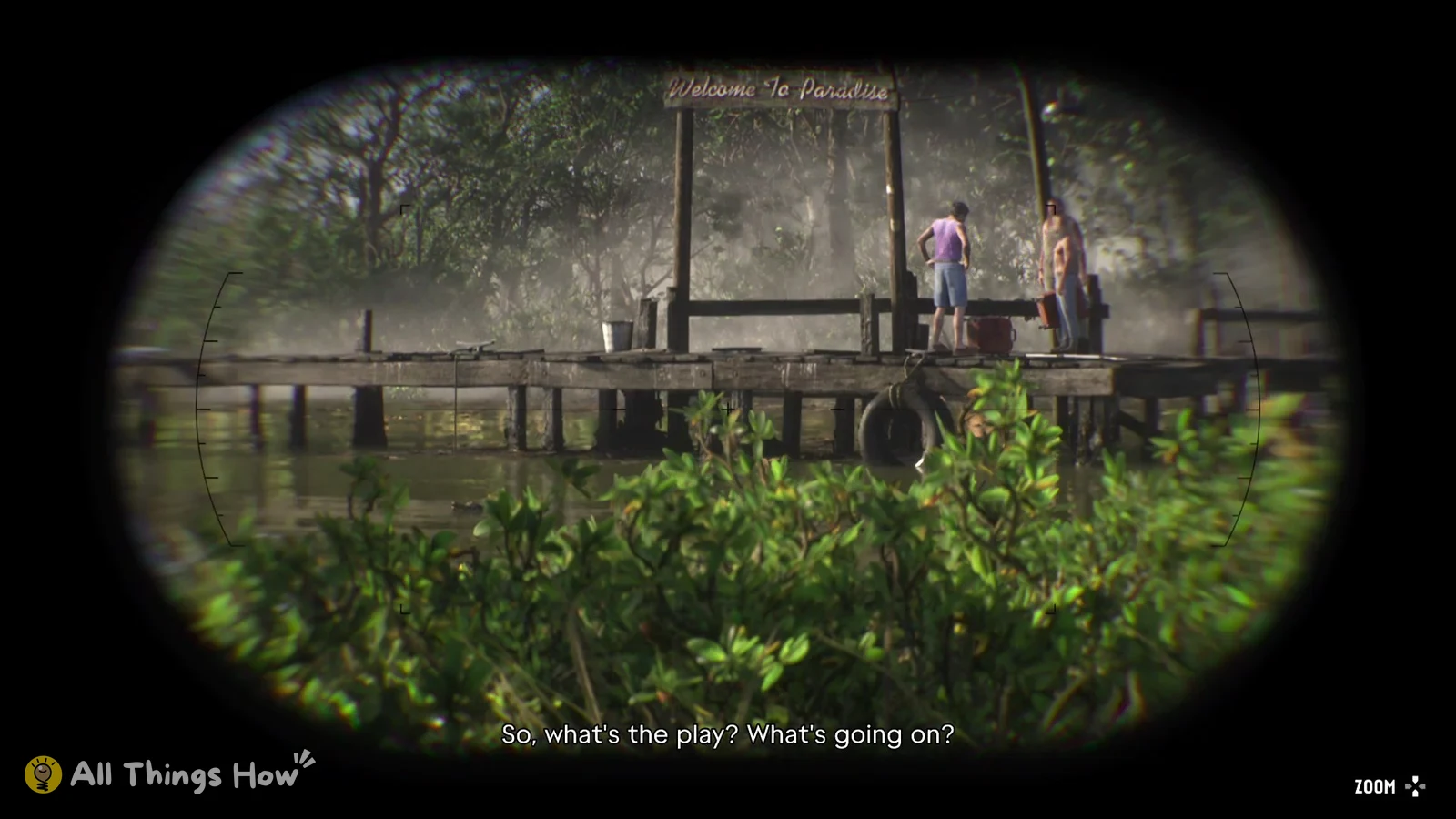
GTA 6: How to Open the Loadout Wheel for Weapons, Equipment and Clothing
The PS5 default controls for the loadout wheel, the WEAPONS and ITEMS tabs, taking clothes off and using binoculars.
-
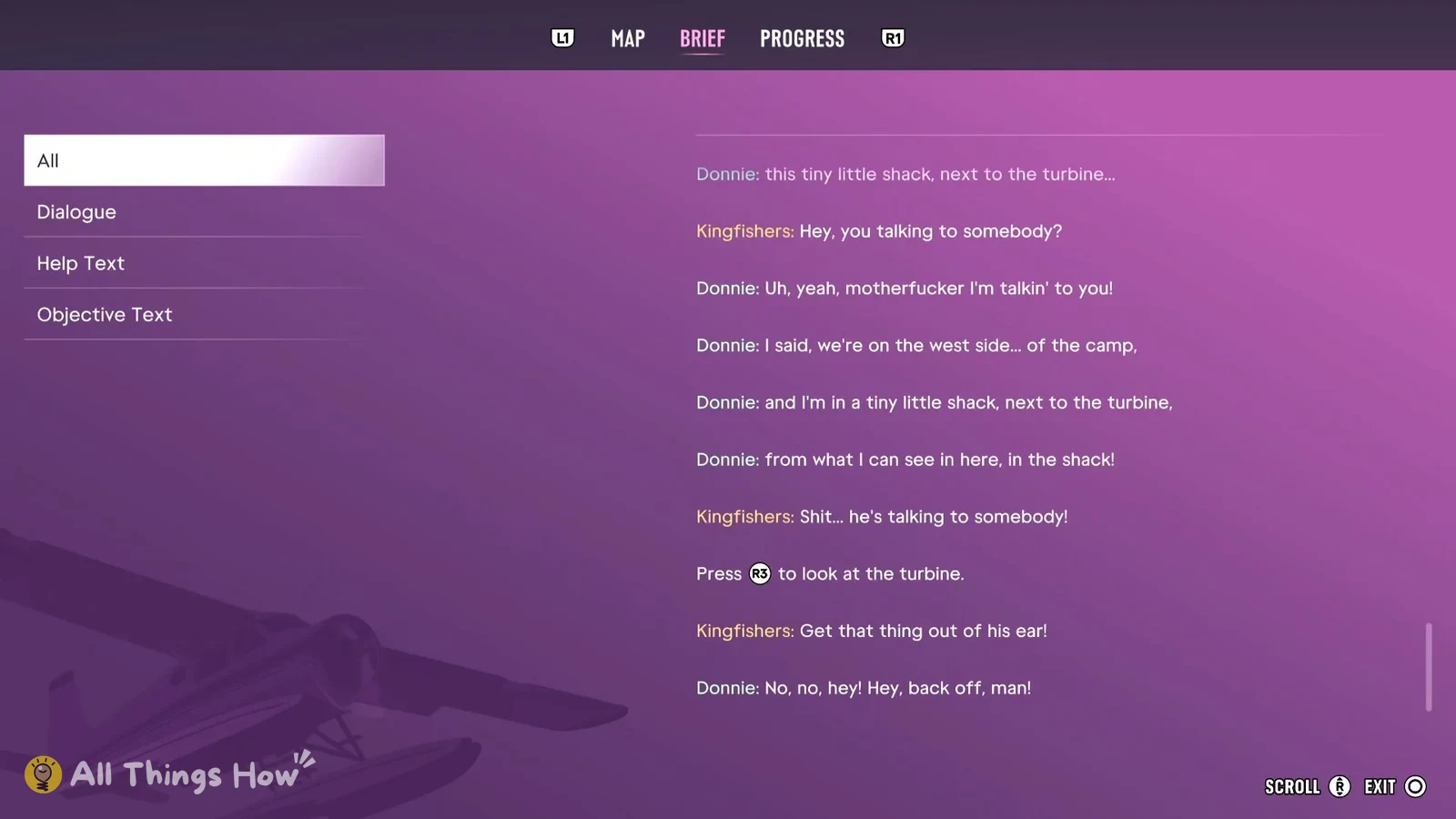
GTA 6: How to See Your Current Objective and Re-Read Missed Dialogue
The Map screen’s BRIEF tab keeps a log of recent lines, tips, and objectives that you can filter on PS5.