
Topic
Windows 11
Windows 11 is Microsoft’s modern PC operating system, built to deliver a refreshed interface, stronger productivity tools, gaming features, enhanced security, and deep integration with services like Copilot. It launched as the successor to Windows 10 and supports a wide range of desktops, laptops, and compatible hardware configurations for work, play, and everyday computing. | Release Date: October 5, 2021 | Developer: Microsoft | Platforms: x86-64 PCs, Arm64 PCs | Genre: Operating System
-

Xbox full screen experience rolls out to Windows 11 handhelds and PC Insiders
Microsoft’s console-style Xbox interface now ships on Windows 11 handhelds and enters preview on laptops, desktops, and tablets.
-
Windows 11 File Explorer Preloading: What it does and how to enable or disable it
Microsoft is testing a File Explorer “preloading” feature in Windows 11 to hide launch lag by keeping its UI ready in memory.
-
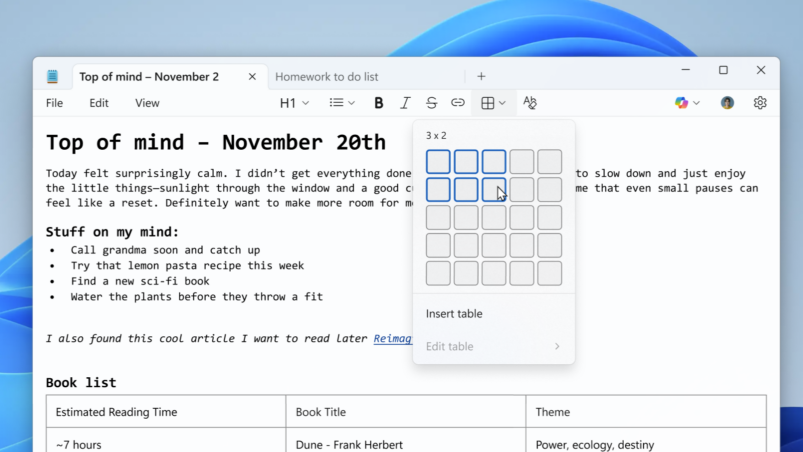
Windows 11 Notepad gets tables and faster AI responses in latest insiders preview release
The latest Notepad preview (version 11.2510.6.0) adds table formatting and streaming output for Write, Rewrite, and Summarize.
-
Windows 11 build 26220.7271 brings Xbox full screen, smarter dictation, and faster recovery
Key changes in the latest Dev and Beta Insider build include a console-style Xbox experience on PC, point-in-time restore, and UI refinements.
-
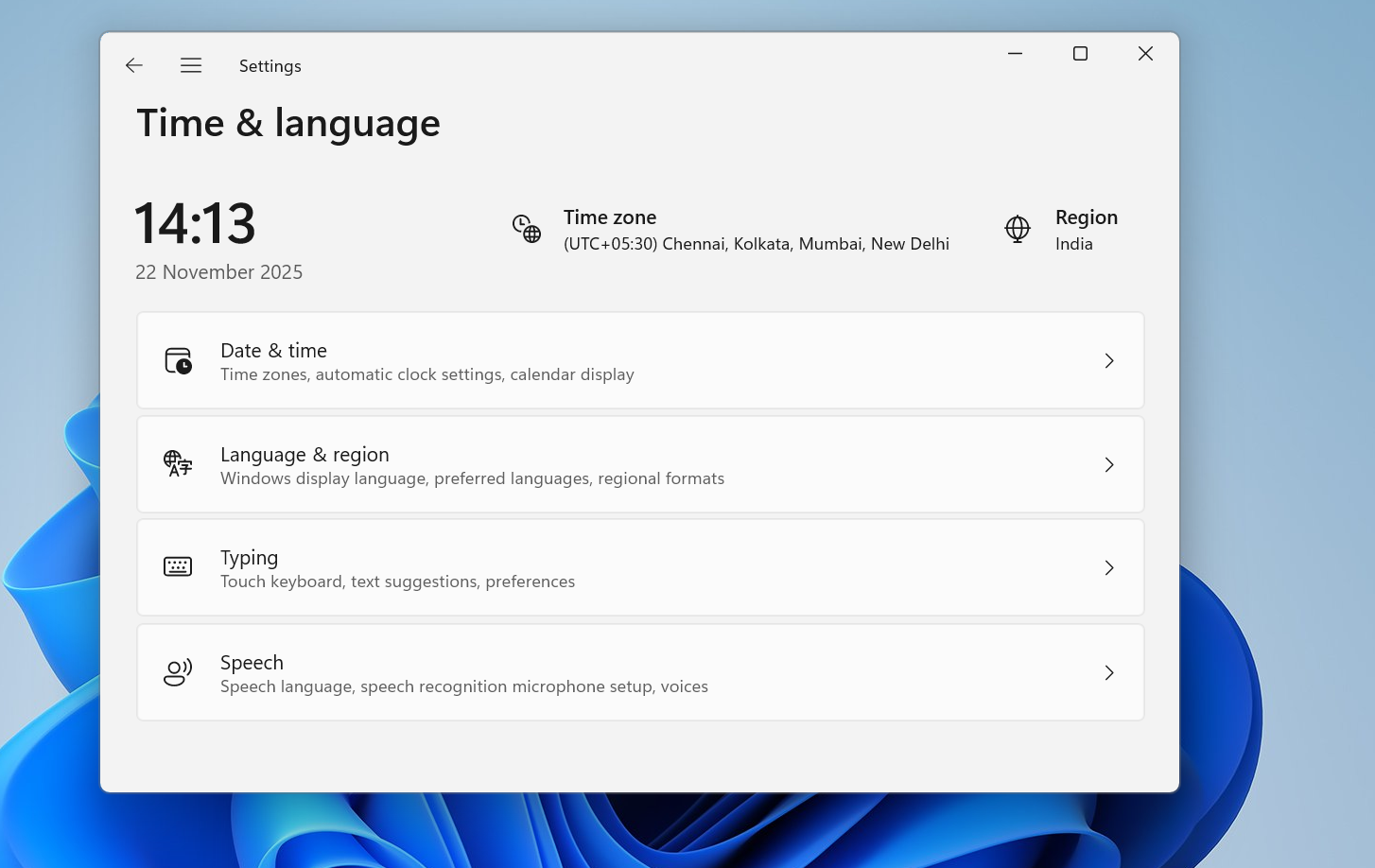
How to change time server on Windows 11 without breaking time sync
Switch Windows 11 to a different NTP time server using Settings, Control Panel, or command line, and know when it fails.
-

PowerToys Advanced Paste brings hybrid on‑device and cloud AI to Windows
Microsoft’s Advanced Paste in PowerToys 0.96 turns copy‑paste into a local AI workspace that can also tap multiple cloud models when needed.
-
Windows 11 KB5070312 (23H2): What this preview update fixes and should you install it
The November 23H2 preview update targets File Explorer glitches, .tar extraction errors, AVD policy issues, and updates the servicing stack.
-
KB5071892 OOBE update for Windows 11 22H2/23H2, explained
How Microsoft’s November 2025 OOBE-only patch changes first‑run setup, enrollment reliability, and lifecycle timing for Windows 11.
-
KB5072753 hotpatch for Windows 11 and Server 2025 (26200.7093)
What the November 20 out-of-band hotpatch changes, which systems it targets, and how to roll it out safely.
-
Windows 11 update draining your laptop battery? Fix it fast
Walk through the power settings, background processes, battery reports and firmware tweaks that usually restore normal battery life after an update.
