
Topic
Windows 11
Windows 11 is Microsoft’s modern PC operating system, built to deliver a refreshed interface, stronger productivity tools, gaming features, enhanced security, and deep integration with services like Copilot. It launched as the successor to Windows 10 and supports a wide range of desktops, laptops, and compatible hardware configurations for work, play, and everyday computing. | Release Date: October 5, 2021 | Developer: Microsoft | Platforms: x86-64 PCs, Arm64 PCs | Genre: Operating System
-
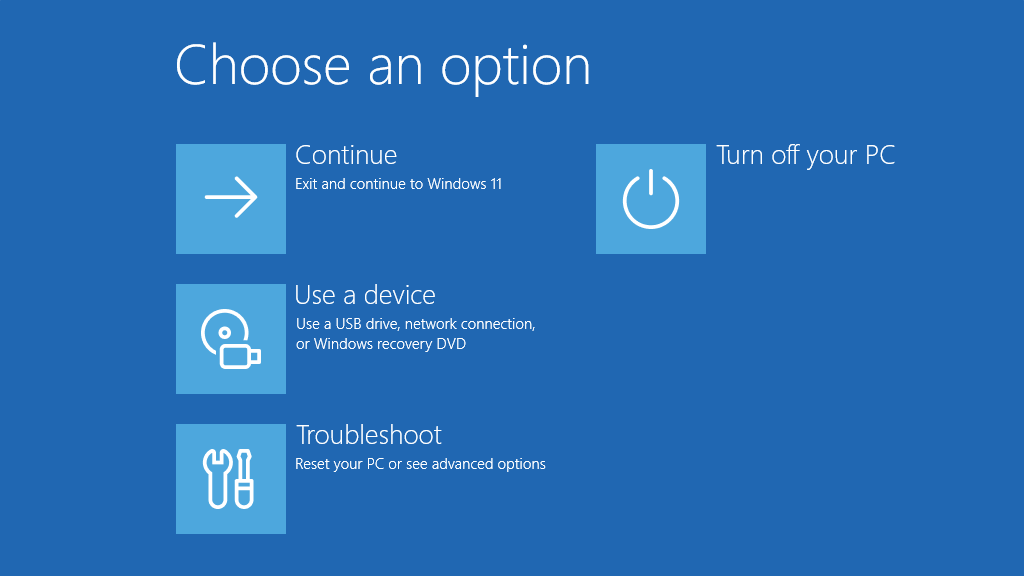
Windows 11 recovery is getting smarter with Point‑in‑Time Restore and Cloud Rebuild
New tools in Windows 11 focus on fast rollbacks, cloud reinstalls, and remote control when updates or drivers take PCs offline.
-
Windows 11’s new Digital Signage Mode quietly hides public BSODs after 15 seconds
Microsoft’s new recovery setting for non-interactive displays blanks error screens quickly while leaving remote diagnostics and recovery intact.
-
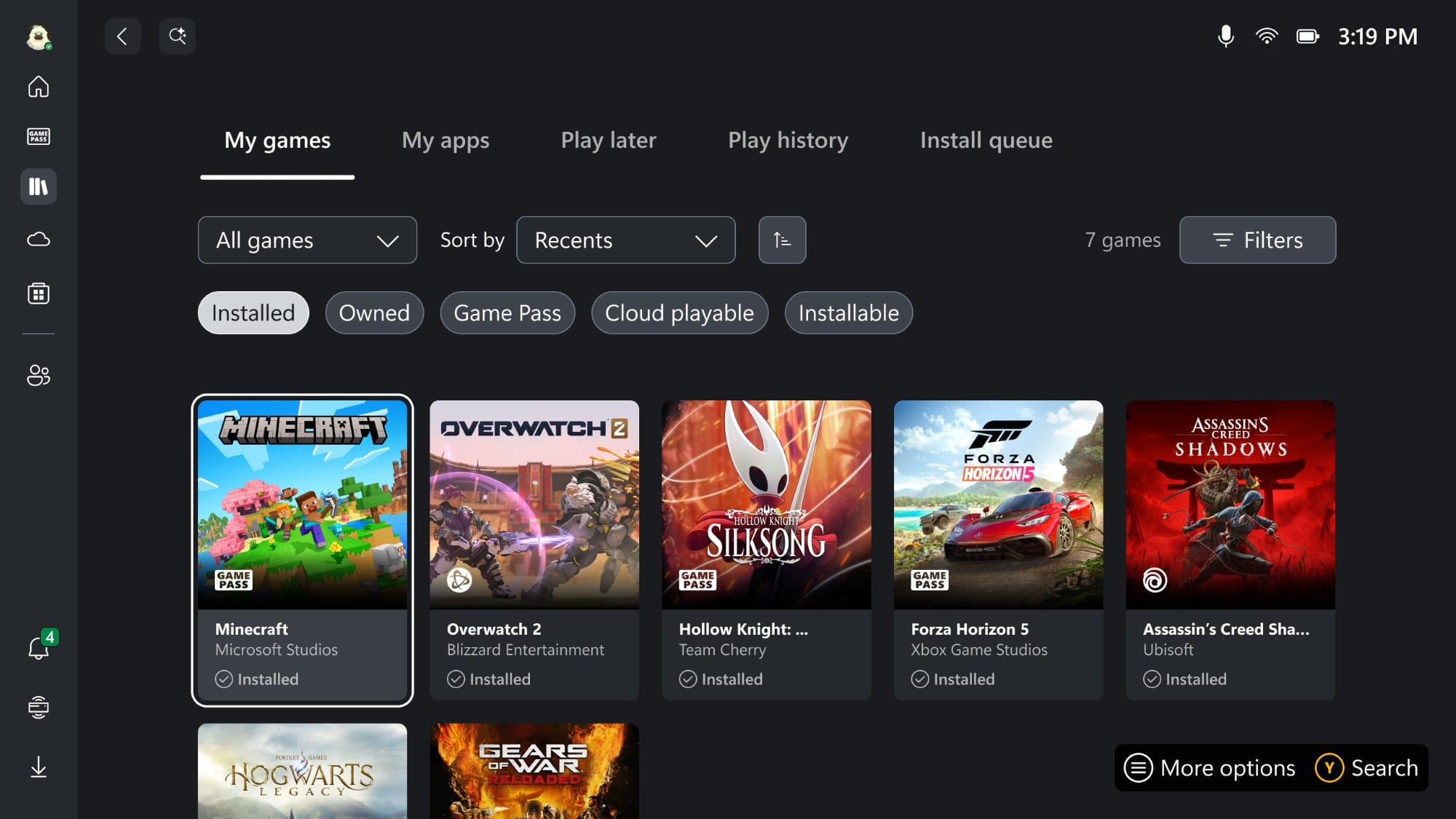
Get Xbox full-screen dashboard on any Windows 11 PC with this new tool
A community utility unlocks Microsoft’s console-style Xbox interface on standard Windows 11 24H2 and 25H2 machines.
-
Windows 11 is bringing agenda events back to the Taskbar calendar
The new Agenda view surfaces upcoming meetings and events directly in the Notification Center, rolling out in preview from December 2025.
-
Nvidia’s GeForce 581.94 hotfix targets Windows 11 KB5066835 gaming slowdown
The emergency driver update aims to reverse frame rate drops seen after Windows 11’s October 2025 cumulative update.
-
Windows 11 KB5068860 brings a quiet Canary build focused on fixes
Build 28000.1199 (26H1) arrives in the Canary Channel with no new features, just low‑level tweaks and stability work.
-
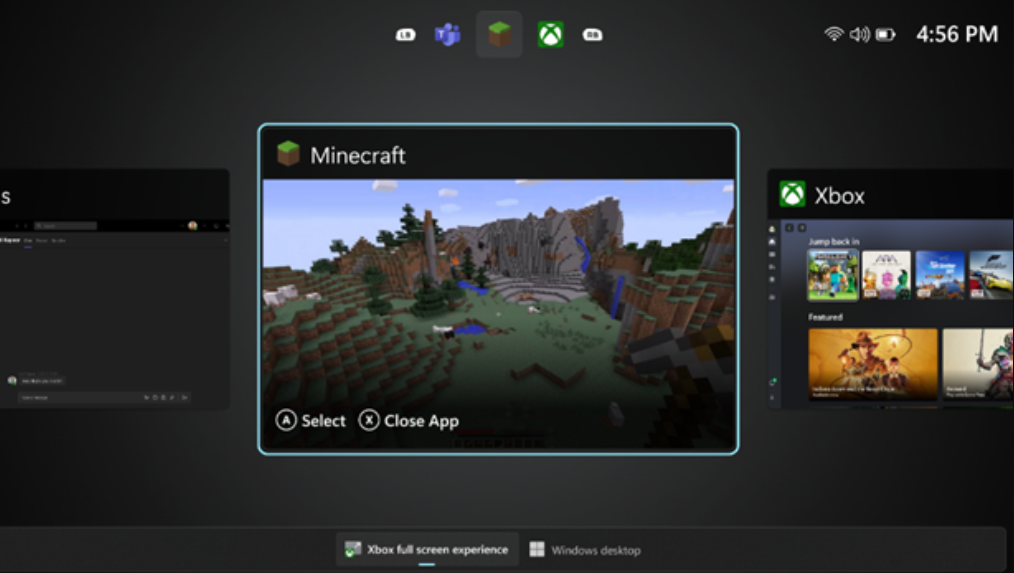
How to Enable Windows 11’s Xbox full‑screen mode on handhelds and PCs
Turn on the new console‑style experience with Windows 11 25H2, a couple of flags, and a small display shim for desktops.
-
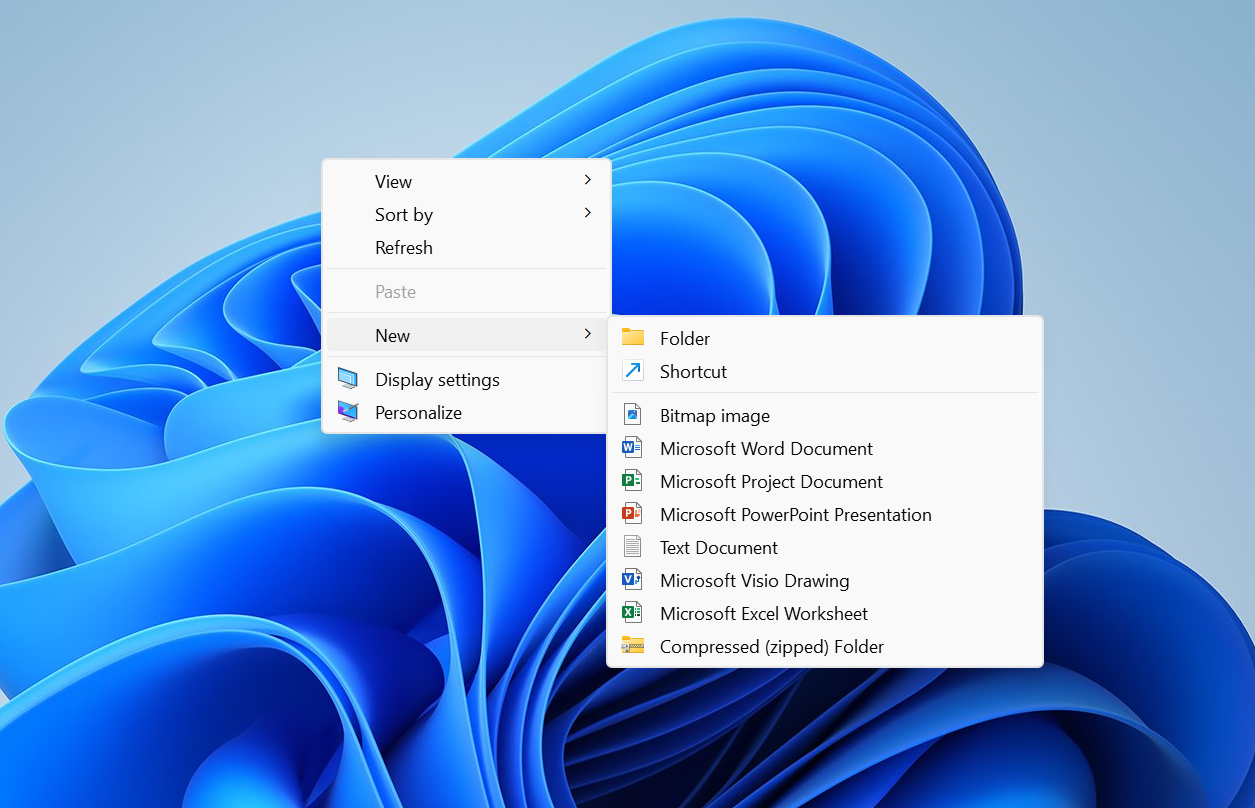
Windows 11’s right‑click menu is getting split, context‑aware menus
Microsoft is testing a new “Split Context Menu” that groups related actions, trims duplicates, and can cut menu height by up to 38%.
-

Fix Clipchamp screen recording on Windows 11 — permissions and setup
A practical checklist to resolve grayed-out record buttons, mic errors, and missing screen capture.
-
Windows 11 KB5068861 (Nov 2025) — fixes, features, and how to install
The November Patch Tuesday update for 24H2 and 25H2 delivers critical security fixes, a Task Manager shutdown fix, and gradual UI changes.

