
Topic
Windows 11
Windows 11 is Microsoft’s modern PC operating system, built to deliver a refreshed interface, stronger productivity tools, gaming features, enhanced security, and deep integration with services like Copilot. It launched as the successor to Windows 10 and supports a wide range of desktops, laptops, and compatible hardware configurations for work, play, and everyday computing. | Release Date: October 5, 2021 | Developer: Microsoft | Platforms: x86-64 PCs, Arm64 PCs | Genre: Operating System
-
Windows 11 build 26220.7070 (KB5070300) focuses on Widgets and recovery
Insiders in Dev and Beta get a cleaner Widgets start, recovery updates, and a brief window to switch channels.
-
Windows 11 26H1 hits Canary as build 28000 — here’s what it actually is
Microsoft flips Canary to “26H1,” a platform-only release for new silicon, not a feature update you’ll install on 25H2.
-
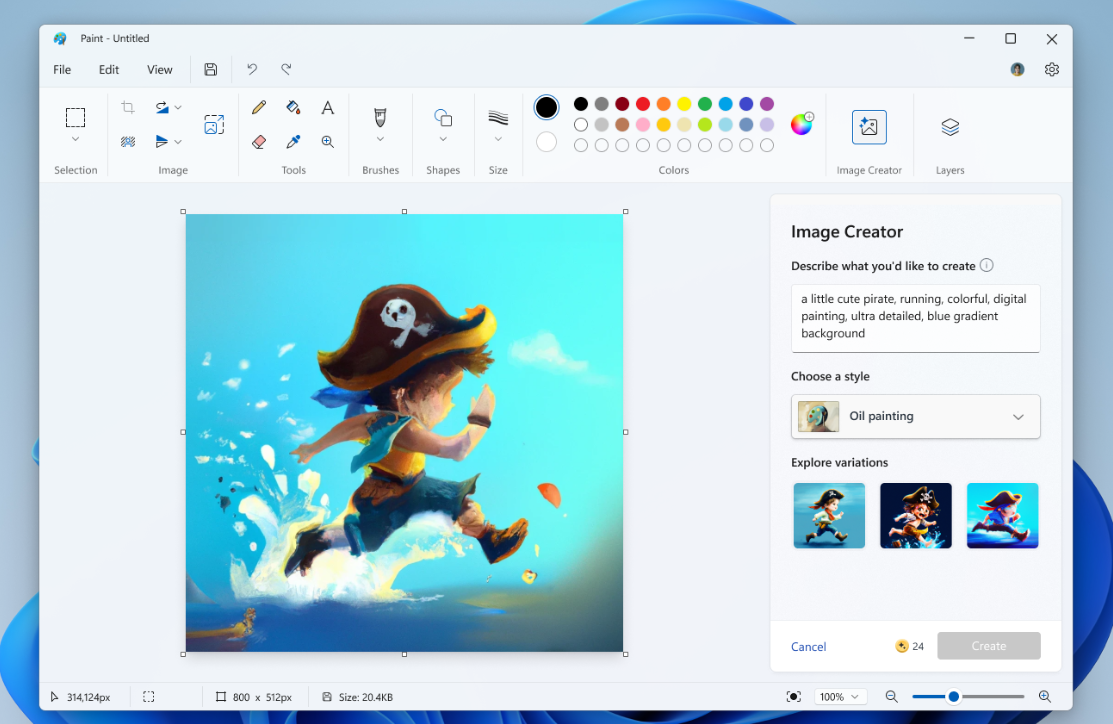
Disable AI features in Windows 11 Paint — Generative Fill and more
Use policy, registry, CMD/PowerShell, and Intune to turn off Generative Fill and Image Creator in Paint.
-
Windows 11 Insider (26220.7051) adds handheld FSE and shared audio
Ask Copilot lands on the taskbar while gaming handhelds get a console-style full screen UI.
-

Windows 11 update titles are getting simpler and clearer
Security, driver, .NET, AI, and Visual Studio updates now use concise, consistent titles in Settings.
-
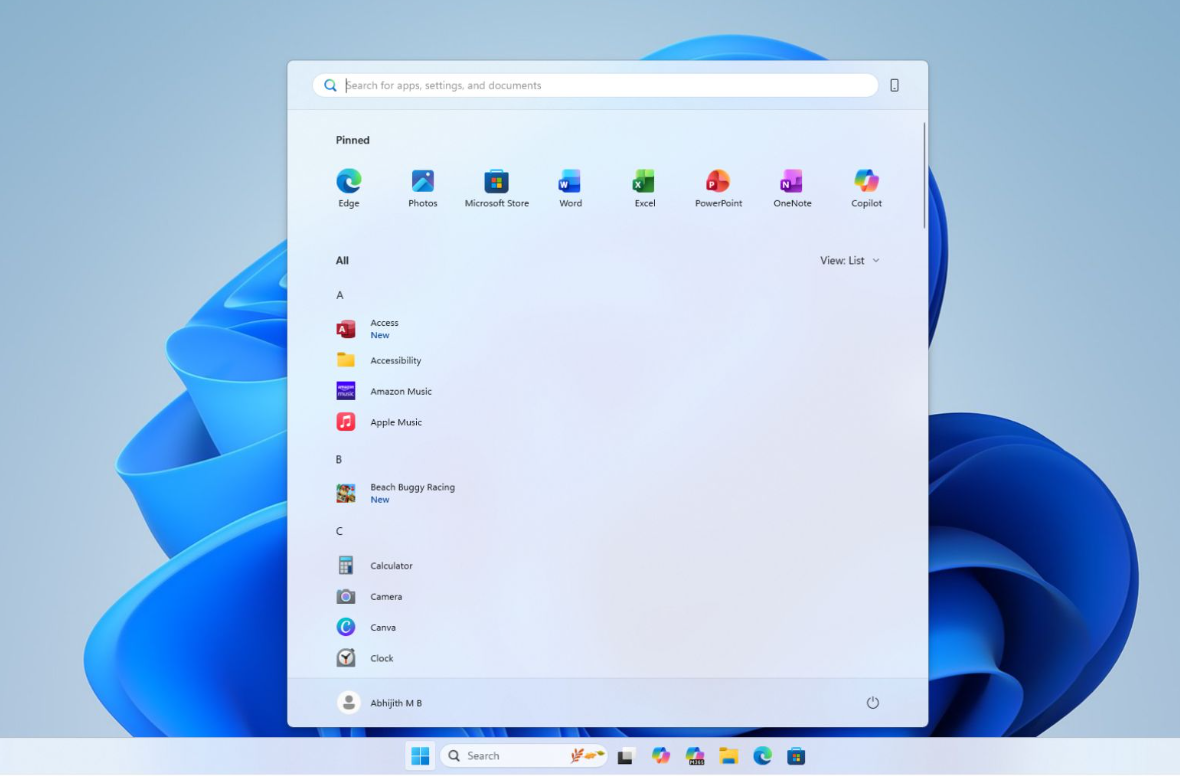
Get the new Windows 11 Start menu now (KB5067036, 24H2/25H2)
Install the October 2025 preview update or use ViVeTool to unlock the rollout immediately.
-
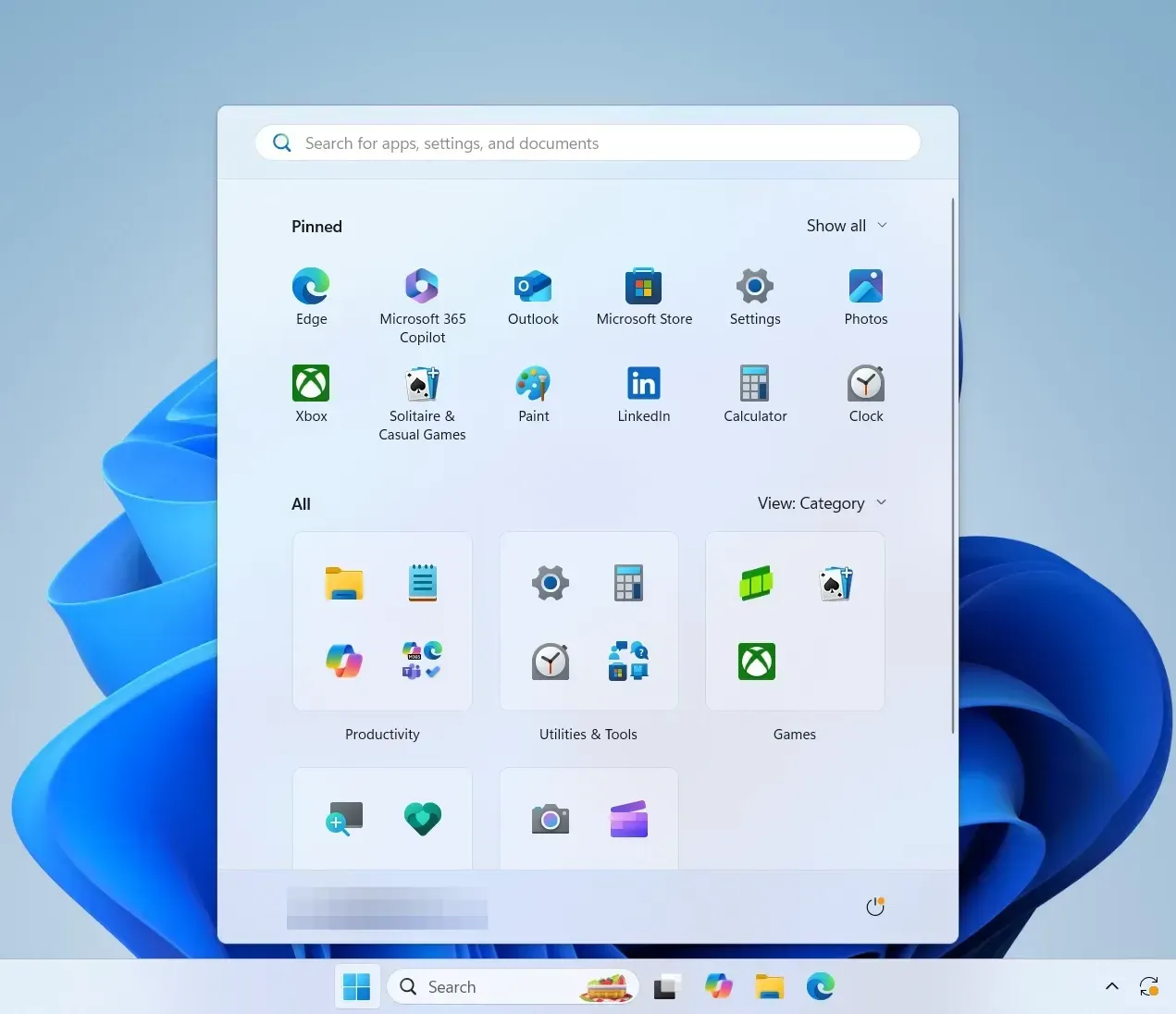
Windows 11 KB5067036 preview — new Start menu and Admin Protection
What changes in 24H2 and 25H2, how to install it, and the fixes it brings.
-
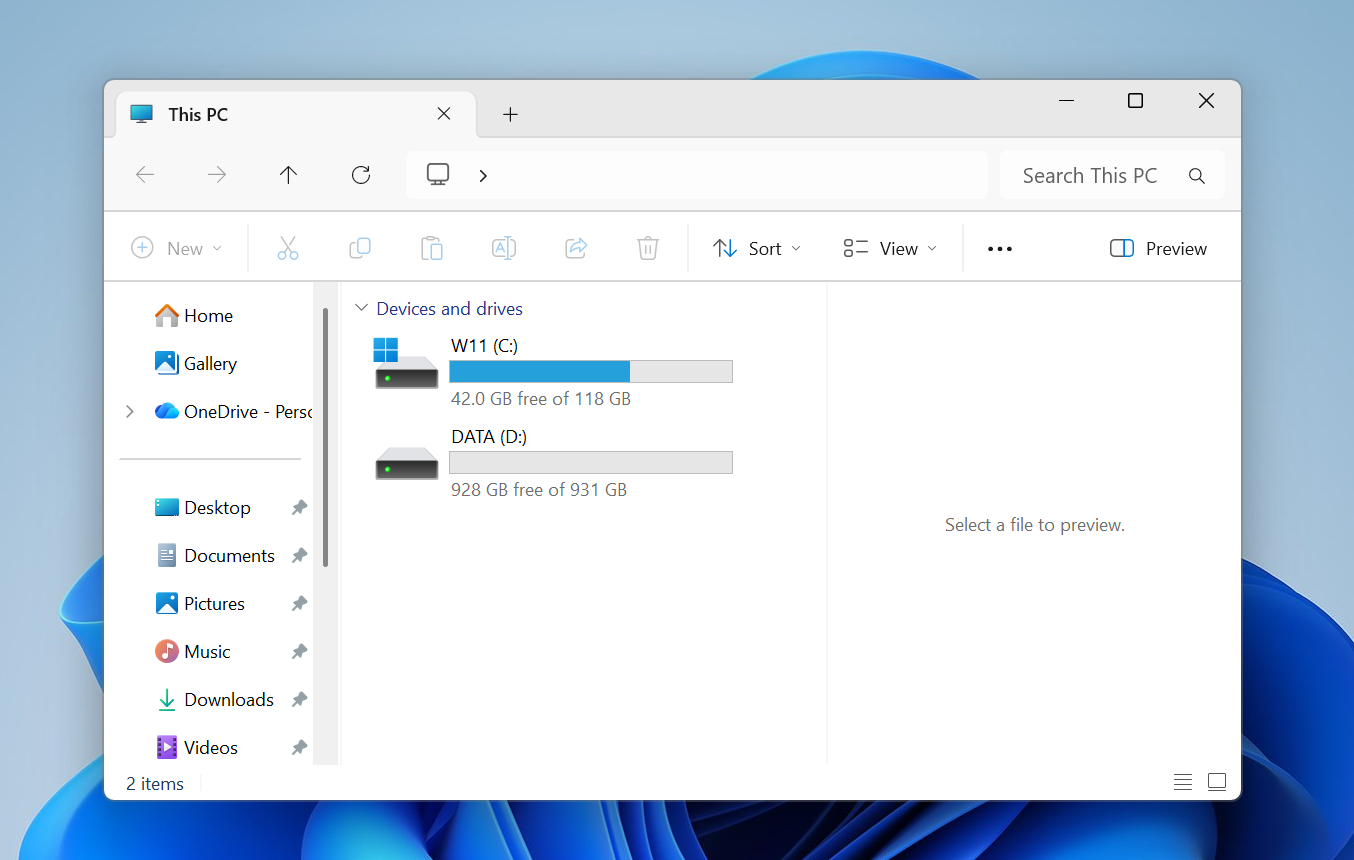
Fix the Windows 11 File Explorer Preview Pane (and why it breaks)
Proven fixes for PDFs and other files, plus the 2025 change that blocks internet downloads by default.
-
Windows 11 local account setup — 24H2, 25H2 and newer builds
Step-by-step commands for current releases and newer builds, plus a USB method and post‑setup options.
-

Windows 11 25H2 won’t install? Fixes for common update errors
Step-by-step ways to get 25H2 installed, from SFC/DISM to in-place repair and the official ISO.