
Topic
Windows 11
Windows 11 is Microsoft’s modern PC operating system, built to deliver a refreshed interface, stronger productivity tools, gaming features, enhanced security, and deep integration with services like Copilot. It launched as the successor to Windows 10 and supports a wide range of desktops, laptops, and compatible hardware configurations for work, play, and everyday computing. | Release Date: October 5, 2021 | Developer: Microsoft | Platforms: x86-64 PCs, Arm64 PCs | Genre: Operating System
-
How to Fix Windows 11 Not Shutting Down When Closing Laptop Lid
Detailed solutions for configuring lid close behavior, troubleshooting power settings, and resolving unexpected shutdowns or display issues on Windows 11 laptops.
-
How to Stop Windows 11 From Asking Microphone Access on Boot
Learn detailed methods to prevent Windows 11 from repeatedly requesting microphone access every time your computer starts.
-
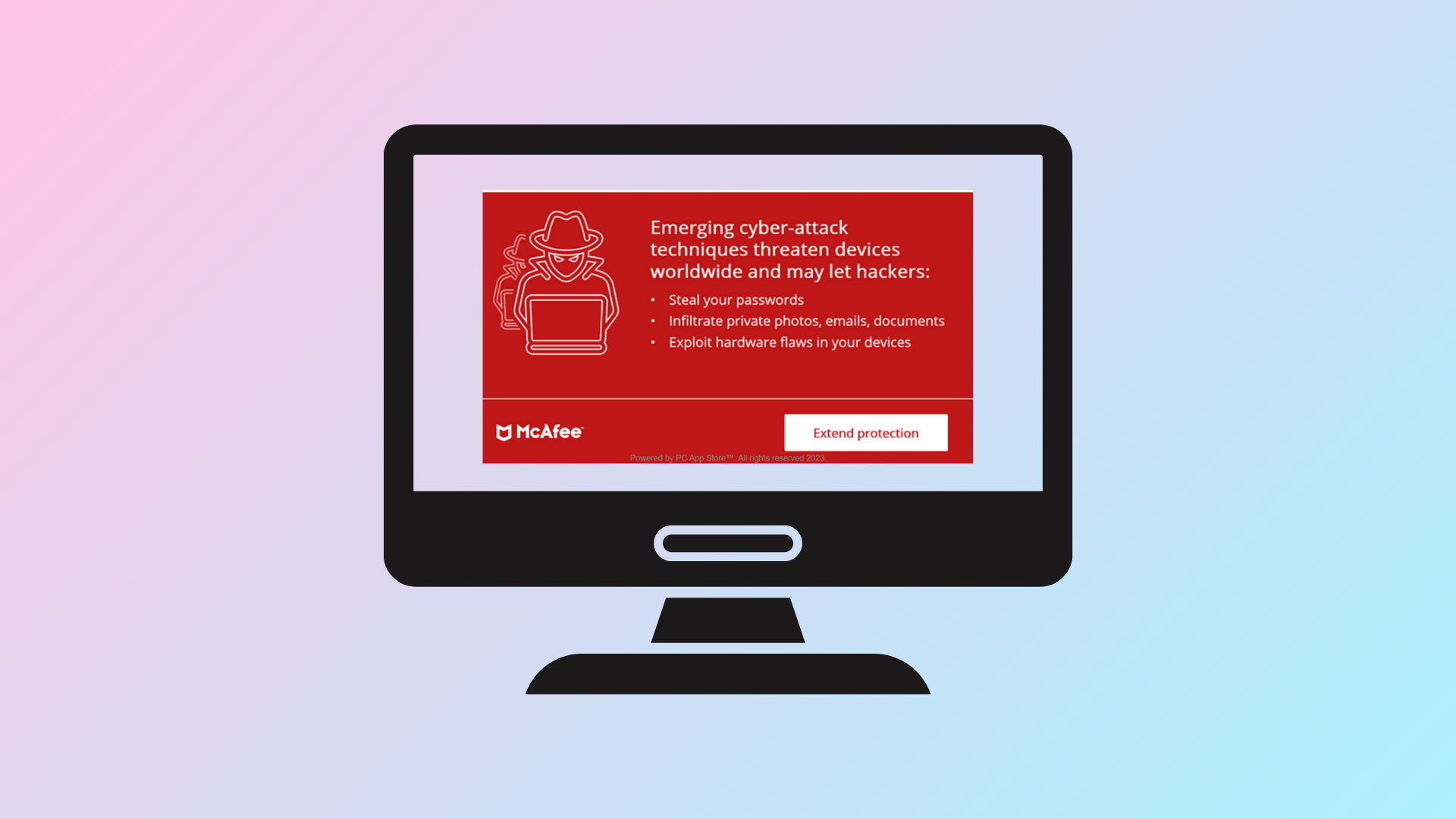
How to Stop McAfee Pop Ups in Windows 11
Learn proven methods to permanently block or remove McAfee pop-up notifications on Windows 11, whether they’re from installed software, browser ads, or hidden adware.
-
How to Fix Secure Boot Enabled But Not Active on Windows 11
Resolve the issue where Secure Boot appears enabled in BIOS but is not active or recognized in Windows 11, ensuring your system meets security…
-
How to Fix Error 0x80070543 When Windows Update Is Not Downloading or Installing in Windows 11
Resolve Windows Update error 0x80070543 in Windows 11 by adjusting system settings, repairing system files, and applying targeted troubleshooting steps.
-
How to Fix “This Device Cannot Start (Code 10)” Error on Windows 11
Resolve the Code 10 error in Device Manager by updating drivers, adjusting system settings, and applying proven troubleshooting steps to restore device functionality on…
-
How to Fix “Windows Security Service Did Not Shut Down Properly” Error in Windows 11
Resolve Event ID 7043 and restore reliable shutdowns and security features on Windows 11 with these proven troubleshooting steps.
-
How to Fix Unable to Set Chrome as Default Browser in Windows 11
Proven solutions for when Windows 11 refuses to let you set Google Chrome as your default web browser.
-
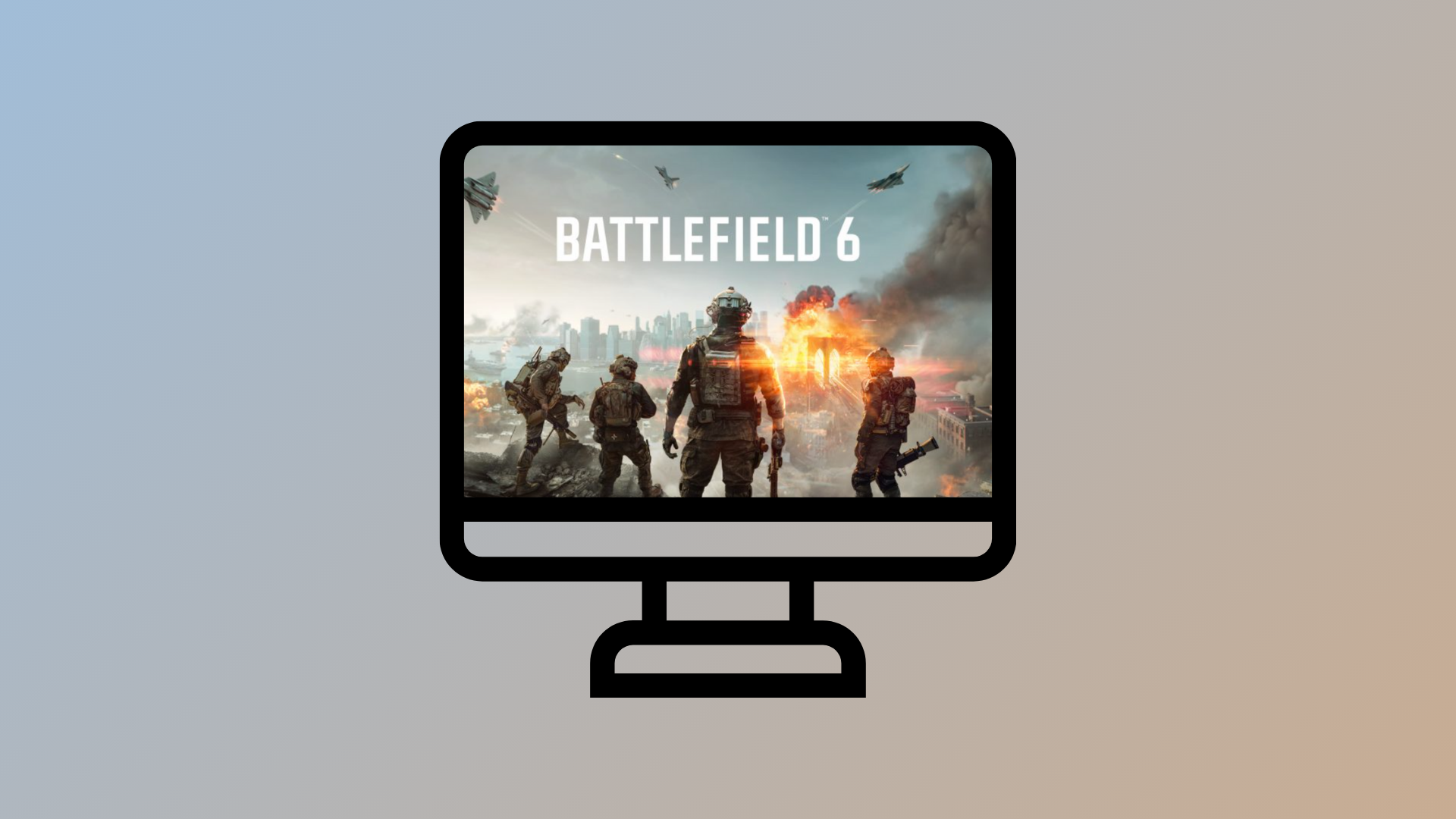
How to Fix “Secure Boot Is Not Enabled” Error for Battlefield 6 on Windows 11
Resolve Battlefield 6 launch issues by enabling Secure Boot in Windows 11 BIOS/UEFI settings and meeting all system requirements.
-
How to Fix Update Error 0x800f0900 in Windows 11
Resolve Windows 11 update error 0x800f0900 with proven troubleshooting steps that repair system files, reset update components, and restore update functionality.