
Topic
Windows 11
Windows 11 is Microsoft’s modern PC operating system, built to deliver a refreshed interface, stronger productivity tools, gaming features, enhanced security, and deep integration with services like Copilot. It launched as the successor to Windows 10 and supports a wide range of desktops, laptops, and compatible hardware configurations for work, play, and everyday computing. | Release Date: October 5, 2021 | Developer: Microsoft | Platforms: x86-64 PCs, Arm64 PCs | Genre: Operating System
-
How to Fix Windows 11 Black Screen Error After Running Memory Diagnostic
Detailed solutions to resolve a black screen on Windows 11 after using the Windows Memory Diagnostic tool, including hardware checks, system recovery, and advanced…
-
Download and Install Alienware Command Center on Windows 11
Get the correct Alienware Command Center build and device components on Windows 11 using Dell’s model-specific installer or Microsoft Store.
-
How to Fix Boot Device Not Found Error in Windows 11
Resolve the “boot device not found” error in Windows 11 by checking BIOS settings, repairing boot records, and troubleshooting hardware connections.
-
How to Fix Windows 11 Error Code 0x8007007f
Resolve the 0x8007007f error during Windows 11 installation by adjusting permissions, updating drivers, and freeing up disk space.
-
How to Fix OpenCL.dll Is Missing or Not Found Error on Windows 11
Resolve OpenCL.dll errors on Windows 11 by updating graphics drivers, restoring missing files, reinstalling affected programs, and scanning for malware.
-
How to Fix a System Repair Pending Which Requires Reboot to Complete Error in Windows 11
Resolve the “There is a system repair pending which requires reboot to complete” error in Windows 11 with proven solutions that restore SFC functionality…
-
How to Fix Change Product Key Link Not Available Error in Windows 11
Learn practical solutions to resolve the missing “Change product key” link in Windows 11, including manual activation methods and troubleshooting digital license issues.
-
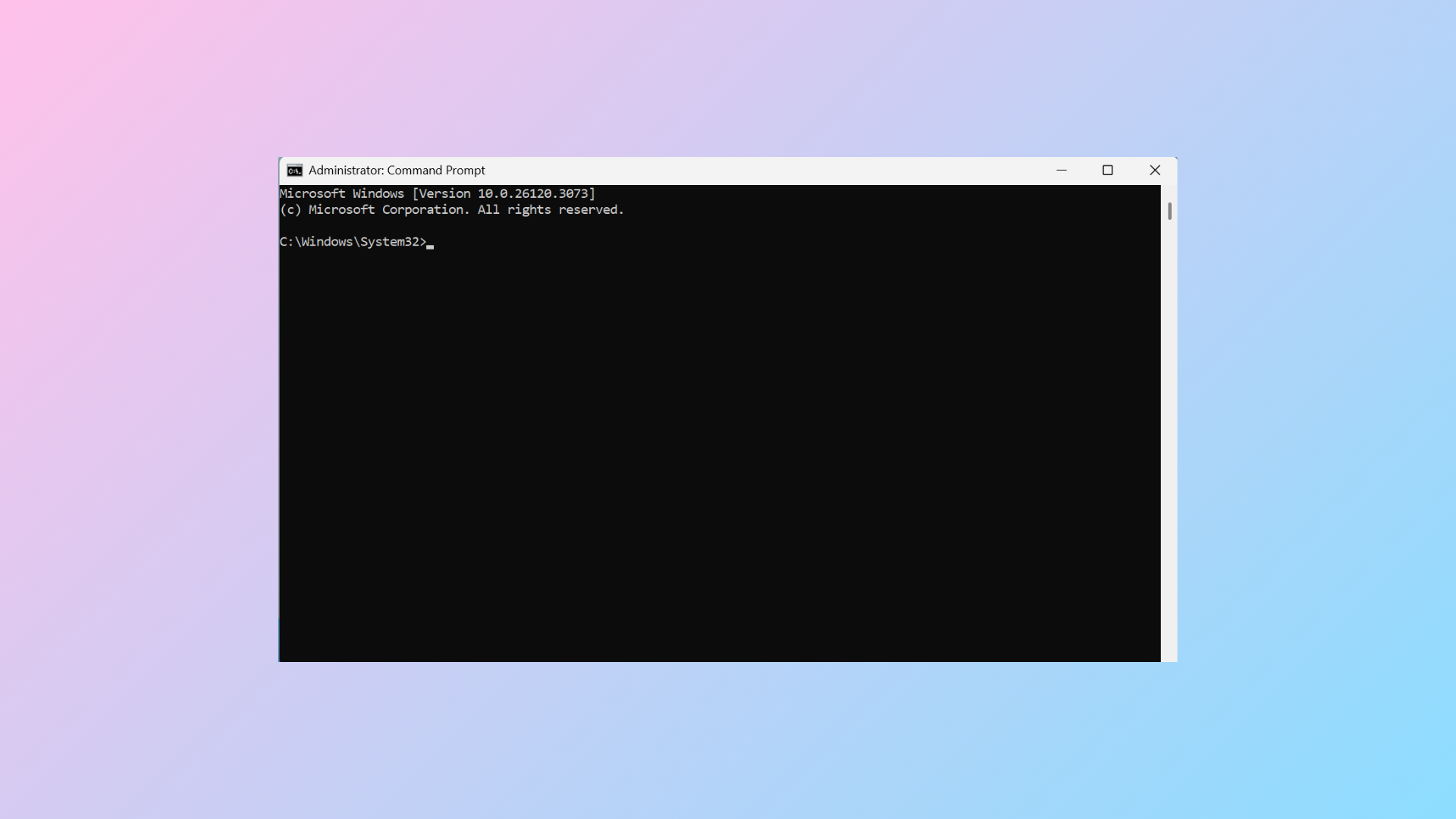
How to Fix Command Prompt Closing Automatically After Opening on Windows 11
Resolve the issue where Command Prompt opens and closes instantly on Windows 11 by addressing registry errors, startup conflicts, and potential malware.
-
How to Fix Not Enough Disk Space Error When Updating Windows 11
Free up storage, use external drives, or optimize partitions to resolve Windows 11 update errors caused by insufficient disk space.
-
How to Fix Task Manager Showing Fewer Cores in Windows 11
Resolve the issue where Task Manager displays fewer CPU cores than expected by adjusting Windows settings and checking BIOS configurations.