
Topic
Windows 11
Windows 11 is Microsoft’s modern PC operating system, built to deliver a refreshed interface, stronger productivity tools, gaming features, enhanced security, and deep integration with services like Copilot. It launched as the successor to Windows 10 and supports a wide range of desktops, laptops, and compatible hardware configurations for work, play, and everyday computing. | Release Date: October 5, 2021 | Developer: Microsoft | Platforms: x86-64 PCs, Arm64 PCs | Genre: Operating System
-
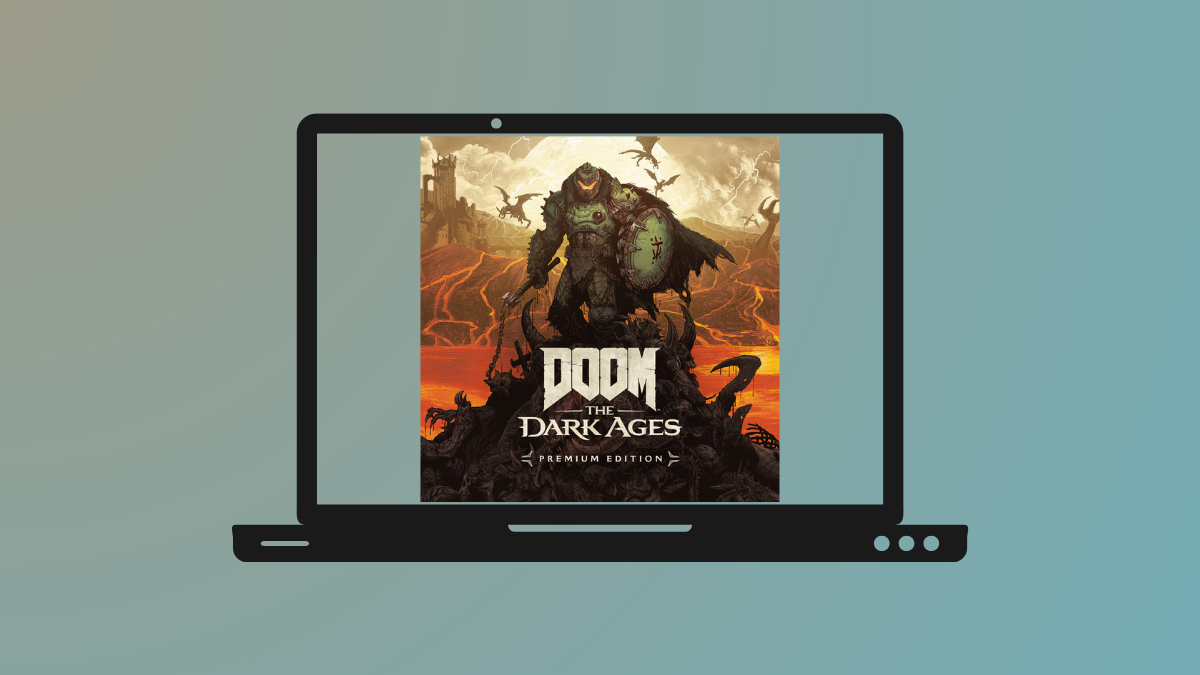
Fix DOOM: The Dark Ages Black Screen Issue on Windows 11
Resolve the persistent black screen problem in DOOM: The Dark Ages on Windows 11 by applying targeted solutions for graphics settings, hardware configuration, and…
-
Use Enhanced Phishing Protection in Windows Security
Strengthen password security by configuring Windows 11’s built-in phishing protection to detect unsafe password usage and block common attack methods.
-
Fix Error 0x80070001 on Windows 11
Resolve Windows 11 installation and update failures caused by error 0x80070001 with proven solutions for disk configuration, USB setup, and system file issues.
-
Manage Apps Easily with App Grouping on Windows 11
Windows 11 introduces refined Task Manager capabilities, including flexible app grouping and consistent CPU usage reporting, streamlining process management and user workflows.
-
Fix USB Devices Not Recognized on Windows 11
Resolve persistent USB device recognition errors on Windows 11 with effective solutions that address driver issues, power management, hardware faults, and more.
-
Stop Windows 11 from Reinstalling Bloatware After Reset
Remove unwanted preinstalled apps and prevent their return after a Windows 11 reset or clean install using proven configuration steps and advanced tools.
-
Fix Error 0x8007001F on Windows 11
Resolve Windows Update failures caused by error 0x8007001F on Windows 11 by removing invalid user profiles and applying proven troubleshooting steps.
-
How to Turn Off Clipboard and Phone Link Suggestions in Windows 11
Quickly silence pop-up suggestions for copied text, dates, and phone numbers—plus Phone Link tips—using these detailed steps for Windows 11.
-
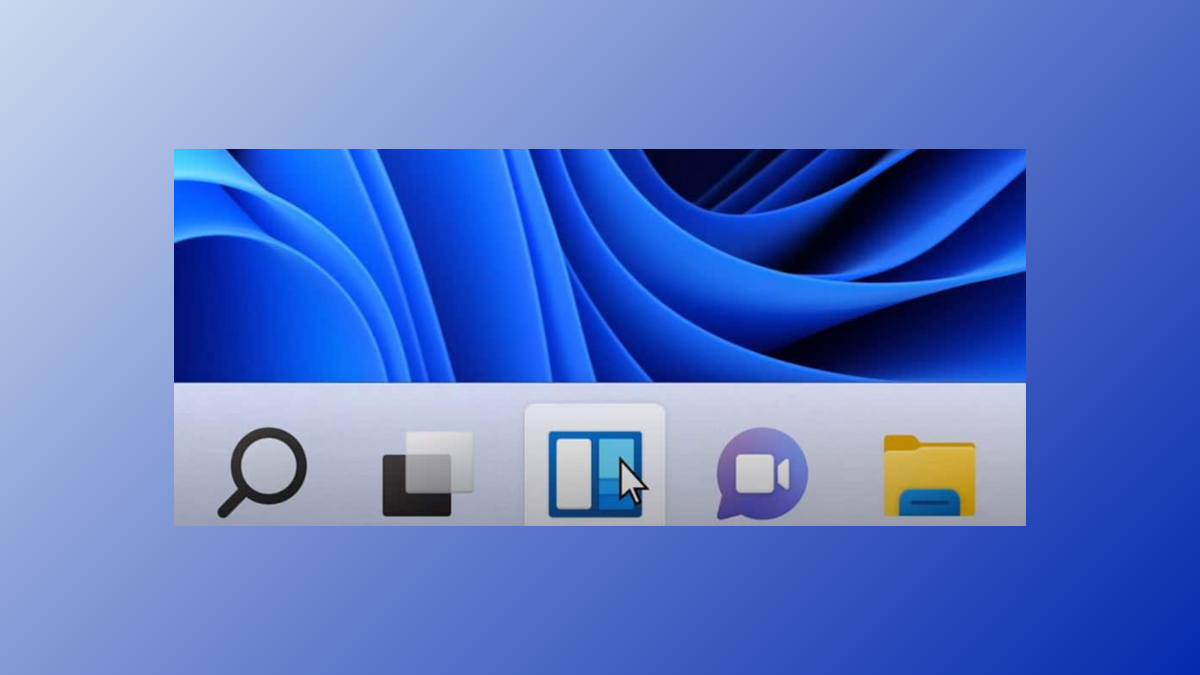
Fix Missing or Unresponsive Taskbar on Windows 11
Resolve issues with the Windows 11 taskbar disappearing, freezing, or not responding by applying targeted troubleshooting steps and proven solutions.
-
Fix Error 0x800f0991 on Windows 11
Resolve Windows Update failures caused by error code 0x800f0991 using proven repair and recovery techniques.