
Topic
Windows 11
Windows 11 is Microsoft’s modern PC operating system, built to deliver a refreshed interface, stronger productivity tools, gaming features, enhanced security, and deep integration with services like Copilot. It launched as the successor to Windows 10 and supports a wide range of desktops, laptops, and compatible hardware configurations for work, play, and everyday computing. | Release Date: October 5, 2021 | Developer: Microsoft | Platforms: x86-64 PCs, Arm64 PCs | Genre: Operating System
-

How to setup and use Passkeys on Windows 11
Passkeys are the secure, password-less future you need to adopt.
-
How to fix it when Wi-Fi keeps disconnecting on Windows 11
These fixes will solve your internet woes in no time.
-

How to add a desktop shortcut for Shutdown in Windows 11
Create a shortcut for this routine task if you want to save even more time.
-
How to fix error code 0xc0000001 on Windows 11
These fixes will resolve the 0xc0000001 error and let you boot into Windows again
-

How to fix Printer not activated, error code 30 on Windows 11
It’s easy to get rid of this error with these straightforward fixes.
-

How to fix Display Resolution greyed out on Windows 11
These fixes will solve this problem on your PC in no time.
-
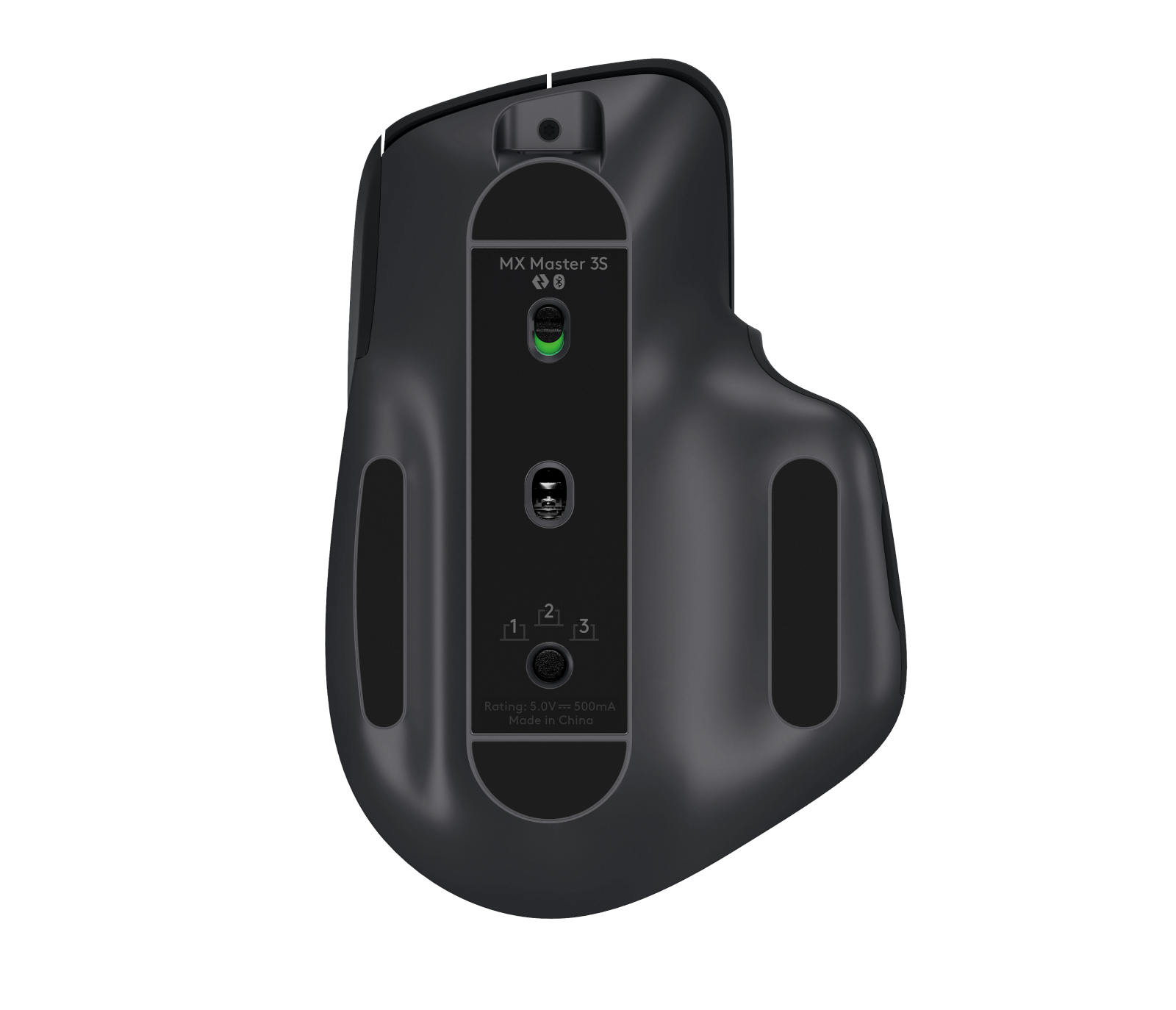
How to fix Logitech MX Master mouse connection issues on Windows 11
Step-by-step guide to reconnect your Logitech MX Master mouse to Windows 11
-
How to fix the ‘Something didn’t go as planned’ error in Windows 11
These fixes will straighten out the problem in no time.
-

How to restore missing Quick Access in Windows 11 File Explorer
Easy fixes to get back your favorite Quick Access in Windows 11
-
How to check SSD temperature on Windows 11
Suspecting your SSD’s temperature might be too high? It’s easy to check it.