
Instructional, step-by-step articles.
Content Type: How-To
-
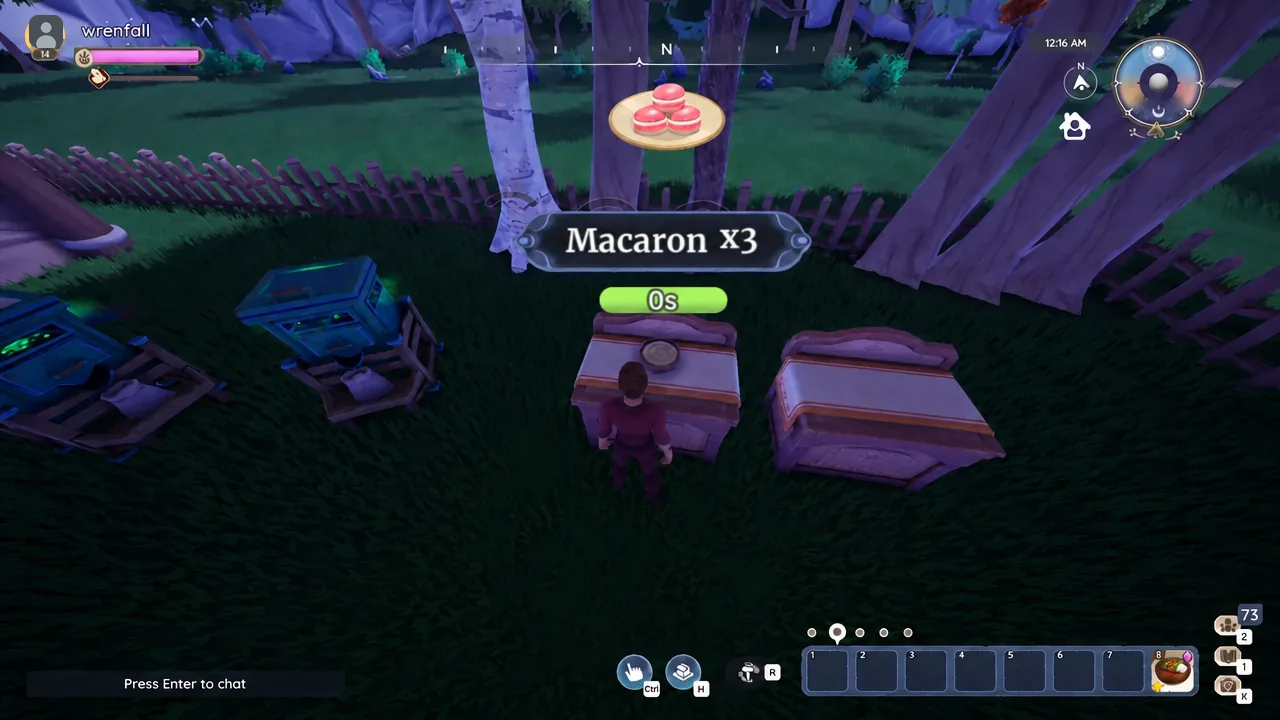
Palia: How to Make Macarons
The recipe needs two Mixing Stations, four ingredients, and a grocery list buried in Bahari Bay.
-
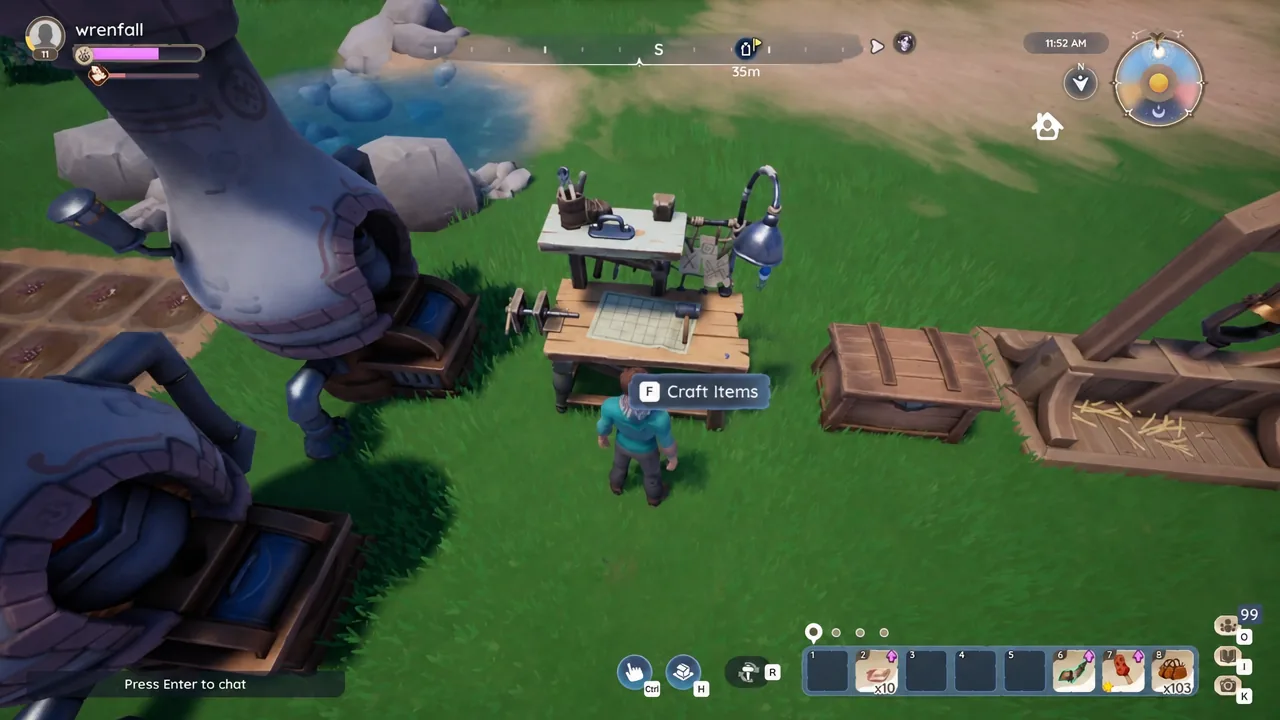
Palia: How to Make Silk From Silk Thread
Everything the Fabric Loom needs, from the level 6 recipe unlock to the bugs that drop Silk Thread.
-

NBA 2K27 MyCareer: How to Request a Trade
The two conditions that unlock a team switch in MyCareer, plus what to weigh before you pick a new franchise.
-
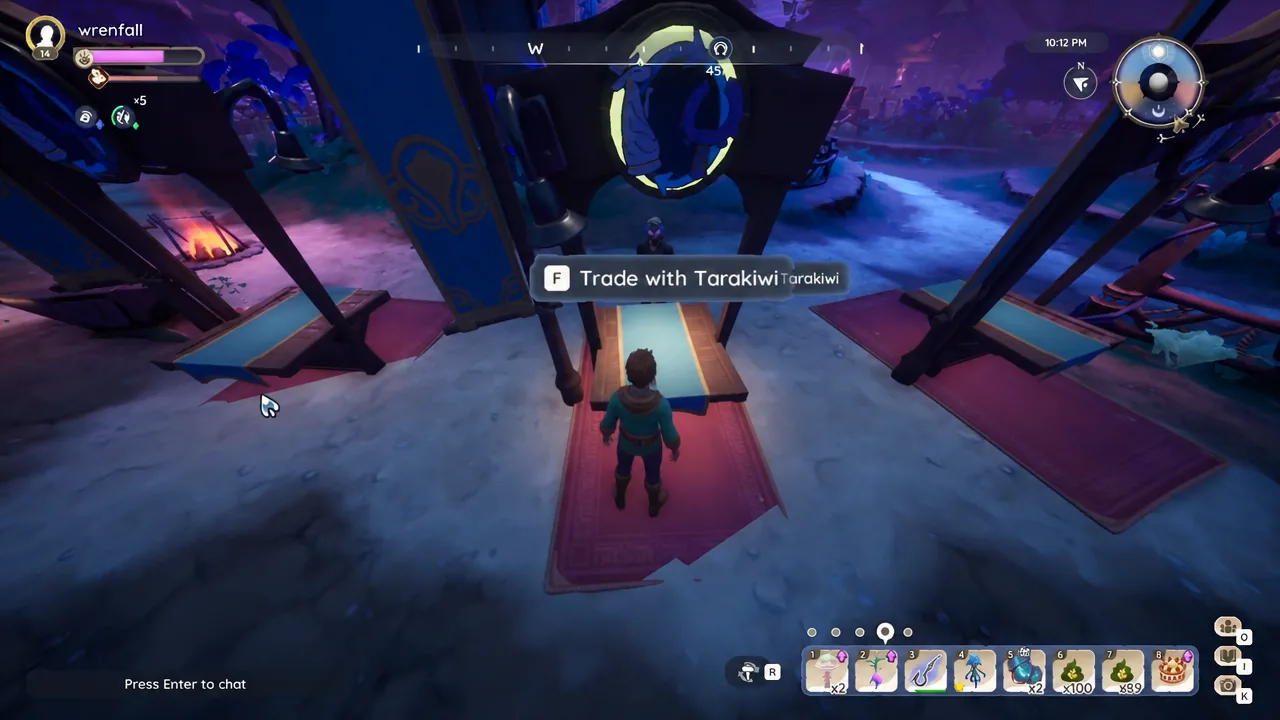
Palia: How to Trade With Friends
Unlock the Trading Tips quest, meet at the matching kiosk, and swap plushies, potato pods, stickers, or artifacts.
-
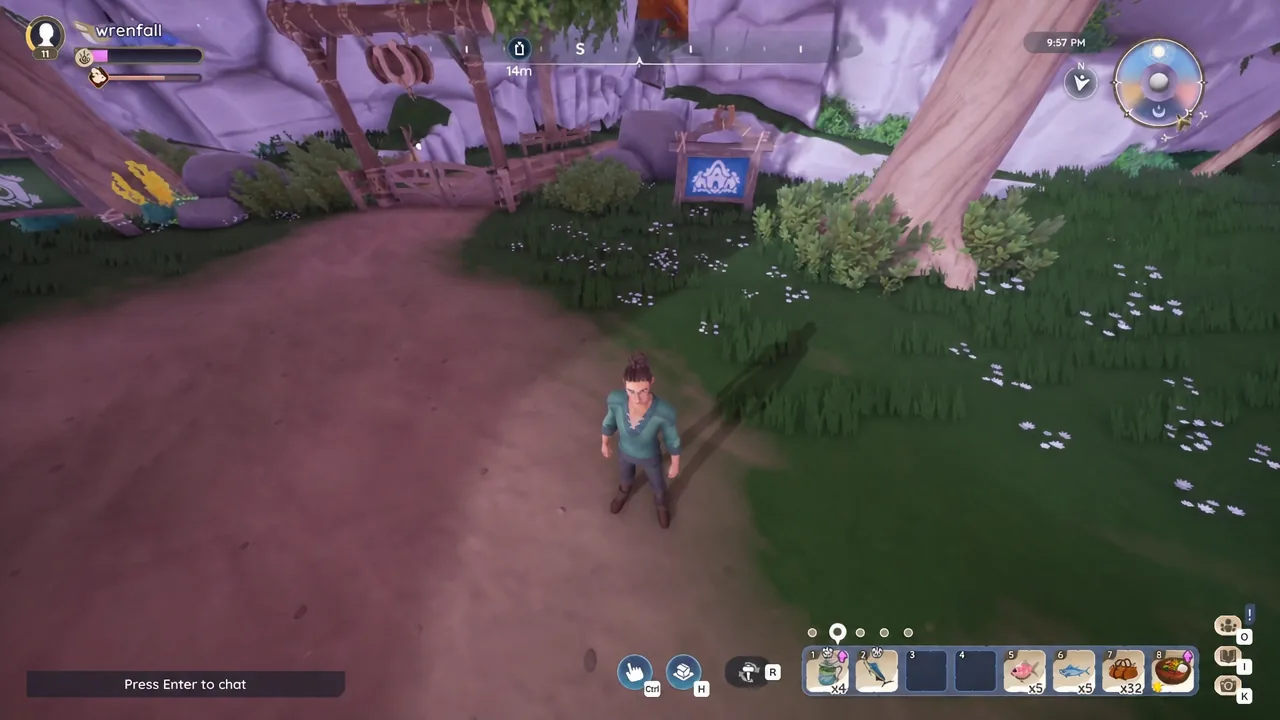
Palia: How to Visit a Friend’s Plot
Use the blue Visit Other Plots board to travel to a friend’s housing plot, then return home in seconds.
-

Where Winds Meet: How to Clear Storage by Recycling Items
Recycling gear, materials, and expired quest items frees bag space and pays out Trace Jade and other currencies.
-
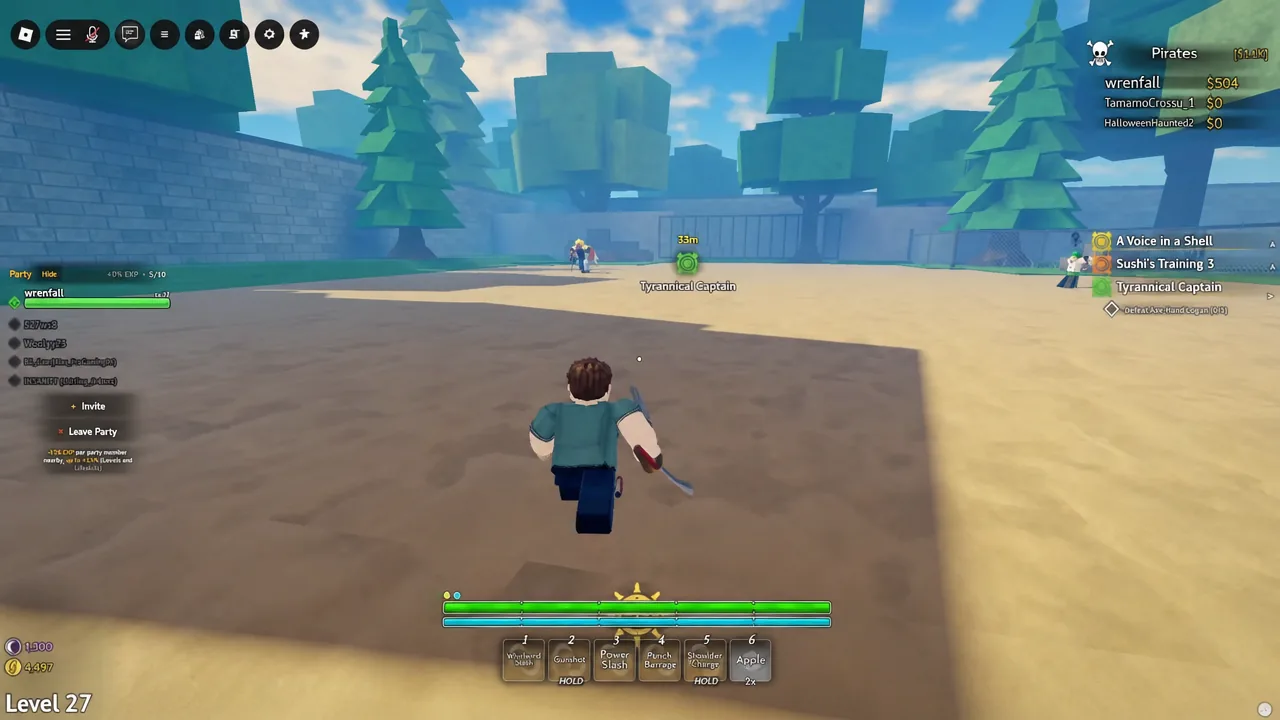
Grand Blue: How to Cheese Axe Hand Logan for a Fast Kill
The fence trick that keeps the Tyrannical Captain from touching you, plus how to confirm the kill registered.
-
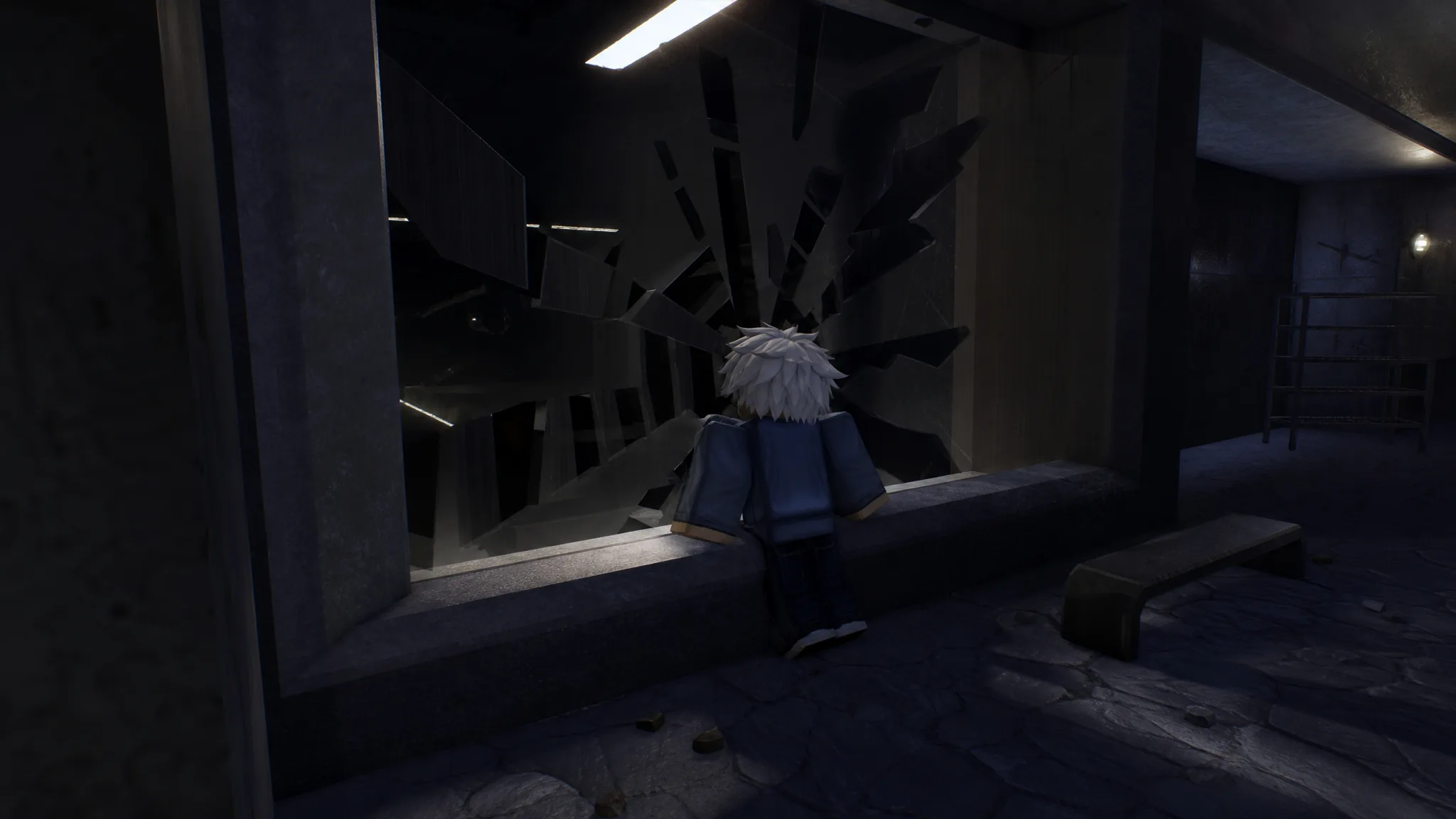
Doors Archives Subfloor: How to Get All 34 Badges
Every Archives and Stairwell badge, the entity or item that unlocks it, and the exact conditions each one needs.
-
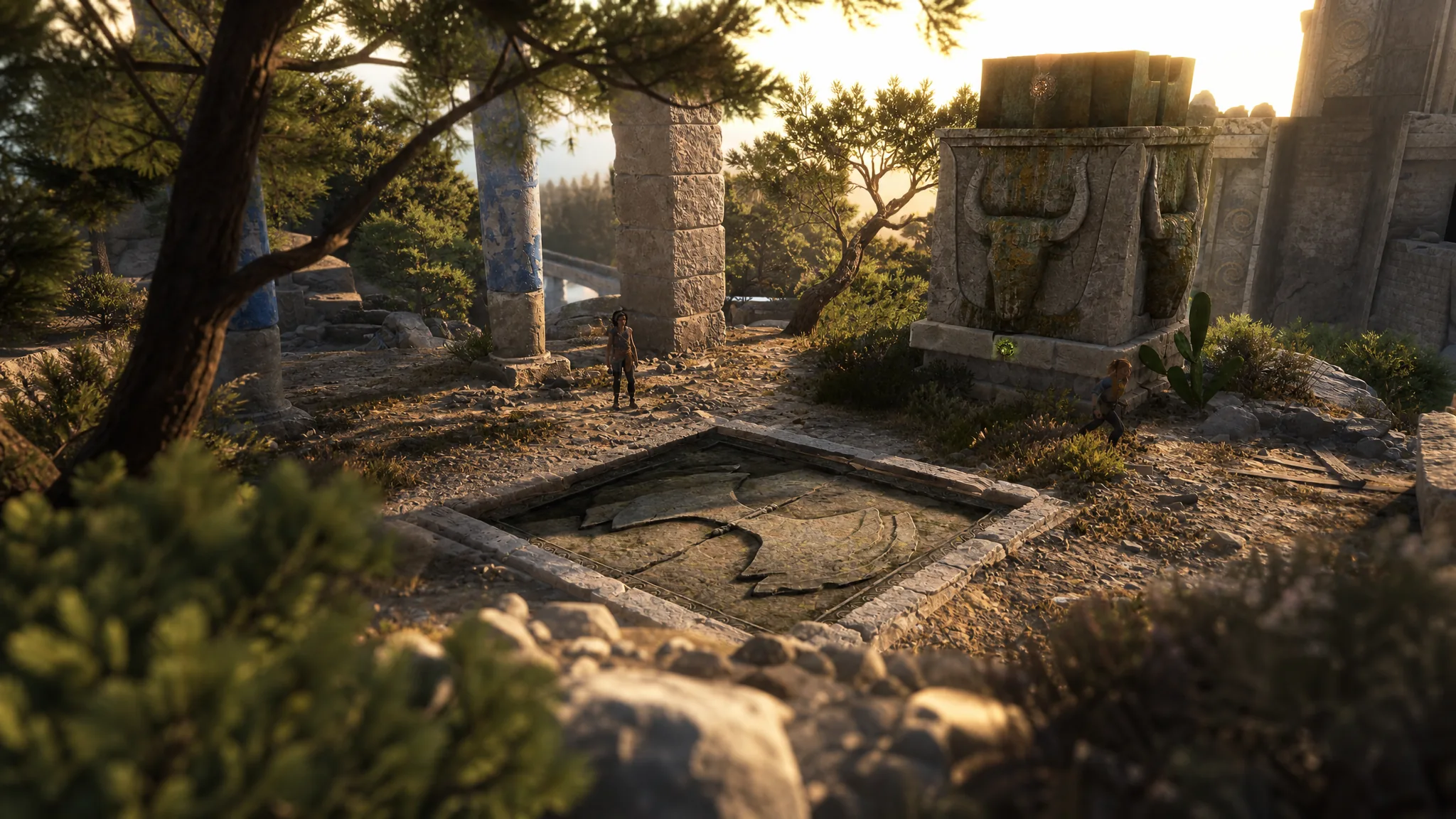
How to Solve the Chapter 5 Blade Tomb Puzzle in Resonance: A Plague Tale Legacy
Reach the plunderer’s camp, align the three colored beams, and claim the Greek Sword before you leave the trial.
-
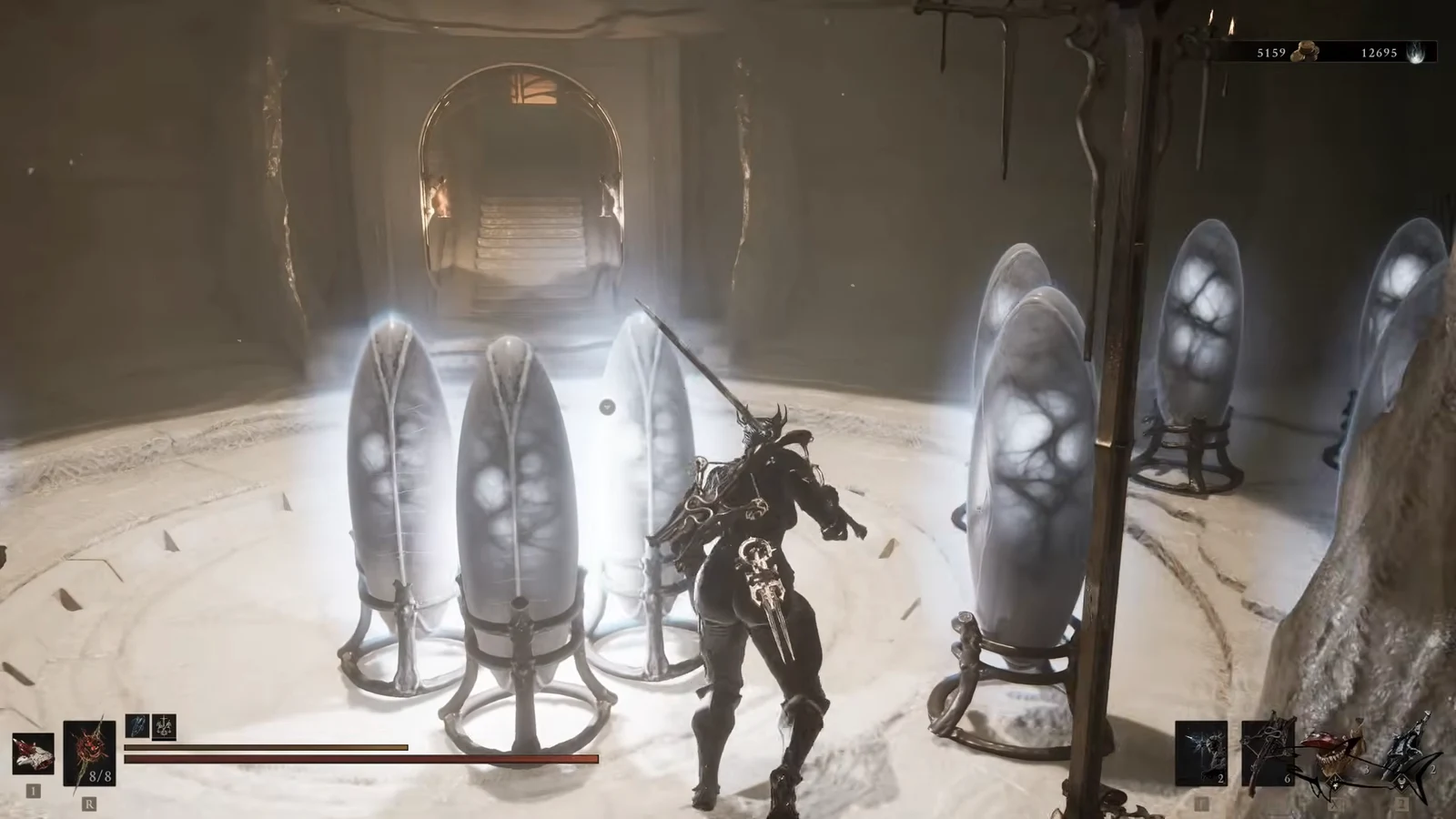
Mortal Shell 2: How to Get Unlimited Glimpses with Glimpse Stone
Renewable Glimpses now come from a breakable Tarstone, Ova siphoning, and a Shell reset item sold in Marrow Keep.