
Instructional, step-by-step articles.
Content Type: How-To
-
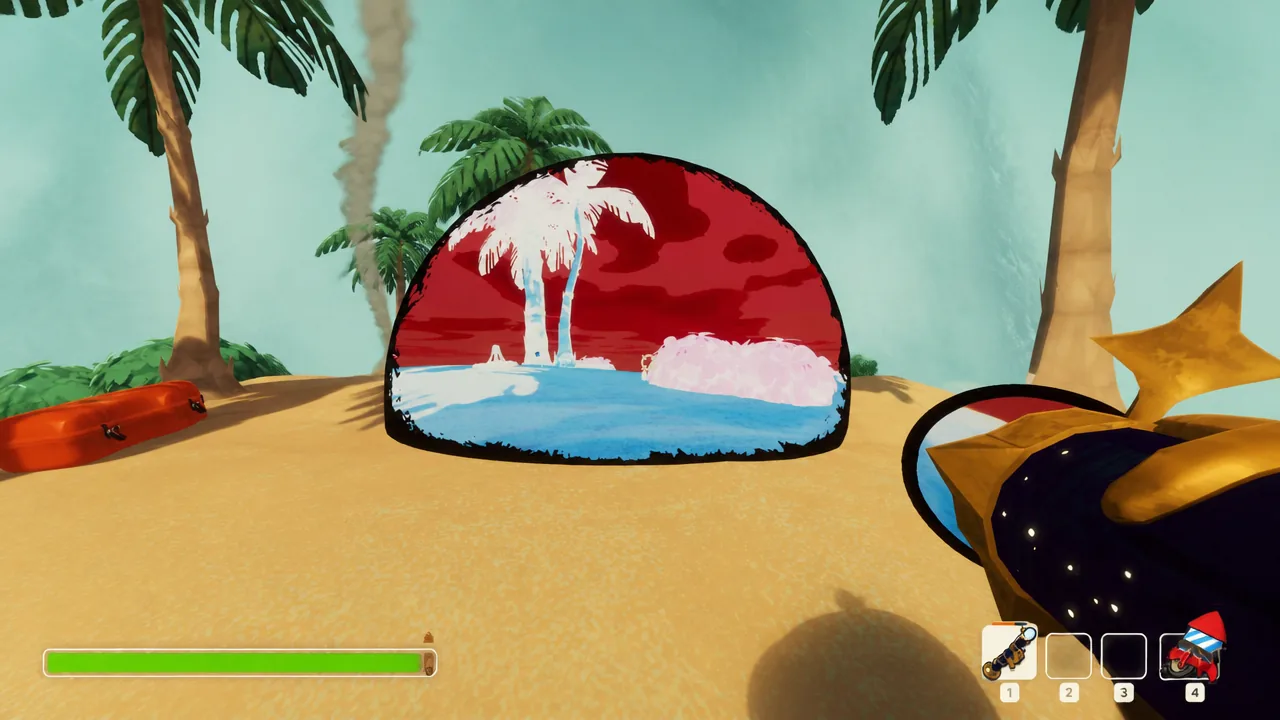
PEAK: How to Get and Use the Anti-Zooka
Where the Anti-Zooka drops, how its three charges fire, and how to ride the anti-gravity field up a biome.
-
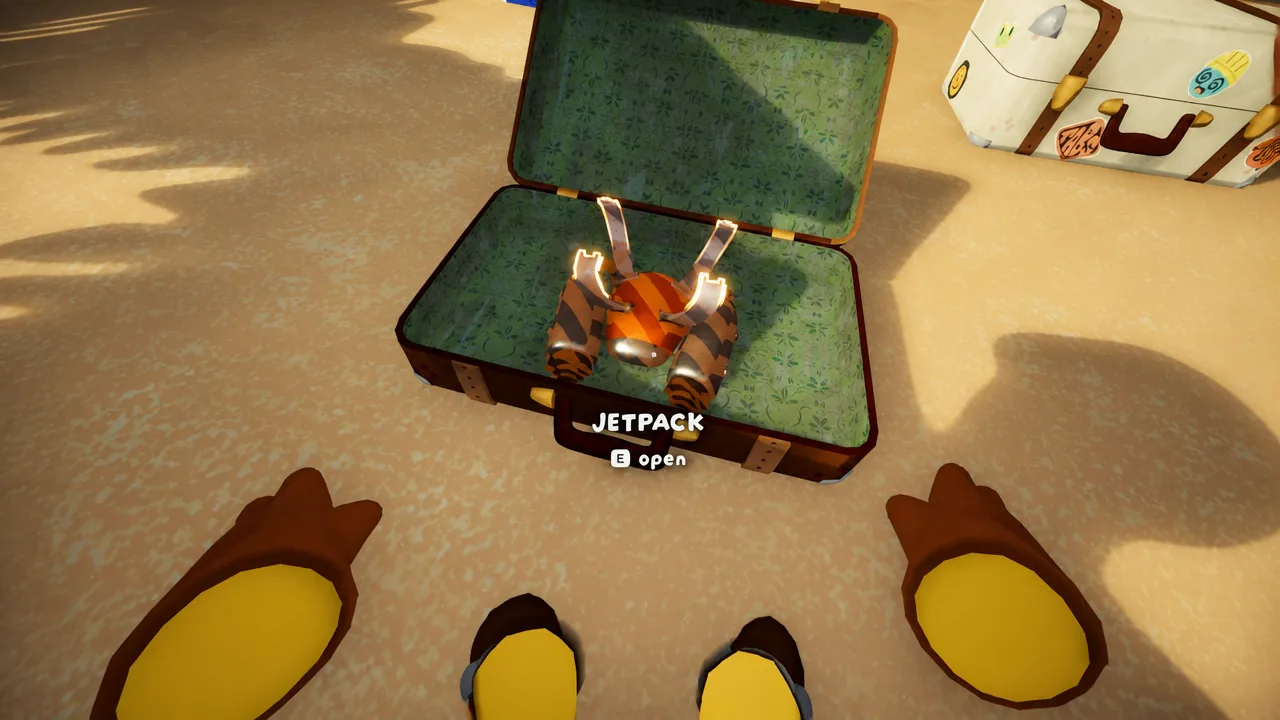
PEAK: How to Use and Refuel the Jetpack
Where the Jetpack drops from, how flight works, and the fastest way to keep it fueled by sacrificing items.
-

Creatures of Sonaria: How to Get Kelvaris From the Monster Kelp Missions
Finish four Summer Paradise objectives, including the tricky palm tree grow task, to unlock the Tier 5 omnivore for good.
-

How to Get the Underboss Exotic in The Division 2 Y8S2 Climax Mission
Clear the Zodiac Climax mission on Master difficulty to lock in a guaranteed Underboss SMG after downing the season’s three HVTs.
-
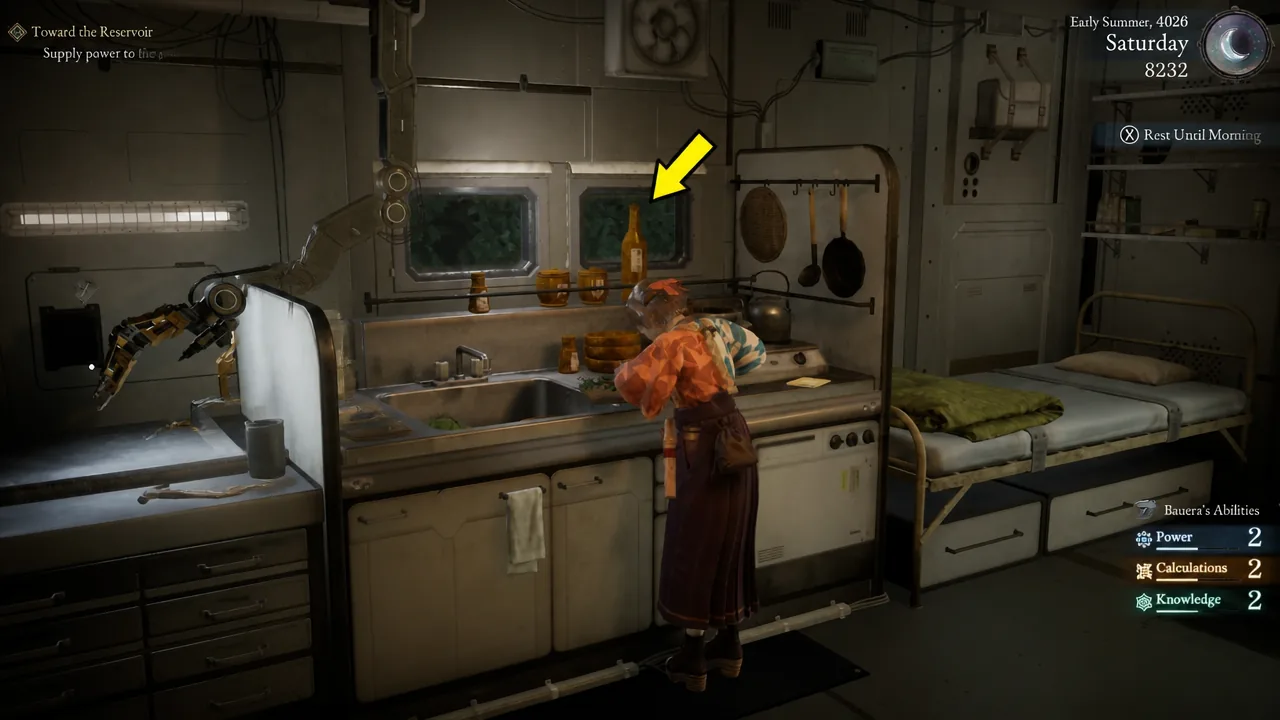
Beast of Reincarnation: How to Cook Meals for Permanent Stat Buffs
Unlock Kagura’s kitchen, keep the Hunger Gauge topped up, and turn researched recipes into permanent gains for Emma and Koo.
-

Pax Autocratica: How to Manage Loyalty, Fear, and Morale
How the three worker stats feed into each other and the exact ways to raise or lower Morale and Fear.
-

How to Get Into the Wardogs Closed Beta (August 21–23)
The guaranteed route is a Steam pre-order, with a request-access option and a full refund window for anyone who plays and passes.
-

SteamOS Beta Expands to More Handhelds With MSI and OneXPlayer Fixes
The latest SteamOS beta repairs controller behavior on MSI Claw and OneXPlayer units and adds gamepad support for two Android handhelds.
-

Big Walk: How to Reach the Highest Point (Big Climb Trophy)
The chairlift route to the summit and the exact moment the Big Climb achievement registers.
-

Pax Autocratica: How to Capture Enemies and Turn Them Into Workers
Craft Capture Rounds, jail your prisoners, and break their will through interrogation to recruit them into your colony.