
Instructional, step-by-step articles.
Content Type: How-To
-

Overwatch: How to Play D.Mon (Abilities and Playstyle)
A rundown of D.Mon’s full kit, perk picks, and the shield-and-fuel discipline that keeps this melee tank alive.
-

PEAK: How to Earn the Bellringer Badge by Ringing 5 Belltowers in the GLOOM
Ring five Belltowers under the mist in one run to unlock the badge and its Frog Hat reward.
-
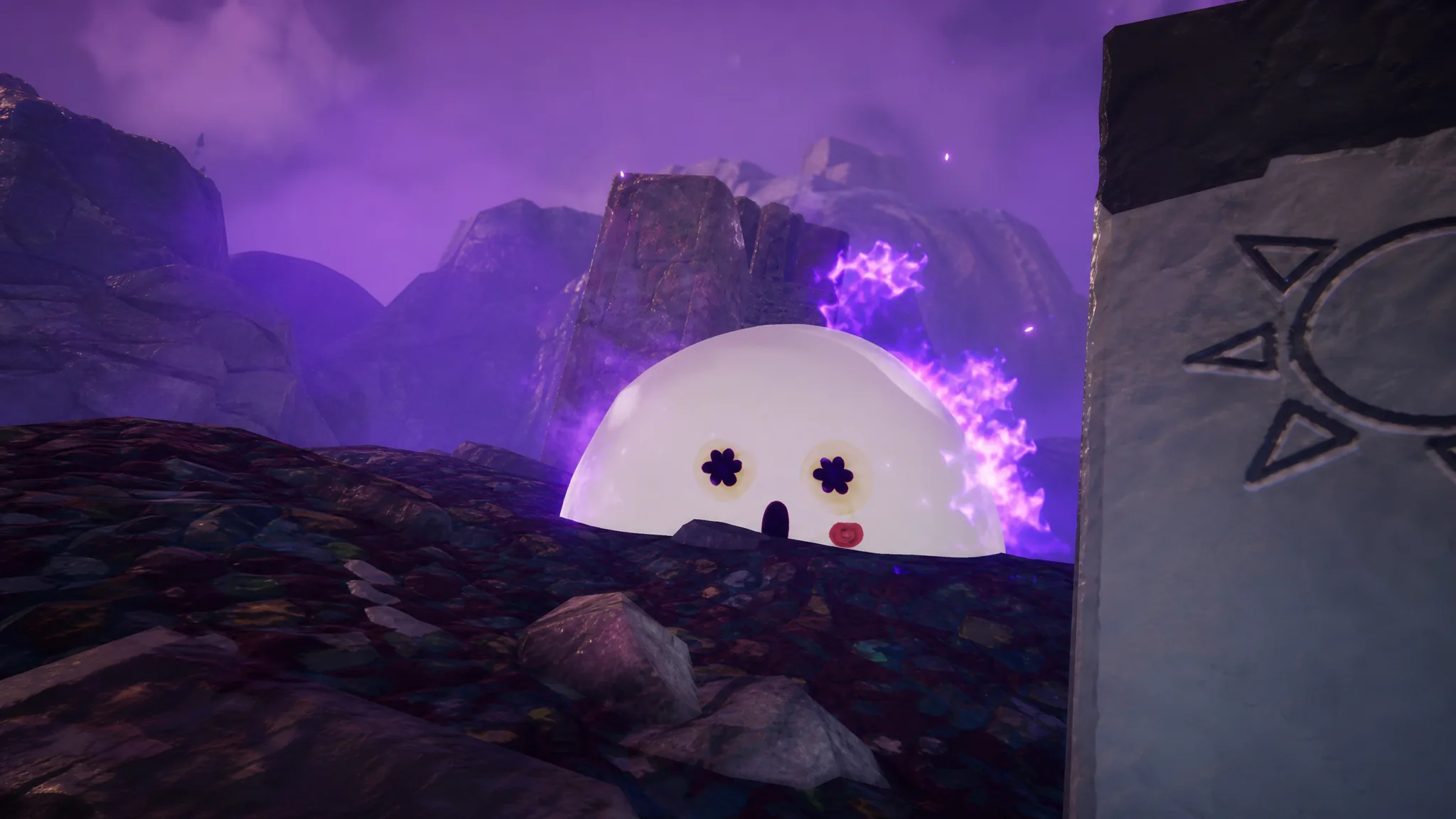
PEAK: How to Burn the Big Ghost for the Exorcist Badge
Lure the roaming Big Ghost to a Belltower in the GLOOM and ring the bell at the right moment to burn it.
-

How to Get the Luminous Rod in Fisch
Clear Dr. Vane’s four-part questline in The Deep to earn this Stage rod with a 30% chance for the Luminous mutation.
-
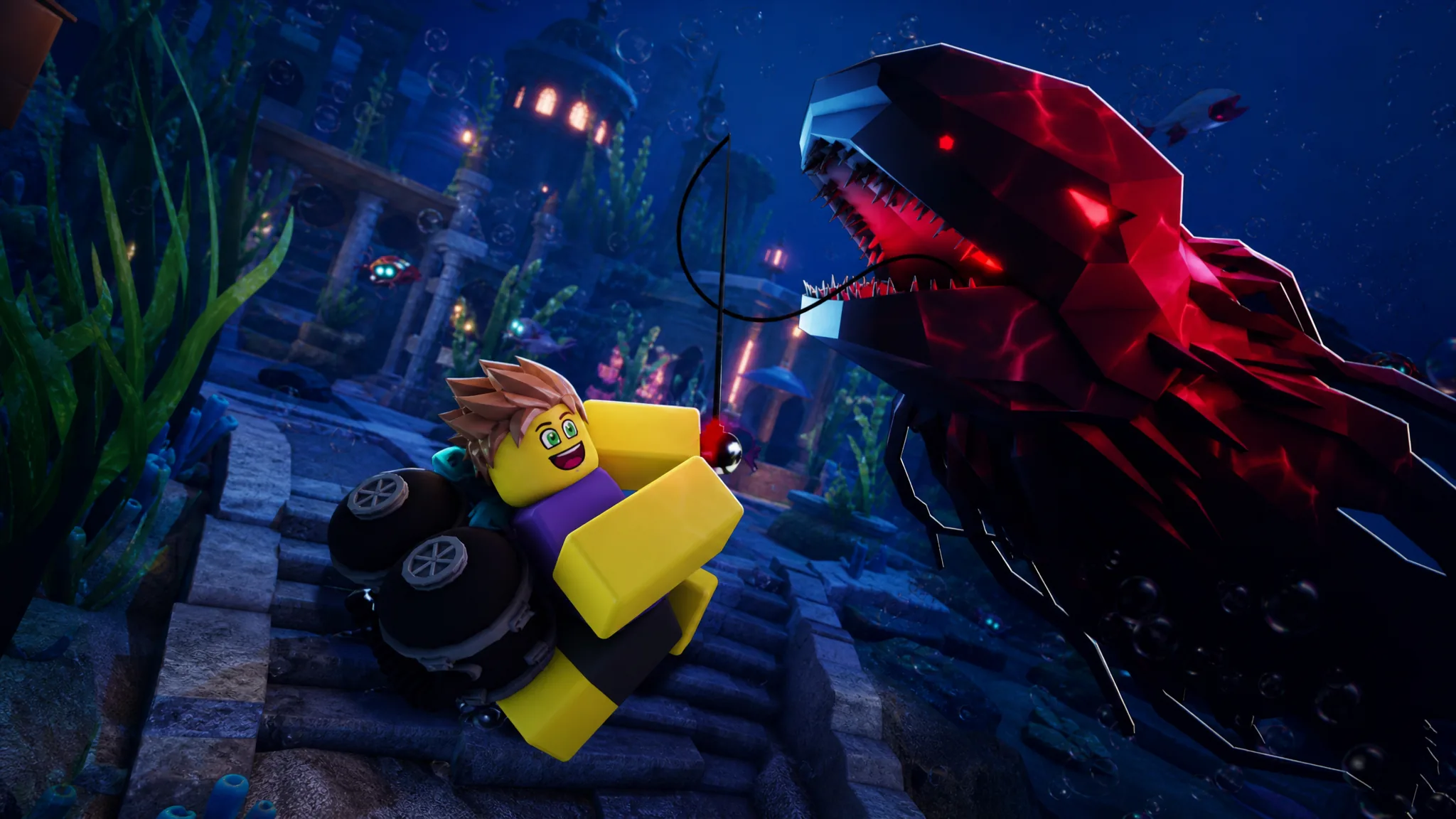
How to Get the Scrap-Cannon Harpoon Gun in Fisch
Reach The Deep, find Sledge near the 1P-4 beacon, and clear the first two quests to claim this Outer Deep launcher.
-
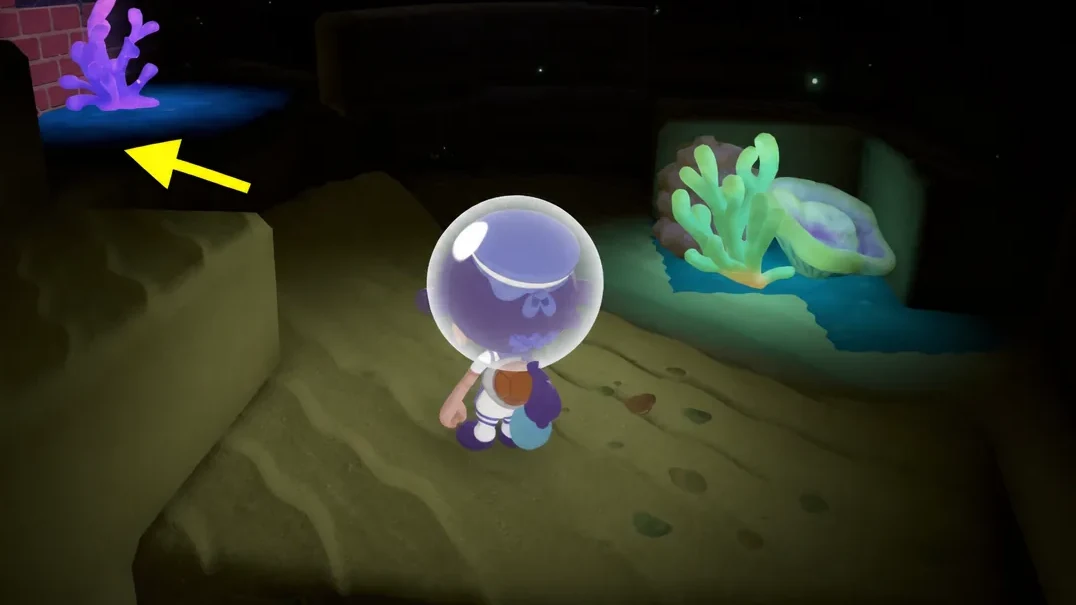
Pokemon Pokopia: How to Find Windup Inkay in Bubbly Basin
The exact dive route to the hidden Poke Ball, plus how to copy the toy for extra Muddy Playtime Habitats.
-

Waterpark Simulator: How to Complete Spread Love With the Watergun
Unlock the water gun at one Star, spray visitors for positive reactions, and know why the counter sometimes refuses to move.
-
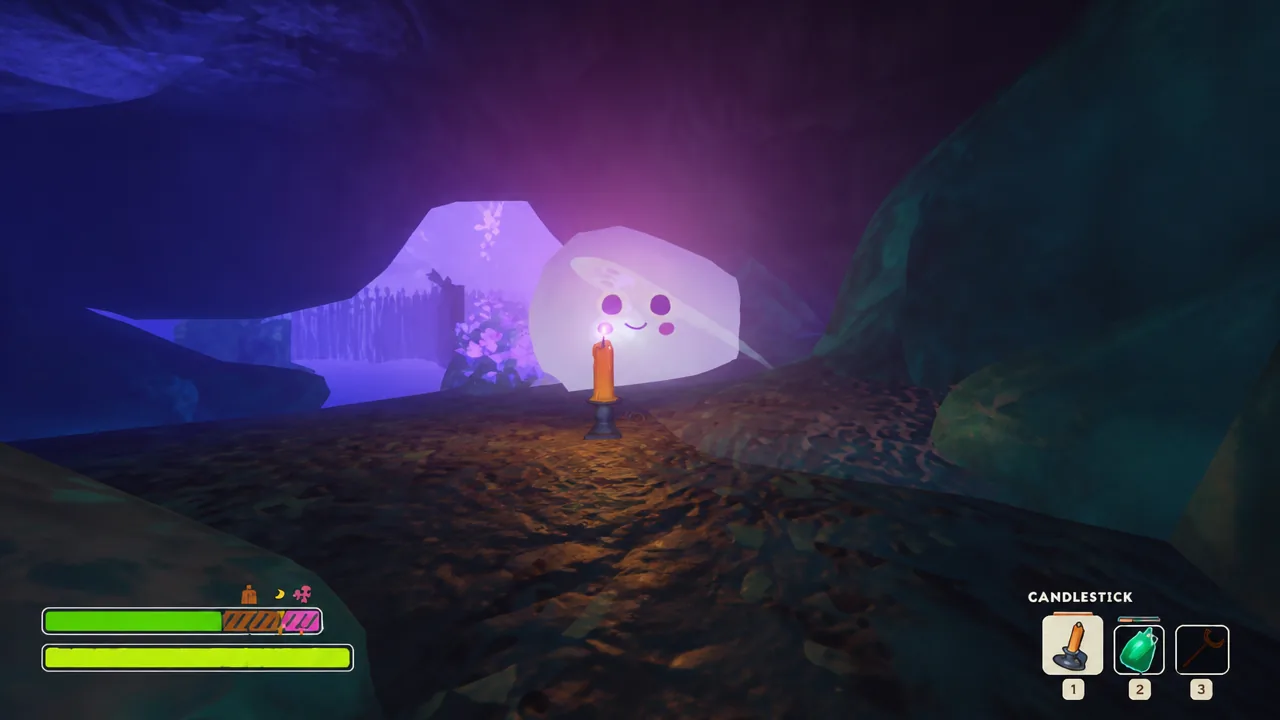
PEAK: How to Get the Exorcist Badge by Burning Ghosts
Burn up a Ghost in the GLOOM biome with a Candlestick, Belltower, or Faerie Light to unlock the Exorcist Badge and its Gothic cosmetics.
-
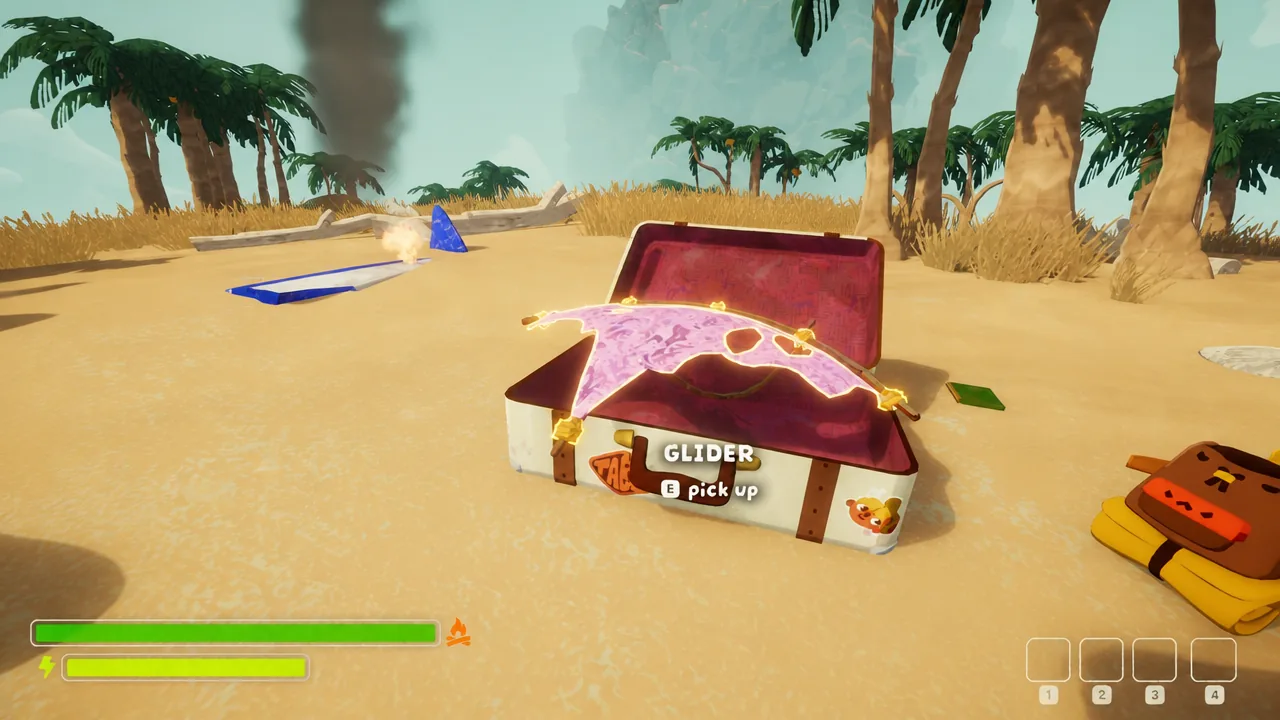
PEAK: How to Get the Hang Gliding Badge
Grab a Glider from Luggage, leap off the SHORE mountain, and glide 100 meters straight to unlock the Cargo Outfit.
-
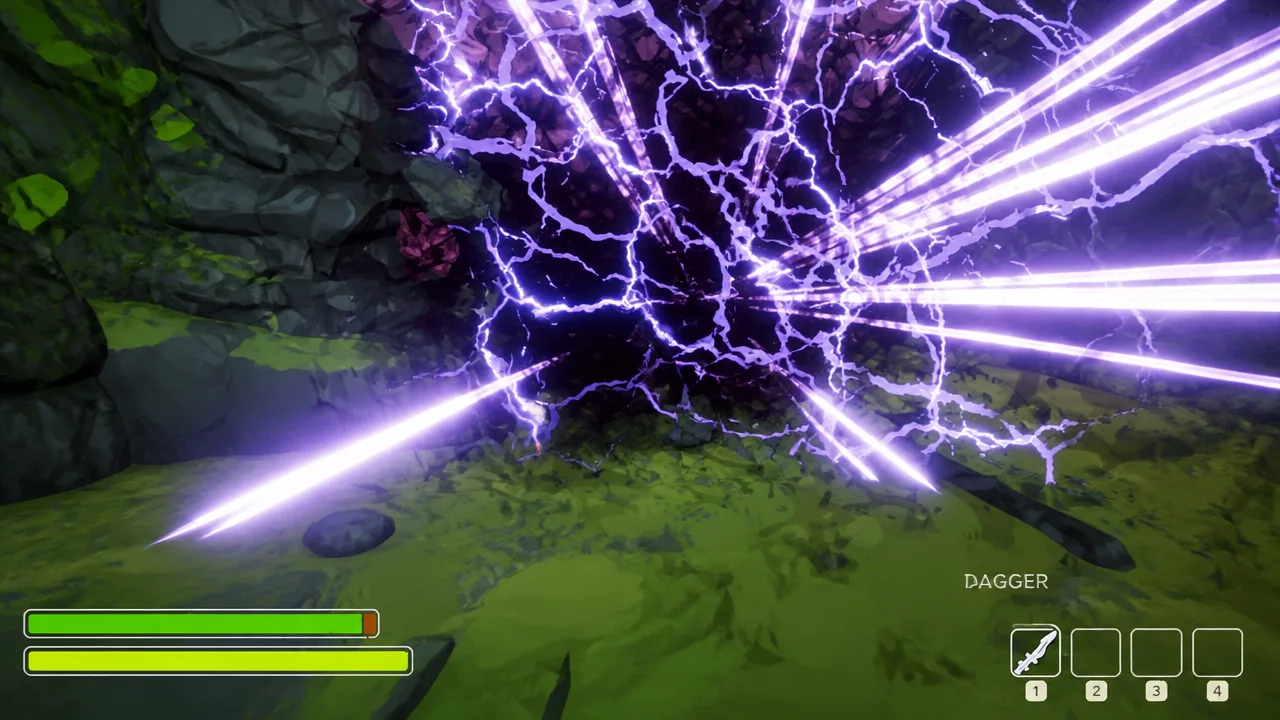
PEAK: How to Get the Last Resort Badge
Unlocking this accolade means finding the co-op-only Ritual Dagger and sacrificing a teammate while your own health is nearly gone.