
Instructional, step-by-step articles.
Content Type: How-To
-
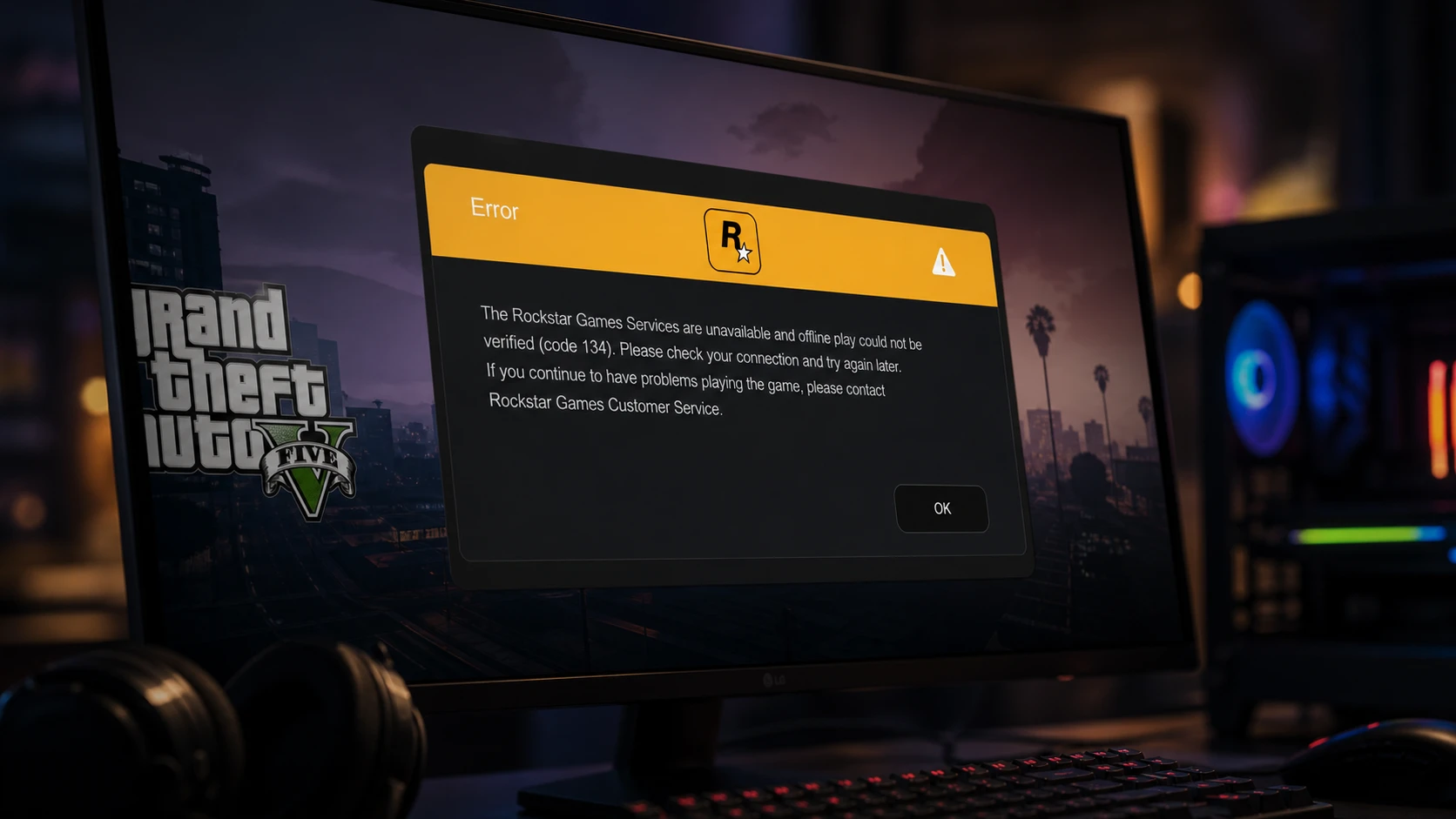
GTA V Error Code 134 on Windows: How to Get Back Online
Clear the “Rockstar Games Services are unavailable” message with checks for servers, drivers, game files, and the launcher.
-

How to Build Lucilla in Wuthering Waves (Version 3.4)
Weapons, Echoes, stats, skill priority, and team comps for Startorch Academy’s dual-mode Glacio support.
-
How to Reroll Weapons in VV: Ultimatum With Experimental Hogyoku Shards
The exact item you need, where to farm it, and the full weapon pool for each faction.
-
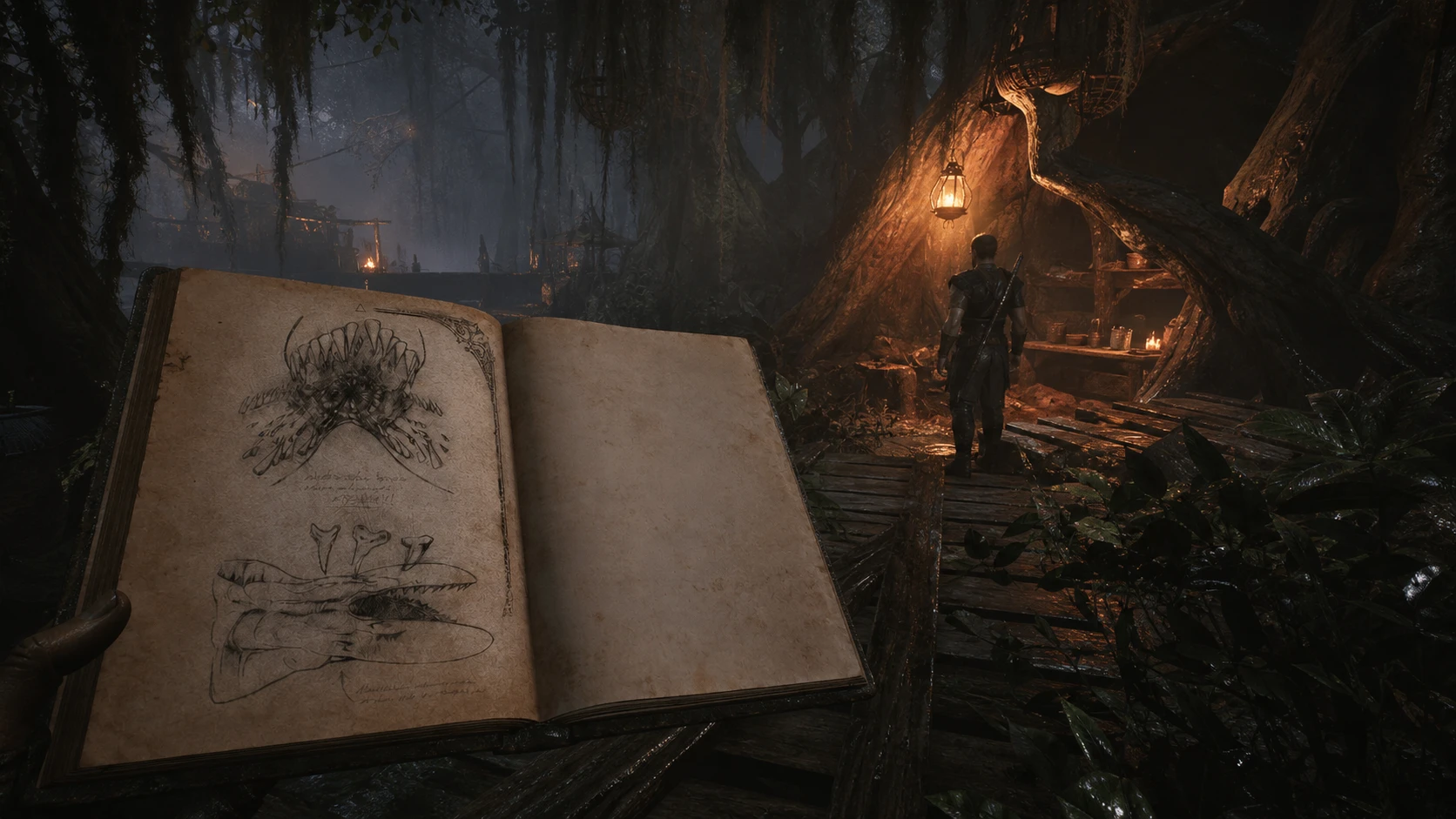
Gothic 1 Remake: How to Complete Beasts of Khorinis 4 (Swampshark)
Find The Bestiary of Khorinis 4 in the swamp, hand it to Cavalorn, and hunt a Swampshark for the reward.
-
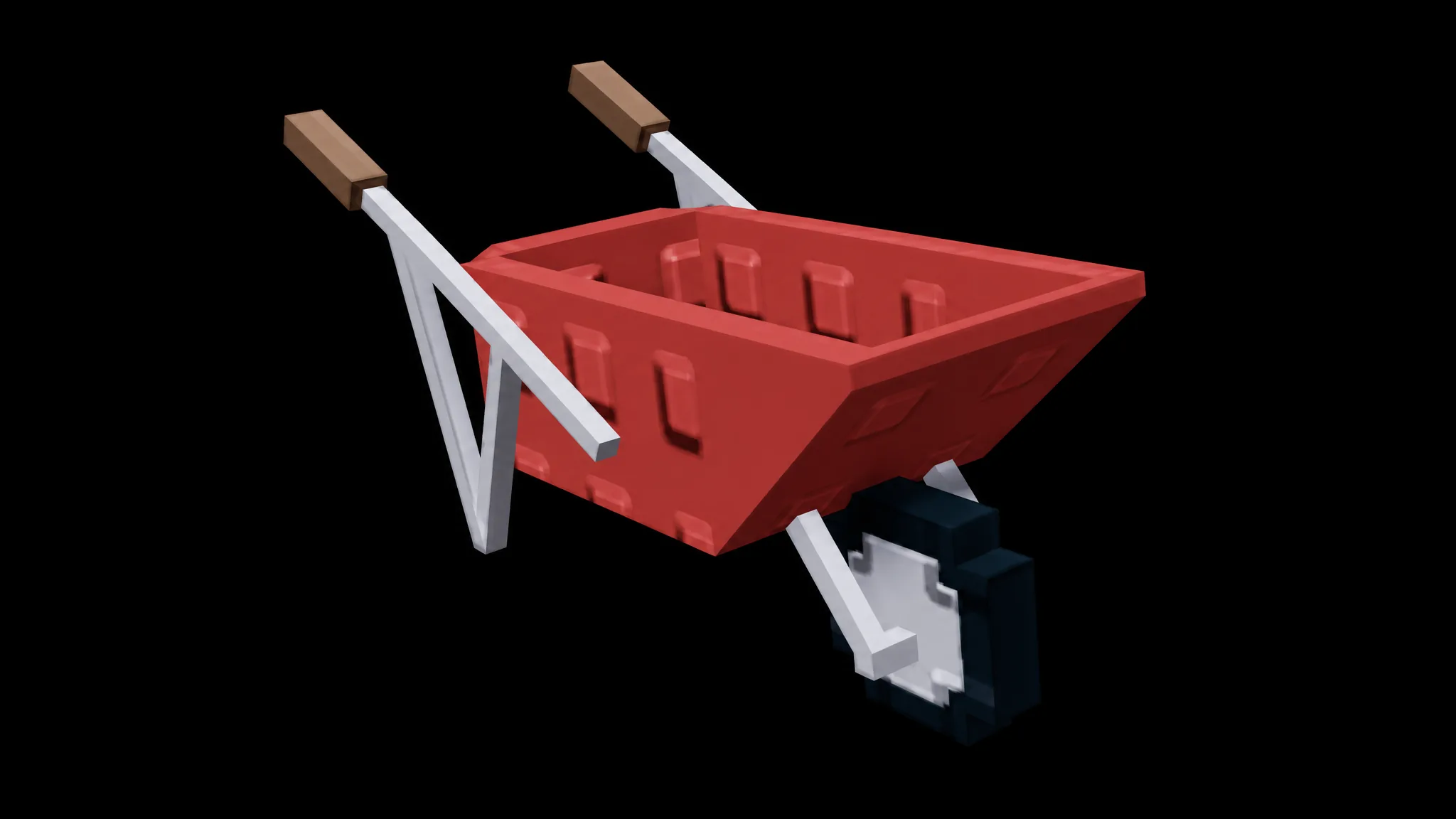
Wheelbarrow in Grow a Garden 2: Price, Stealing Use, and How to Get It
The Wheelbarrow is a Robux-priced gear that lets you haul more stolen crops and move faster while escaping.
-
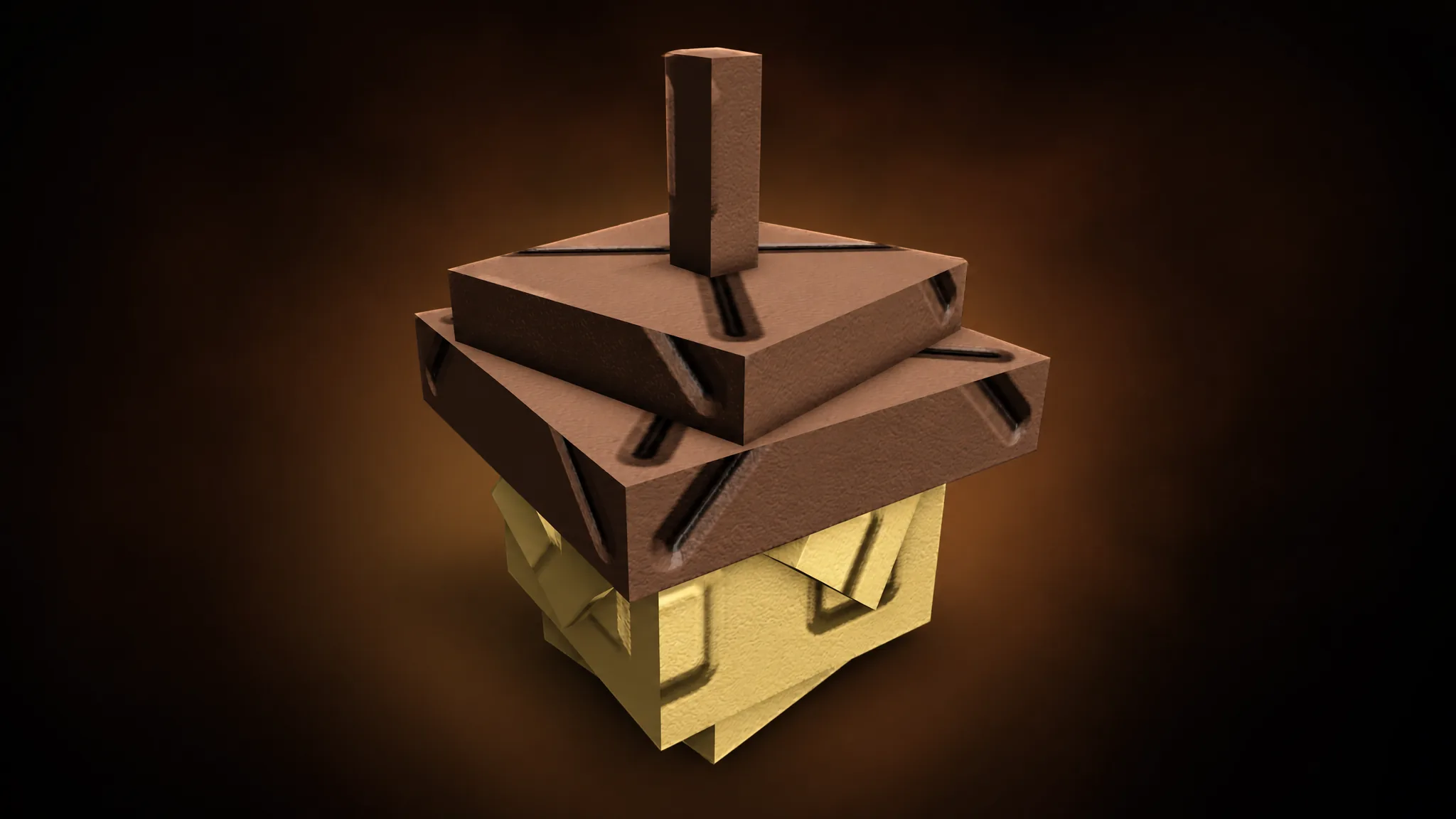
Acorn in Grow A Garden 2: Legendary Seed, Price, and How to Get It
A multi-harvest Legendary crop sold at the Seed Shop for Sheckles or Robux, with a low stock chance.
-

How to Get Gold Sprites in Fortnite Chapter 7 Season 3 (Golden Hour, Odds, Locations)
Every Gold Sprite’s spawn rate, where to find each one, and the timed event that makes them far easier to grab.
-

Turn on Windows 11’s Low Latency Profile CPU Boost (June 2026 Update)
Install the June 2026 update or use ViVeTool to switch on the short CPU bursts that speed up the Start menu, Search, and Action…
-
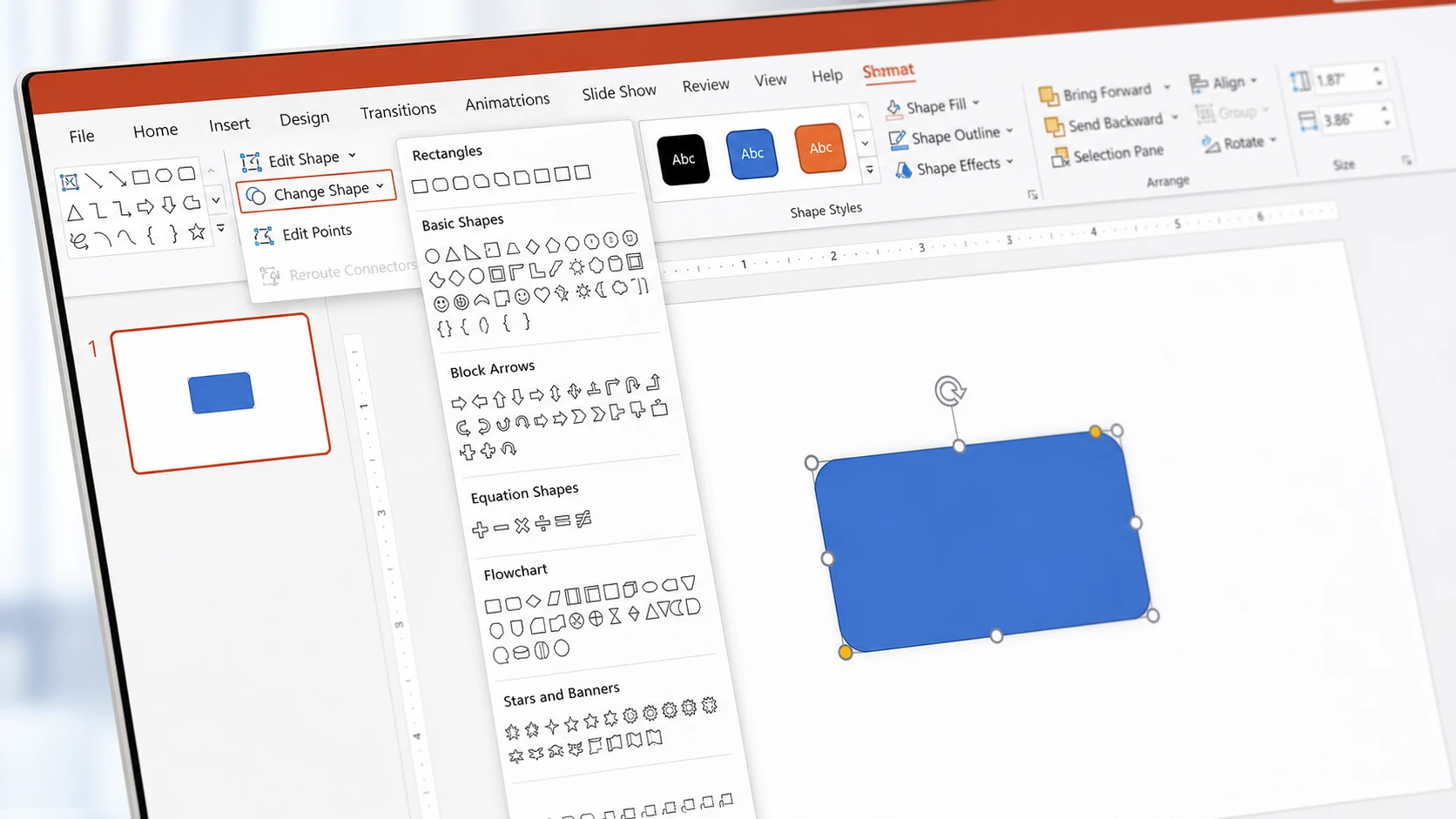
How to Change the Shape of a Picture in PowerPoint
Use Crop to Shape, fill a shape with an image, or swap shapes with Edit Shape.
-

How to Unlock the Pirate Cave in Wizard Alchemy (Puzzle and Rewards)
Place three specific relics on the pedestals to open the secret gate near Pirate’s Hideout Island.