
Instructional, step-by-step articles.
Content Type: How-To
-

How to Join the Meccha Chameleon Discord Server
Get the official invite, find an active lobby, and squad up for a round of paint-and-hide.
-

How to Farm Sheckles Fast in Grow a Garden 2 (Roblox)
The fastest Sheckle methods, from selling crops to triggering high-value mutations.
-

VV: Ultimatum – How to Wipe and Reset Your Slot for Free
The free Prayer Beads wipe, the pre-level 20 skill reset, and what those resets never give back.
-
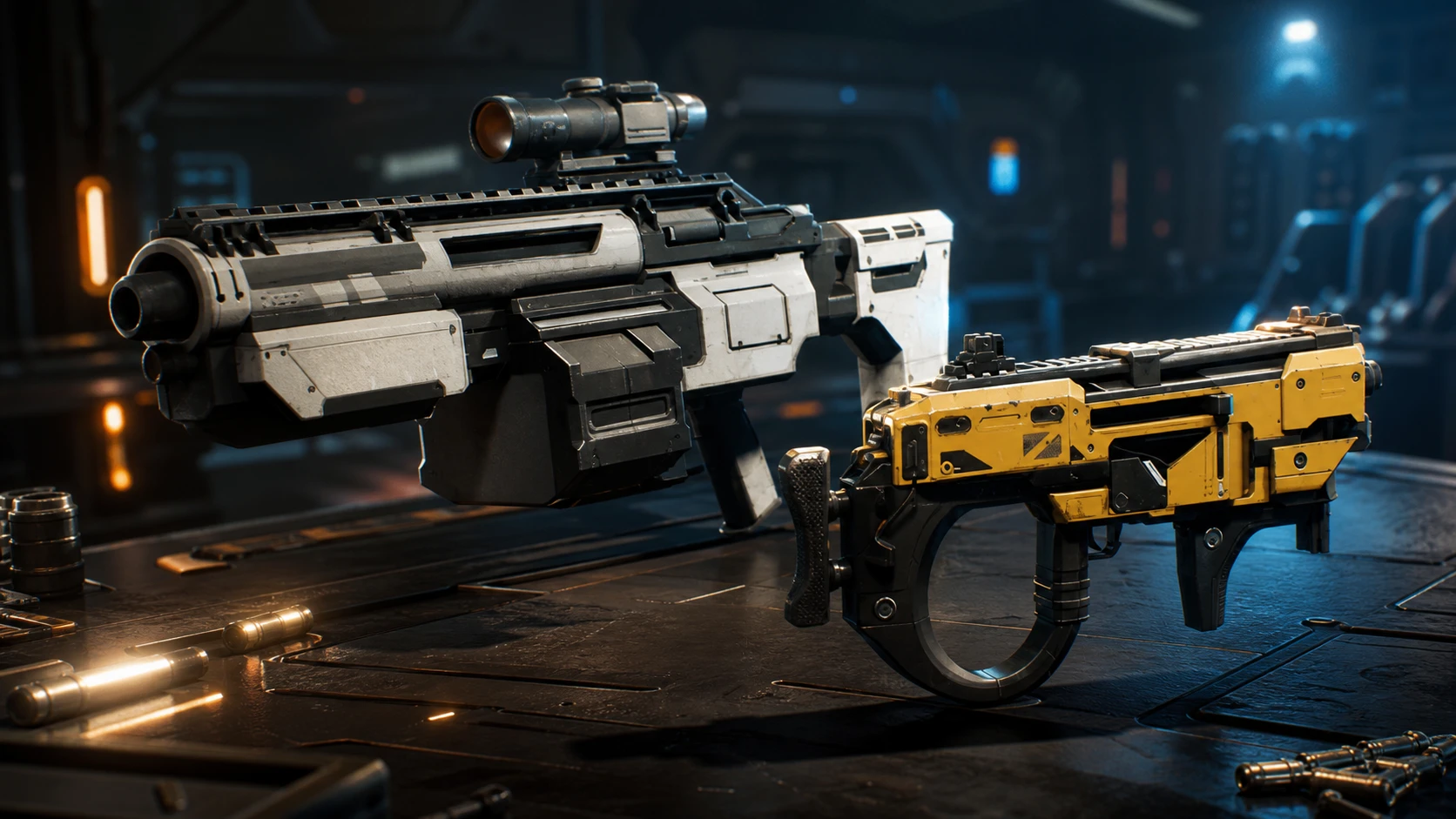
Jump Space Summer Update: How to Test the New Hammerhead Ship and Loot Now
Keepsake Games has pushed a new ship, fresh weapons, and a reworked loot system to the experimental branch ahead of a late-June launch.
-
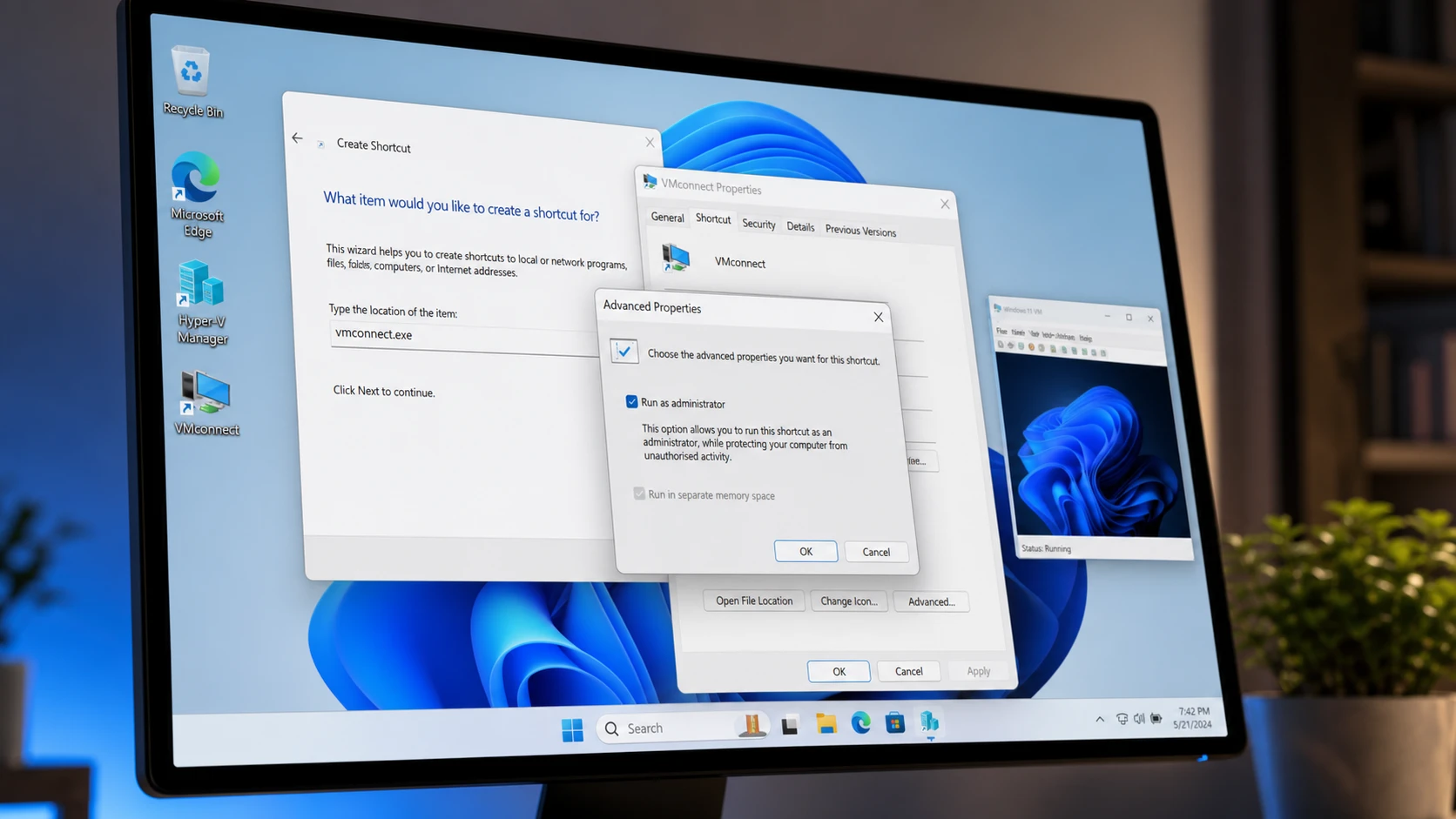
Create a Hyper-V Virtual Machine Desktop Shortcut in Windows 11
Launch a Hyper-V VM directly from your desktop using vmconnect.exe with administrator rights.
-
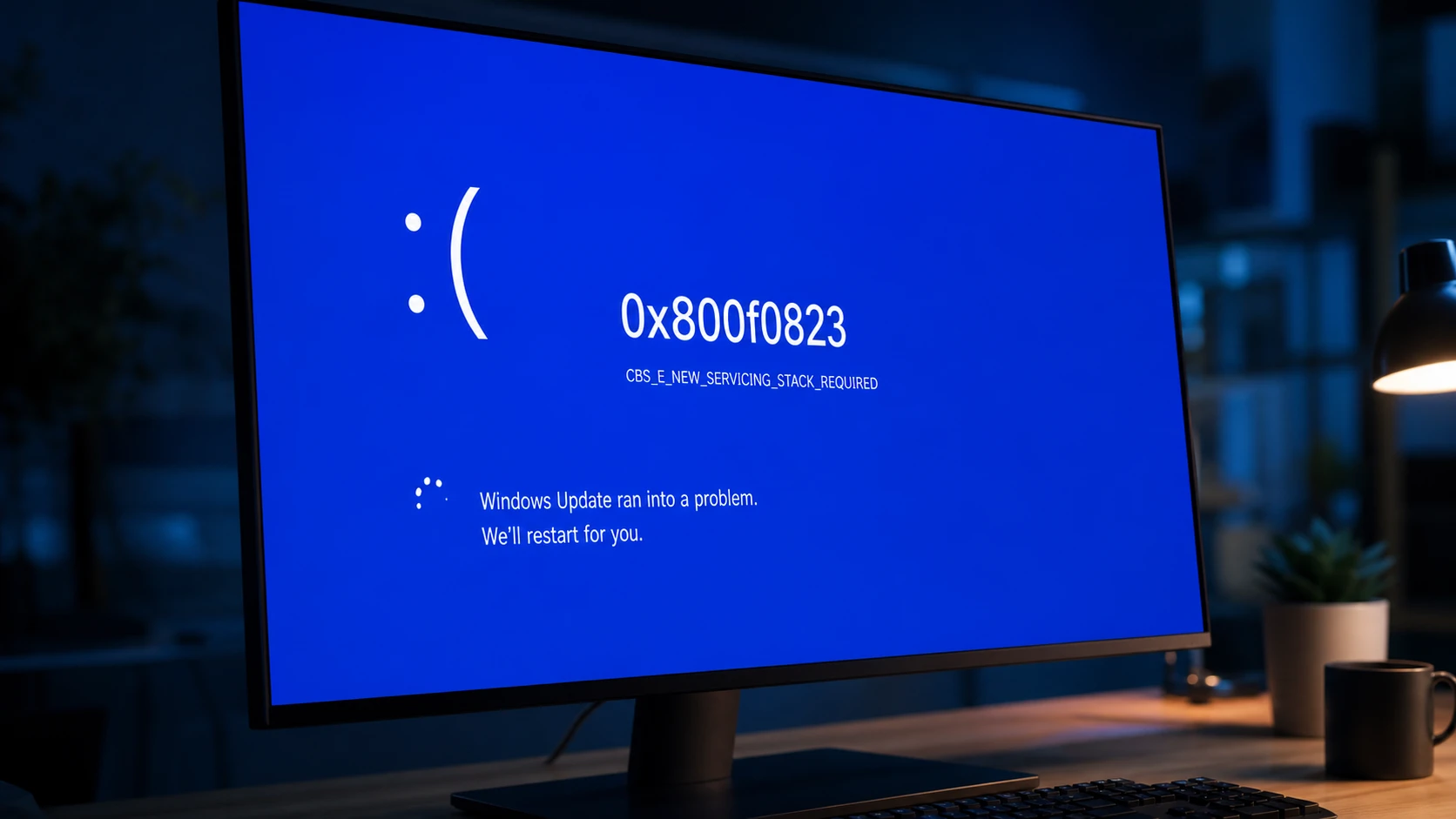
Fix Windows Update Error 0x800f0823 (CBS_E_NEW_SERVICING_STACK_REQUIRED)
Install the matching servicing stack update before the cumulative update so Windows can process new patches.
-
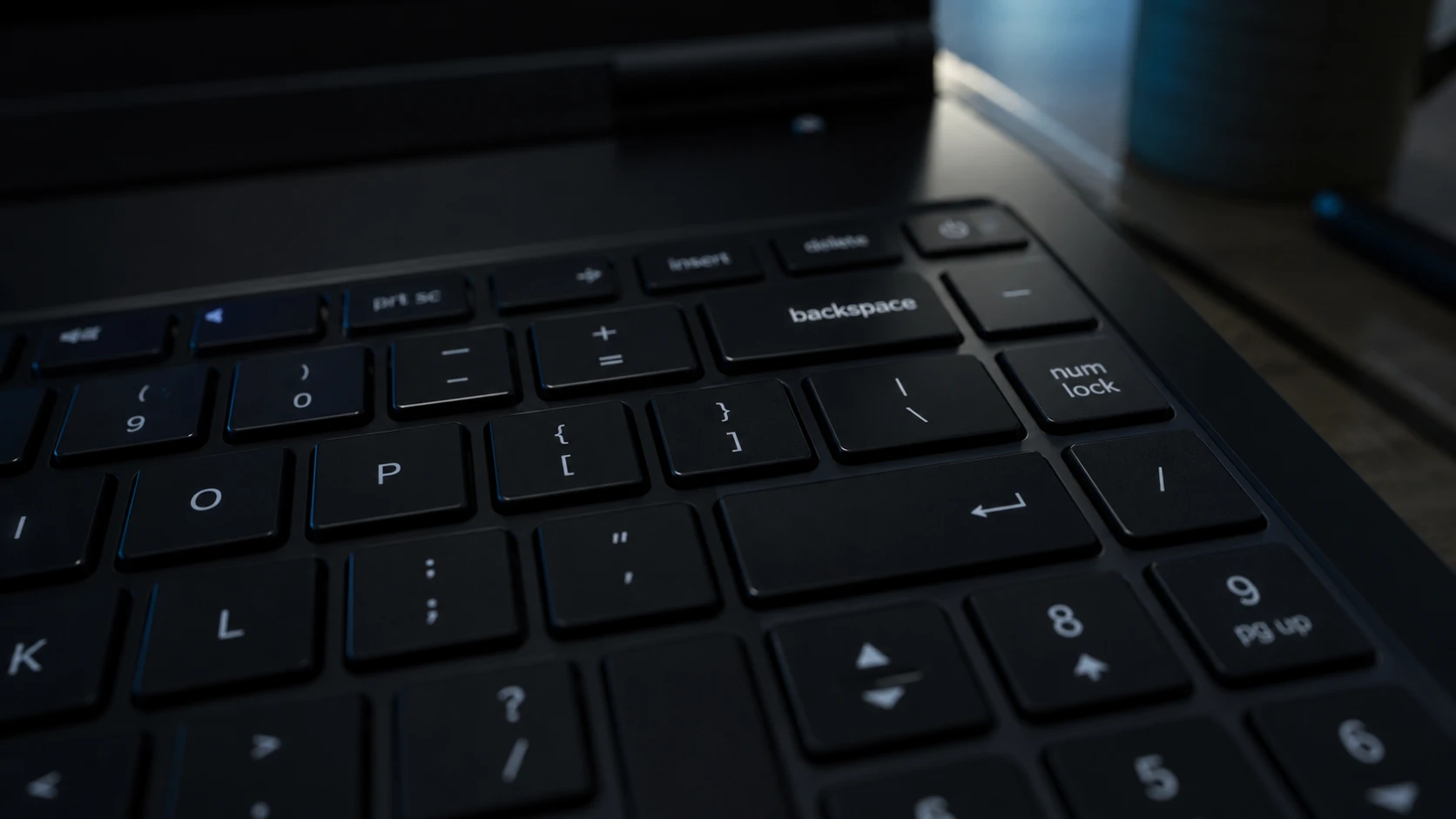
Backspace Deletes Only One Letter in Windows 11 – How to Fix It
Turn off Filter Keys first, then work through the keyboard driver and repeat-rate fixes if holding Backspace still fails.
-
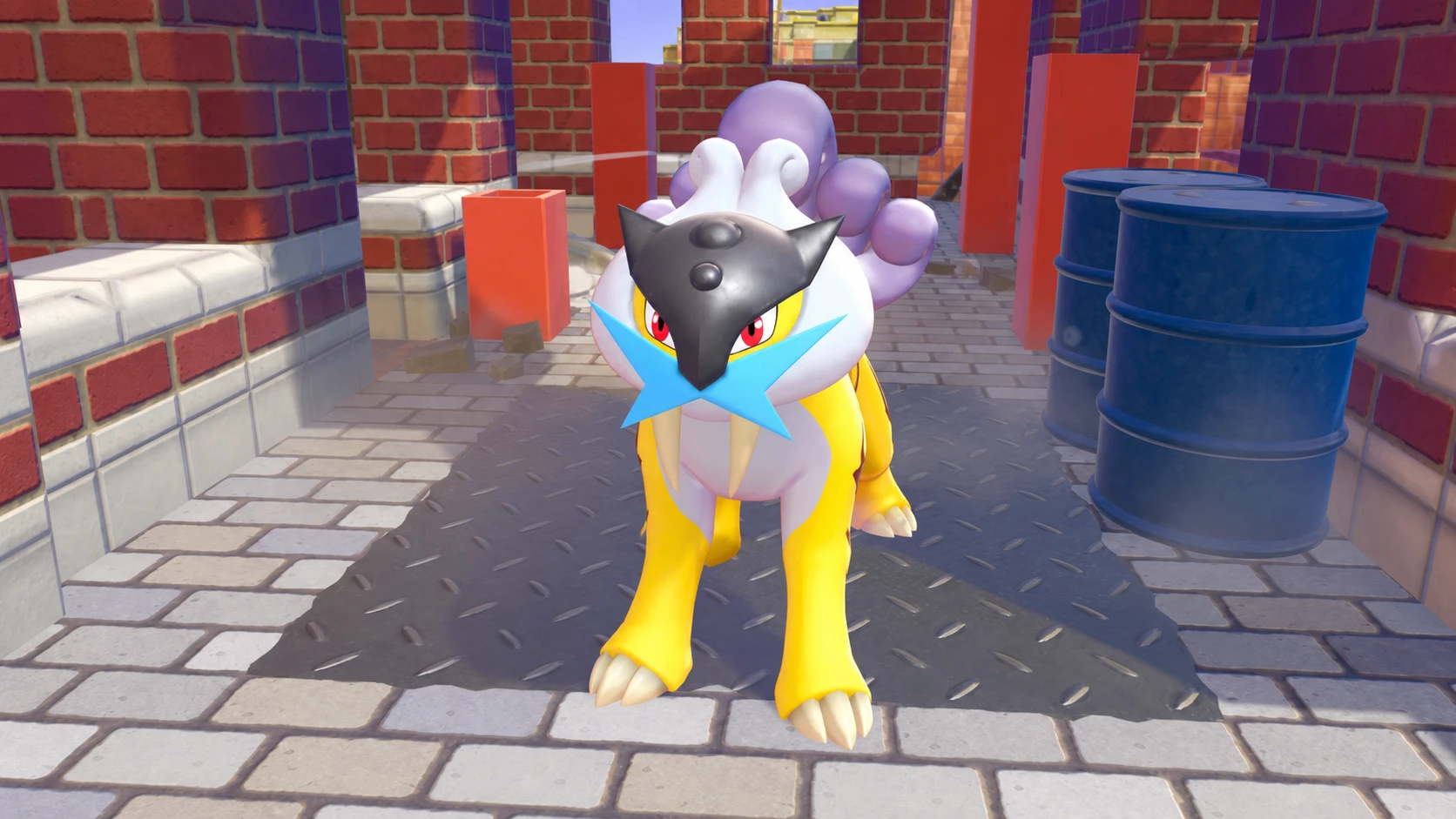
How to Get Every Legendary and Mythical Pokémon in Pokémon Pokopia
The exact triggers, kits, and crafted items needed to add all 13 Legendary and Mythical Pokémon to your Pokédex.
-
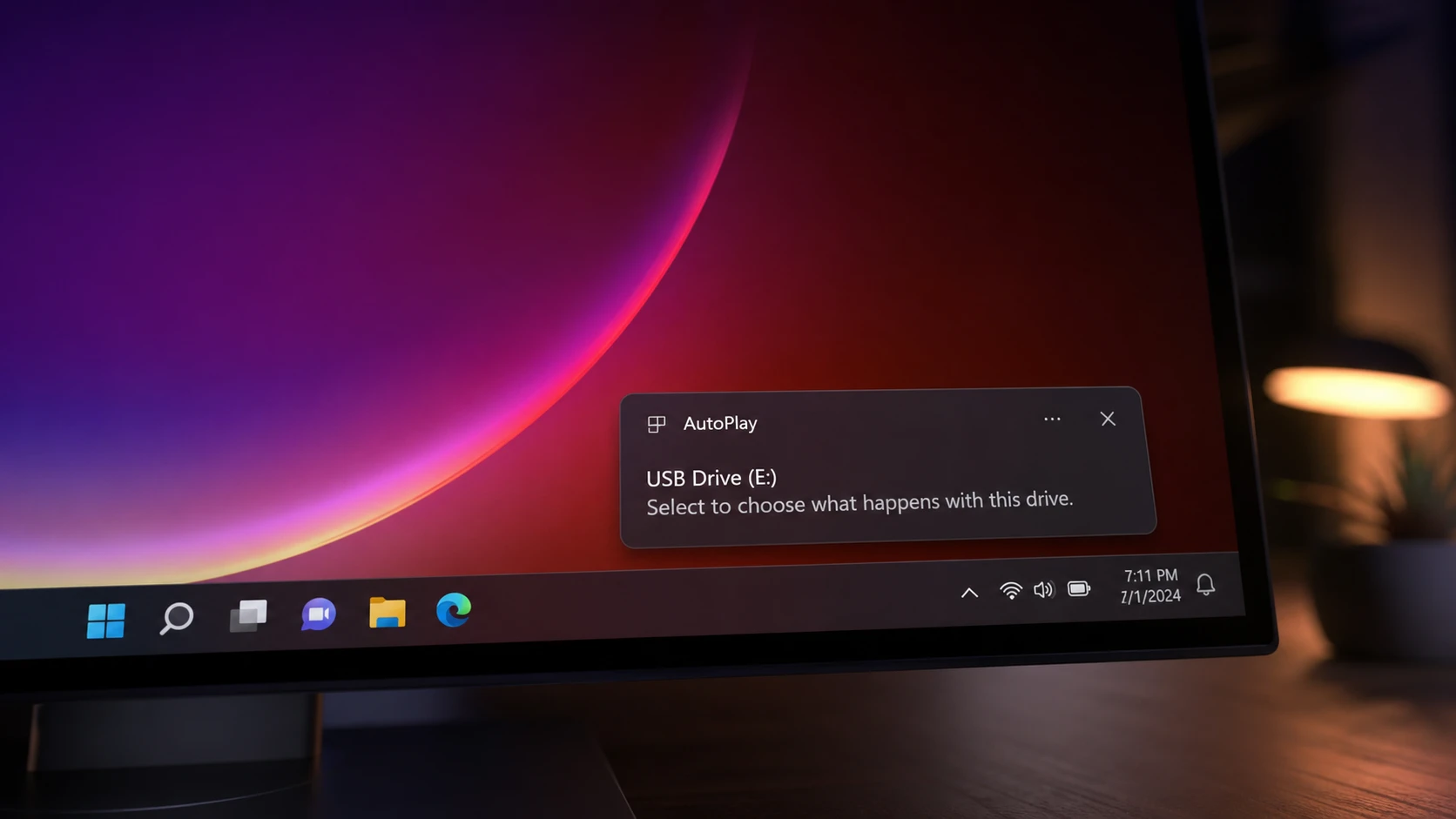
AutoPlay Not Working in Windows 11: How to Fix It
Re-enable the feature, repair the Shell Hardware Detection service, and reset defaults so Windows reacts when you plug in a drive.
-

Hide the Windows 11 Taskbar With a Hotkey
Toggle the taskbar instantly with Ctrl+Esc, a custom hotkey, or an auto-hide setting.