
Instructional, step-by-step articles.
Content Type: How-To
-
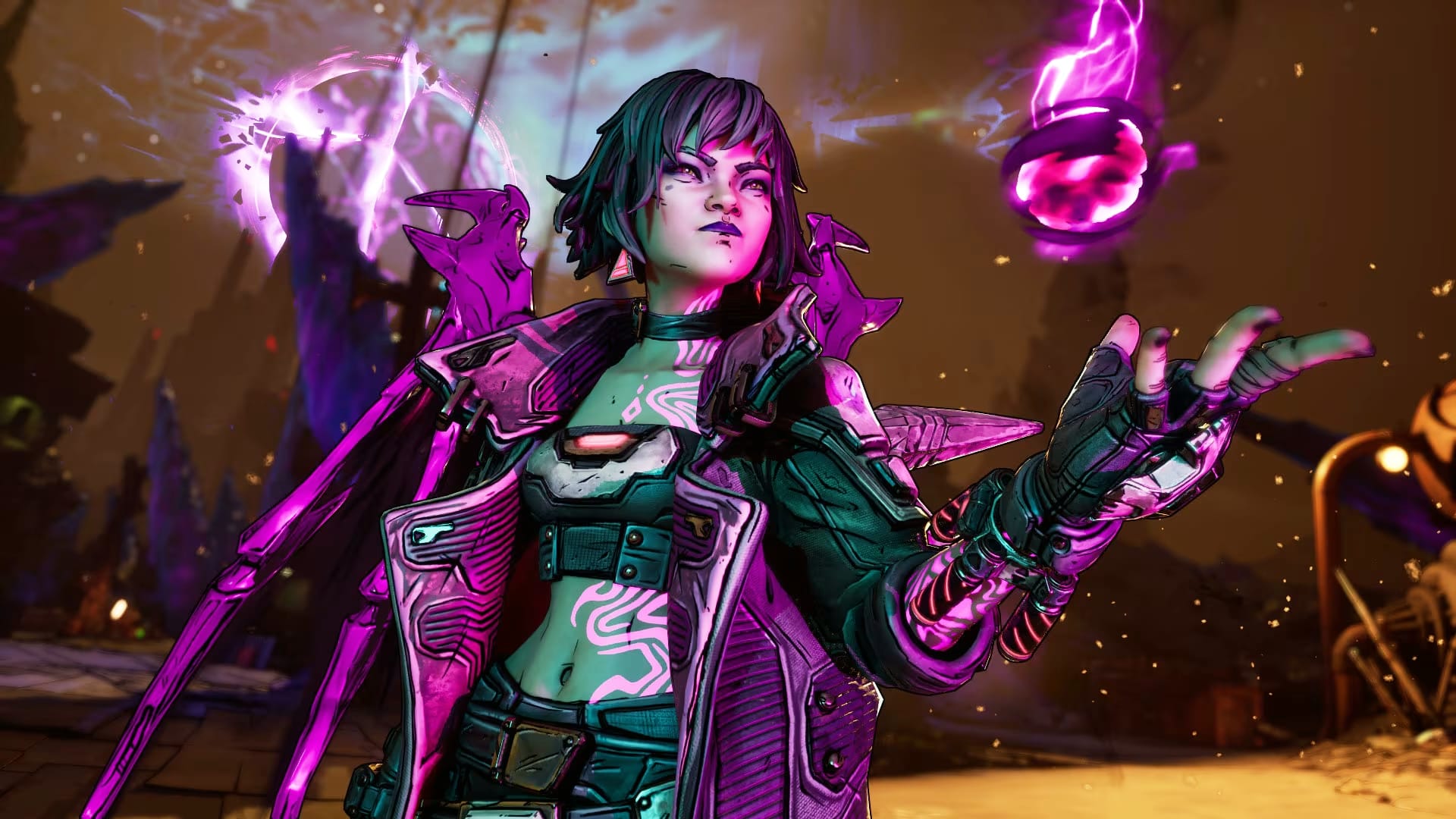
FIX: Borderlands 4 (PC) stuttering after the latest patch
Many players report heavy hitching post‑update; here’s how to let shaders settle, clear the bad cache, and reduce spikes.
-
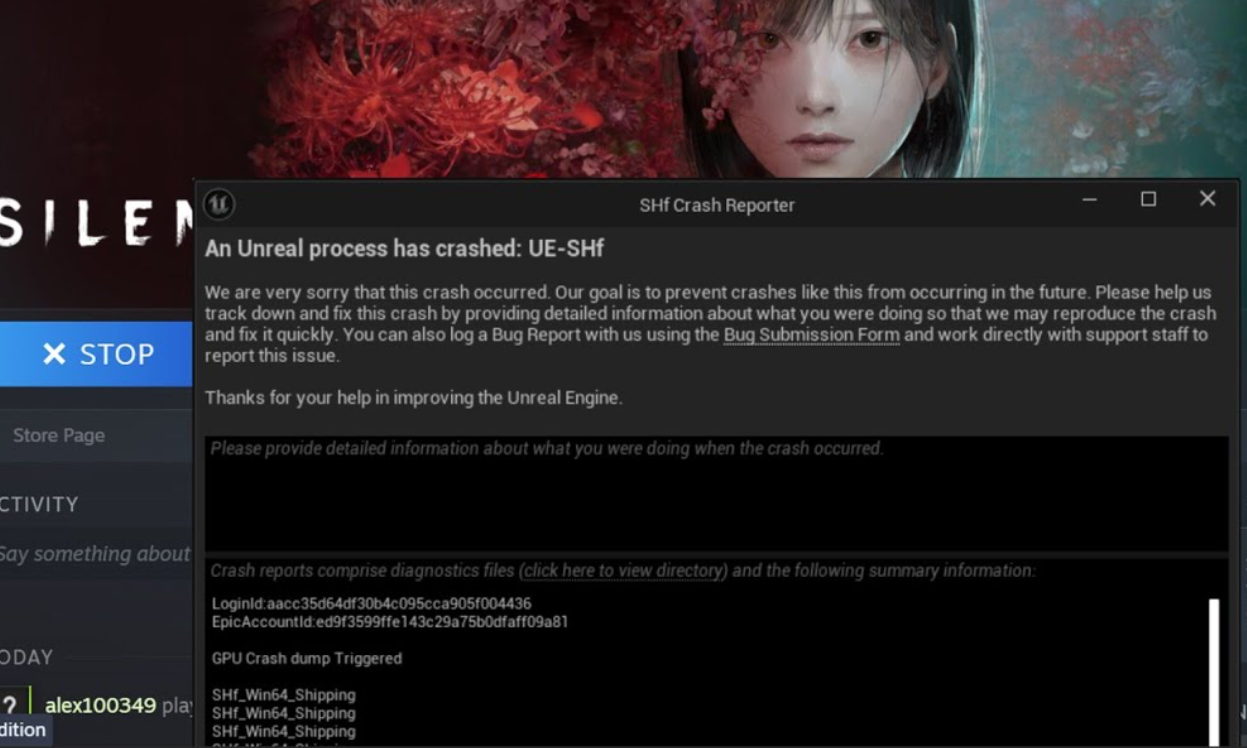
Silent Hill f (PC) — Fix E5 GPU errors and crashes at launch
Start with the NVIDIA driver reinstall workaround, then apply core stability steps for steadier play sessions.
-
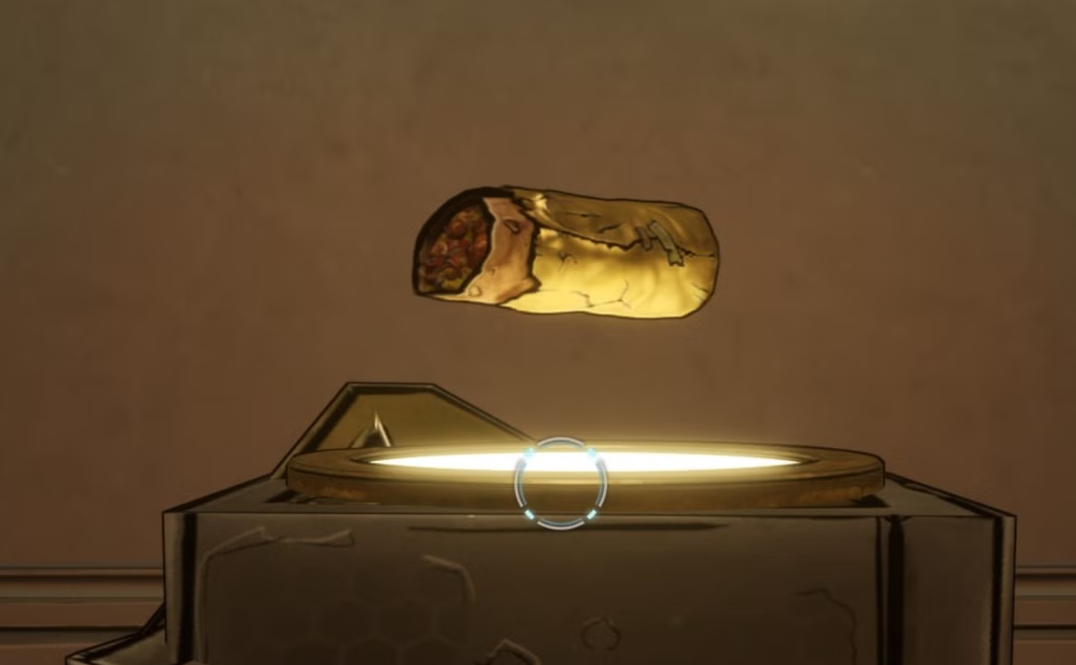
Borderlands 4: Dave the Burrito — how to unlock Guac is Extra
Destroy 15 hidden burritos across Dominion City, then slip into Upper Dominion to meet Dave and pop the trophy.
-
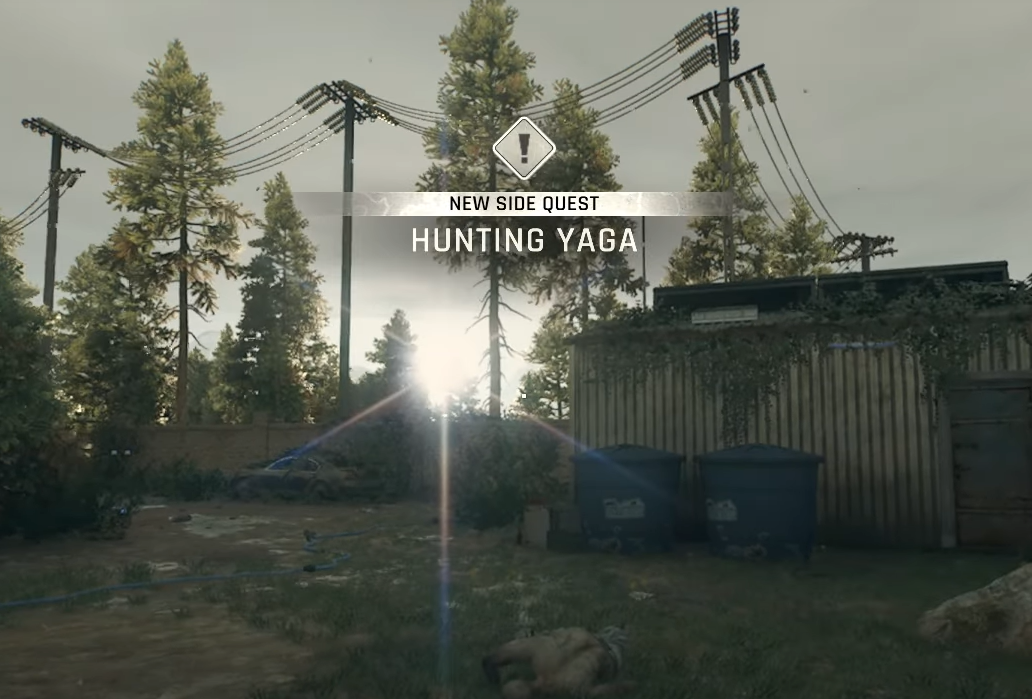
Dying Light: The Beast — How to complete the Hunting Yaga side quest
A detailed path through the nighttime hunt, Max’s ambush, and the scientist’s hideout, plus the crossbow reward.
-
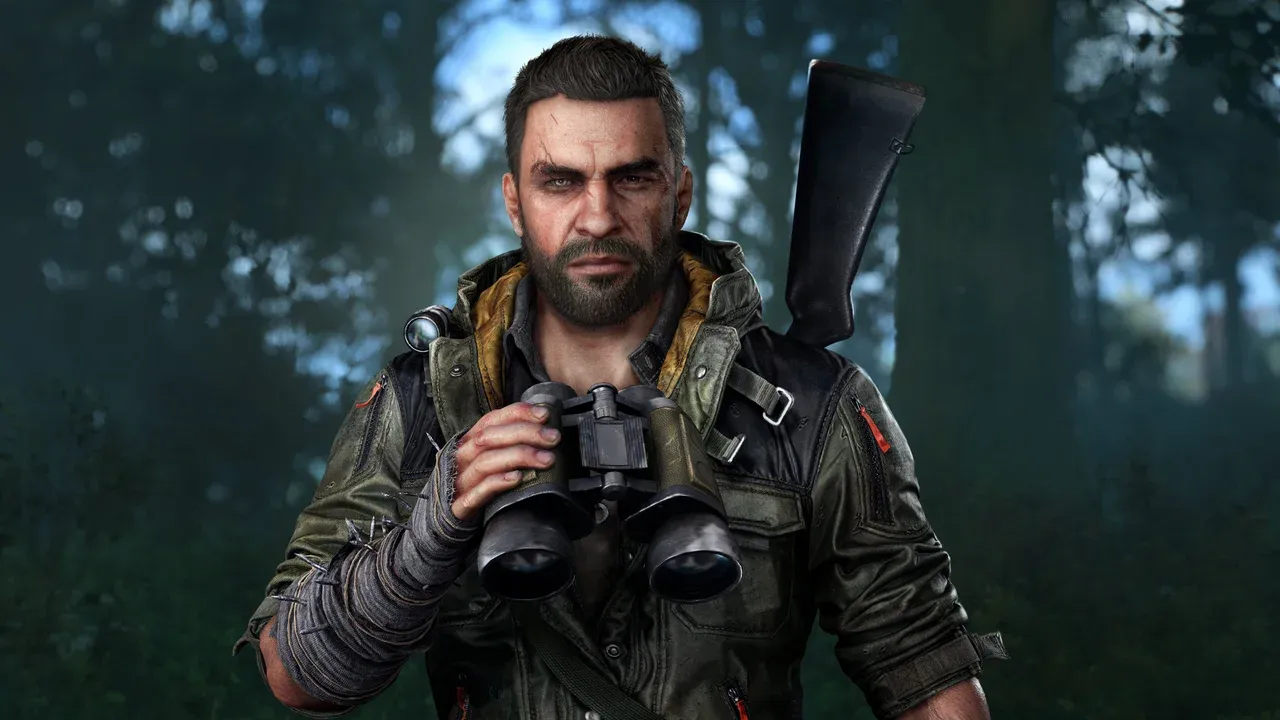
Dying Light: The Beast — All Armor Sets and How to Get Them
Find locations and acquisition steps for all nine armor sets in Dying Light: The Beast, with set bonuses where available.
-
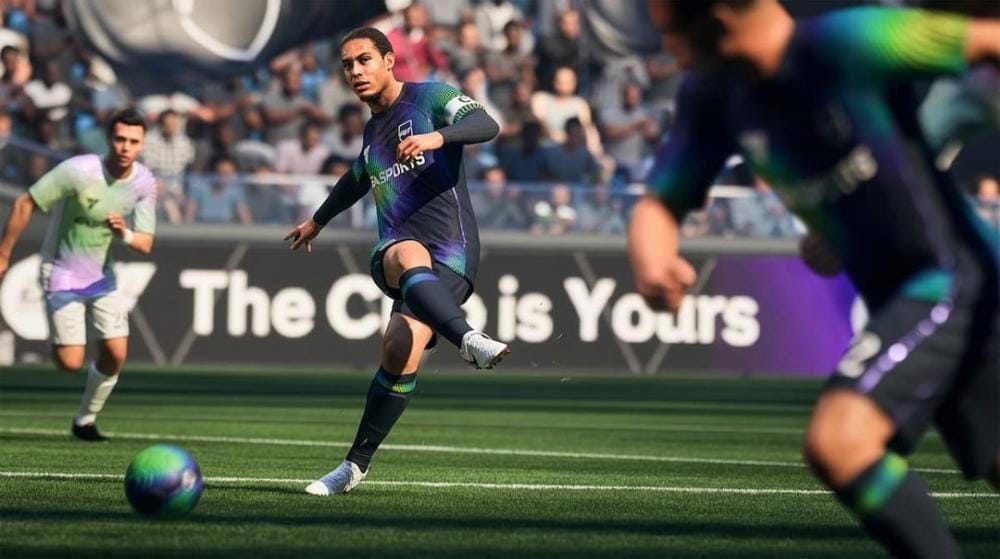
EA Sports FC 26 — Fix the ‘Searching For Opponent’ matchmaking bug
Disable crossplay first, then reset your network and review official status updates.
-

Silent Hill f endings — how to unlock all five (NG+ requirements)
A spoiler‑light guide to every ending, the Sacred Sword route, and save planning to cut down on replays.
-

Silent Hill f – Install, set up, and use trainers on PC
A snapshot of current Silent Hill f trainers, what they offer, and how to use a Cheat Engine table safely.
-
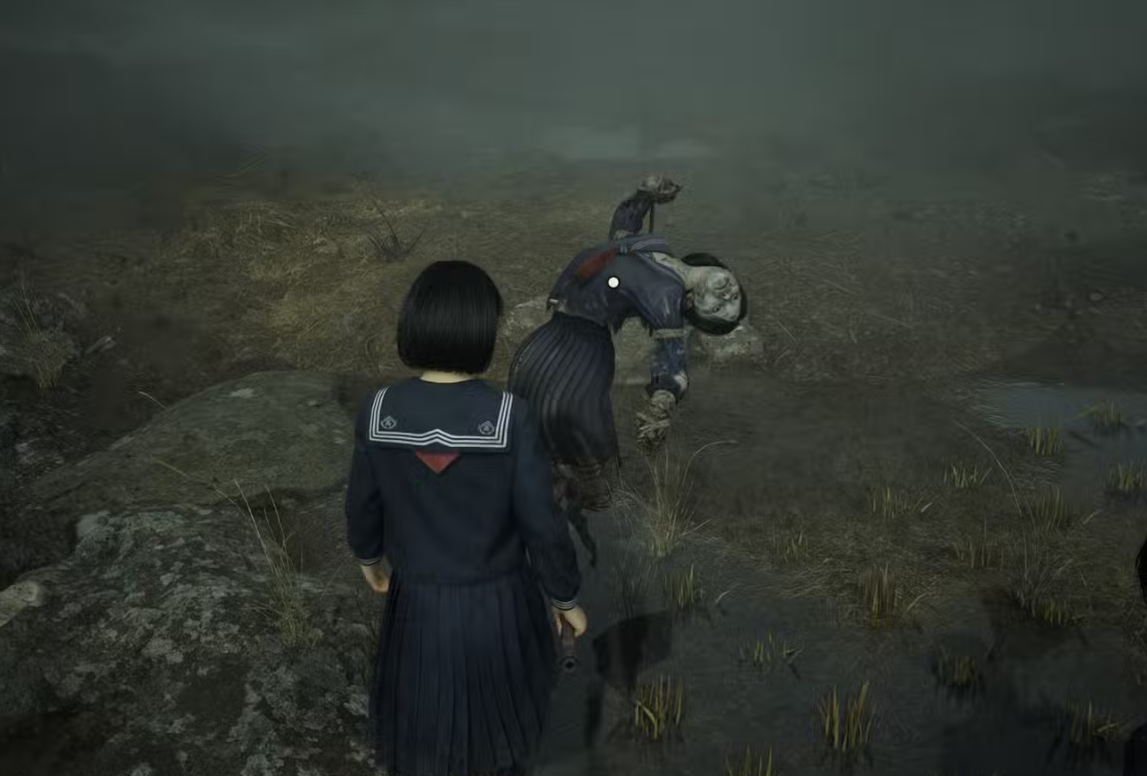
Silent Hill f’s scarecrow field — how to pick the right thorn
Use the bag‑headed clue, find the single nail, and follow the pointing scarecrow across five stages without wasting resources.
-

Dying Light: The Beast (PC) — Fix ‘Network Connection Lost’ co‑op
Step-by-step methods to restore co-op connectivity and cut lag spikes on PC.