
Instructional, step-by-step articles.
Content Type: How-To
-
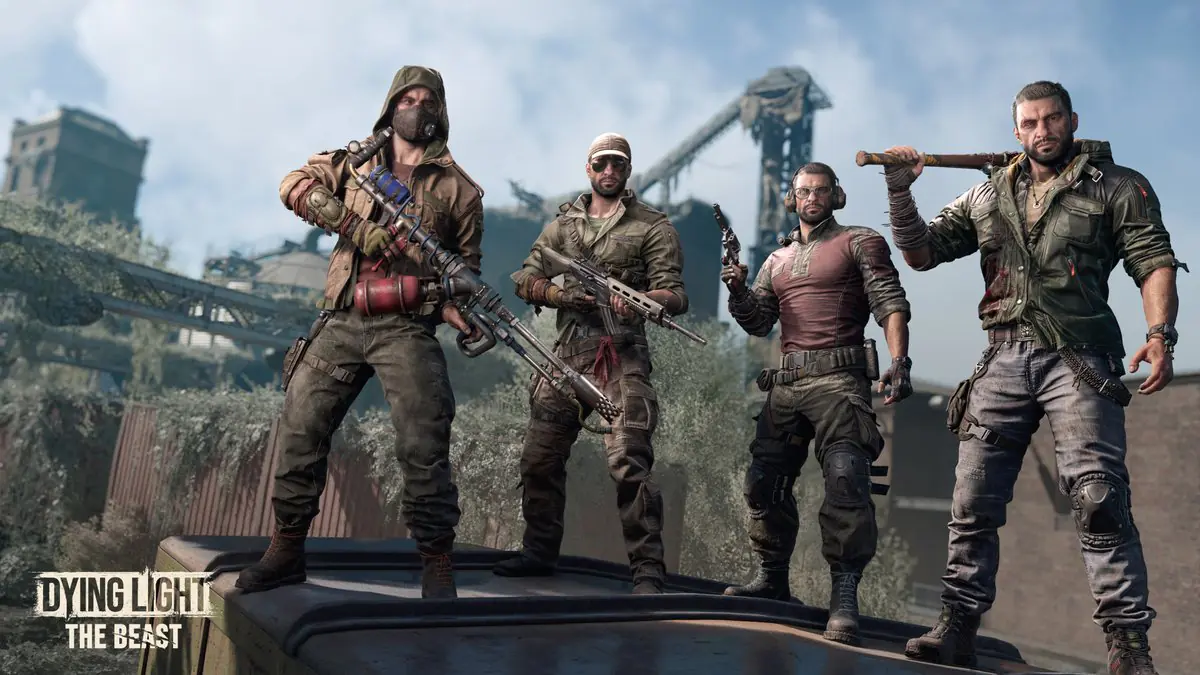
Dying Light: The Beast (PC) — Fix ‘Network Connection Lost’ co‑op
Step-by-step methods to restore co-op connectivity and cut lag spikes on PC.
-
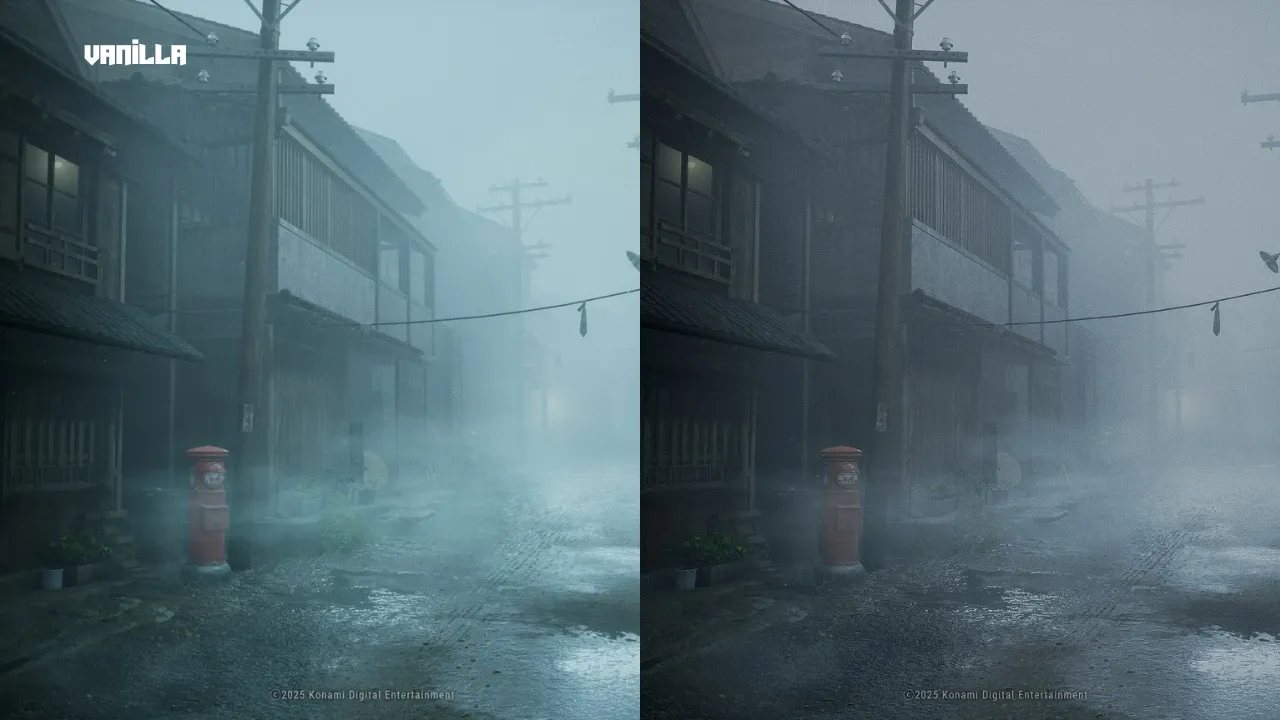
Silent Hill f mods (PC) — what’s out already and how to install them
From color tweaks and fog removal to performance fixes and HUD-free screenshots, the early mod scene is moving fast.
-
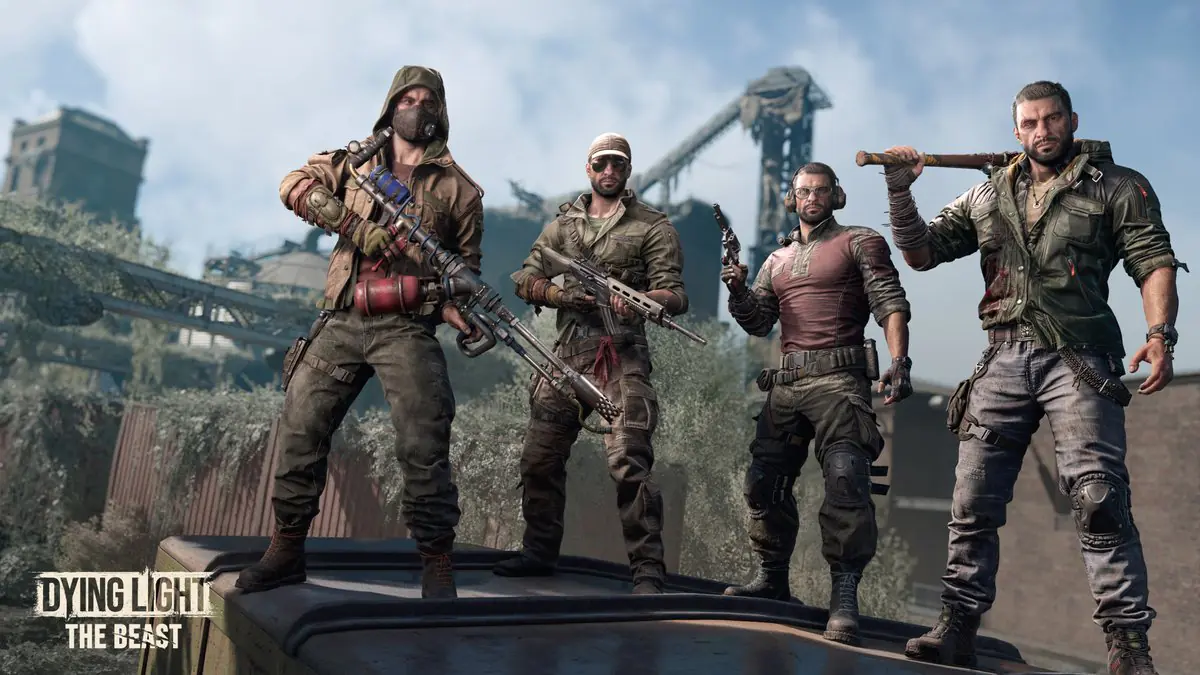
Dying Light: The Beast players hit ‘Vengeance Is Mine’ progression bug
Reports point to an unbreakable barricade and stuck objectives in the mine; Techland says a fix is in the works.
-
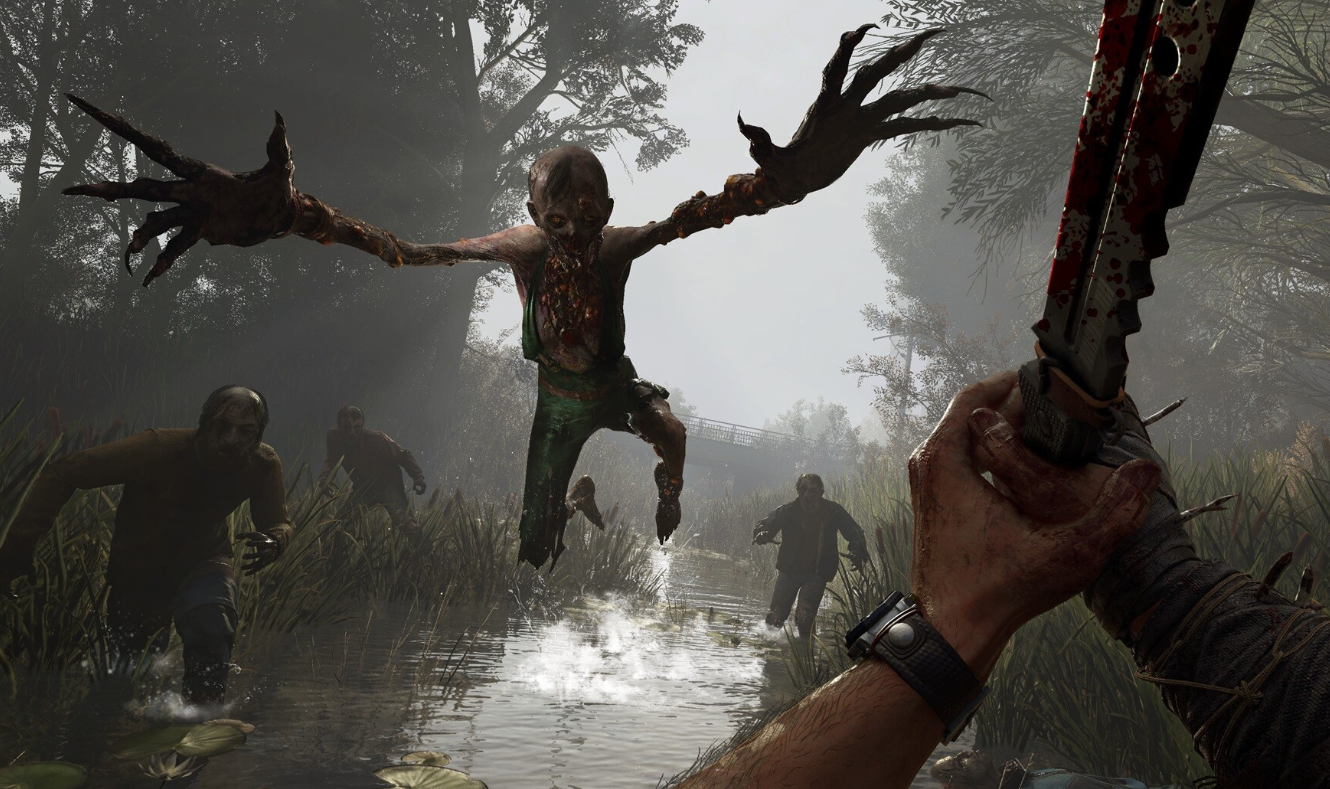
All Dying Light: The Beast side quests and how to unlock them
Every secondary mission, chains, and known prerequisites to clear Castor Woods.
-

EA FC 26 on PC — dependable settings for high FPS and low latency
Practical, hardware-agnostic tweaks that stabilize frame rate and reduce input lag in matches.
-
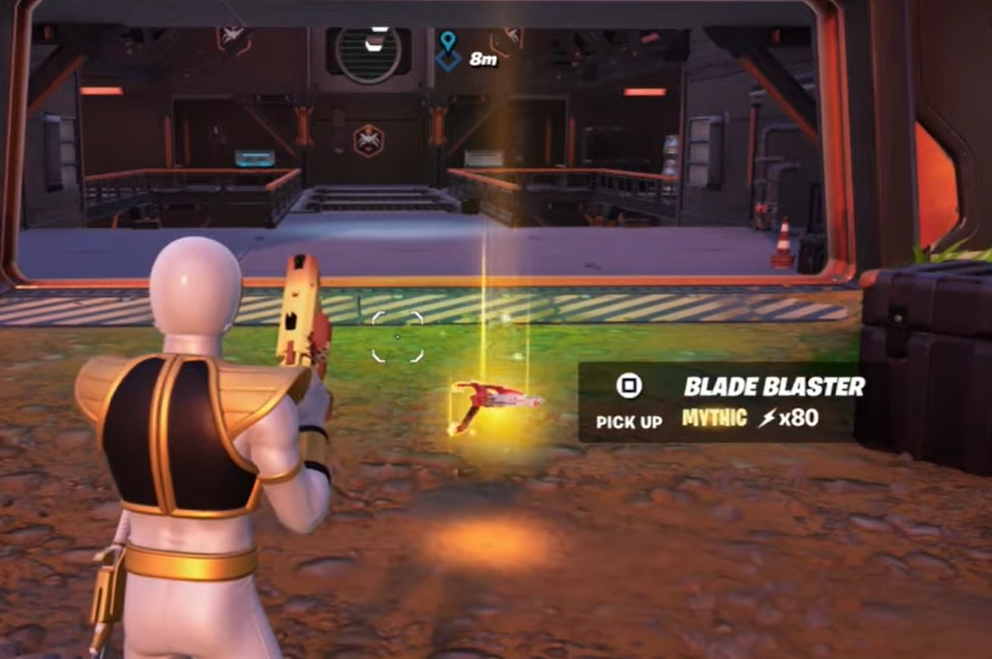
How to get the Power Rangers Blade Blaster in Fortnite (v37.30)
Unlock it from active O.X.R. Bunkers, see exact bunker spots, and learn stats, modes, and the Power Hour timing.
-
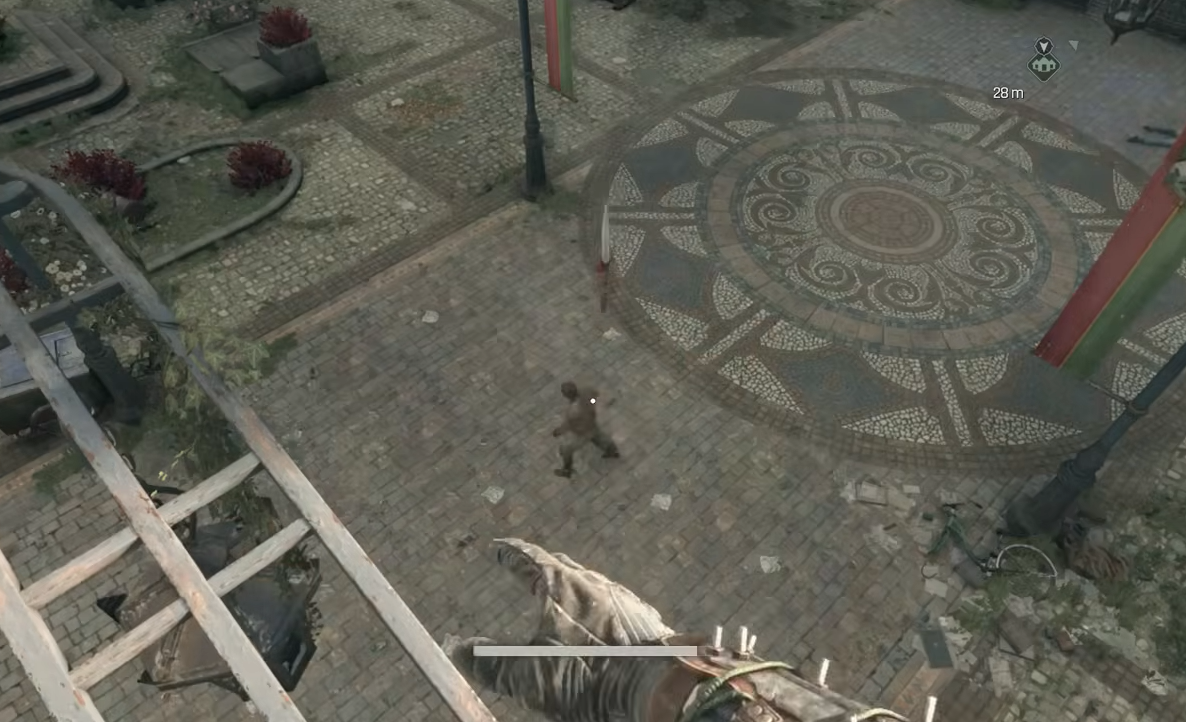
Dying Light: The Beast — How to throw weapons on PC and controller
Master the throw input, retrieval, and throwable gear to add safe damage options to your combat kit.
-
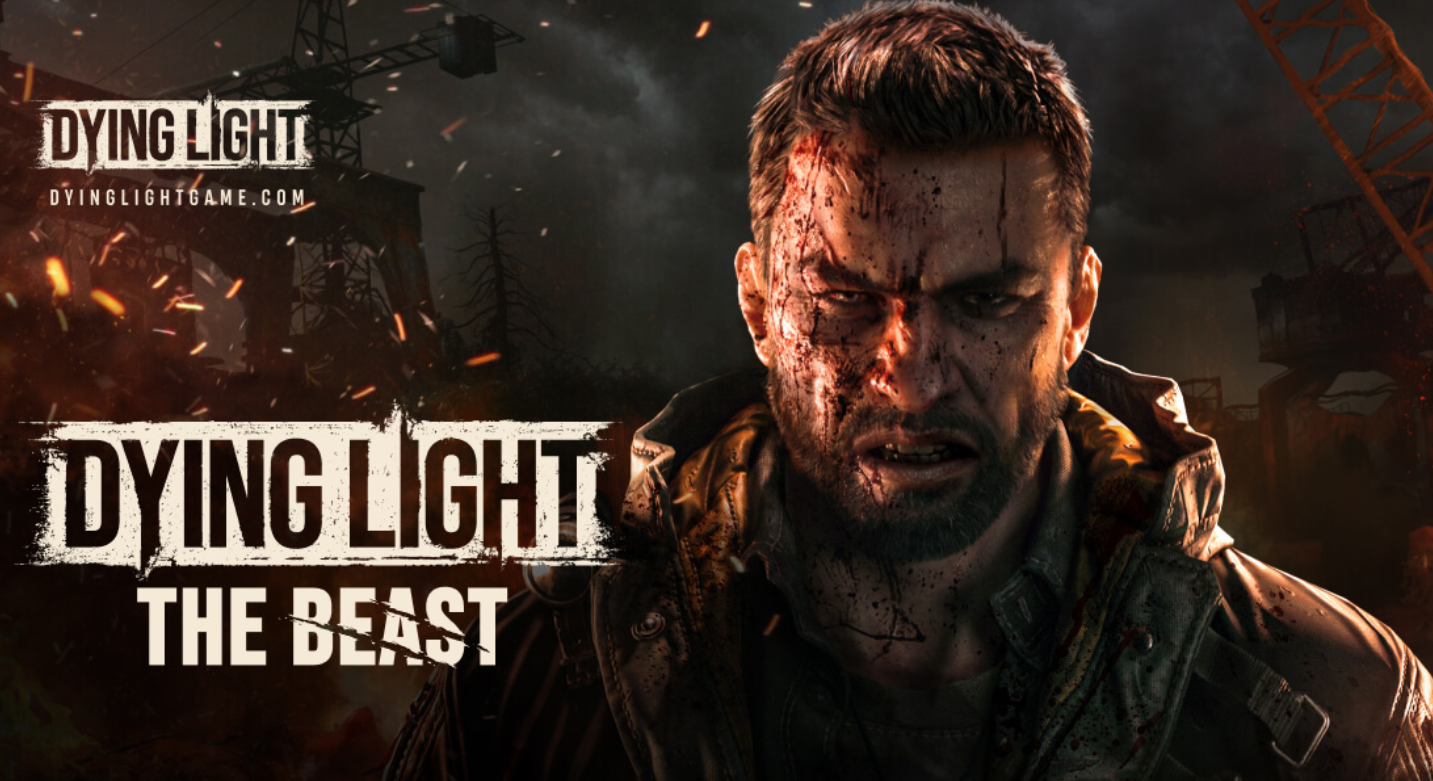
Bruiser Boots in Dying Light: The Beast — what’s known and how to hunt them down
Community finds point to the Bruiser jacket in the Vale, but the exact Bruiser boots location hasn’t been reliably confirmed yet.
-
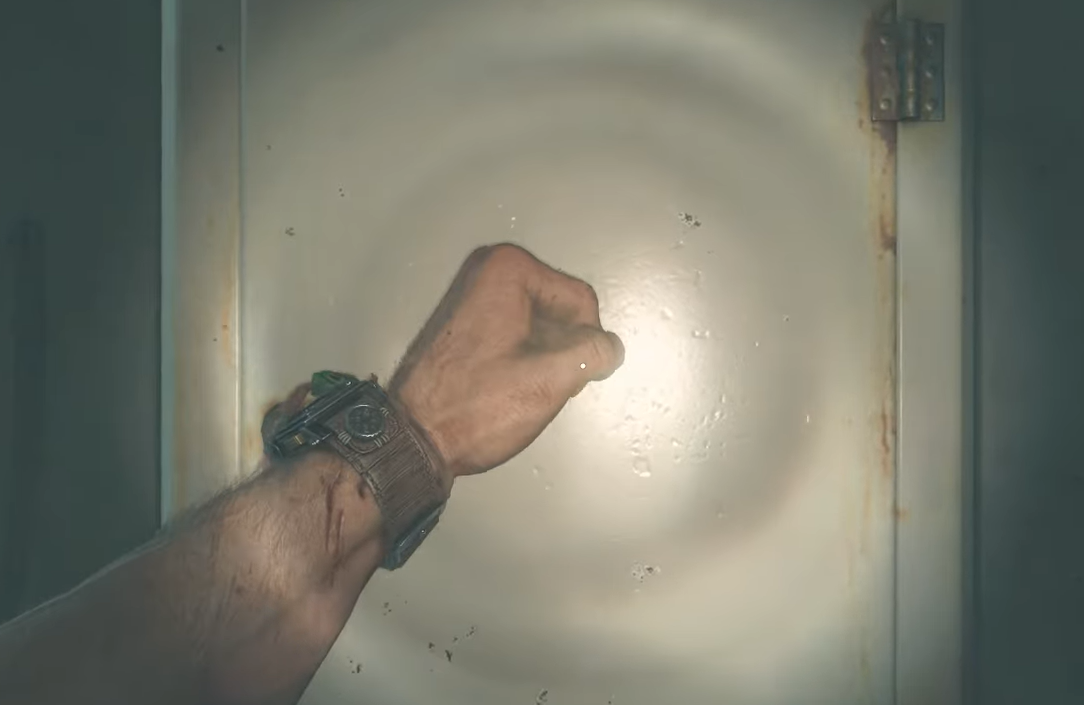
How to open the knock box in Dying Light: The Beast
Find the rooftop cabinet, then keep knocking—dozens of times—until the secret machete drops.
-
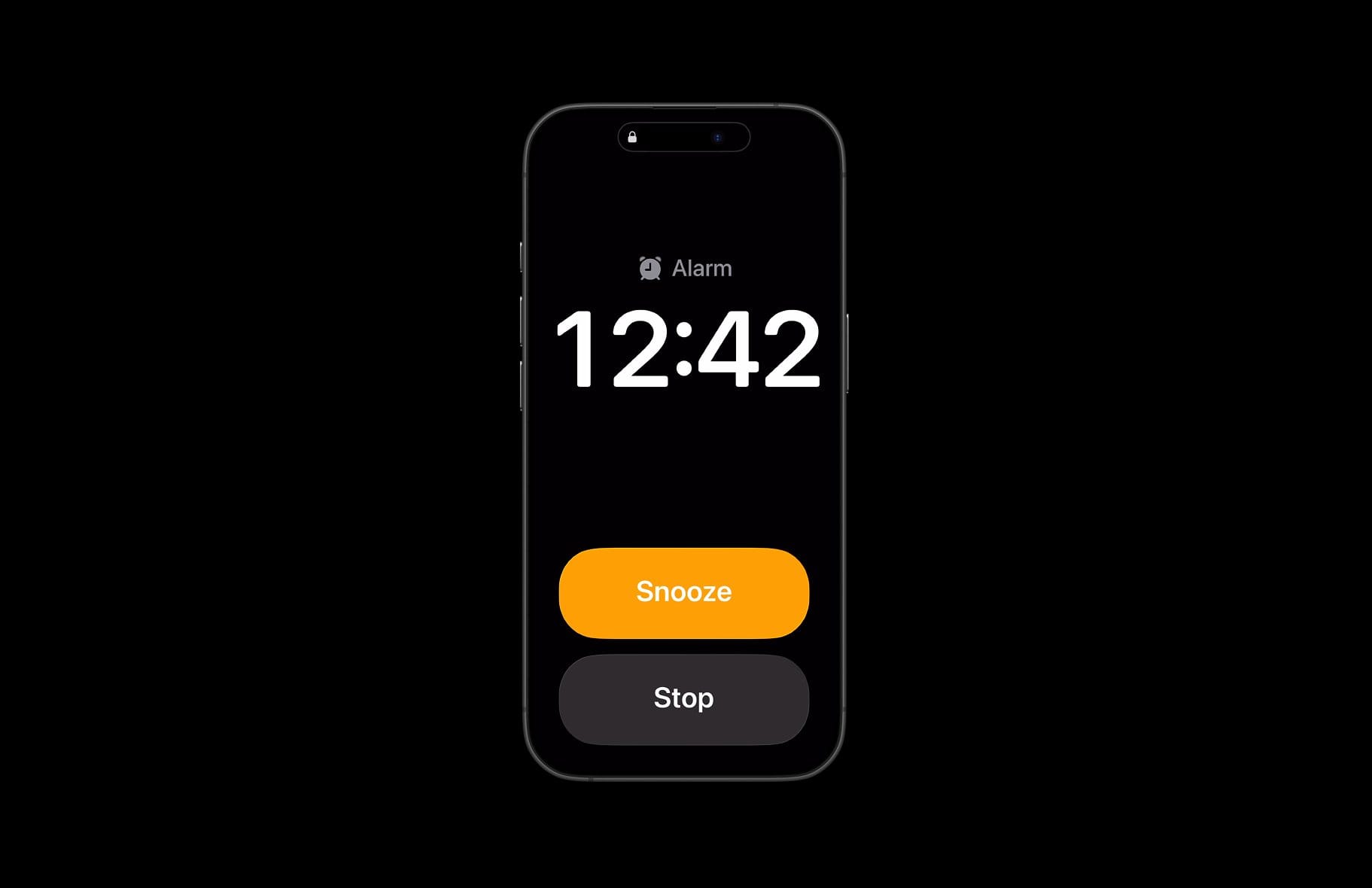
iOS 26 alarm not going off — causes, fixes, and safe workarounds
Users report three‑second cutoffs and silent Sleep alarms; here’s how to restore reliable wakeups.