
Instructional, step-by-step articles.
Content Type: How-To
-
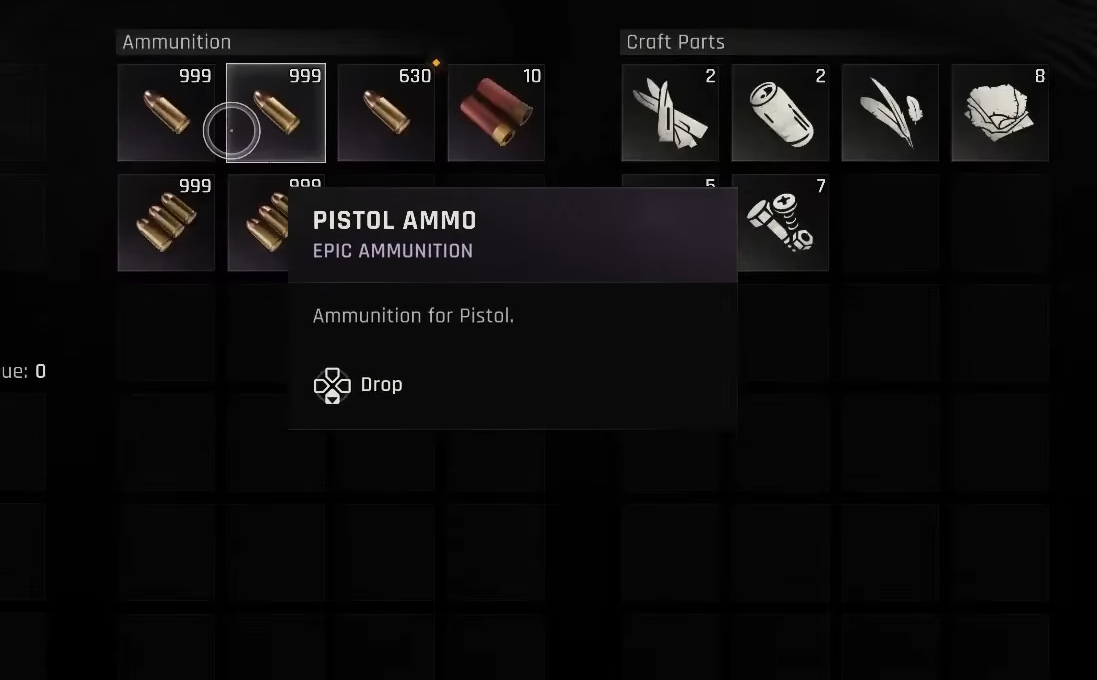
Dying Light: The Beast — How to duplicate items (co‑op glitch)
Coordinate a simultaneous pickup with a teammate to clone ammo, consumables, and weapons reliably.
-

Skate. achievements and trophies — full list and how to unlock
All 21 achievements (and PS5’s 22 trophies) with clear, proven unlock methods and concise tips.
-
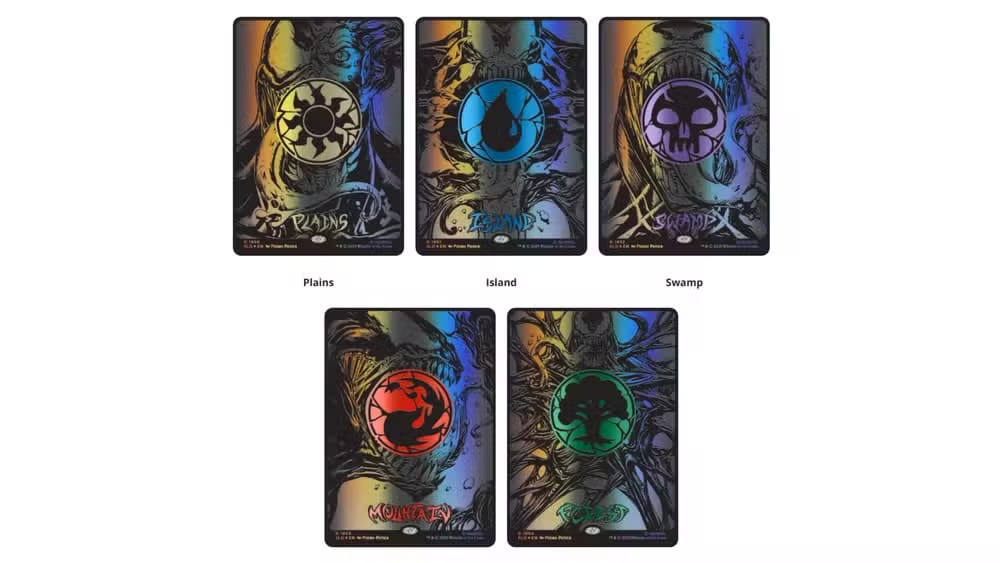
MTG’s Spider‑Man Secret Lair Superdrop — prices, cards, how to buy
Six limited‑quantity drops arrive Sept. 22 with Commander staples and Venom‑themed reprints.
-
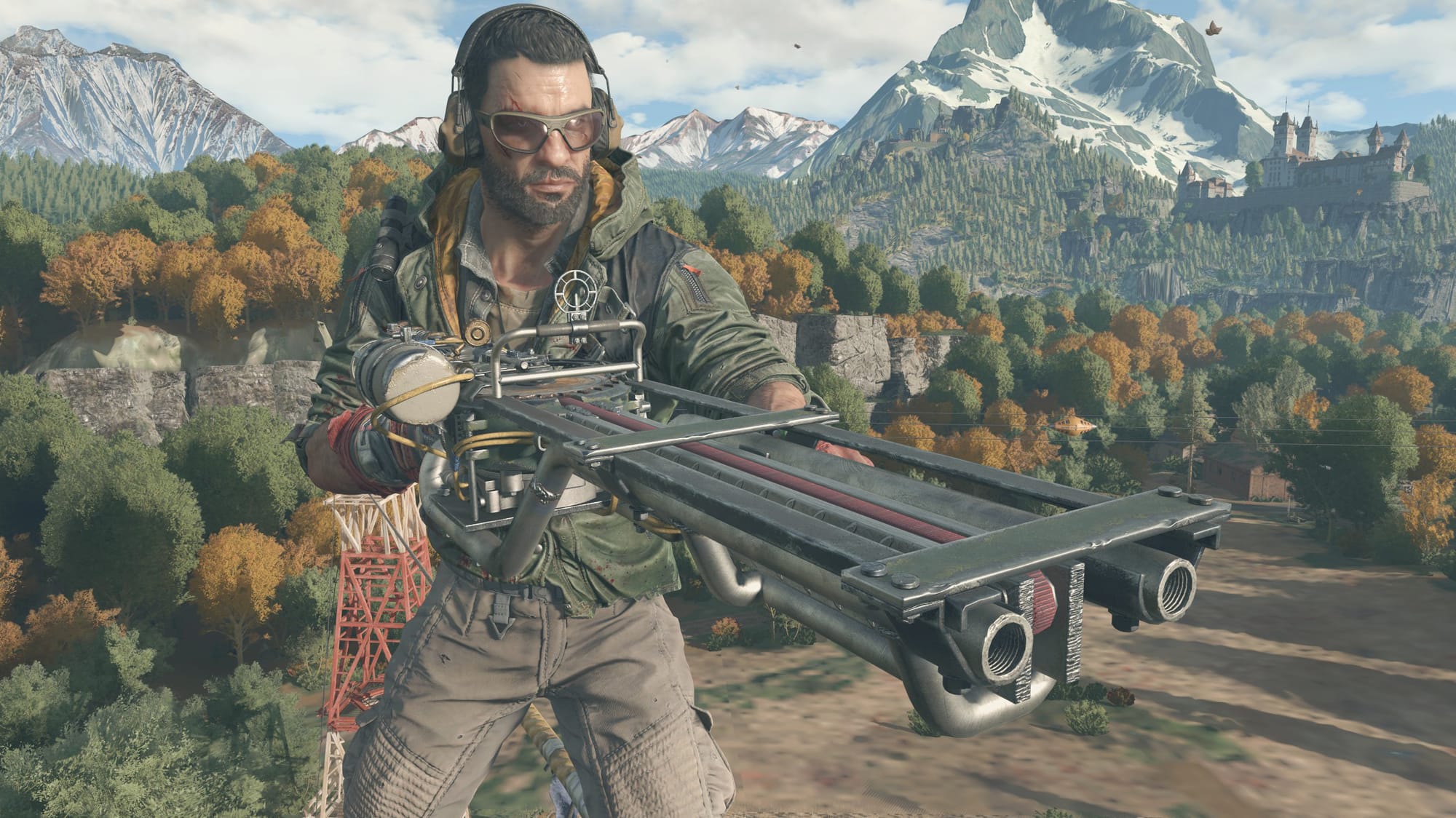
How to Get Sawblade Launcher Dying Light: The Beast – location and crafting
Find the Silos blueprint and build the game’s strongest ranged weapon early.
-

Skate – How to Access the Skatepedia Trick List (All Platforms)
Open the in‑game Skatepedia to view every trick and its exact inputs, from flips and grinds to grabs.
-
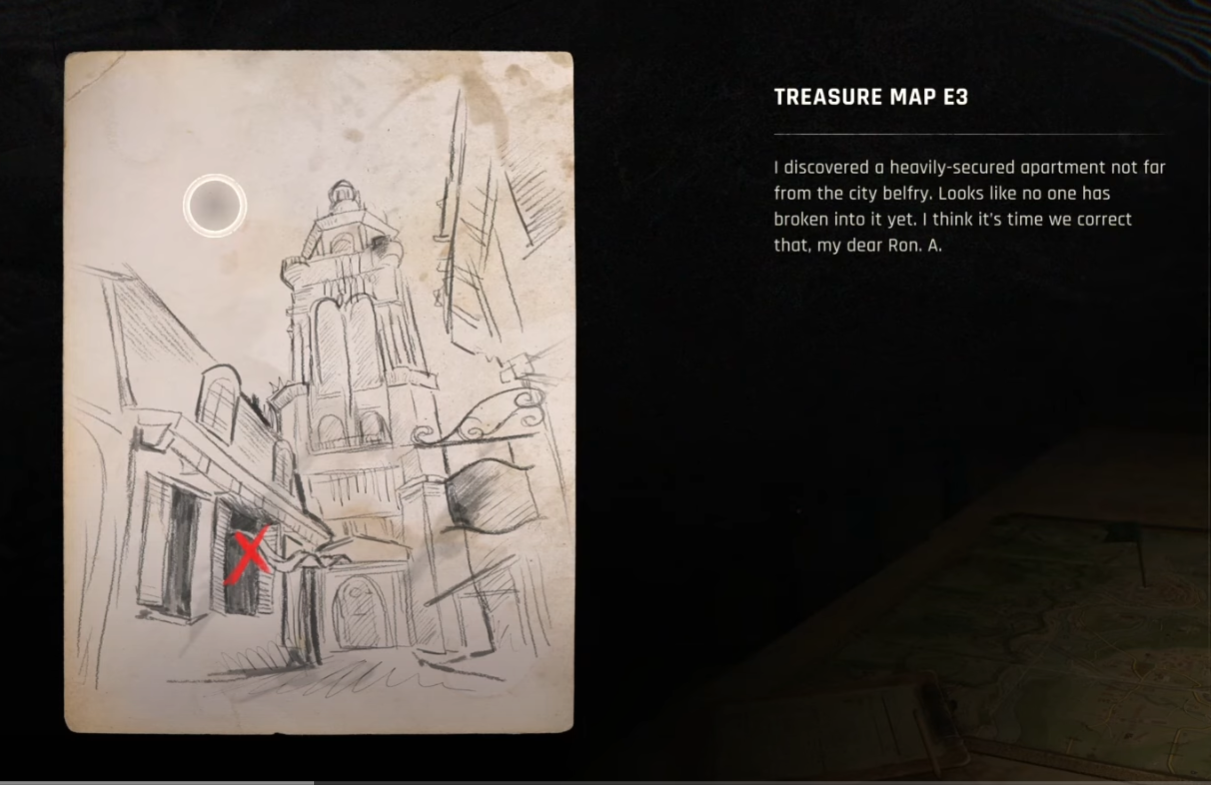
Dying Light: The Beast — How to solve Treasure Map E3 and get the key
Find the map in Town Hall, locate the Belfry apartment, grab the Trattoria key, and open the safe.
-
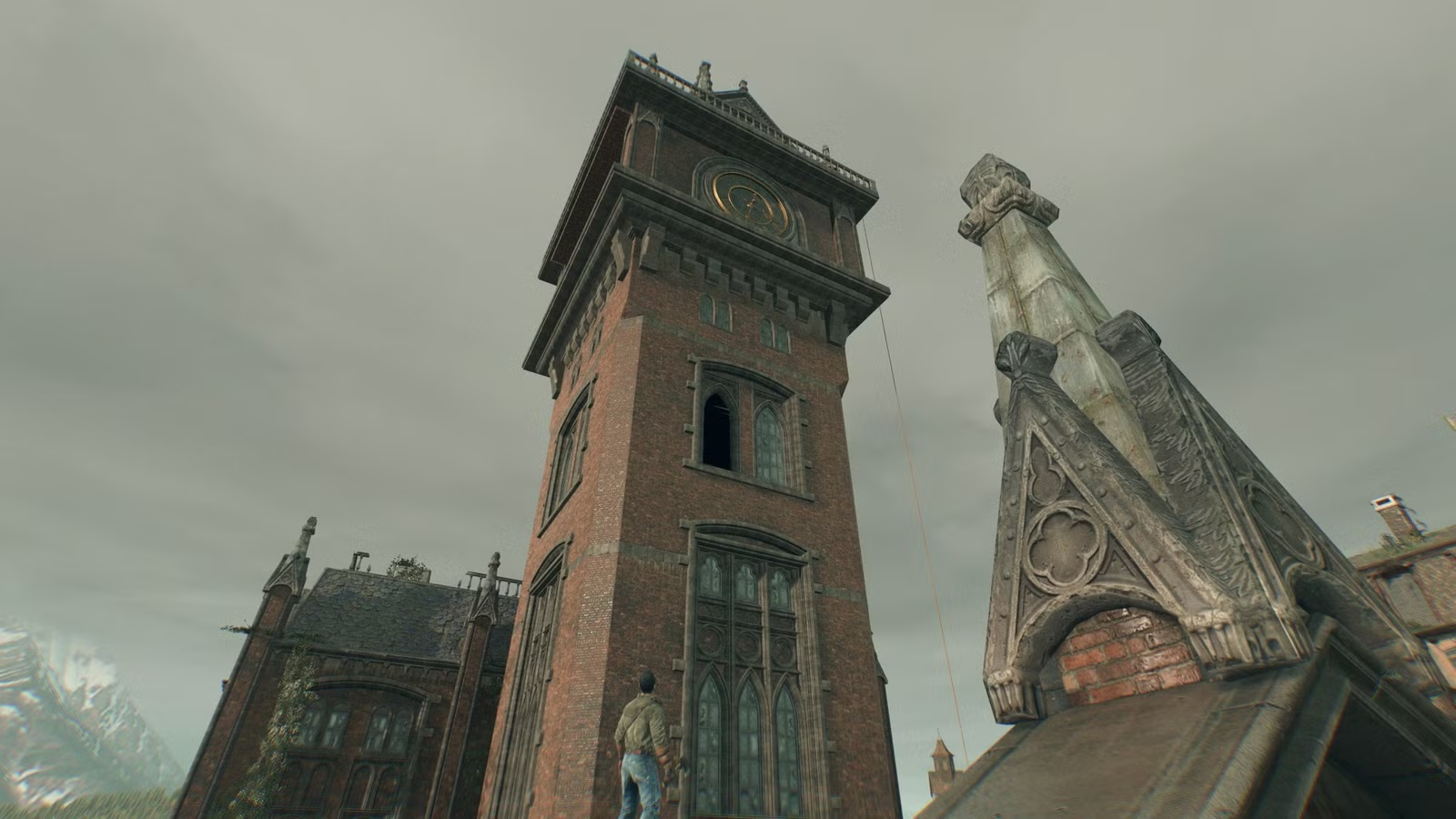
How to Restore power to the Library Tower in Dying Light: The Beast
Follow this exact climb path and the correct socket solution to bring the Library Tower online.
-

How to do the Coffin in Skate 4 (PS5, Xbox) — inputs and tips
Use the four-button Coffin combo and start the move before the kicker to complete Play Dead.
-

Dying Light: The Beast outfits, gear slots, and how to unlock the best looks
What’s confirmed at launch, how gear works, and where to claim Crane’s Legacy Outfit and other rewards.
-

How to do EA FC 26 Low Driven Shots – Controls, Variants, Scoring Tips
Learn the double‑tap controls, all low‑driven variants, and when to use them for reliable finishes.