
Instructional, step-by-step articles.
Content Type: How-To
-

How to Fix a System Repair Pending Which Requires Reboot to Complete Error in Windows 11
Resolve the “There is a system repair pending which requires reboot to complete” error in Windows 11 with proven solutions that restore SFC functionality…
-
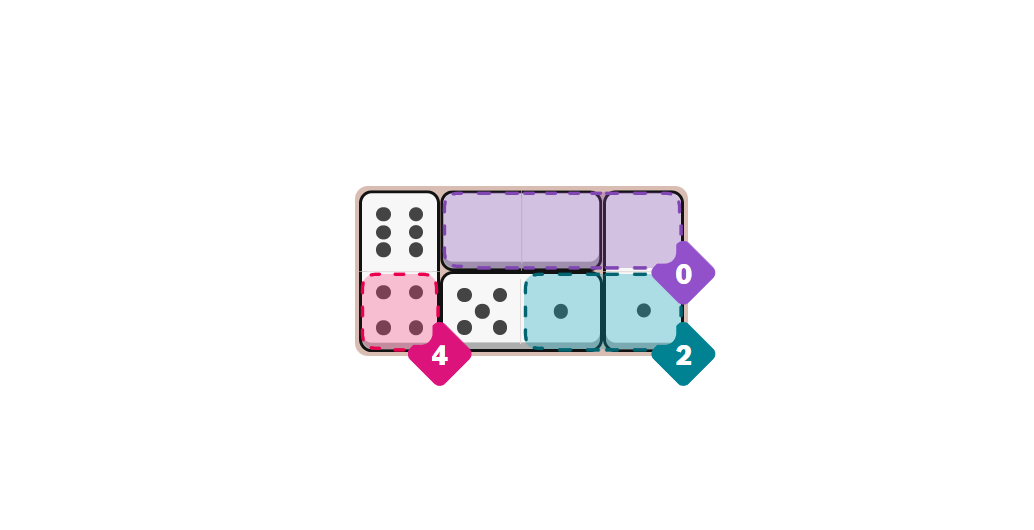
How to Play Pips (NYT) and Solve the Daily Domino Logic Puzzle
Learn the rules, symbols, and simple strategies to place dominoes and meet every colored region’s condition with confidence.
-

How to Fix Windows Explorer Crashing When Opening Office Files
Resolve Windows Explorer crashes triggered by opening Microsoft Office files with targeted troubleshooting methods for Windows 10 and 11.
-

How to Create a Silhouette in PowerPoint
Transform any photo or object into a striking silhouette using PowerPoint’s built-in tools and simple steps.
-

How to Disable Safe Browsing in Google Chrome
Proven instructions for turning off Safe Browsing in Chrome on desktop and mobile, plus troubleshooting when settings seem locked.
-

How to Use Voice Typing in Microsoft Edge
Learn clear instructions to activate and use voice typing in Microsoft Edge on Windows 11, including troubleshooting common issues and optimizing your setup for…
-
How to Fix Change Product Key Link Not Available Error in Windows 11
Learn practical solutions to resolve the missing “Change product key” link in Windows 11, including manual activation methods and troubleshooting digital license issues.
-
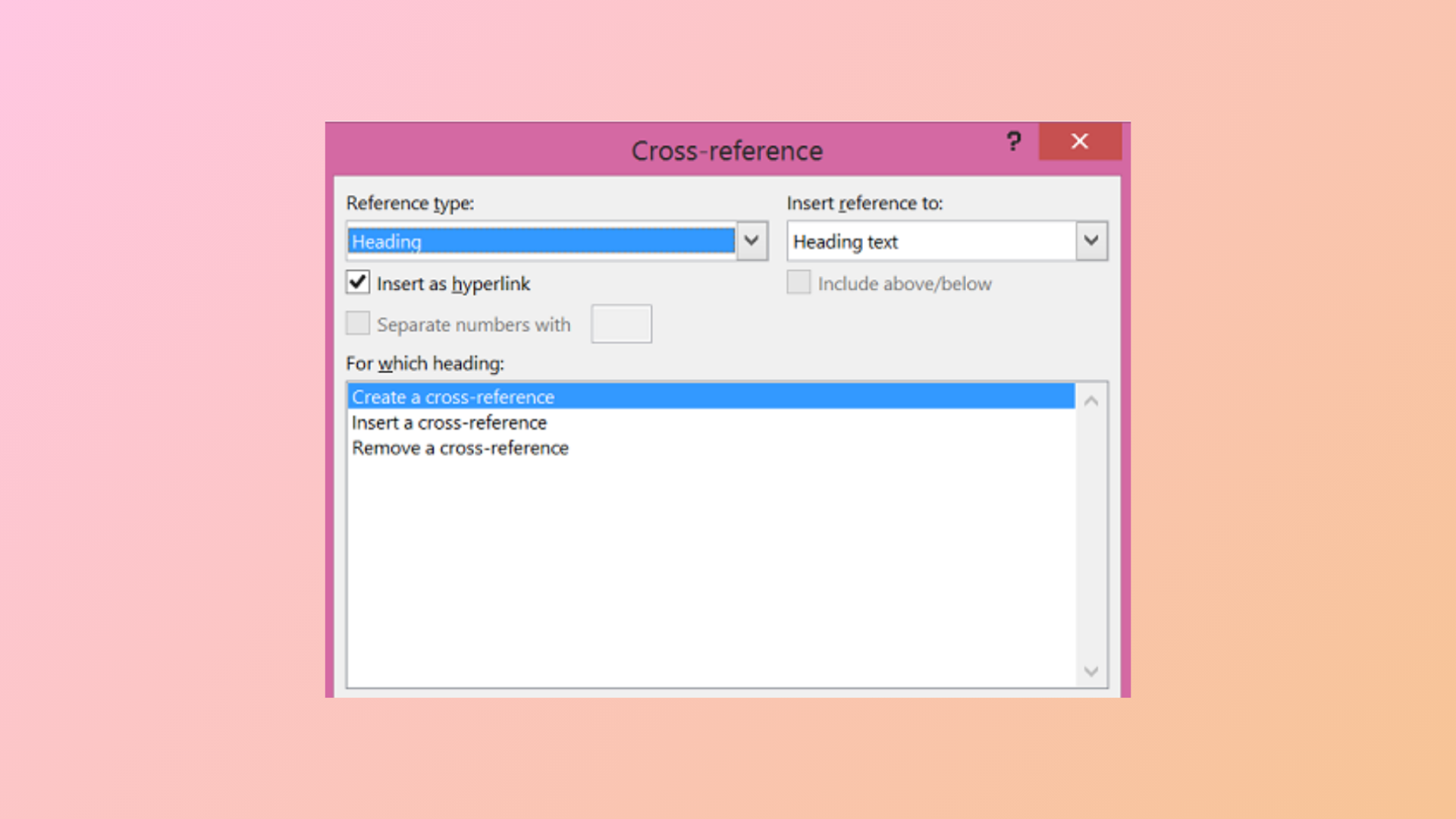
How to Use the Cross-Reference Feature in Microsoft Word
Link different parts of your document and keep references accurate with Microsoft Word’s cross-reference tool.
-

How to Fix Microsoft Teams Error Code 42b
Detailed instructions to resolve Microsoft Teams sign-in issues caused by error code 42b, including cache clearing, account troubleshooting, and advanced fixes.
-
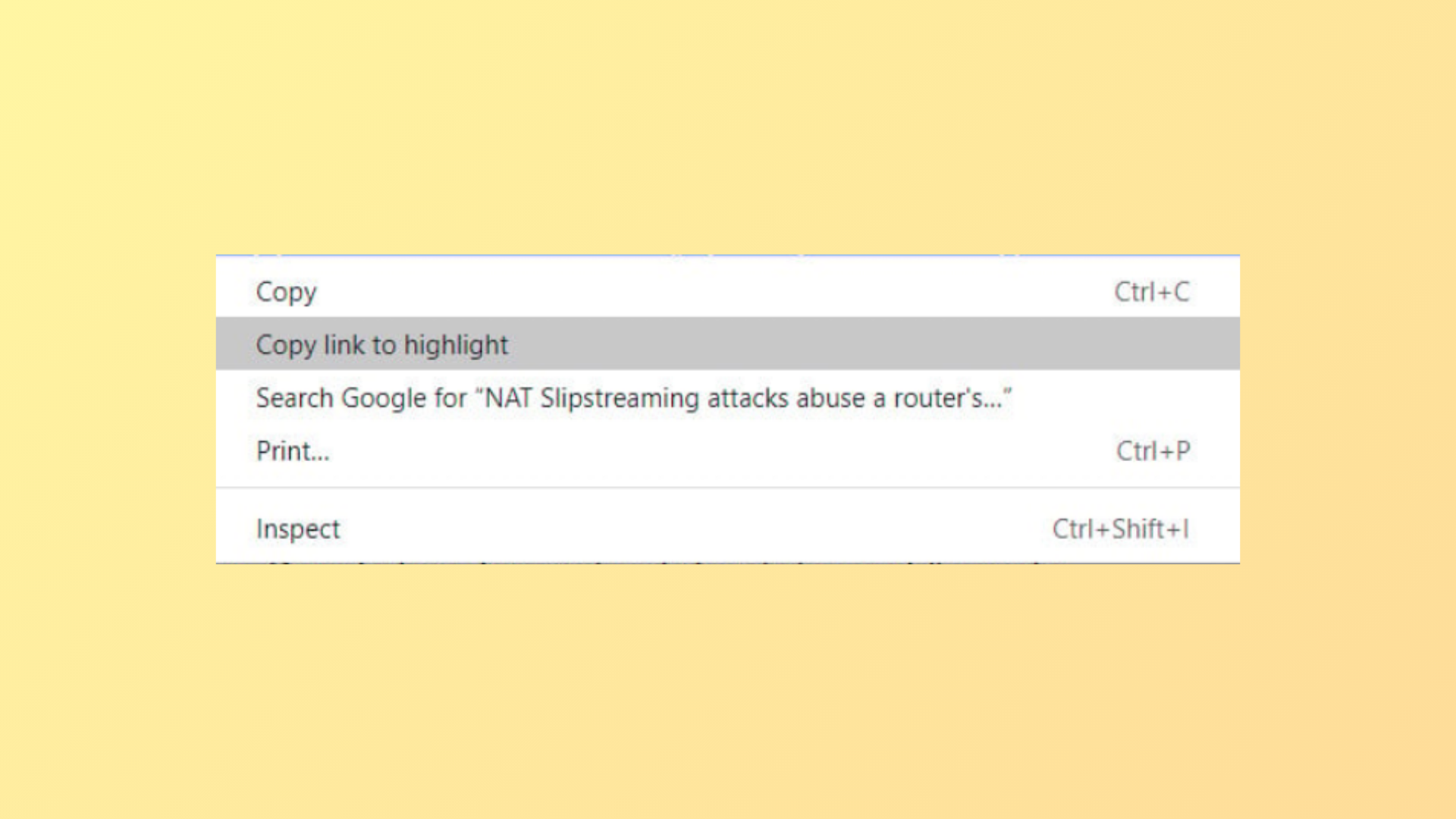
How to Disable “Copy Link to Highlight” in Google Chrome
Remove or work around the “Copy link to highlight” option from Chrome’s right-click menu using available methods and understand what to do now that…