
Instructional, step-by-step articles.
Content Type: How-To
-
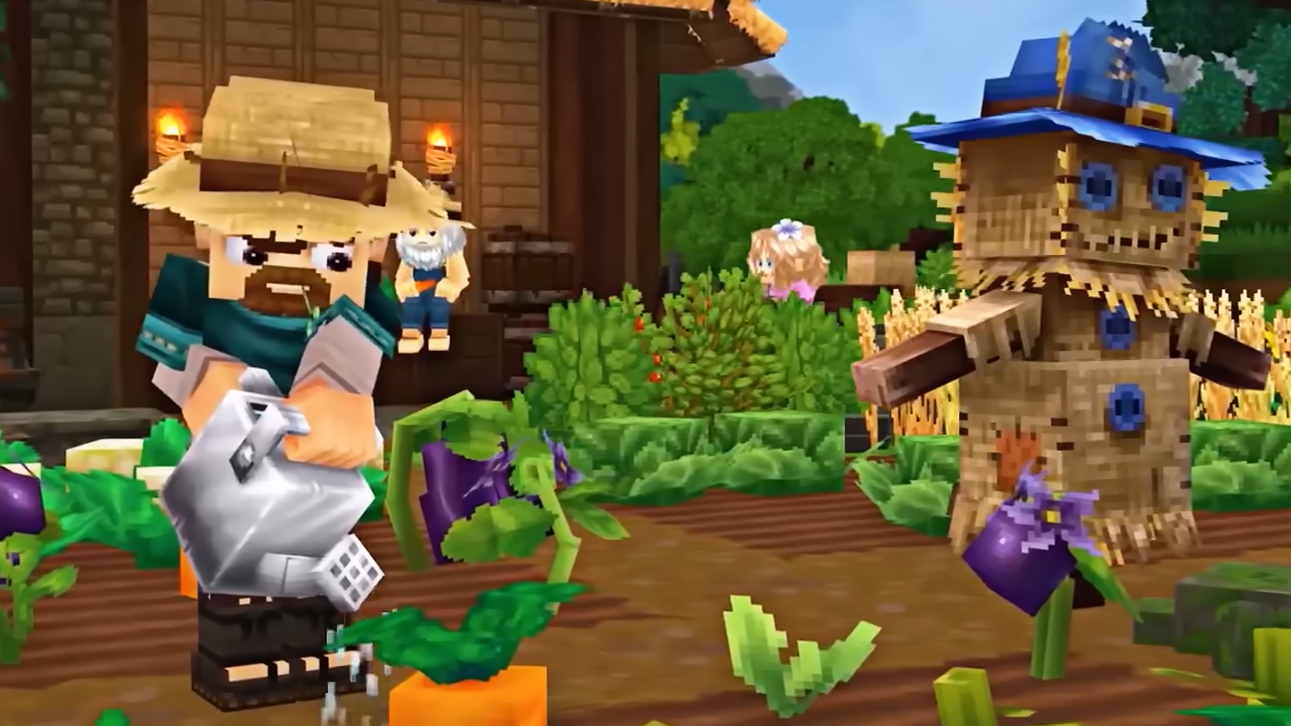
How to craft a wooden door in Hytale
Collect basic materials, build a Builder’s Workbench, and use the right wood type to turn raw logs into a Simple Wooden Door.
-

How to Restore Grass in Hytale’s Terraforming‑Scarred Worlds
Learn why grass doesn’t regrow on its own in Hytale and the practical ways to bring it back after digging or terraforming.
-

How to import settings in Black Ops 7 from previous Call of Duty games
Move your controls, audio, and other core options into Black Ops 7 in a few clicks instead of rebuilding them by hand.
-

Voidtrain Train Armor: How to unlock walls and actually build it
Why your researched armor never appears in the menu, and the exact chain of unlocks you need before you can bolt it to your…
-
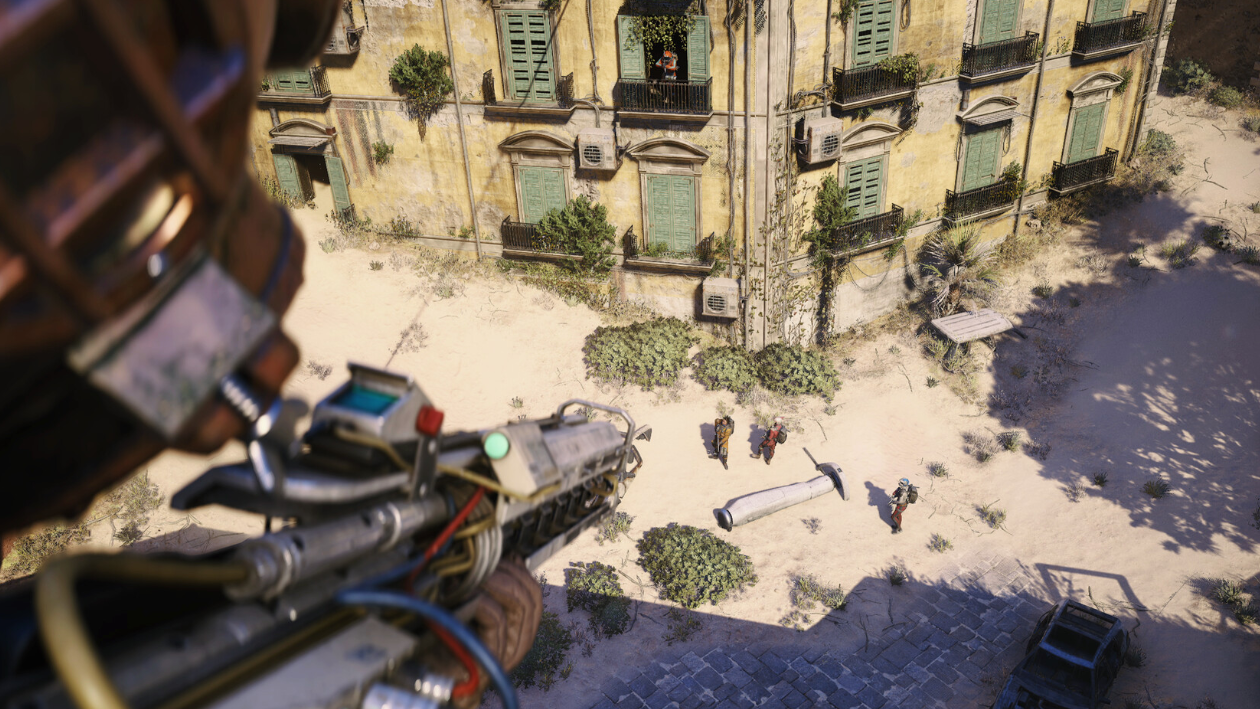
How to Complete Turnabout in ARC Raiders (Blackmail Files Location)
Learn how to reach Spaceport’s North Trench Tower, upload the OTTM blackmail files, and finish Celeste’s Turnabout quest.
-

How to unlock and cook Mushroom Pie in Heartopia
Learn how to reveal Massimo’s hidden Gossip, gather wheat and mushrooms, and successfully cook Mushroom Pie for your story progression.
-
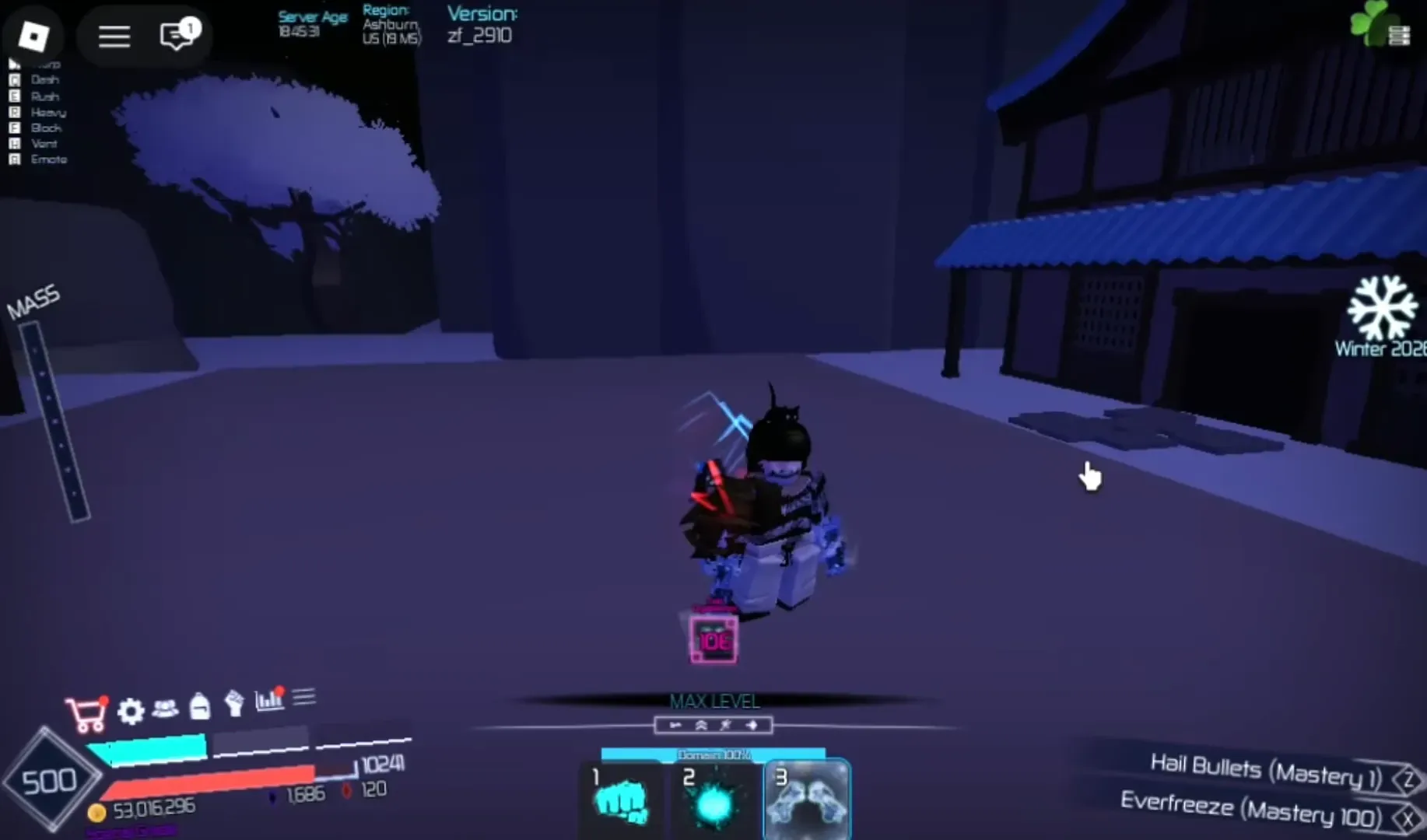
Get Twin Cyroblasters in Jujutsu Infinite (Winter Event 2026)
Earn Winter Chests or Frost Essence to unlock the weapon before the Winter Event ends February 1, 2026.
-

How to enable secure boot on Gigabyte AM4 boards for Windows games
Configure TPM 2.0, UEFI, and Secure Boot on GIGABYTE AM4 motherboards so Windows and newer games pass security checks.
-
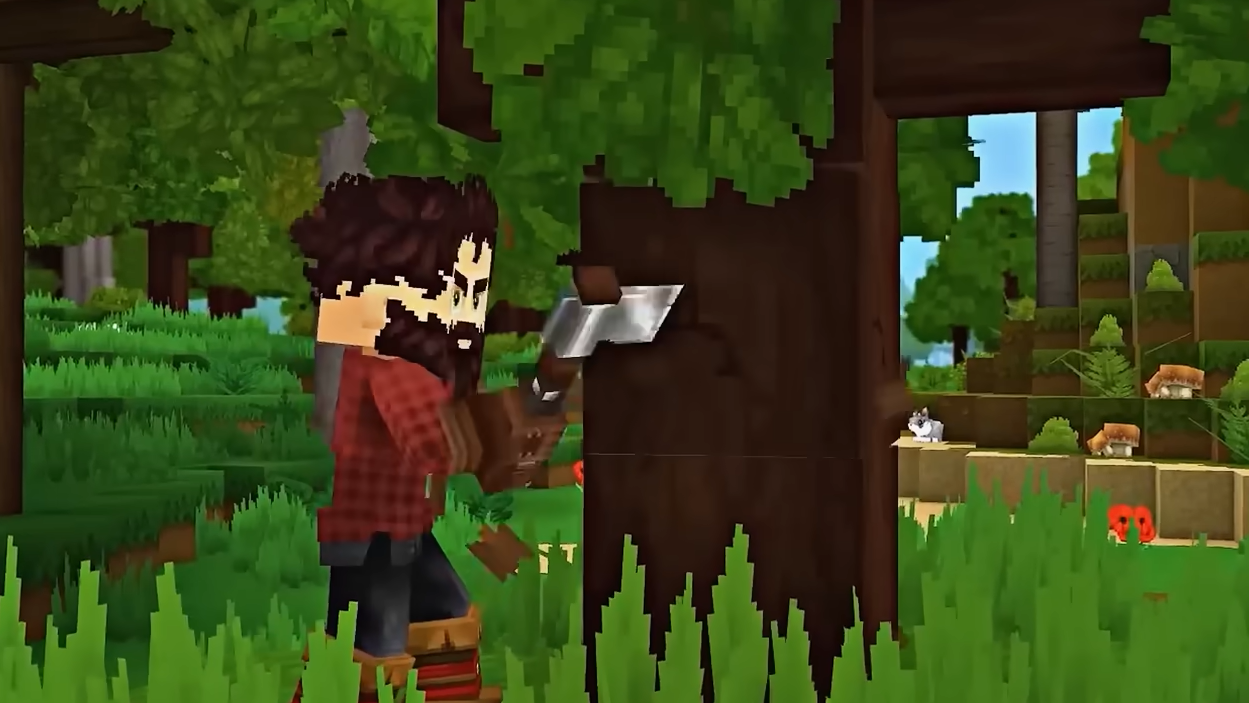
How to Get Storm Leather in Hytale (Creative Mode and Commands)
Storm Leather can’t be looted through normal Adventure Mode drops right now, so it’s obtained via Creative Mode or commands.
-

How to Get Goldenwood Trunks in Hytale
Where to find Sallow and Palm logs, how they count as Goldenwood, and why you need 60 of them for late-game farming.