
Instructional, step-by-step articles.
Content Type: How-To
-

Where Winds Meet Drunken Precision or Rhetoric Edge: How to Pick Your First Talent
Both starting Aspiration Talents in Where Winds Meet are low-stakes, but they suit very different kinds of players and minigames.
-
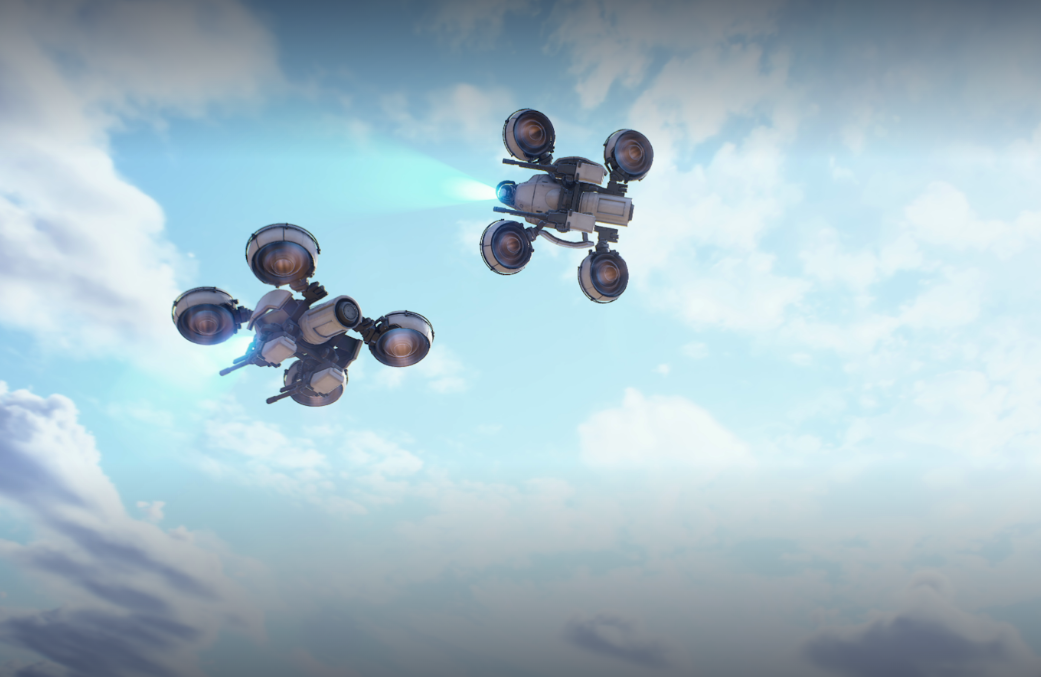
How to Reset Skill Points Arc Raiders Using Expeditions
Learn how Arc Raiders handles “respecs” with periodic Expedition wipes and what actually happens to your skills and progress.
-
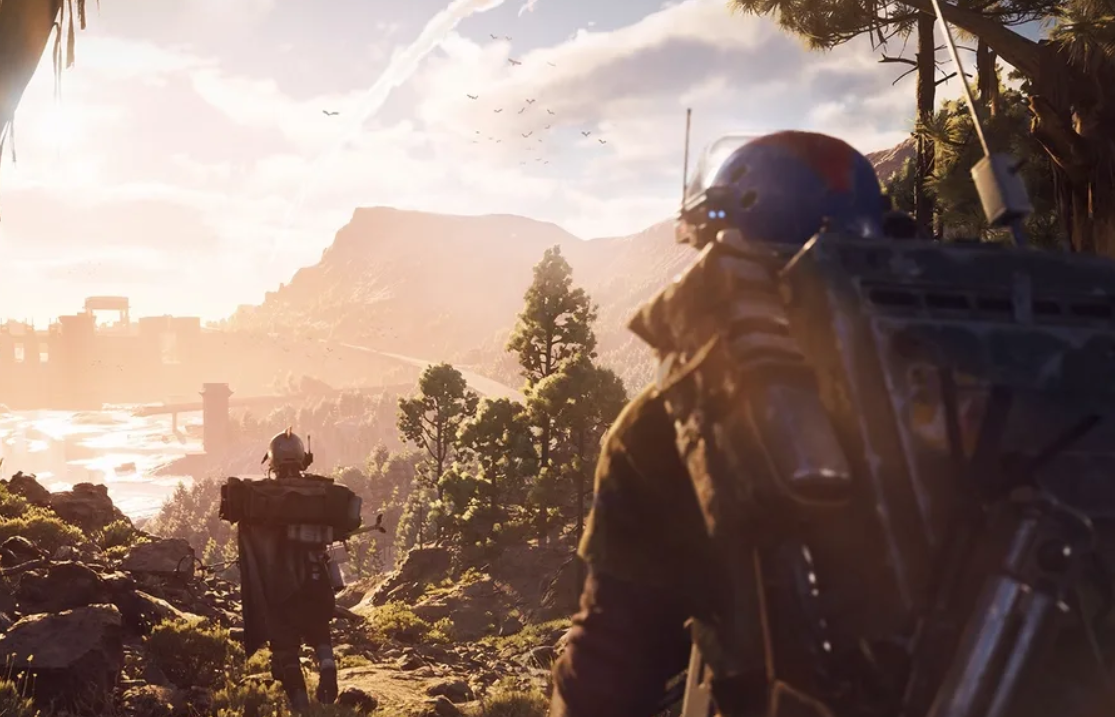
How to extract in ARC Raiders without losing your loot
Learn how normal exits, Raider Hatches, timers, and basic survival tactics fit together so you actually make it back to Speranza.
-

Into the Fray ARC Raiders quest: how to find and safely farm a Leaper
Learn where Into the Fray fits in ARC Raiders, how to hunt a Leaper, and how to keep its Pulse Unit out of danger.
-
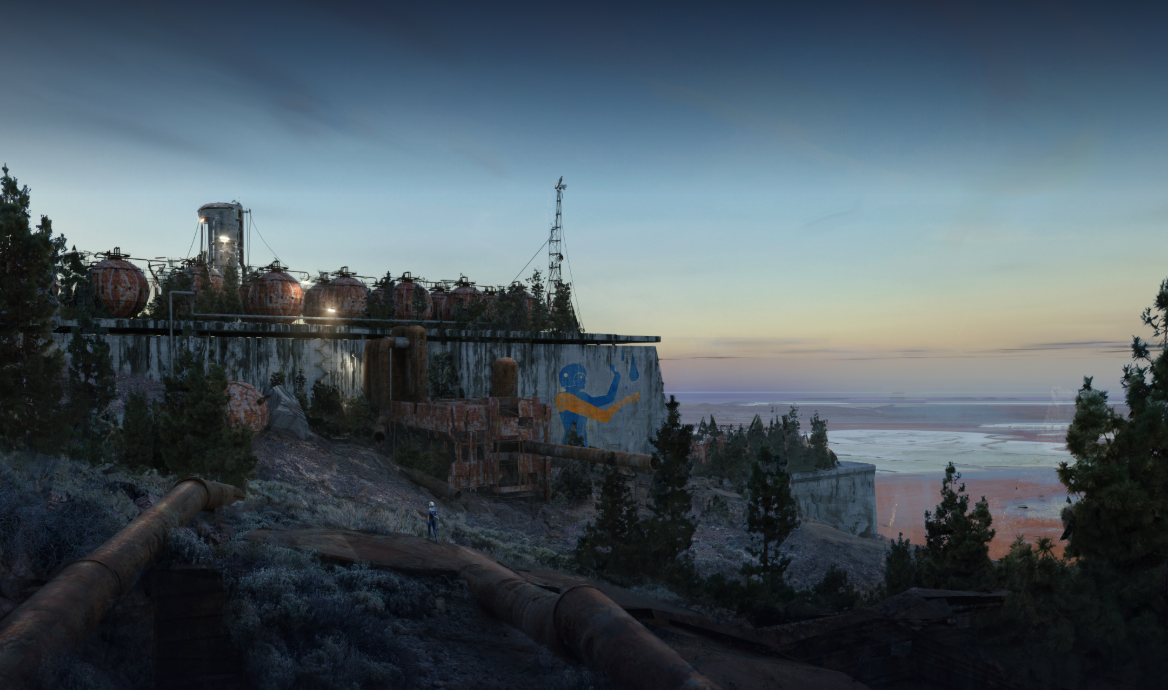
How to appear offline in ARC Raiders without leaving the game
Learn what ARC Raiders currently allows, what it does not, and the practical workarounds if you want to avoid invites.
-
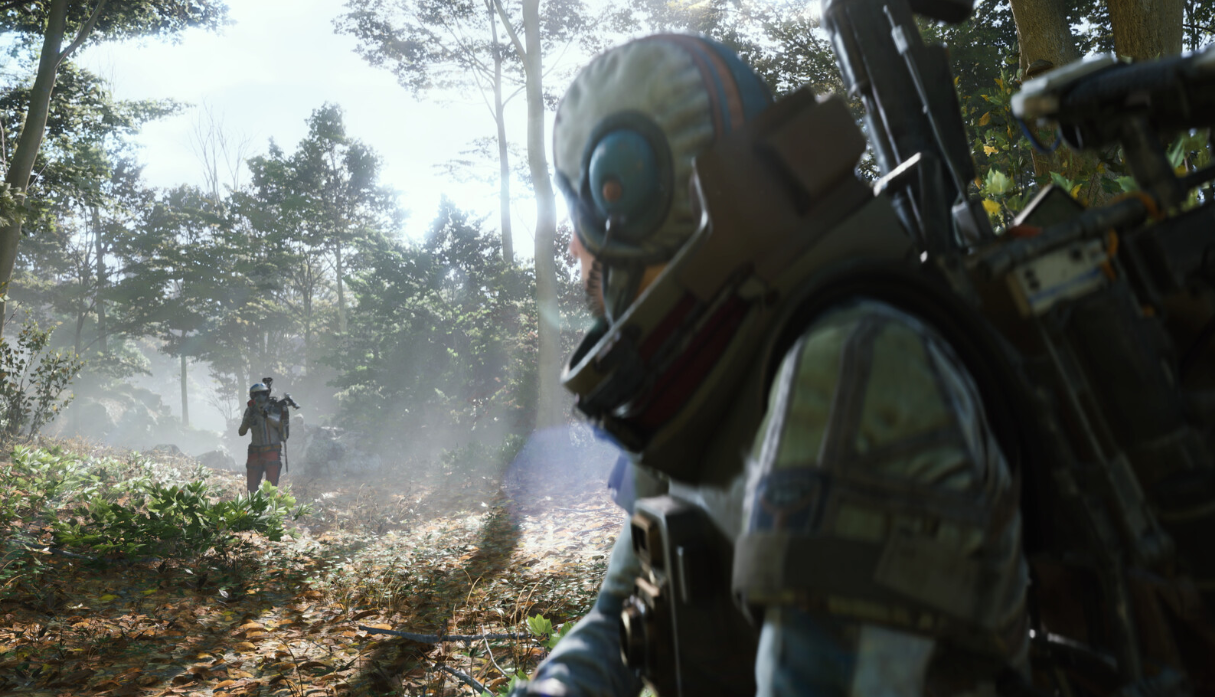
How to upgrade Gunsmith in ARC Raiders for stronger weapons
Install the Gunsmith, collect the exact materials for each level, and use it to upgrade both the bench and your weapons.
-
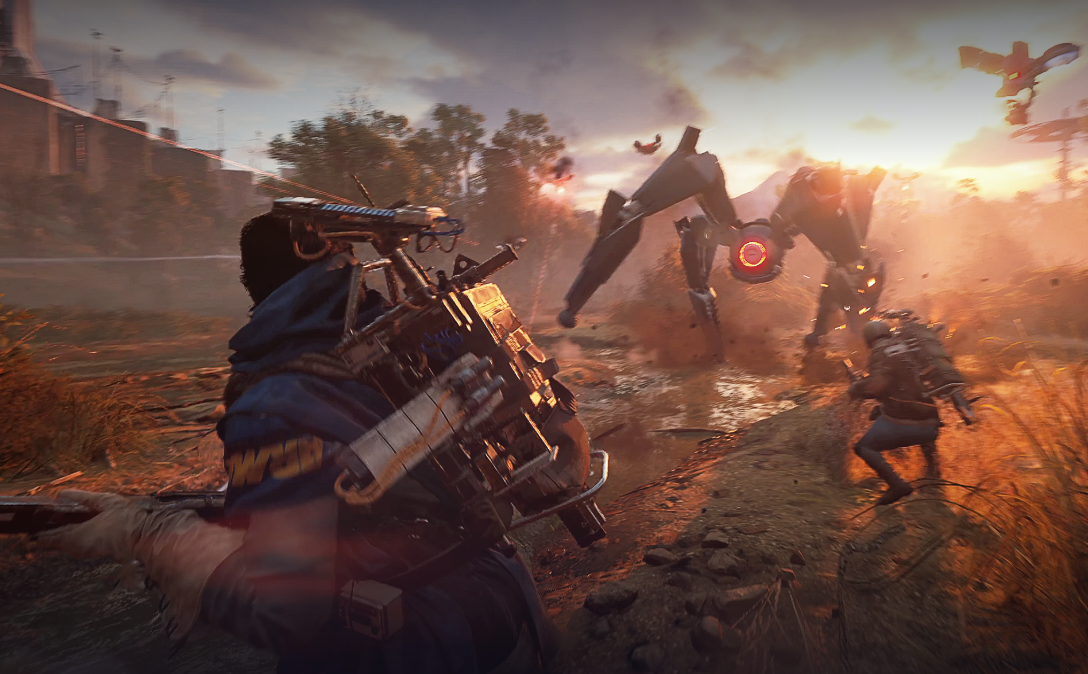
Arc Raiders Shredder weakness and how to bring it down
Learn where the Shredder is vulnerable, what actually hurts it, and how to survive its close‑range shotgun blasts in Stella Montis.
-
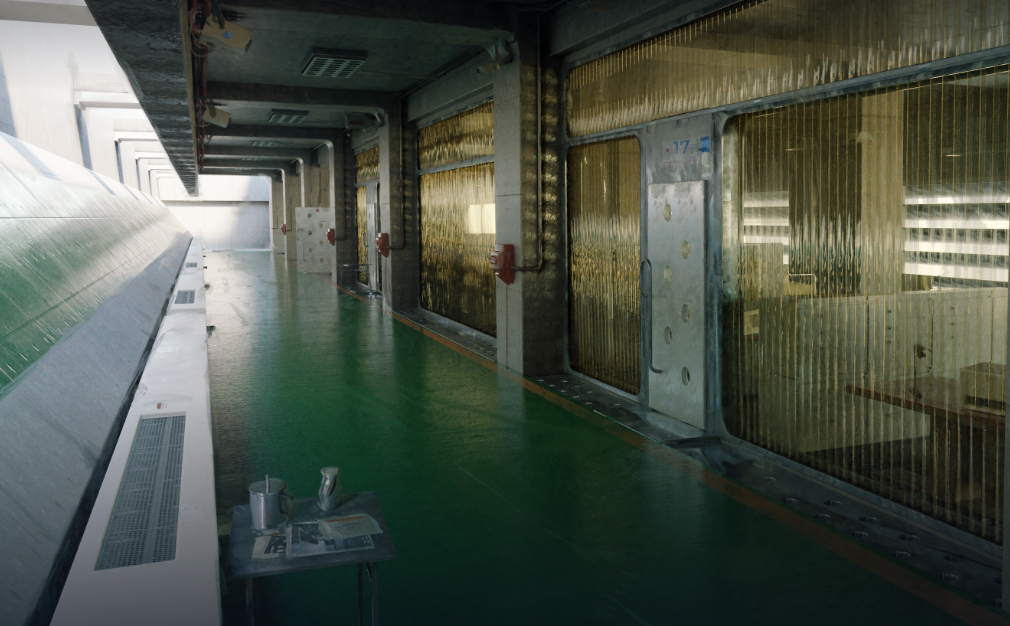
How to upgrade workbench in ARC Raiders and why your basic bench stays level 1
What you can and can’t upgrade in the Workshop, where to find the Level Up controls, and which benches to focus on first.
-
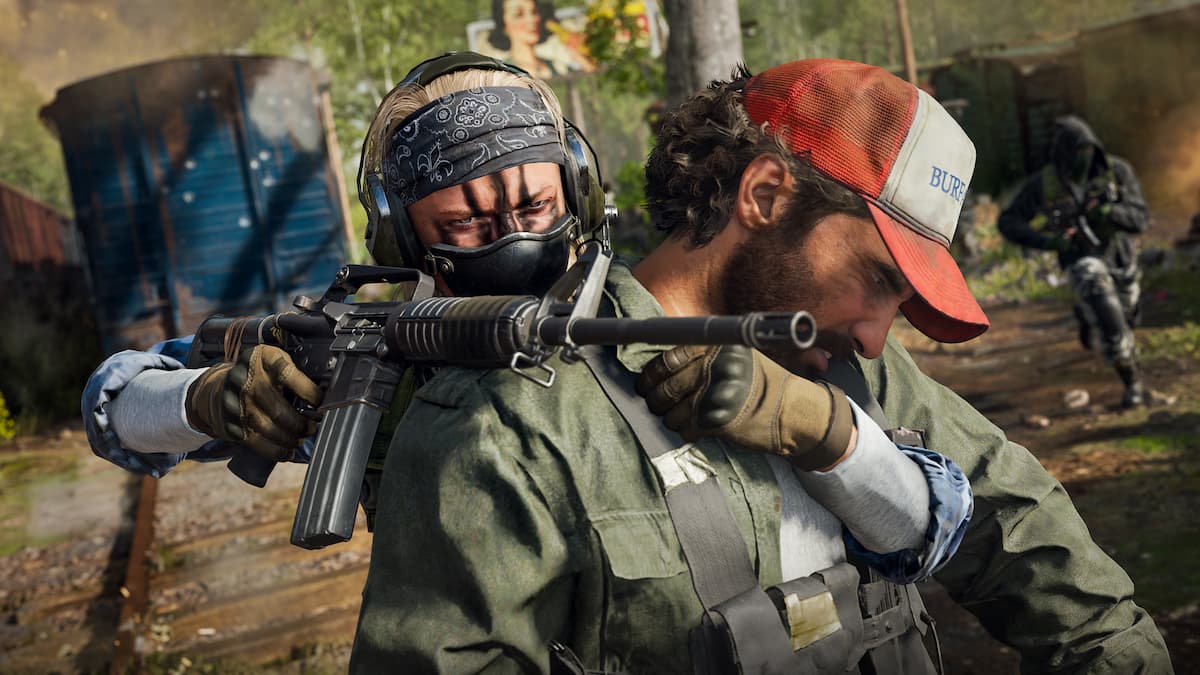
How to Take an Enemy Hostage in Black Ops 7 for Body Shield Plays
Learn the exact buttons, timing, and best situations for using the hostage body shield mechanic in Black Ops 7.
-
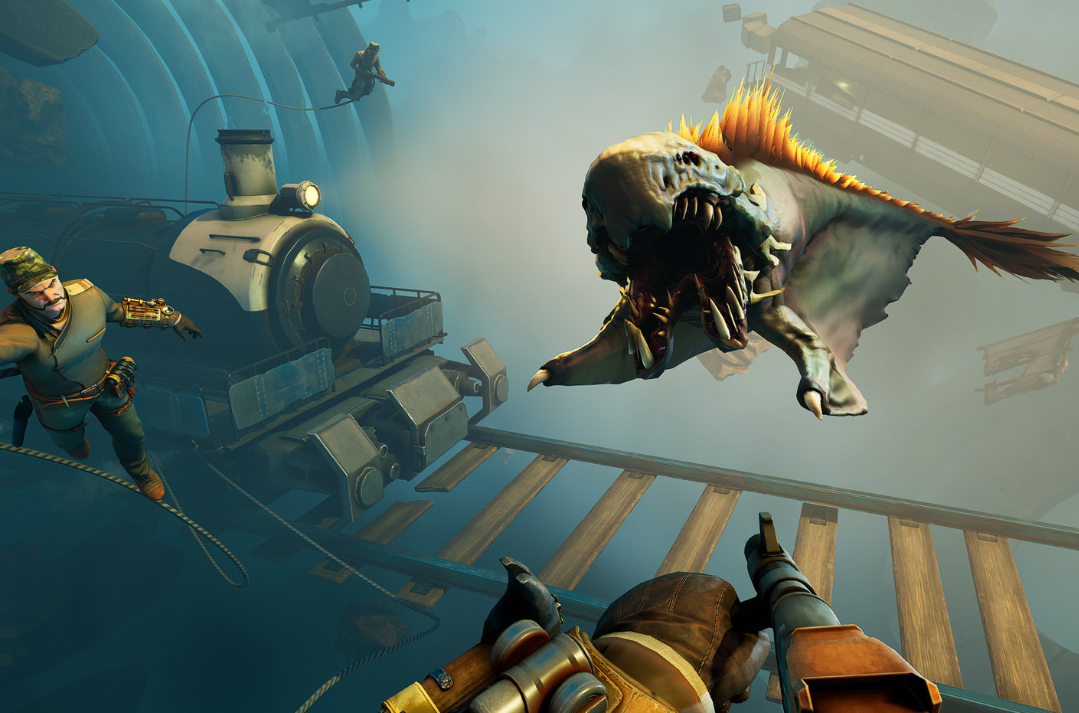
Voidtrain ‘Add Wagon’ guide: How to unlock and build extra cars
How story progress, platform parts, and engine upgrades all fit together when you want more wagons in Voidtrain.