
Instructional, step-by-step articles.
Content Type: How-To
-
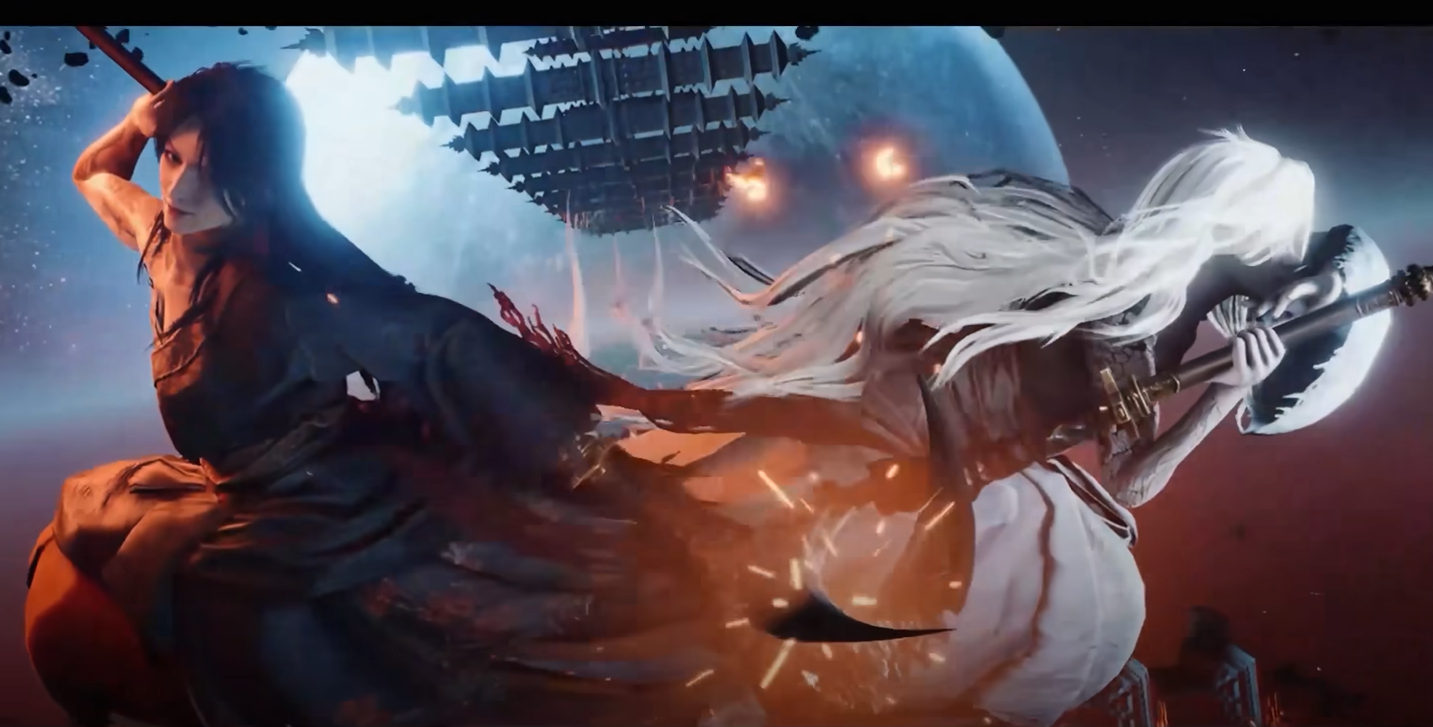
How to get to Kaifeng in Where Winds Meet and unlock the region
Learn the exact story requirements, level gates, and quest steps needed to travel from Qinghe to Kaifeng and start exploring.
-
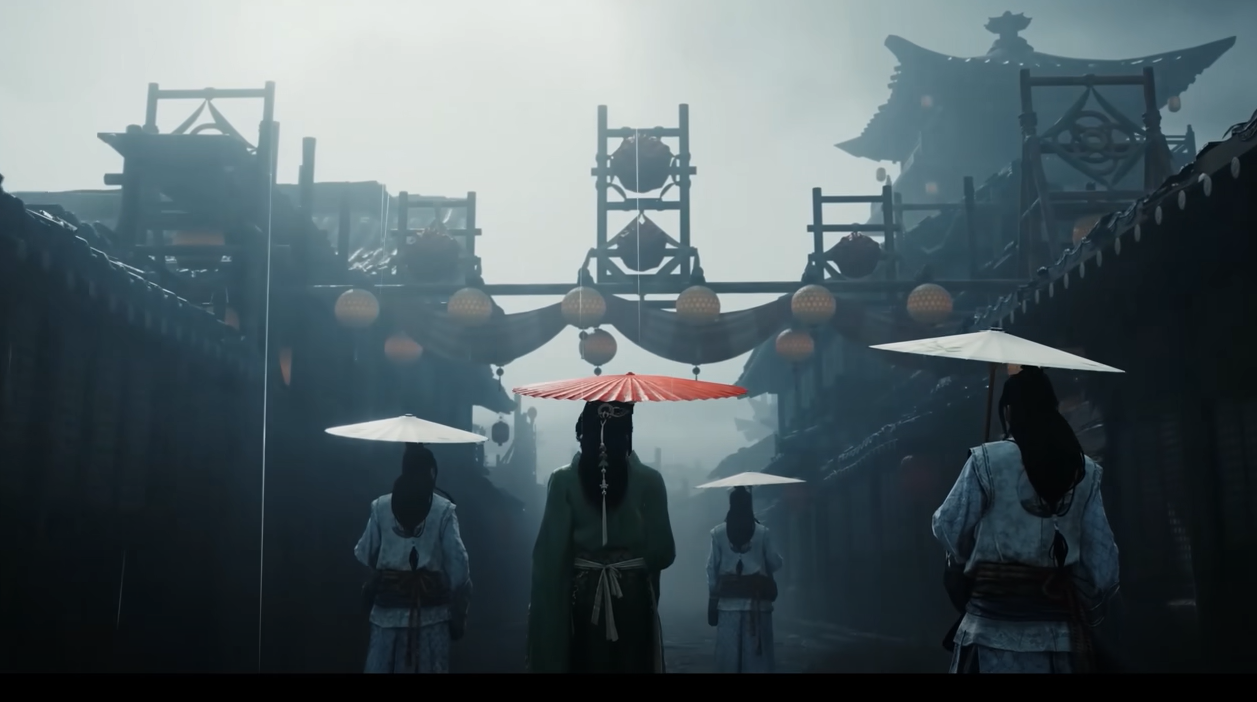
Where Winds Meet: How to heal injuries, illness, and sprains fast
Every way to remove debuffs, read Constitution effects, and practice the Doctor career without wasting coins.
-
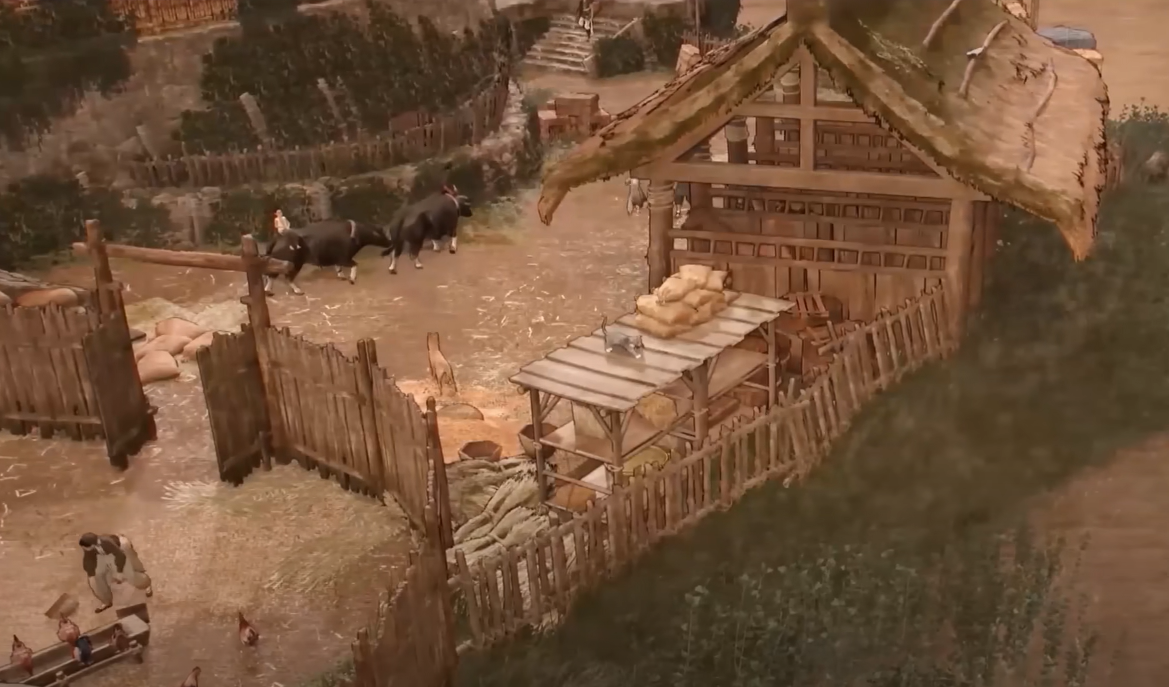
How to use Lightness Skill Where Winds Meet to Fly Across Each Region
Unlock, activate, and use Lightness Skills in Where Winds Meet to fly, gliding quickly between locations in every region.
-
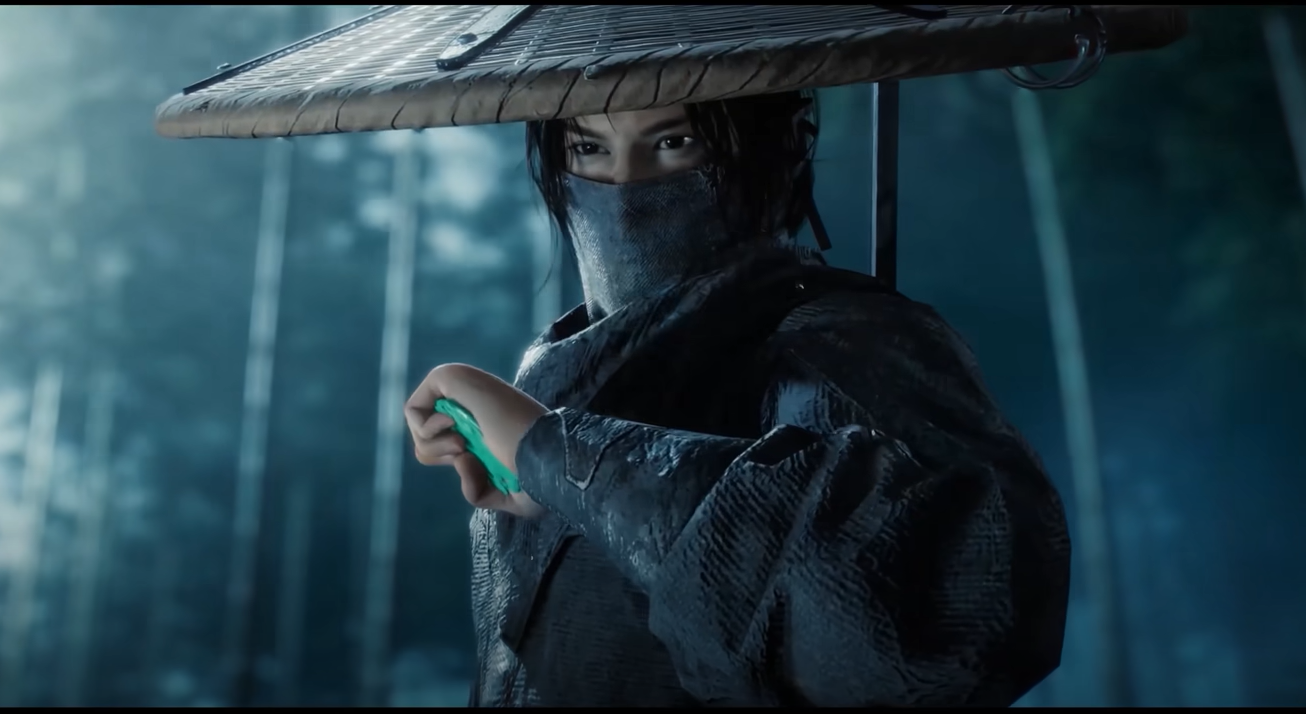
How to join Midnight Blades in Where Winds Meet and walk the Path of Bloodshed
Unlock the Midnight Blades sect, clear the initiation steps, and understand how its karma and ranking system reshapes your PvP-focused run.
-
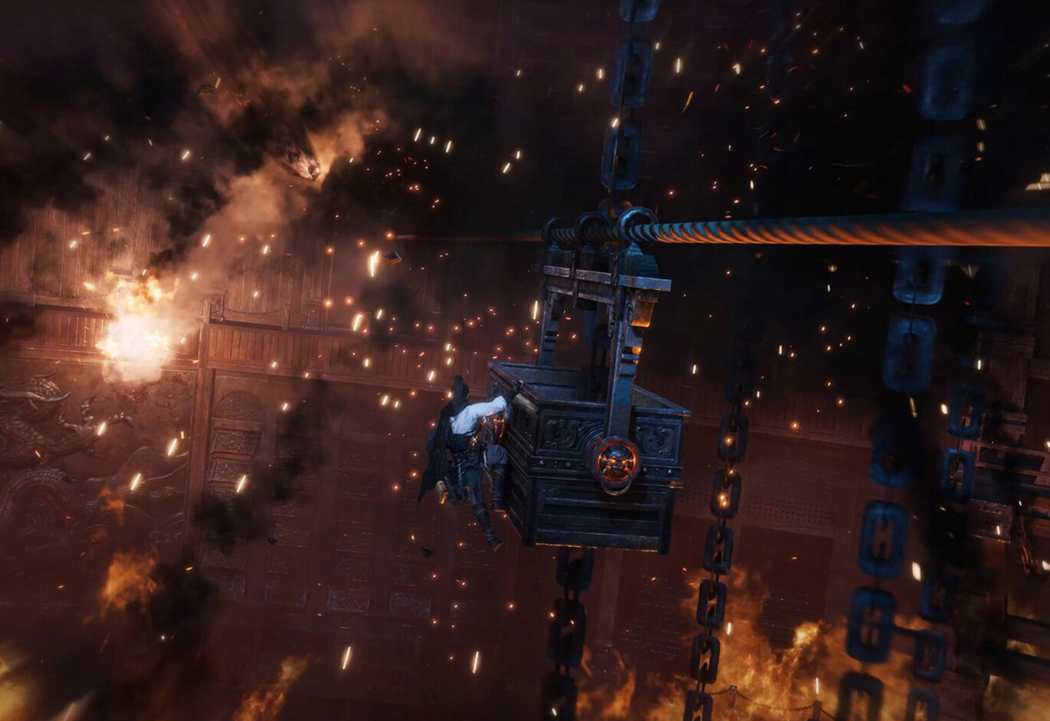
How to rest in Where Winds Meet without losing progress
Resting in Where Winds Meet is really about resetting injuries, illnesses, and even your build so you can keep exploring efficiently.
-
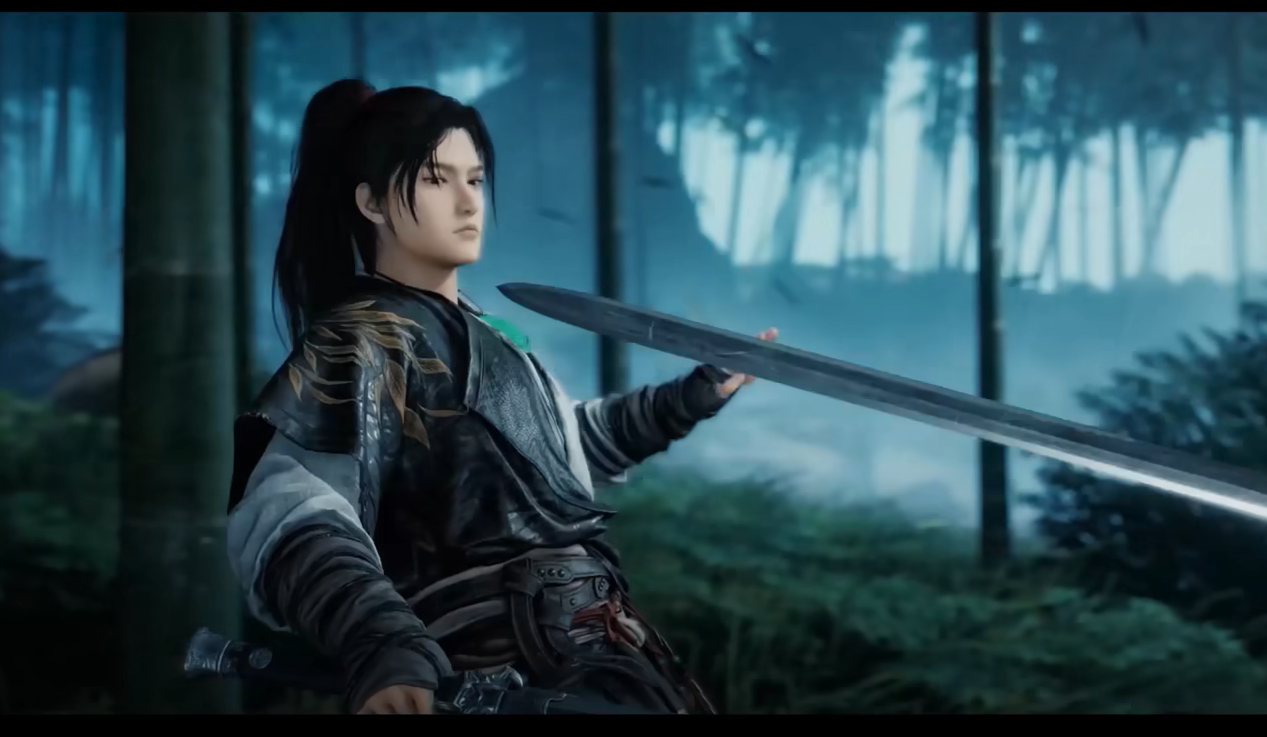
Where Winds Meet: How to join Nine Mortal Ways and unlock the trickster sect
Follow the Well of Heaven trail, expose the imposter elder, and choose whether to embrace Nine Mortal Ways and its Rope Dart style.
-
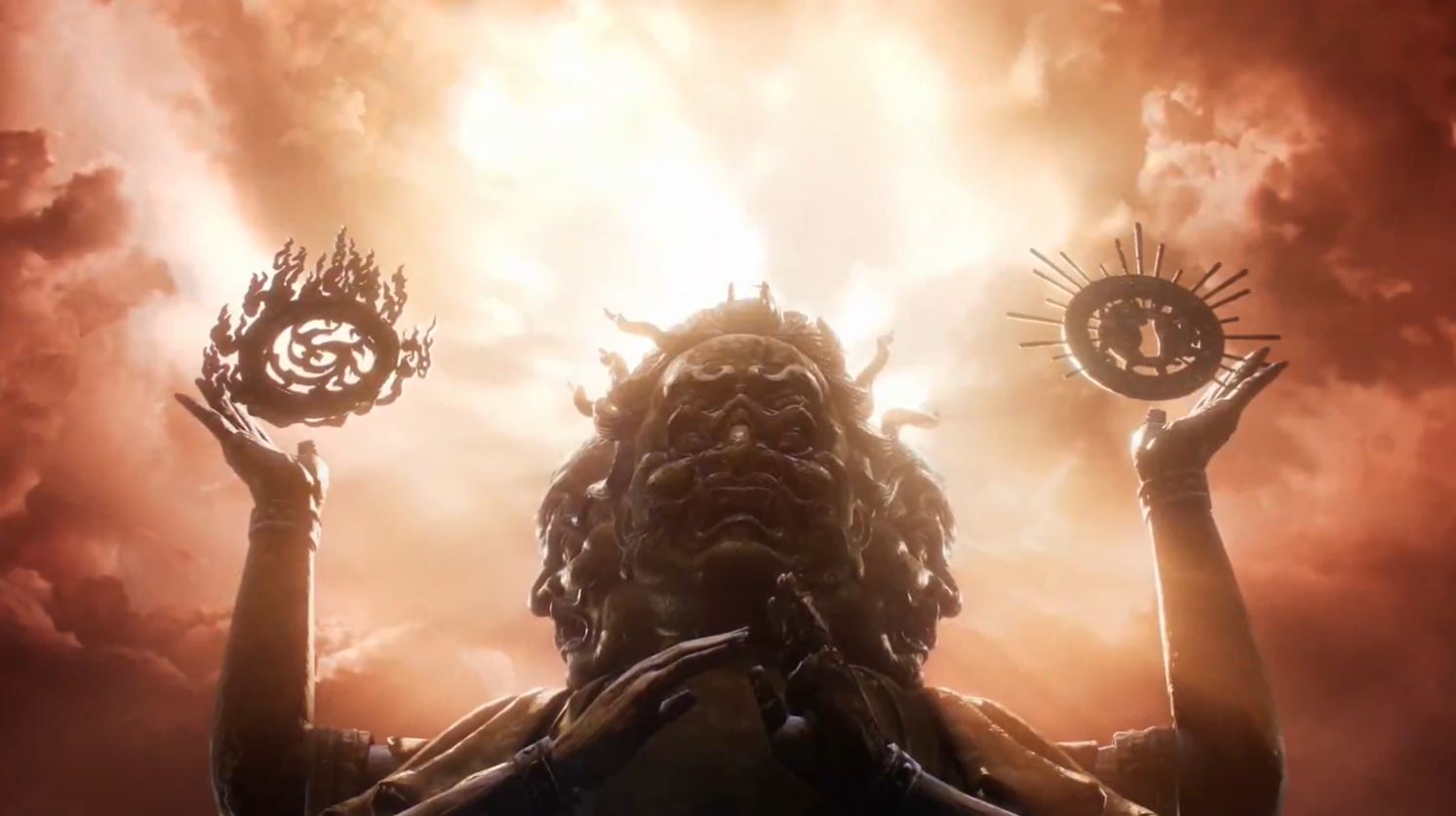
Where Winds Meet Tiger Bone Liqour: How to farm it and what it actually is
How Tiger Bone Liqour works inside Where Winds Meet, how to farm it from Buddha Fort Lieutenants, and how it echoes a real-world drink.
-
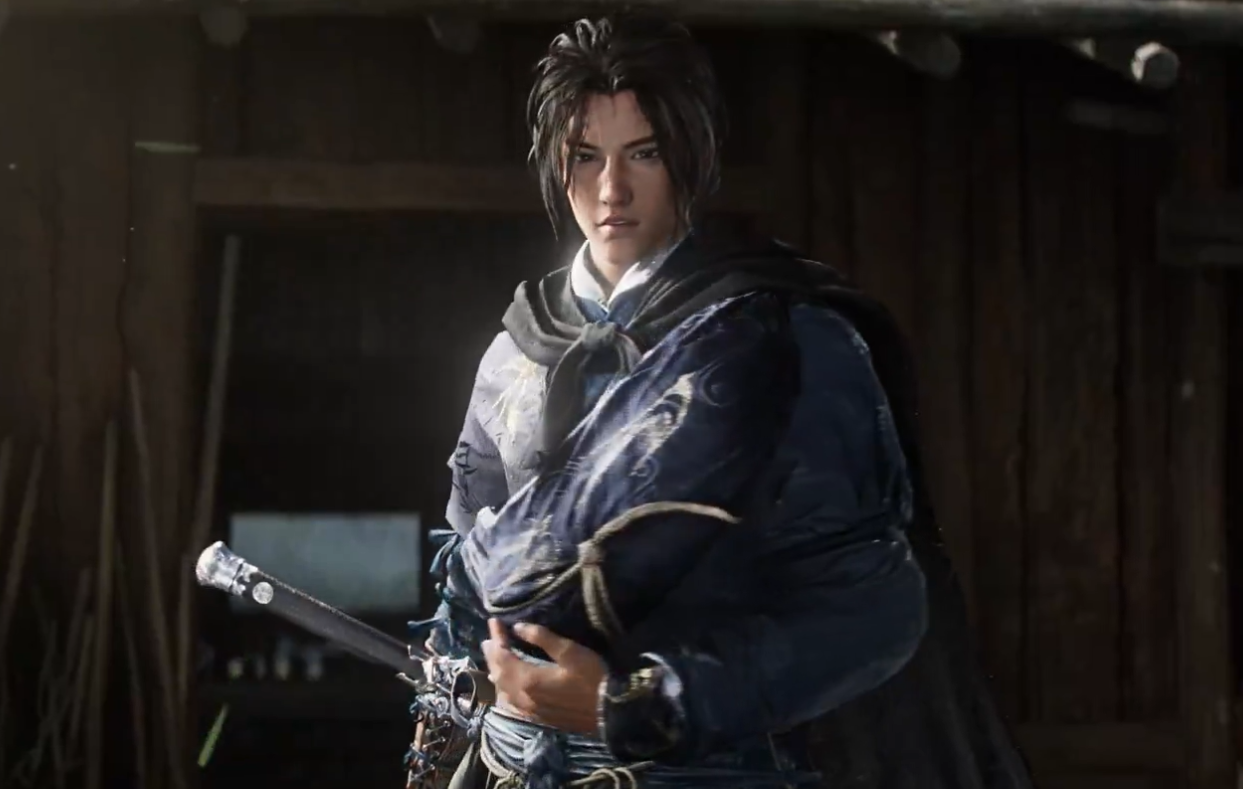
Where Winds Meet Ghost Bind: How the Mystic Art Works and How to Unlock It
Learn what Ghost Bind actually does, where it comes from in wuxia lore, and how to unlock and use it effectively in combat.
-
Where Winds Meet Smart Customization not working: Why it fails and how to make it pass
Here’s what the finicky photo and voice tools actually accept, and what to do when the “doesn’t meet requirements” error won’t go away.
-
How to Change Gender in Where Winds Meet: How swaps, potions, and cosmetics work
How gender works in Where Winds Meet, how to change it later, and what happens to your outfits and appearance.