
Instructional, step-by-step articles.
Content Type: How-To
-
Fix “An Unexpected Error Is Preventing You From Renaming the Folder” Error
Resolve the 0x80004005 “Unspecified Error” that blocks folder renaming in Windows by correcting malformed user shell folder paths in the registry and applying targeted…
-
Extend or Boost Bluetooth Signal Range in Windows 11
Detailed steps and proven methods to improve Bluetooth signal range and reliability on Windows 11 devices.
-
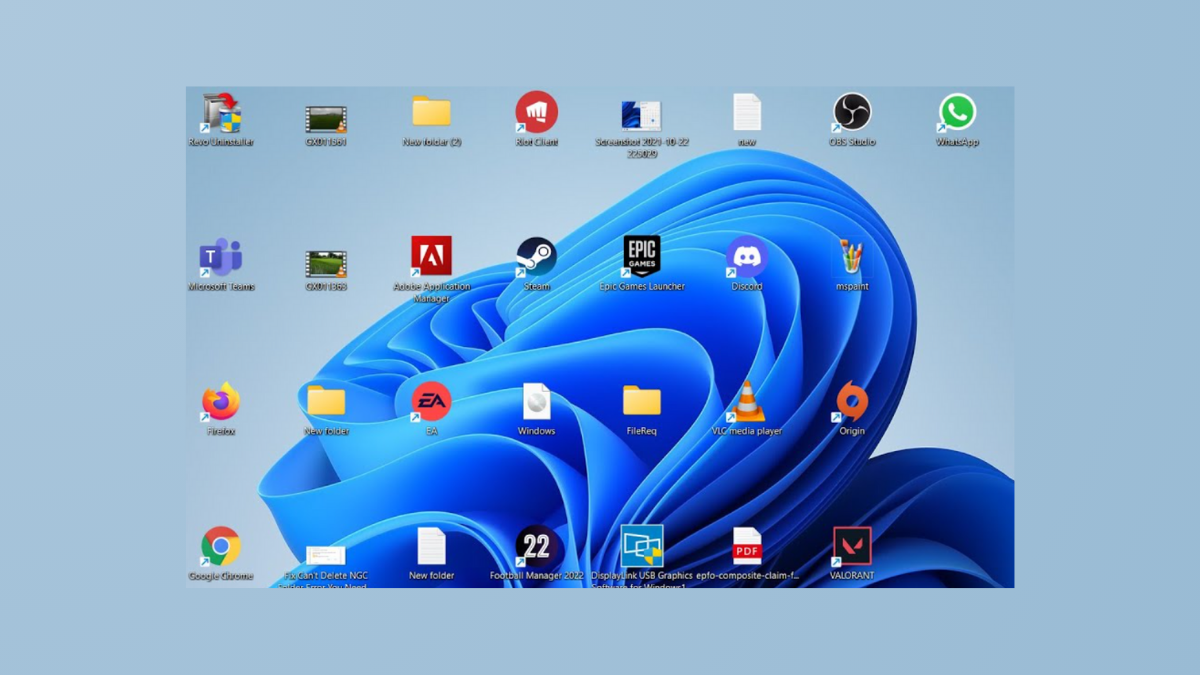
Fix Desktop Icons Rearranging Themselves After Reboot
Resolve persistent issues with desktop icons moving or resetting positions after restarting Windows 11 by following targeted steps that address common causes and long-term…
-
Fix Mouse and Keyboard Not Responding After PC Wakes From Sleep
Resolve USB mouse and keyboard issues that prevent input devices from working after your Windows 11 PC wakes from sleep mode.
-
Fix Can’t Save IP Settings Error on Windows 11
Resolve the “Can’t save IP settings” issue in Windows 11 by using Control Panel, PowerShell commands, and network troubleshooting steps.
-
Fix Can’t Eject USB or External Drive Error on Windows 11
Resolve the “device is currently in use” error and safely remove external storage devices in Windows 11 with detailed troubleshooting solutions.
-

Reclaim Space by Clearing Out Temporary Folders on Windows 11
Free up disk space, improve system speed, and prevent storage errors by safely removing temporary files and folders in Windows 11.
-
Access All Windows 11 Settings with God Mode
Unlock every configuration option in Windows 11 from a single folder using the God Mode feature for streamlined system management.
-

Fix Canon Printer Error 853 on Windows 11
Resolve Canon printer error 853 on Windows 11 by installing the correct driver, adjusting settings, and disabling Secure Print to restore reliable printing.
-
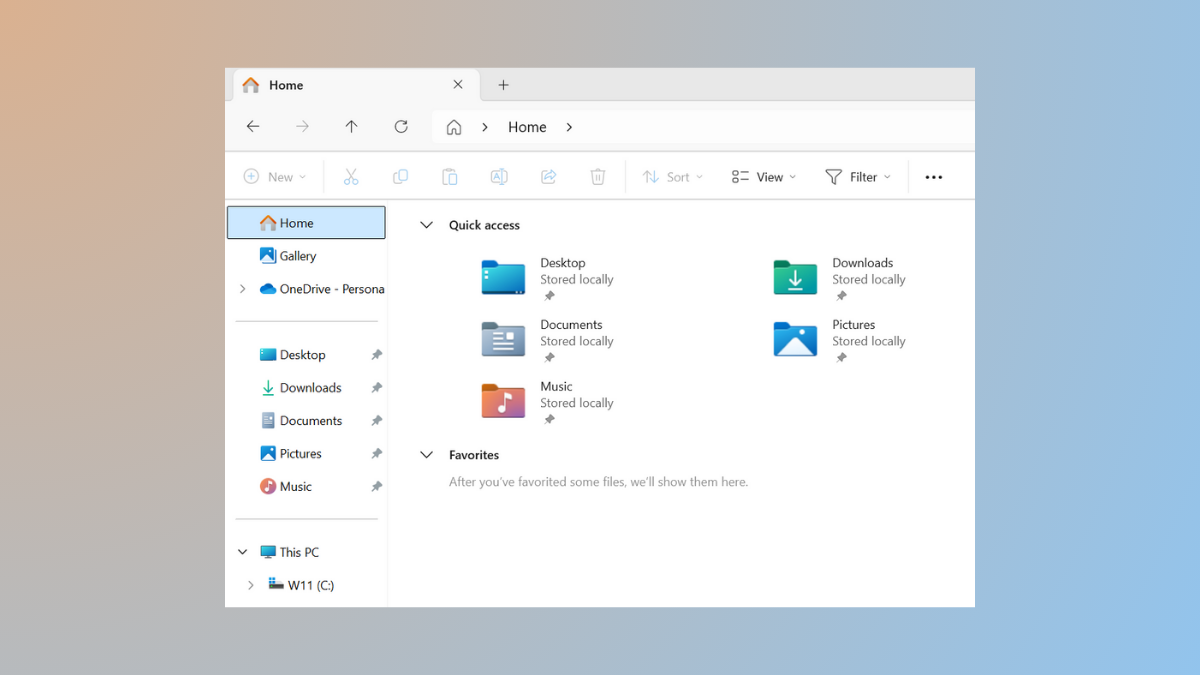
Reduce Space Between Items in Windows Explorer on Windows 11
Learn how to adjust item spacing in Windows 11 File Explorer for a more efficient file browsing experience.